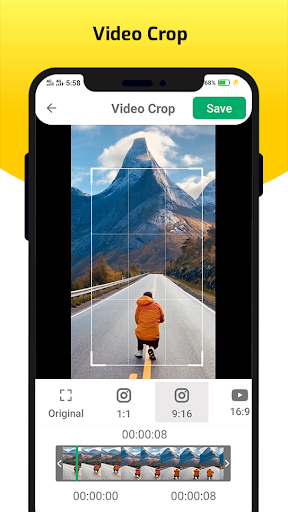
Tanaman & amp;Potong (trim) Aplikasi video untuk membantu memotong dan memangkas (memotong) video menghapus bagian yang tidak diinginkan.
Mudah untuk memotong video apa pun untuk memangkas & amp;Cut Function in Video Cutter Utility.
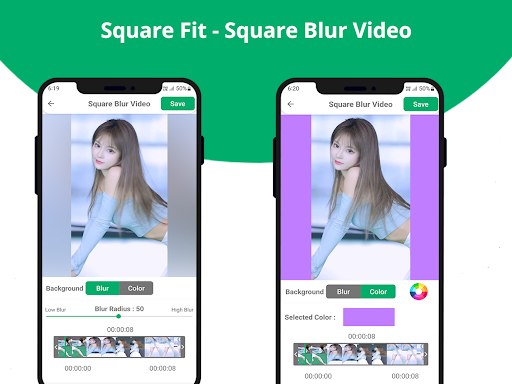
- Square Fit - Square Blur Video Editor
Latar belakang video blur auto
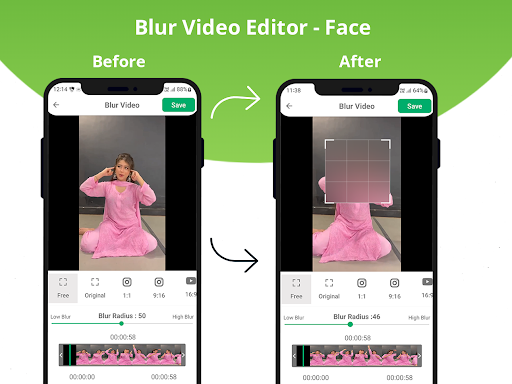
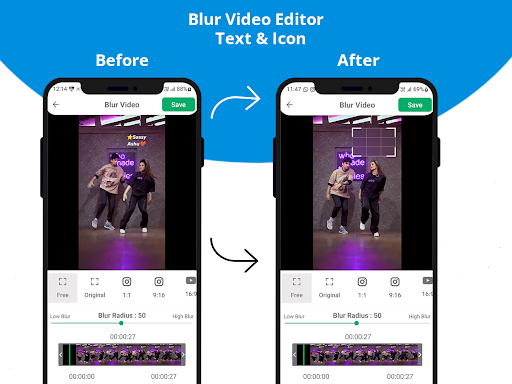
- editor video blur
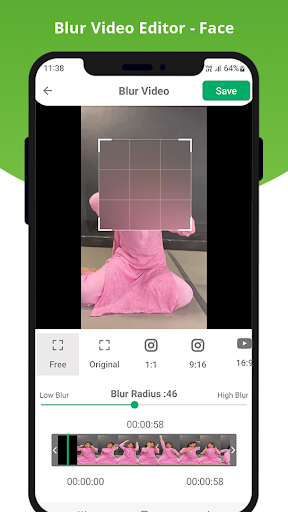
- wajah (wajah blur auto, radius blur kustom)
-Teks & amp;Ikon
- Efek video blur/pixelate blur parsial
Fitur:
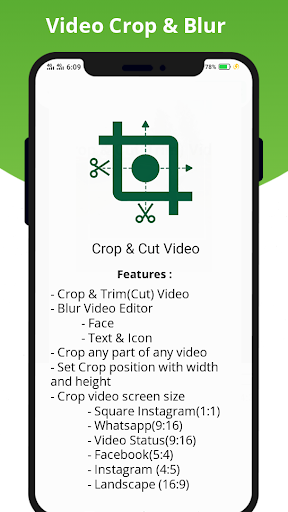
- crop & amp;Cut (trim) Video
- Ukuran layar video crop dengan banyak bingkai untuk dipilih dari: 4: 3, 16: 9, 9:16, persegi, potret, lansekap ... untuk memotong video dengan mudah
- mudahPotong video apa pun untuk memotong & amp;potong.
Cara menggunakan?
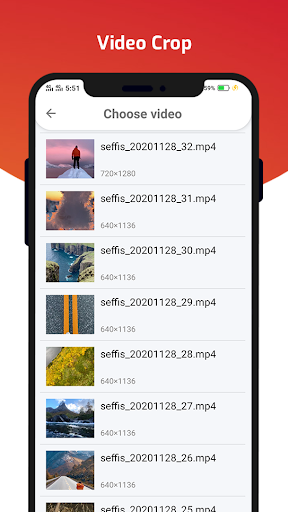
- Pilih video galeri.
- atur posisi tanaman dengan lebar dan tinggi (4: 3, 16: 9, 9:16, persegi, potret, lanskap).
- Klik tombol simpan di crop video.
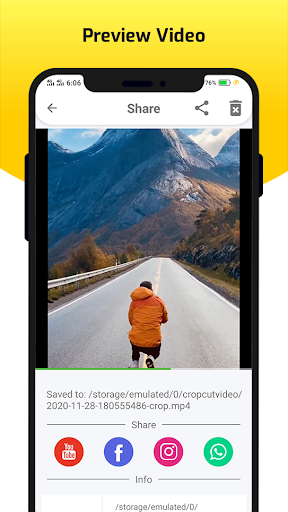
- pratinjau dan bagikan video.
Terima kasih
Crop and Trim(cut) video removing unwanted portion.
-Square Fit - Square Blur Video Editor
Auto Blur Video Background
- Blur Video Editor
- Face (Auto Blur Face ,Custom Blur Radius)
- Text & Icon
- Partial Blur/Pixelate Blur video effect
Features:
- Crop & Cut(Trim) Video
- Crop video screen size with a lot of frames to choose from: 4:3, 16:9, 9:16, square, portrait, landscape … to cut video easily
- Easy to cut any video to Trim & cut.




9Apps 4.9