

I would like to recommend you an application with large number of downloaders. 20,000+ users downloaded Screen Mirroring with TV latest version on 9Apps for free every week! You can find this multifunction app on 9Apps easily. This hot app was released on 2019-03-31. Even if you’re not a fan of this app, you’ll love it after reading this page.
Screen Mirroring : मोबाइल में TV देखें
Screen Mirroring with TV : Connect Mobile With TV
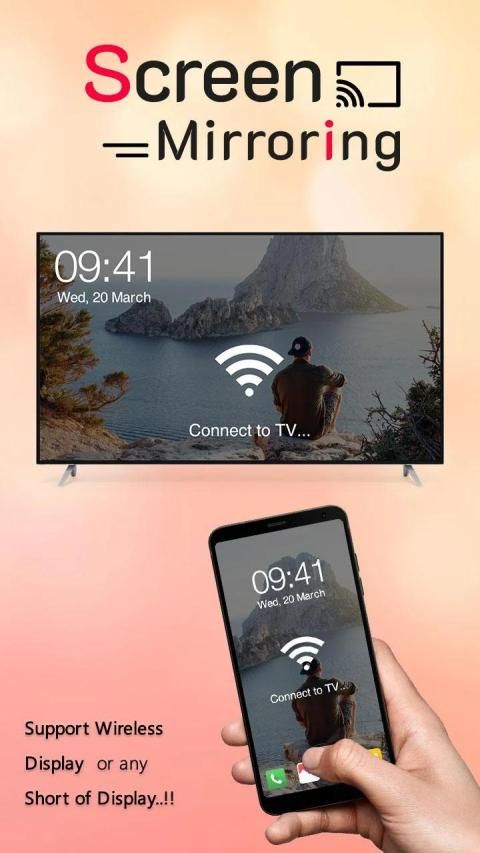
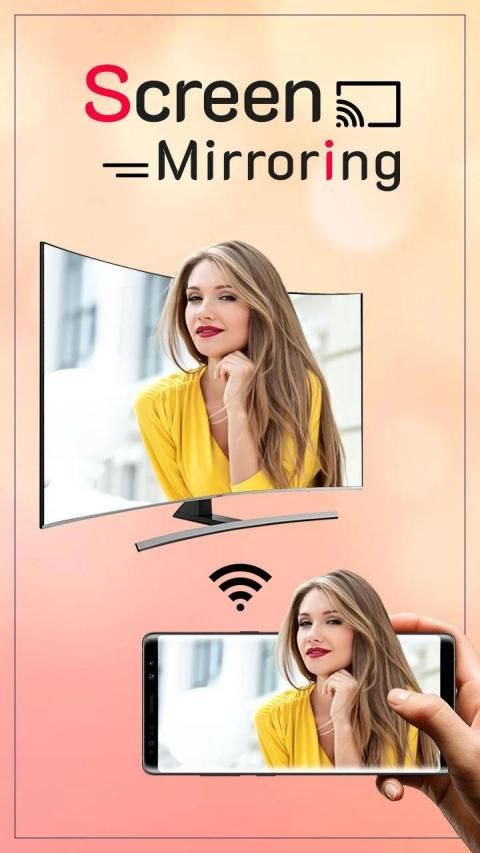
Screen Mirroring with TV - Connect Mobile With TV App will assist you to scan and mirror your android phone or tab's screen on smart TV/Display or Wireless dongles or adapters.
Screen Mirroring with TV - Connect Mobile With TV Able to play videos, music, photos, etc. in my smartphone with any devices (smartphone, smart TV, laptop, tablet, etc.) at anywhere.
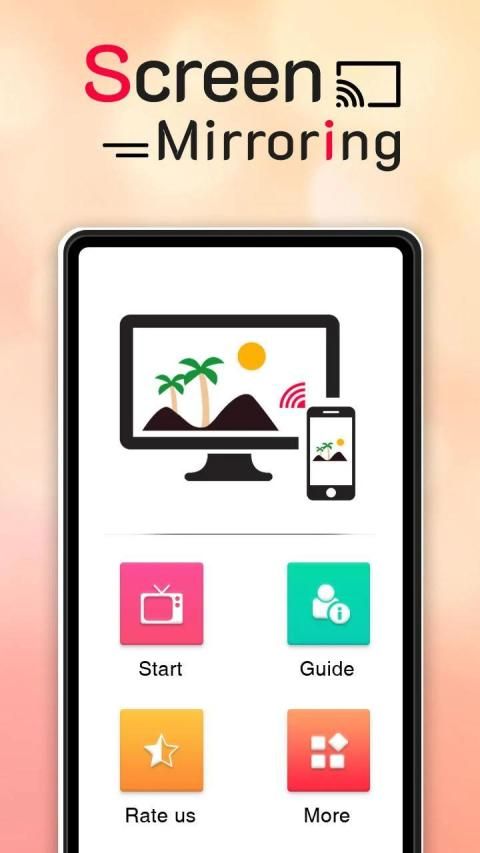
Screen Mirroring with TV - Connect Mobile With TV does not need extra dongle or cable. Click the “Start”, the Mobile hotspot will be operating automatically. and After hotspot will be operating, connect to AP from other devices.
Able to play videos, music, photos, etc in my smartphone with any devices (smartphone, smartTV, laptop, tablet, etc) at anywhere. This Wifi Screen Stream Mirroring app was developed for presentations of android apps in mind, featuring low latency, high frame rate streaming of your Android device.
Screen Mirroring with TV - Connect Mobile With TV can only play contents but send screen as is such as HDMI, MHL, Miracast and Chromecast. It has been tested and found works on most of android mobiles.
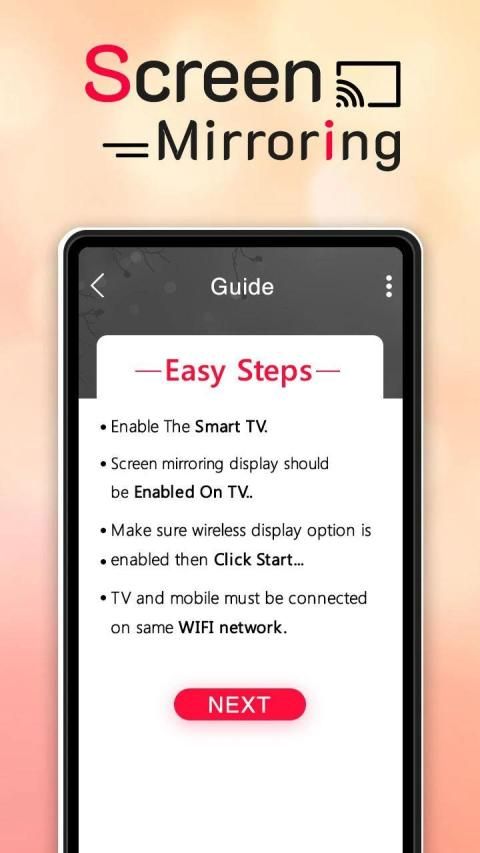
Please follow below steps to mirror your mobile screen to smart TV.
- Your TV should support Wireless Display or any sort of Display Dongles.
- The TV must be connected to wifi network same as your phone.
- The Phone version must be android 4.2 and above.
- Download and run Screen Mirroring App.
How to use?
Firstly, App open then click on wi-fi display you will go on cast screen directly.
Enable the TV Miracast.
Tap on start WIFI of the application.
Miracast application should be enabled.
Both will connect automatically to each other than you can see same mobile screen show on Smart TV.
Screen Mirroring with TV - Connect Mobile With TV sharing with web browsers screen Mirroring to play games. Screen drawing while mirroring. Mirroring, screen sharing with media players. to make powerful presentation for work, education, or gaming screen cast is used.
Screen mirroring is the most powerful app for mirroring and broadcasting your Android screen and audio in real time!
Thanks…
Screen Mirroring: मोबाइल में TV देखें
Mirroring Layar dengan TV: Sambungkan Ponsel Dengan TV
Screen Mirroring with TV - Connect Mobile With TV App akan membantu Anda memindai dan mencerminkan ponsel android Anda atau layar tab di smart TV / Display atau dongle atau adapter Nirkabel.
Screen Mirroring with TV - Connect Mobile With TV Mampu memutar video, musik, foto, dll. Di ponsel cerdas saya dengan perangkat apa pun (ponsel cerdas, TV pintar, laptop, tablet, dll.) Di mana saja.
Screen Mirroring with TV - Connect Mobile With TV tidak perlu dongle atau kabel tambahan. Klik "Mulai", hotspot Seluler akan beroperasi secara otomatis. dan Setelah hotspot akan beroperasi, sambungkan ke AP dari perangkat lain.
Dapat memutar video, musik, foto, dll di ponsel cerdas saya dengan perangkat apa pun (ponsel cerdas, smartTV, laptop, tablet, dll) di mana saja. Aplikasi Mirroring Streaming Layar Wifi ini dikembangkan untuk presentasi aplikasi Android, yang menampilkan latensi rendah, streaming frame rate tinggi dari perangkat Android Anda.
Screen Mirroring with TV - Connect Mobile With TV hanya dapat memutar konten tetapi mengirim layar seperti HDMI, MHL, Miracast, dan Chromecast. Ini telah diuji dan ditemukan bekerja pada sebagian besar ponsel Android.
Ikuti langkah-langkah di bawah ini untuk mencerminkan layar ponsel Anda ke TV pintar.
- TV Anda harus mendukung Wireless Display atau segala jenis Display Dongles.
- TV harus terhubung ke jaringan wifi yang sama dengan telepon Anda.
- Versi Telepon harus Android 4.2 ke atas.
- Unduh dan jalankan Aplikasi Screen Mirroring.
Bagaimana cara menggunakan?
Pertama, Aplikasi terbuka lalu klik pada tampilan wi-fi Anda akan langsung masuk ke layar cast.
Aktifkan Miracast TV.
Ketuk mulai WIFI aplikasi.
Aplikasi Miracast harus diaktifkan.
Keduanya akan terhubung secara otomatis satu sama lain daripada Anda dapat melihat tampilan layar ponsel yang sama di Smart TV.
Screen Mirroring with TV - Connect Mobile With TV sharing dengan browser web layar Mirroring untuk bermain game. Gambar layar sambil mirroring. Mirroring, berbagi layar dengan pemutar media. untuk membuat presentasi yang kuat untuk pekerjaan, pendidikan, atau pemeran layar game digunakan.
Pencerminan layar adalah aplikasi paling kuat untuk pencerminan dan penyiaran layar dan audio Android Anda secara real time!
Terima kasih…



9Apps 4.9










