

It has to be noticed that 20,000+ users downloaded iScreen Video Recorder latest version on 9Apps for free every week! It has been a popular app for a long time. This hot app was released on 2019-02-25. Find out more android software you're looking for at 9apps.com
Our new App iScreen Recorder is the best and screen recorder App through which you can easily record videos of the on screen activities from your Android Mobile.
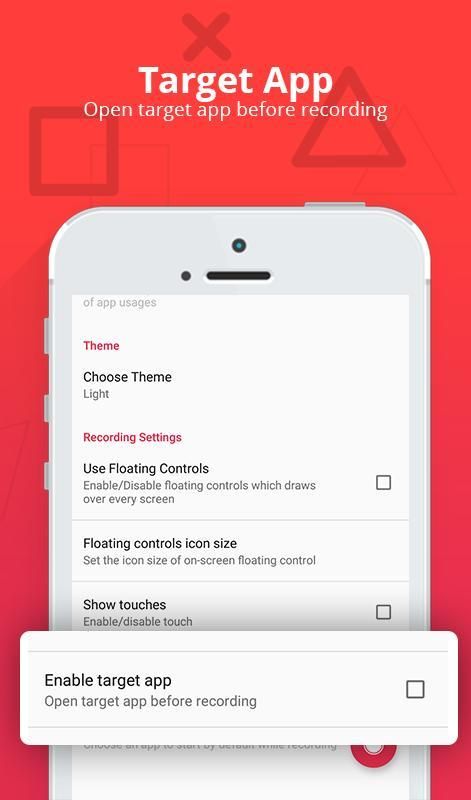
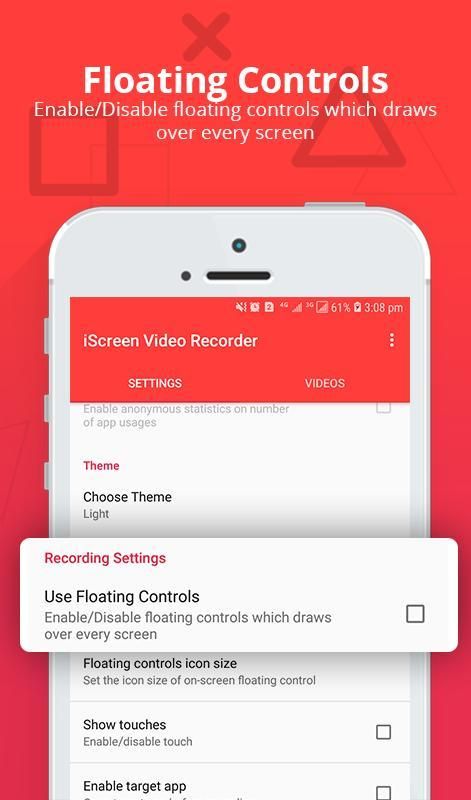
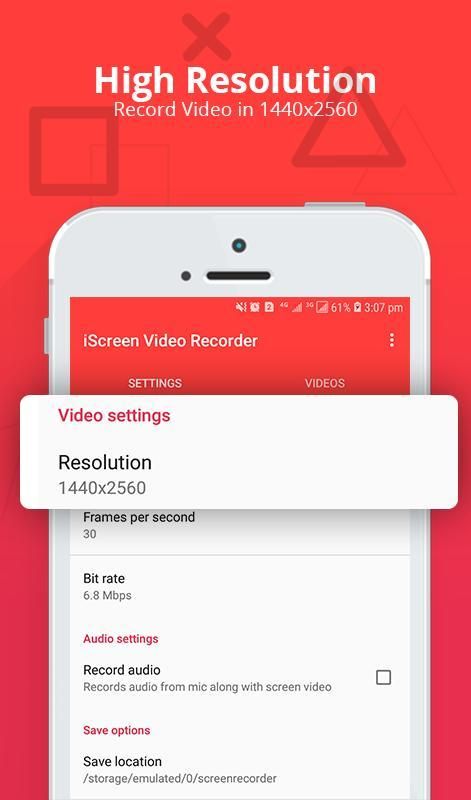
This App consist of many features like recording videos and playing that list of videos from this app. You can turn on off the floating control buttons while recording videos, those floating control buttons brings so much ease and control options, For example you can make a tutorial or something like that so it will bring ease for the folks who are watching the video with voice instructions. It has the various screen resolutions for video recording, frames per second, Bit rate, changing the save location option, video title. You can also on off floating controls and can change the size of it and can also turn on off the Show Touches Option. You can set the option of start stop video via Shaking the cell phone too.
How to use?
=> Download Video Screen Recorder App.
=> Click the Record button in right bottom of the App.
=> Record the video and then turn it off via Notification Bar.
=> Turn on off the Mic settings for background voice.
=> Activate the floating control from settings.
=> Don't forget to rate our App with 5 Stars if you liked it, Also leave your precious reviews.
For any kind of Updates or Feedback, Please Contact us via Developer Account
Thanks Alot!
App iScreen Recorder kami yang baru adalah Aplikasi perekam layar terbaik dan di mana Anda dapat dengan mudah merekam video aktivitas di layar dari Ponsel Android Anda.
Aplikasi ini terdiri dari banyak fitur seperti merekam video dan memutar daftar video dari aplikasi ini. Anda dapat mematikan tombol kontrol mengambang saat merekam video, tombol kontrol mengambang itu membawa begitu banyak kemudahan dan opsi kontrol, misalnya Anda dapat membuat tutorial atau semacamnya sehingga akan memberikan kemudahan bagi orang-orang yang menonton video dengan instruksi suara. Ini memiliki berbagai resolusi layar untuk perekaman video, frame per detik, Bit rate, mengubah opsi simpan lokasi, judul video. Anda juga dapat mematikan kontrol mengambang dan dapat mengubah ukurannya dan juga dapat mematikan Opsi Perlihatkan Sentuhan. Anda dapat mengatur opsi mulai berhenti video melalui Mengguncang ponsel juga.
Bagaimana cara menggunakan?
=> Unduh Aplikasi Perekam Layar Video.
=> Klik tombol Rekam di kanan bawah App.
=> Rekam video dan kemudian matikan melalui Notification Bar.
=> Matikan pengaturan Mic untuk suara latar belakang.
=> Aktifkan kontrol mengambang dari pengaturan.
=> Jangan lupa untuk menilai Aplikasi kami dengan 5 Bintang jika Anda menyukainya, Juga tinggalkan ulasan berharga Anda.
Untuk Pembaruan atau Umpan Balik apa pun, Silakan Hubungi kami melalui Akun Pengembang
Terima kasih banyak!




9Apps 4.9










