With the development of technology, more and more apps appeared in the mobile market. 30,000+ users downloaded PCB Blue latest version on 9Apps for free every week! Many latest version apps provided on 9Apps too. This hot app was released on 2019-10-30. However, has been a fashionable app for a long time.
░▒▓ UPDATE: Works with the very latest TSF Shell version! (v3.X) ▓▒░
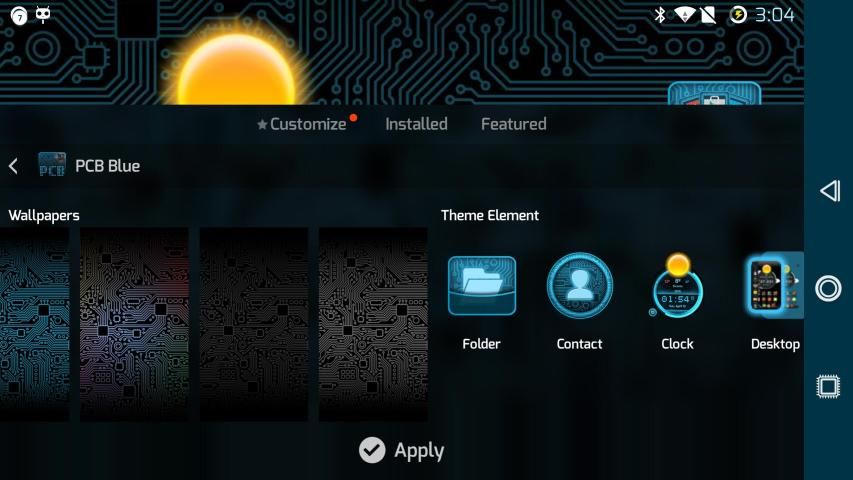
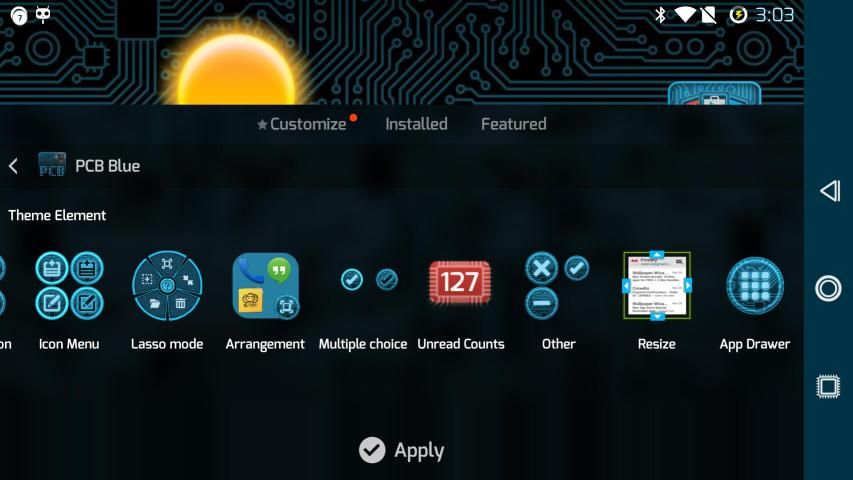
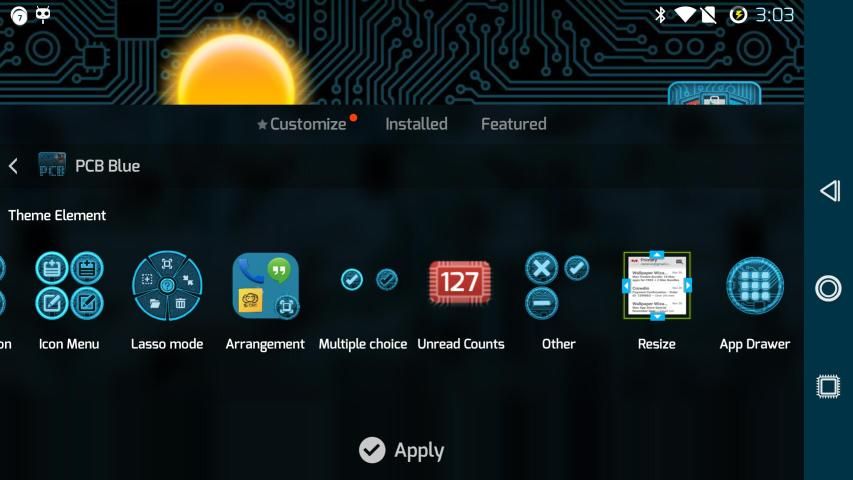
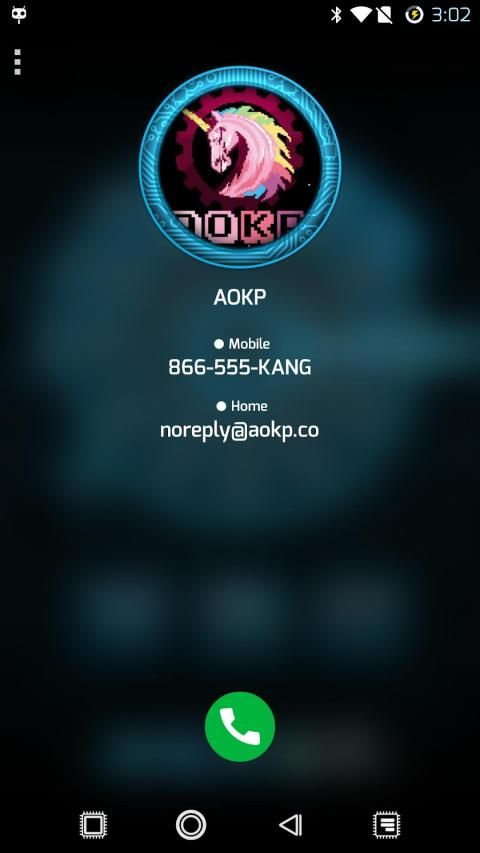
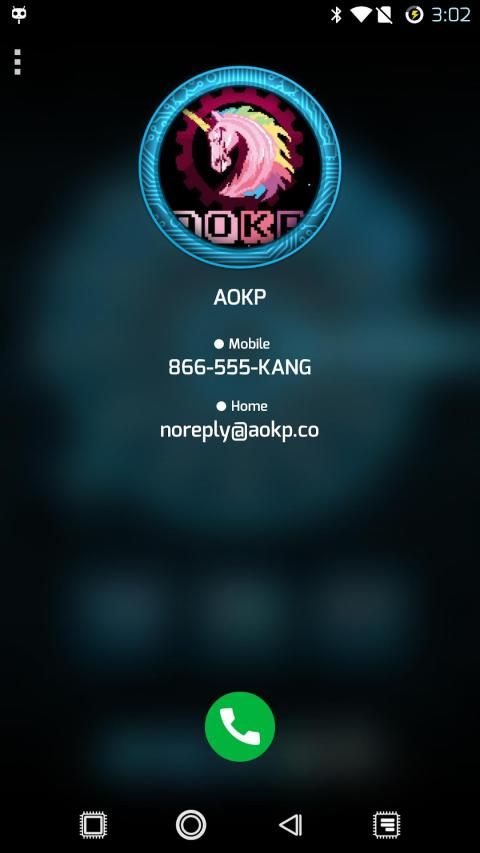
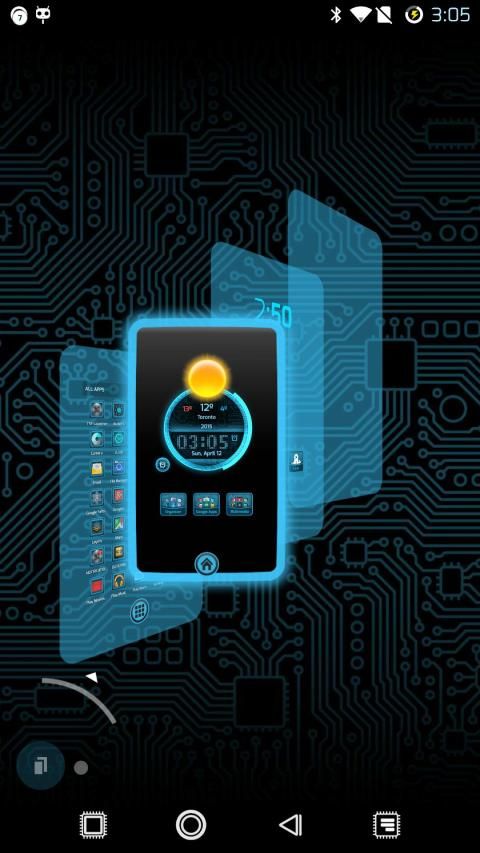
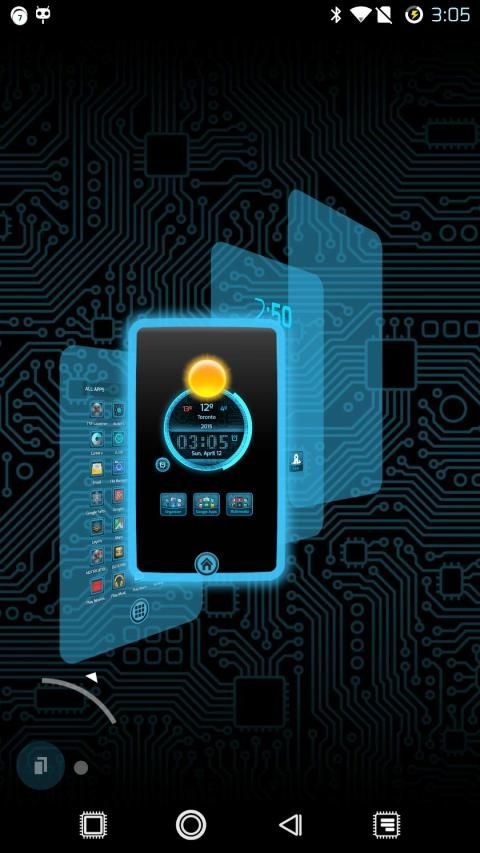
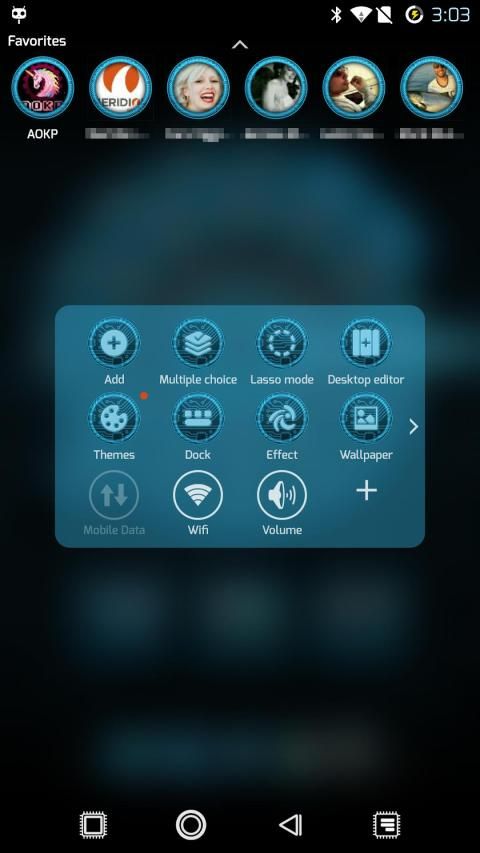
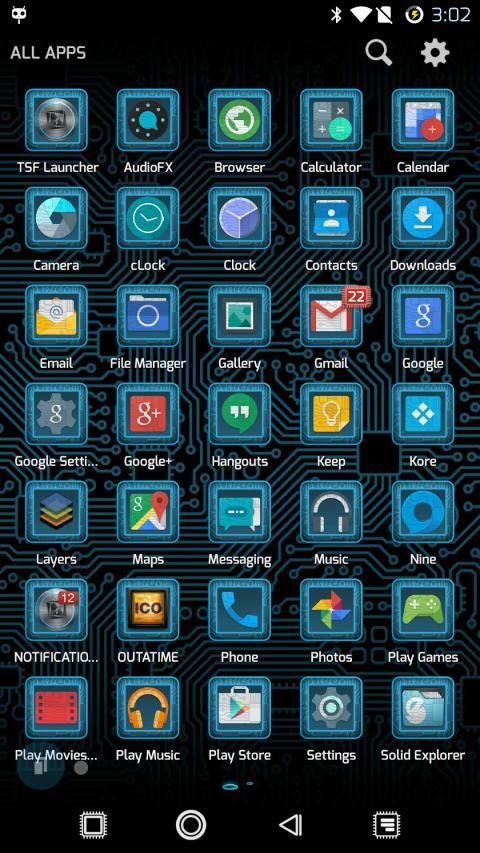
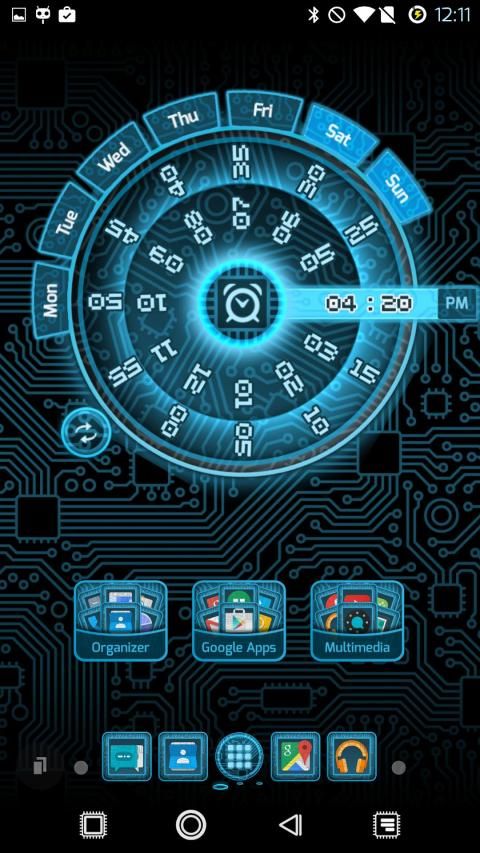
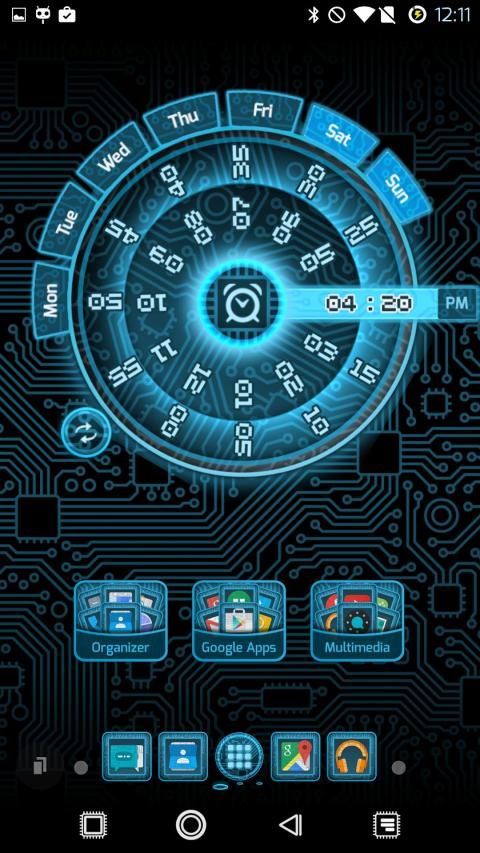
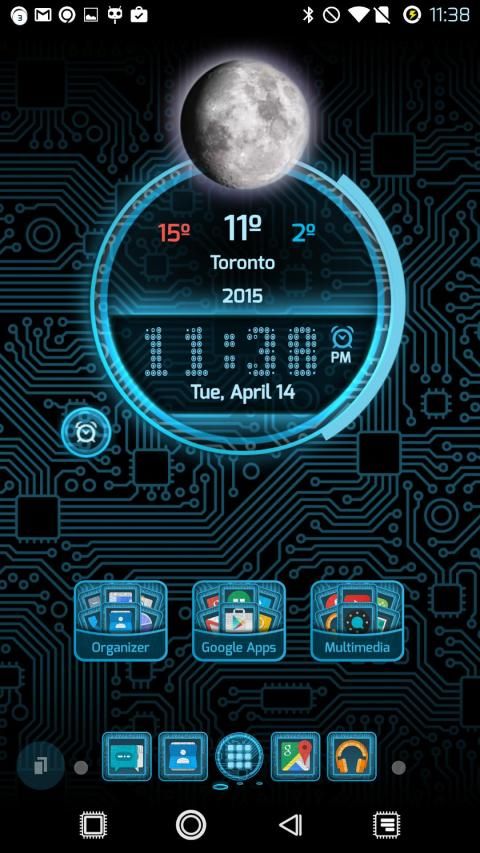
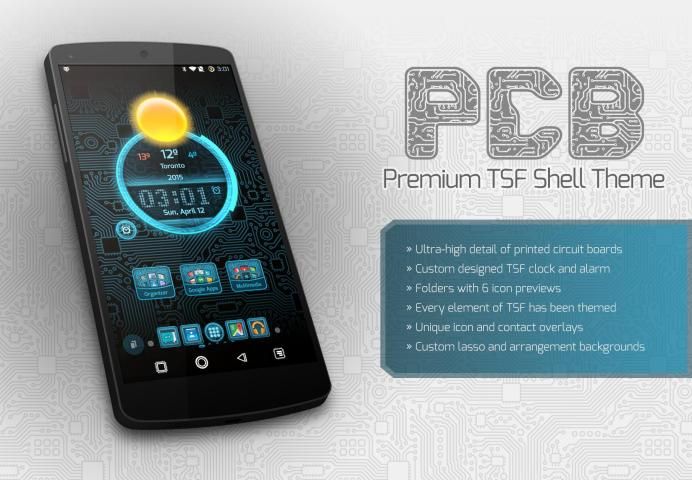
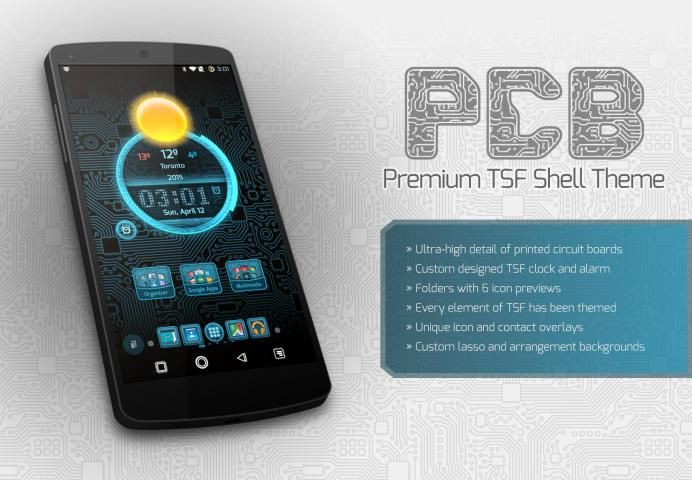
This PCB theme has been designed with utmost attention to detail. Sharp images of circuit board patterns adorn many of the TSF Shell graphical elements. Many features are included:
► Styles all of the elements of TSF Shell with pixel-perfect quality
► Incredibly detailed TSF Clock widget
► Mix and match PCB icon styles if you've installed more than one colour (or other TSF Shell themes)
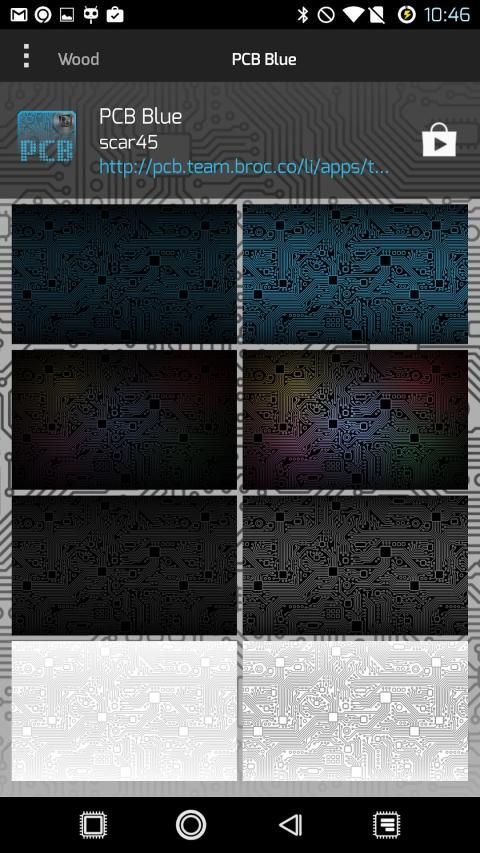
► Custom-designed Wallpapers to choose from that match the theme perfectly
► Brand new folder design and layout (when icons are collapsed/minimized)
► Redesigned side drawer and tabs
► More colours available in the Play Store under the dev 'scar45'
░▒▓ How to Apply the Theme in TSF Shell ▓▒░
1. Ensure that you have TSF Shell installed, this theme is specifically for that app
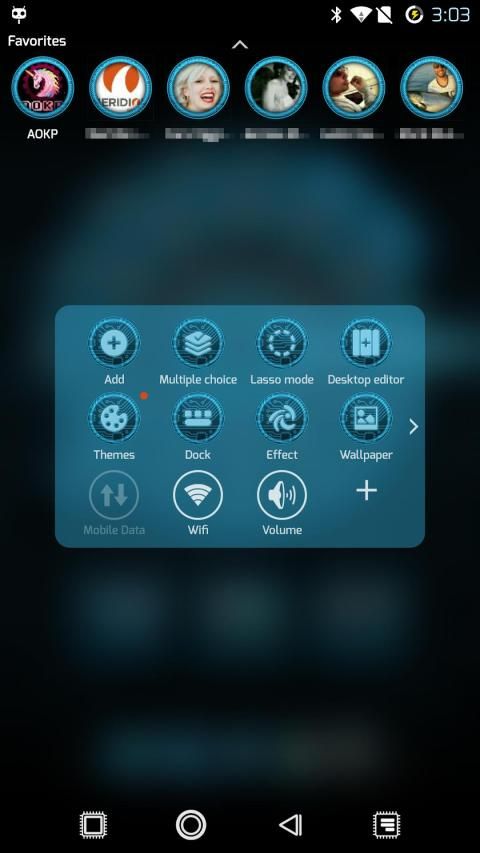
2. While in TSF Shell, tap the SMART button, then choose THEMES
3. Tap on the PCB Theme that you've just installed, then tap APPLY
4. TSF Shell should refresh itself, and start using your new PCB Theme right away!
░▒▓ How to Apply the PCB Wallpapers ▓▒░
1. With TSF Shell running as your current launcher/home app, tap the SMART button then choose WALLPAPER
2. Once the menu of choices pops up, tap on LAUNCHER
3. Scroll to the right a bit and you should see all included wallpapers that came with your PCB Theme
4. Choose one and tap SET WALLPAPER to instantly apply it
(Note that if you view "More from developer", you can find my PCB (Circuit Board) Wallpapers app which contains EVERY PCB wallpaper in one FREE app)
░▒▓ Troubleshooting ▓▒░
- If you have issues applying the theme, please tap MENU --> TSF --> RESTART TSF SHELL, then try applying the theme again
Contains iconography used with permission by WebhostingHub (http://www.webhostinghub.com/glyphs)
░▒▓ THANKS FOR SUPPORTING US! We'll always be trying to develop more themes and apps for you to enjoy. ▓▒░
░▒▓ Please rate our theme, and tap the +1 button...it really helps to boost our popularity! ▓▒░
░▒▓ UPDATE: Bekerja dengan versi TSF Shell sangat terbaru! (V3.x) ▓▒░
Tema PCB ini telah dirancang dengan penuh perhatian terhadap detail. Gambar yang tajam pola papan sirkuit menghiasi banyak elemen grafis TSF Shell. Banyak fitur yang disertakan:
► Styles semua elemen dari TSF Shell dengan kualitas pixel-sempurna
► Sangat rinci widget TSF Jam
► Mix and match PCB gaya ikon jika Anda telah menginstal lebih dari satu warna (atau tema lainnya TSF Shell)
► Custom-dirancang Wallpaper untuk memilih dari pertandingan itu tema sempurna
► Bangladesh folder baru dan tata letak (ketika ikon runtuh / diminimalkan)
► Redesigned sisi laci dan tab
► Lebih warna yang tersedia di Play Store di bawah dev 'scar45'
░▒▓ Cara Apply Theme di TSF Shell ▓▒░
1. Pastikan bahwa Anda telah TSF Shell diinstal, tema ini khusus untuk aplikasi yang
2. Sementara di TSF Shell, tekan tombol SMART, kemudian pilih TEMA
3. Tekan pada Tema PCB yang baru saja dipasang, lalu ketuk BERLAKU
4. TSF Shell harus menyegarkan diri, dan mulai menggunakan PCB Tema baru Anda segera!
░▒▓ Cara Terapkan PCB Wallpaper ▓▒░
1. Dengan TSF Shell berjalan lancar app peluncur / rumah Anda, tekan tombol SMART kemudian pilih WALLPAPER
2. Setelah menu pilihan muncul, tekan Launcher
3. Geser ke kanan sedikit dan Anda akan melihat semua termasuk wallpaper yang datang dengan PCB Theme
4. Pilih salah satu dan tekan SET WALLPAPER untuk segera menerapkannya
(Catatan bahwa jika Anda melihat "Lebih dari pengembang", Anda dapat menemukan PCB (Circuit Board) Wallpaper aplikasi yang berisi SETIAP PCB wallpaper dalam satu aplikasi GRATIS)
░▒▓ Masalah ▓▒░
- Jika Anda memiliki masalah menerapkan tema, silahkan tekan MENU -> TSF -> RESTART TSF SHELL, kemudian mencoba menerapkan tema lagi
Mengandung ikonografi digunakan dengan izin oleh WebHostingHub (http://www.webhostinghub.com/glyphs)
░▒▓ TERIMA KASIH UNTUK MENDUKUNG AS! Kami akan selalu berusaha untuk mengembangkan lebih tema dan aplikasi untuk Anda nikmati. ▓▒░
░▒▓ Silakan menilai tema kita, dan tekan tombol +1 ... itu benar-benar membantu untuk meningkatkan popularitas kami! ▓▒░
► Support for the latest v3.X+ TSF Shell!
► Brand new, high-res images and other UI elements not styled before (see new screenshots)
► (Update from R1) Re-worked the clock to have a cleaner design (better font colours too)
► (Update from R1) Optimized wallpapers (removed JPG artifacts)
► PLEASE help spread the word by +1-ing, Tweeting, Forum Threads, etc.
► THANK YOU for your patience!

9Apps 4.9