9Apps services for free Android apps. 20,000+ users downloaded Floating Button latest version on 9Apps for free every week! A lot of functions and features are contained in this app. This hot app was released on 2019-08-24. Enjoy playing with new, amazing features!
Do you want to use the Back Button on the screen?
Do you want to use the Home Button, Home Center on the screen?
Do you want to use the Recent Button on the screen?
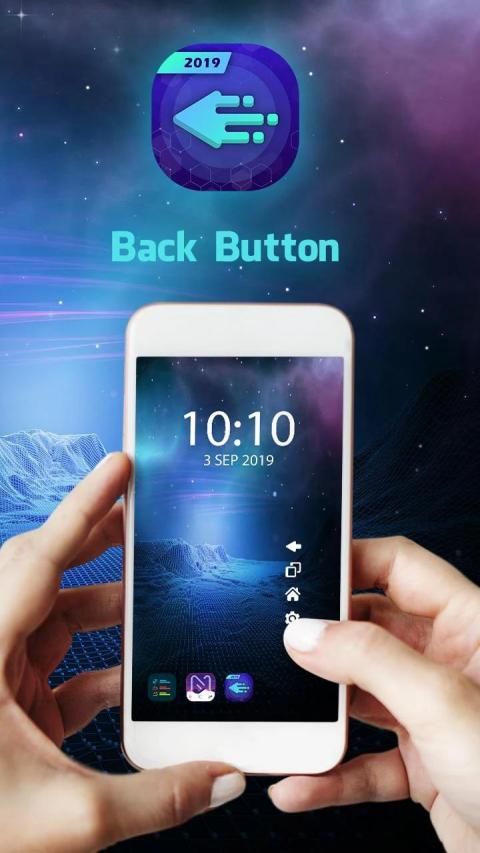
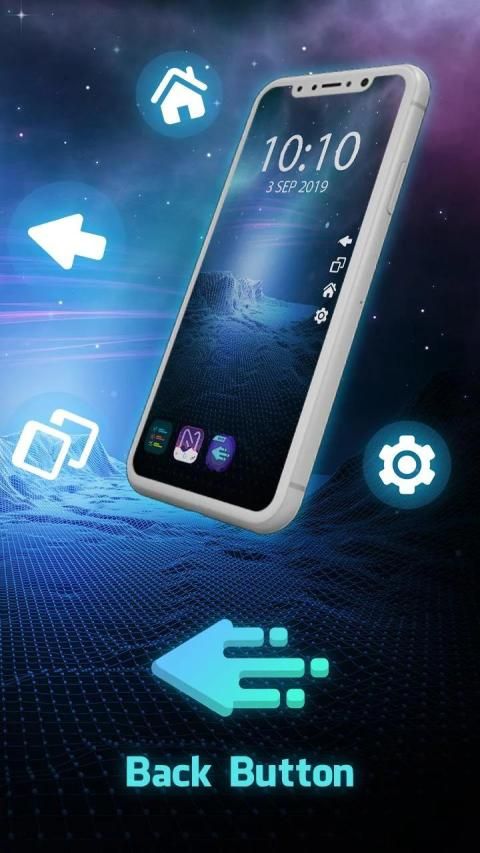
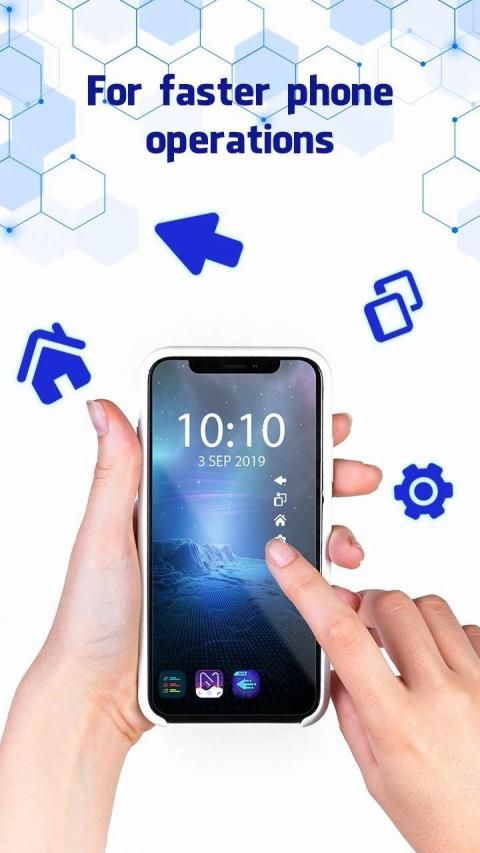
Back Button – Home Center – Easy Back, Home is easy to press or long press on a button like assistive touch. You can also drag the button to anywhere on screen.
Key Features Back Button – Home Center – Easy Back, Home Pro :
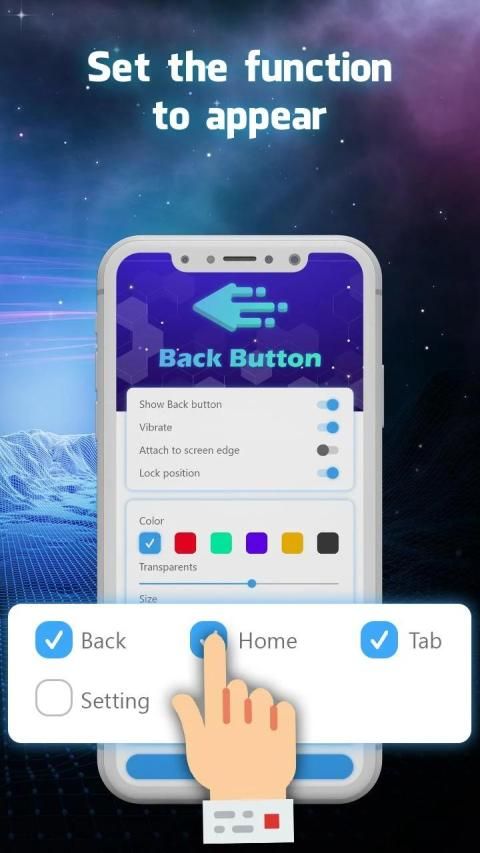
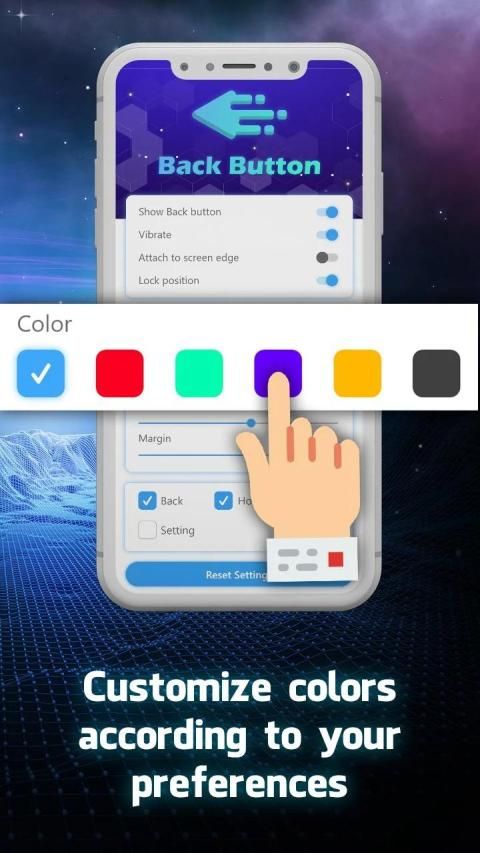
Ability to change color button
Ability to set button size with height and width
Ability to set vibrate on touch
You can move the button to anywhere on screen
Option to hide on keyboard appear
Several theme support
The Floating Button and the Navigation Bar are displayed.
Simple, but powerful
Small and fast
Accessibility service is to use the functions of "Back button", "Home button", "Resents button" and "Notification bar", and it will not be used elsewhere
Note :
In order to use Back Button – Home Center – Easy Back, Home Button , please turn ON "Back Button" service from "setting -> Accessibility Option."
Android4.4 without the navigation bars.
Thank you for use Back Button – Home Center – Easy Back, Home !!!
Apakah Anda ingin menggunakan Tombol Kembali di layar?
Apakah Anda ingin menggunakan Tombol Home, Home Center di layar?
Apakah Anda ingin menggunakan Tombol Terbaru di layar?
Back Button - Home Center - Easy Back, Home mudah untuk ditekan atau ditekan lama pada tombol seperti sentuhan bantu. Anda juga dapat menyeret tombol ke mana saja di layar.
Fitur Utama Tombol Kembali - Home Center - Mudah Kembali, Home Pro:
Kemampuan untuk mengubah tombol warna
Kemampuan untuk mengatur ukuran tombol dengan tinggi dan lebar
Kemampuan untuk mengatur getar saat disentuh
Anda dapat memindahkan tombol ke mana saja di layar
Opsi untuk menyembunyikan di keyboard muncul
Beberapa dukungan tema
Tombol Terapung dan Bilah Navigasi ditampilkan.
Sederhana, tetapi kuat
Kecil dan cepat
Layanan aksesibilitas adalah dengan menggunakan fungsi "Tombol Kembali", "Tombol Beranda", "Tombol Dendam" dan "Bilah Pemberitahuan", dan tidak akan digunakan di tempat lain
Catatan :
Untuk menggunakan Tombol Kembali - Home Center - Mudah Kembali, Tombol Home, silakan nyalakan layanan "Tombol Kembali" dari "pengaturan -> Opsi Aksesibilitas."
Android4.4 tanpa bilah navigasi.
Terima kasih telah menggunakan Tombol Kembali - Home Center - Mudah Kembali, Home !!!

9Apps 4.9

![How To Bring Back The Android Back Button [Back Button Missing] screenshot 1](https://i.ytimg.com/vi/XMl0AKeHIZ0/mqdefault.jpg)