
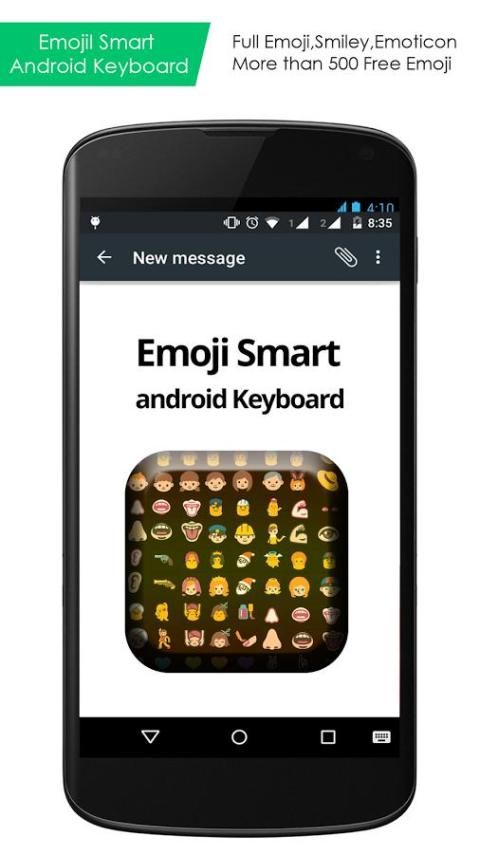
As we all know, 20,000+ users downloaded Emoji Smart Android Keyboard latest version on 9Apps for free every week! It is the app that defined the best for a generation. This hot app was released on 2015-09-10. 9Apps believe you can enjoy yourself in this funny app.
HOW TO ENABLE EMOJI SMART ANDROID KEYBOARD?
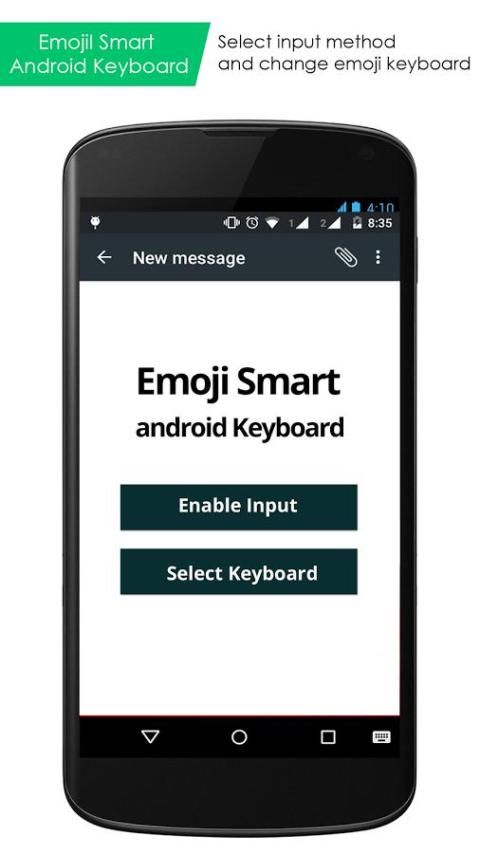
• Enable the Input,
First go to HOME -> Setting -> Language & Keyboard, and then check the Emoji Smart Android Keyboard to ENABLE it.
• To use Keyboard, you need to change the input method.
• Change the input method by holding the Text Box, and select the "Input Method", then choose Emoji Smart Android Keyboard.
ENJOY UNLIMITED FUN…Thanks For Downloading.
Version 1.07
UI Improvement.
Minor bugs and ANRs solved.
Add more Emojis.




9Apps 4.9










