
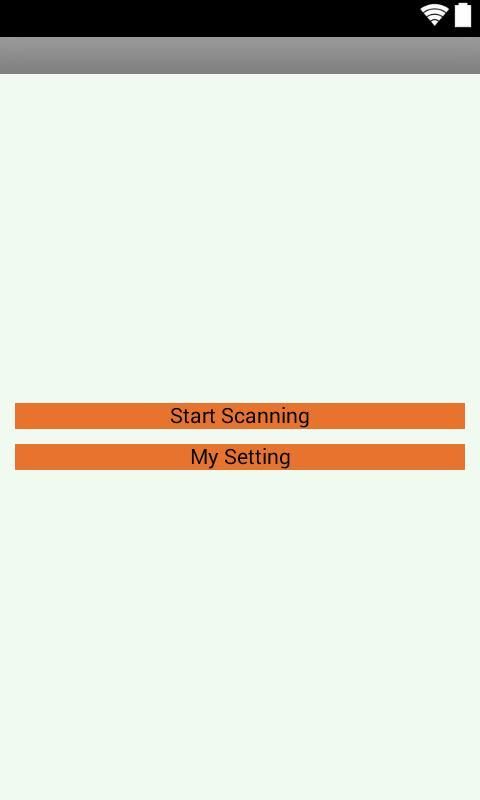
It can be said with certainty that 30,000+ users downloaded Wireless Display latest version on 9Apps for free every week! Once you've used it, you'll be attracted. This hot app was released on 2019-02-12. If you want it so go head and download it and enjoy your app.
Using Wireless Display (Wifi),you can cast android mobile on miracast enabled TV and set up boxes.
Supports all most all devices ..
What is new HDCP issue patch -
+ Fix phone S3/S4/S5 (with HDCP) devices mirror to TV / dongle (without HDCP) black screen problem
+ Two independ HDCP patchs , to enable and re-start mirror
+ Mobile need ROOTED , but need NOT update ROM
Why use Wireless Display (Wifi)?
Some mobile vendors may disable Wifi Display for some reasons such performance issues , testing issues and/or other issues. Using this software would help, connect to your Smart TV wirelessly.
How to use Wireless Display (Wifi)?
Simply open the application, and tap "Start WiFi Display" and then sync your device to the desired display which you want to mirror your screen.
Some notes -
++ Please check you mobile android version. As mentioned above it must be greater or equal than the Android version 4.2(JellyBeans) .
++ If you find a bug or have a problem using application, please contact us by email since we cannot help you if you post it in the reviews!
++ Please give us five stars if we helped you.
++ Reviewing will help us to maintain a list of supported device.
This application provides streaming service and relieves you of the burden of transferring files.
Basically you can play videos, music and photos in real time with the devices connected to your smartphone and other files are downloaded from the devices connected your smartphone.
Menggunakan Wireless Display (Wifi), Anda dapat menggunakan ponsel android di TV yang diaktifkan miracast dan menyiapkan kotak.
Mendukung semua hampir semua perangkat ..
Apa yang dimaksud dengan patch masalah HDCP baru -
+ Memperbaiki perangkat S3 / S4 / S5 (dengan HDCP) perangkat mirror ke TV / dongle (tanpa HDCP) masalah layar hitam
+ Dua tambalan HDCP independen, untuk mengaktifkan dan memulai ulang mirror
+ Ponsel perlu di-ROOT, tetapi TIDAK perlu memperbarui ROM
Mengapa menggunakan Wireless Display (Wifi)?
Beberapa vendor seluler dapat menonaktifkan Tampilan Wifi karena beberapa alasan masalah kinerja, masalah pengujian, dan / atau masalah lainnya. Menggunakan perangkat lunak ini akan membantu, sambungkan ke Smart TV Anda secara nirkabel.
Bagaimana cara menggunakan Wireless Display (Wifi)?
Cukup buka aplikasi, dan ketuk "Mulai Tampilan WiFi" dan kemudian sinkronkan perangkat Anda ke tampilan yang diinginkan yang ingin Anda mirror layar Anda.
Beberapa catatan -
++ Silakan periksa versi Android seluler Anda. Seperti disebutkan di atas, ia harus lebih besar atau sama dengan Android versi 4.2 (JellyBeans).
++ Jika Anda menemukan bug atau memiliki masalah dalam menggunakan aplikasi, silakan hubungi kami melalui email karena kami tidak dapat membantu Anda jika Anda mempostingnya di ulasan!
++ Tolong beri kami lima bintang jika kami membantu Anda.
++ Meninjau akan membantu kami mempertahankan daftar perangkat yang didukung.
Aplikasi ini menyediakan layanan streaming dan membebaskan Anda dari beban mentransfer file.
Pada dasarnya Anda dapat memutar video, musik, dan foto secara real time dengan perangkat yang terhubung ke ponsel cerdas Anda dan file lainnya diunduh dari perangkat yang terhubung dengan ponsel cerdas Anda.

9Apps 4.9











