This article is about hot apps for android. 20,000+ users downloaded Wifi QR Code Generator latest version on 9Apps for free every week! And now, this app adds more functions. This hot app was released on 2019-01-02. For more mobile apps information, you can go to our official website - 9Apps.
Beautiful design, inspired by the Android 4.0+ Holo theme, and Google Now cards.
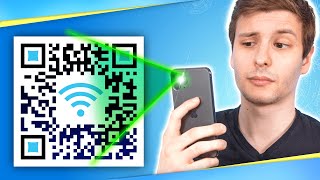
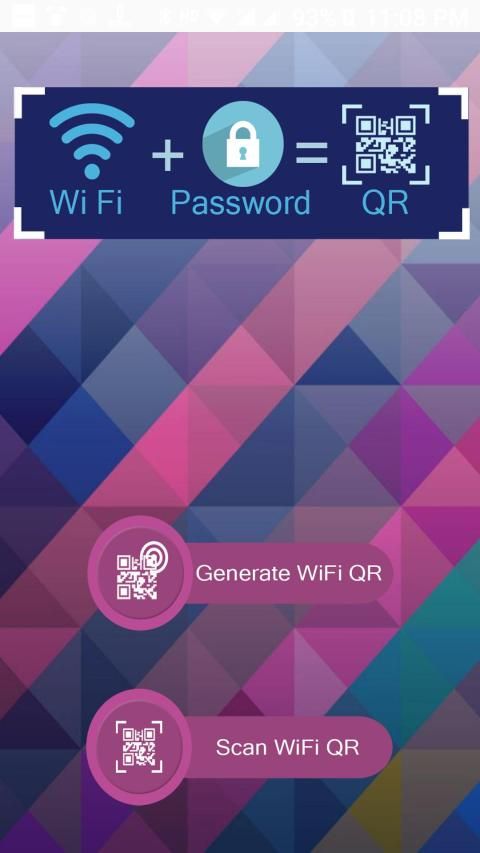
Just generate, scan, and connect! Couldn't be easier! If you're rooted, a QR code will be generated as soon as you open the app, or simply select a network and a QR code will be created!
Steps:
1) Select a network Android remembered or you saved.
2) Show another person the QR or save/send it, using email, Dropbox, printing it, etc.
or
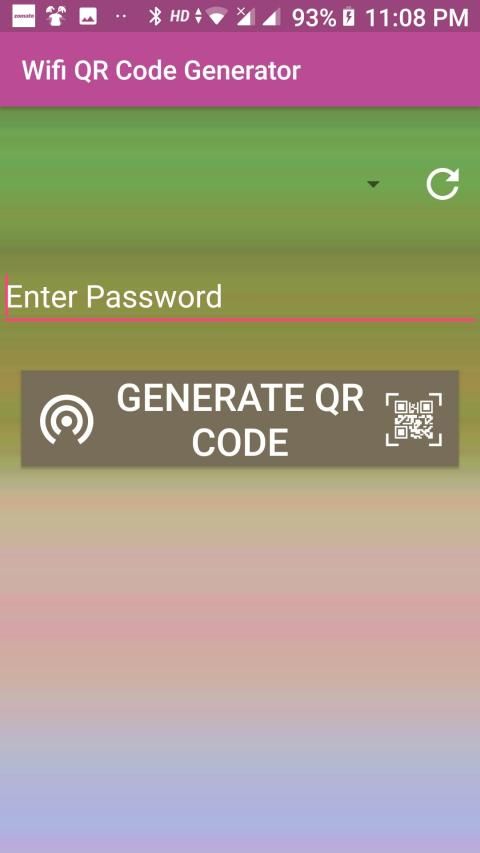
1) Enter your network name (SSID)
2) Enter your network password (if you have one)
3) Select your network security type (WPA, WEP, or Open)
4) Show another person the QR or save/send it, using email, Dropbox, printing it, etc.
This is by far the easiest and most convenient way to connect to a Wifi network.
Now any one of the almost 500 million people with Barcode Scanner app can scan it and instantly connect to a network. Since Barcode Scanner is one of the more widely used QR code readers, the person scanning doesn't need to download anything special to connect your network.
You can save any network you create, then remake the QR code whenever you need it as well.
Desain yang indah, terinspirasi oleh tema Android 4.0+ Holo, dan kartu Google Now.
Buat, pindai, dan hubungkan! Tidak bisa lebih mudah! Jika Anda di-root, kode QR akan dibuat segera setelah Anda membuka aplikasi, atau cukup pilih jaringan dan kode QR akan dibuat!
Tangga:
1) Pilih jaringan yang diingat Android atau Anda simpan.
2) Perlihatkan QR kepada orang lain atau simpan / kirim, gunakan email, Dropbox, cetak, dll.
atau
1) Masukkan nama jaringan Anda (SSID)
2) Masukkan kata sandi jaringan Anda (jika ada)
3) Pilih jenis keamanan jaringan Anda (WPA, WEP, atau Open)
4) Perlihatkan QR kepada orang lain atau simpan / kirim, gunakan email, Dropbox, cetak, dll.
Sejauh ini, ini adalah cara termudah dan paling nyaman untuk terhubung ke jaringan Wifi.
Sekarang salah satu dari hampir 500 juta orang dengan aplikasi Barcode Scanner dapat memindai dan langsung terhubung ke jaringan. Karena Pemindai Kode Batang adalah salah satu pembaca kode QR yang lebih banyak digunakan, pemindaian orang tidak perlu mengunduh sesuatu yang istimewa untuk menghubungkan jaringan Anda.
Anda dapat menyimpan jaringan apa pun yang Anda buat, lalu membuat ulang kode QR kapan pun Anda membutuhkannya.

9Apps 4.9