

Find most popular android apps here! 30,000+ users downloaded Wearable Widgets latest version on 9Apps for free every week! It is an excellent app and the fact it is! This hot app was released on 2018-11-04. 9Apps has thousands of apps and updated daily!
Widgets you can wear
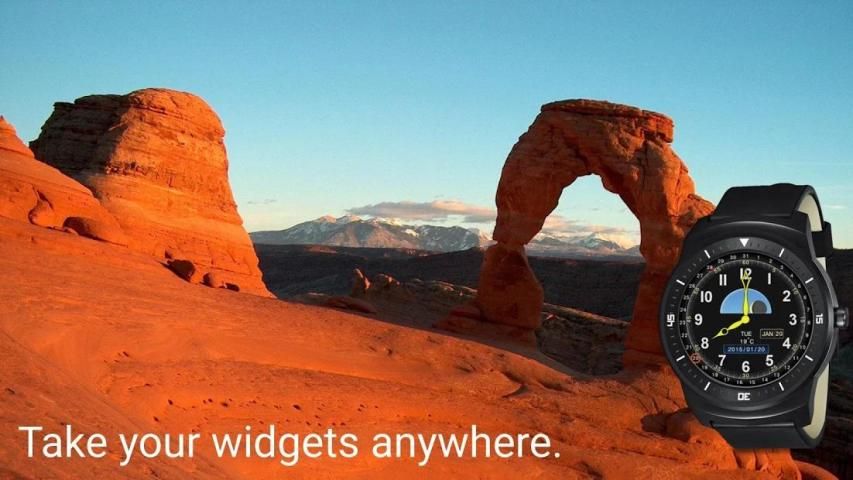
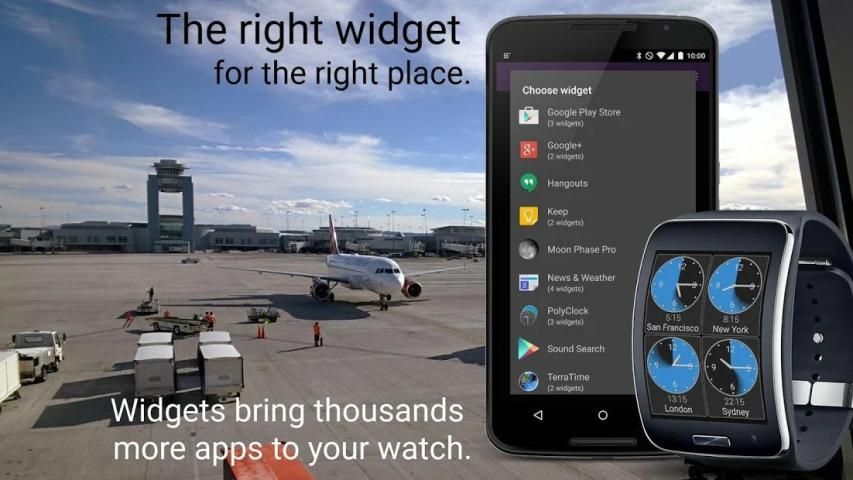
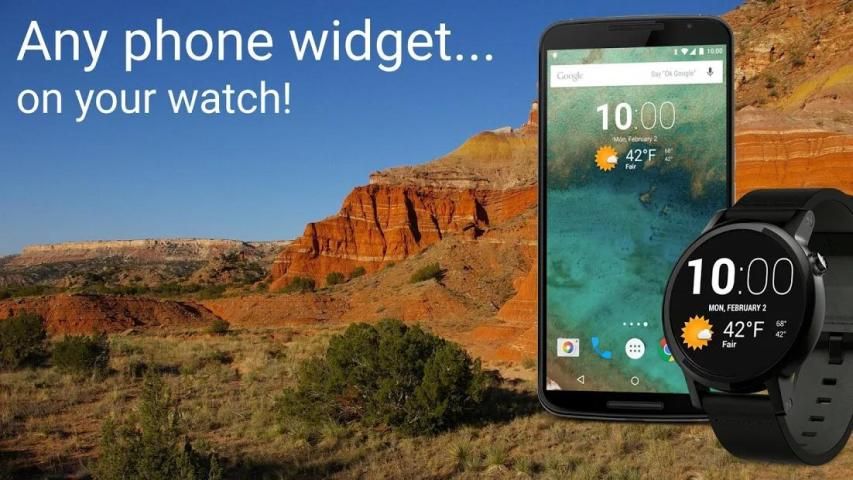
: Wearable Widgets creates a bridge from your phone to your smartwatch for the thousands of widgets available on Android. You don't need to wait for developers to support smartwatches; get your apps on your wrist now, in a format that the developer has already designed for compact use. Expand your smartwatch horizons!
NOTE: If you have any difficulties, please email us, or stop by our community on Google+: http://goo.gl/dbZ1d0.
Please do not just leave a complaint as a comment here: we can probably help with whatever issue you're having, but this is an app store, not a support forum.
And a few caveats, just to adjust your expectations:
• You MUST have a supported wearable device to use this app! In addition to Wear OS, some other devices will work to some extent. See below for device-specific info, or visit http://wearablewidgets.com/devices.html
• This free app supports unlimited usage of one widget at a time. Multiple widget support is available as a small, one-time in-app purchase: please confirm that your favorite widgets are compatible with your watch before buying.
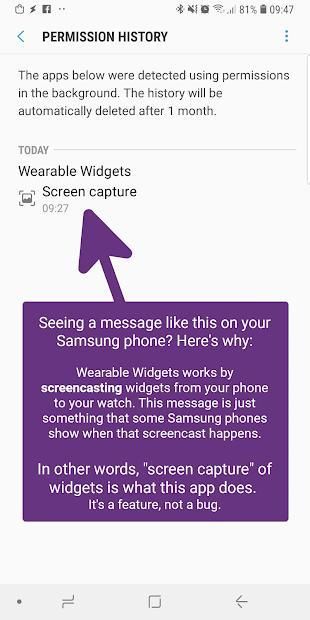
• Although you'll be viewing and interacting with widgets on your watch, our app is essentially just "screencasting" them: the widgets themselves are actually still running on your phone. This means that any actions that result from tapping on a widget will also occur on your phone. This is fundamental and isn't a "bug" that can be "fixed".
• Similarly, you’ll find that taps and swipes on your watch take a bit longer than when you interact directly with your phone – there’s some unavoidable lag in the connection between devices. Widgets will generally still be usable, just not quite as snappy.
• Some widgets lend themselves better than others to the screen of a watch. Please use common sense.
• There are also known compatibility issues with some specific widgets, including a few that don't update when your phone is asleep. This isn't a problem we can fix either - it's down to the developers of the widgets themselves - but you can find mitigation tips for all such issues at http://wearablewidgets.com/widgets.html
Using widgets on Wear OS
Wearable Widgets needs to be installed to both your phone and linked watch separately, as it is a full-fledged app on both devices. Start by tapping the big green Install button above; then, run the app on your phone, and you should be prompted to install it to your watch.
Once installed, there are 3 ways to use phone widgets on your watch:
➤ As a conventional app, from the launcher (from your watch face, press the watch’s crown or main hardware button).
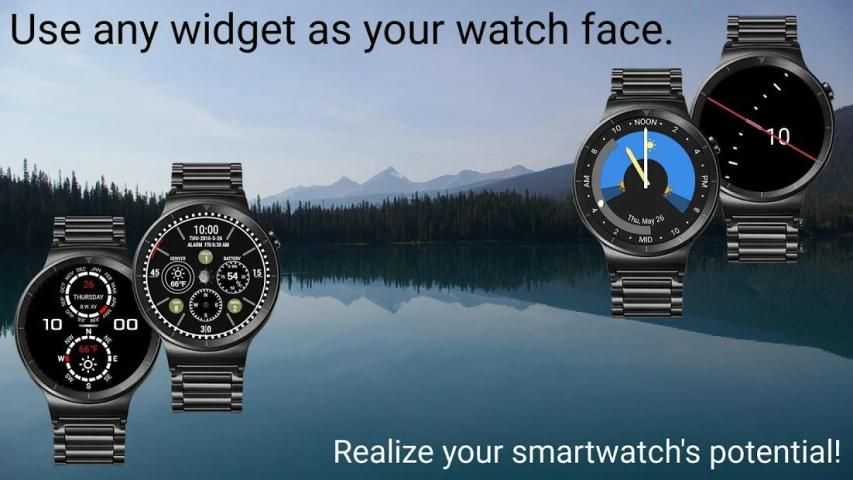
➤ As a watch face. Set WW as one of your "favorite" faces, and your widgets will always be just a swipe away.
➤ As complications in other, non-WW faces (2x2 and smaller widgets only).
Lots more details and instructions at http://wearablewidgets.com/wear
DEPRECATED INTERFACES
Devices in this section are those for which we have developed Wearable Widgets support in the past, but are not currently working on, for a variety of reasons.
Tizen Gear
Samsung has stopped accepting updates to our Gear clients, so unfortunately we are unable to make any further improvements to our app on this platform. However, the watch apps still work, and are still available for most of these devices on the Samsung Gear app store; search for “Wearable Widgets” to install.
Sony SmartWatch 1 and 2
These two early smartwatches from Sony were replaced by the SW3, running Android Wear, so we have migrated our Sony support to Wear also. If you're still using an SW1 or SW2, you'll need an older version of our app to make it work; download it from http://bit.ly/WW61sw2
Google Glass™
Our Glass interface is still functional, but we stopped active development when Google discontinued Glass as a consumer product in early 2015. To use it, you'll need to sideload the WW Glassware; find the download at http://wearablewidgets.com/glass
Widget Anda bisa memakai : Wearable Widget menciptakan sebuah jembatan dari ponsel ke cerdas Anda untuk ribuan widget yang tersedia di Android. Anda tidak perlu menunggu untuk pengembang untuk mendukung smartwatches; mendapatkan aplikasi Anda di pergelangan tangan Anda sekarang, dalam format yang pengembang telah dirancang untuk digunakan kompak. Memperluas cakrawala cerdas Anda!
CATATAN: Jika Anda memiliki kesulitan, silahkan email kami, atau berhenti oleh komunitas kami di Google+: http://goo.gl/dbZ1d0.
Jangan hanya meninggalkan keluhan sebagai komentar di sini. Kita mungkin dapat membantu dengan masalah apa pun yang Anda mengalami, tapi ini adalah sebuah toko aplikasi, bukan forum dukungan
Dan beberapa peringatan, hanya untuk menyesuaikan harapan Anda:
• Anda harus memiliki perangkat dpt dipakai didukung untuk menggunakan aplikasi ini! Selain Pakai OS, beberapa perangkat lain akan bekerja sampai batas tertentu. Lihat di bawah untuk info khusus perangkat, atau kunjungi http://wearablewidgets.com/devices.html
• aplikasi gratis ini mendukung penggunaan tak terbatas dari satu widget pada suatu waktu. dukungan widget Beberapa tersedia sebagai, satu kali pembelian dalam-aplikasi kecil: silahkan konfirmasi bahwa widget favorit Anda yang kompatibel dengan jam tangan Anda sebelum membeli.
• Meskipun Anda akan melihat dan berinteraksi dengan widget di jam, aplikasi kami pada dasarnya hanya "screencasting" mereka: widget sendiri sebenarnya masih berjalan pada ponsel Anda. Ini berarti bahwa setiap tindakan yang dihasilkan dari menekan pada widget juga akan terjadi pada ponsel Anda. Ini adalah fundamental dan bukan merupakan "bug" yang bisa "diperbaiki".
• Demikian pula, Anda akan menemukan bahwa keran dan gesekan pada jam tangan Anda mengambil sedikit lebih lama daripada ketika Anda berinteraksi langsung dengan telepon Anda - ada beberapa lag tidak dapat dihindari dalam hubungan antara perangkat. Widget umumnya akan masih dapat digunakan, hanya saja tidak cukup sebagai tajam.
• Beberapa widget meminjamkan diri lebih baik daripada yang lain ke layar jam tangan. Silakan gunakan akal sehat.
• Ada juga dikenal masalah kompatibilitas dengan beberapa widget tertentu, termasuk beberapa yang tidak memperbarui ketika ponsel Anda tertidur. Ini bukan masalah kami dapat memperbaikinya baik - itu ke para pengembang widget sendiri - tetapi Anda dapat menemukan tips mitigasi untuk semua masalah tersebut pada http://wearablewidgets.com/widgets.html
Menggunakan widget di Wear OS
Wearable Widget harus diinstal untuk kedua ponsel dan terkait menonton secara terpisah, karena merupakan aplikasi penuh pada kedua perangkat. Mulailah dengan menekan tombol hijau besar Install di atas; kemudian, menjalankan aplikasi pada ponsel Anda, dan Anda akan diminta untuk menginstalnya ke jam.
Setelah terinstal, ada 3 cara untuk menggunakan widget telepon pada jam tangan:
➤ Sebagai aplikasi konvensional, dari peluncur (dari jam wajah Anda, tekan mahkota menonton atau tombol hardware utama).
➤ Sebagai wajah menonton. Set WW sebagai salah satu "favorit" Anda wajah, dan widget Anda akan selalu hanya menggesek jauh.
➤ Seperti komplikasi pada lainnya, non-WW menghadapi (2x2 dan widget kecil saja).
Banyak rincian lebih lanjut dan petunjuk di http://wearablewidgets.com/wear
INTERFACES DITINGGALKAN
Perangkat dalam bagian ini adalah mereka yang kami telah mengembangkan dukungan Wearable Widget di masa lalu, tetapi saat ini tidak bekerja pada, untuk berbagai alasan.
Tizen Aksesoris
Samsung telah berhenti menerima update untuk klien Aksesoris kami, sayangnya kami tidak dapat membuat perbaikan lebih lanjut untuk aplikasi kami pada platform ini. Namun, aplikasi jam masih bekerja, dan masih tersedia untuk sebagian besar perangkat ini di toko aplikasi Samsung Gear; pencarian untuk “Wearable Widget” untuk menginstal.
Sony SmartWatch 1 dan 2
Kedua smartwatches awal dari Sony digantikan oleh SW3, menjalankan Android Wear, jadi kami telah bermigrasi dukungan Sony untuk Wear juga. Jika Anda masih menggunakan SW1 atau SW2, Anda harus versi lama dari aplikasi kami untuk membuatnya bekerja; download dari http://bit.ly/WW61sw2
Google Glass ™
antarmuka Kaca kita masih fungsional, tapi kami menghentikan pengembangan aktif ketika Google dihentikan Kaca sebagai produk konsumen pada awal 2015. Untuk menggunakannya, Anda harus sideload WW Glassware; menemukan download di http://wearablewidgets.com/glass
Phone app:
• Add option to crop text from bottom of widgets in complications
• Fix bug: occasional shortcuts not displaying (such as Alexa)
• Fix a couple of crashes
Wear OS app:
• Decrease pixelation of widgets in complications (requires WW 7.1 on phone)
• Brighten the backup time/date on watch face
• Improve the UX of selecting Ambient Mode


9Apps 4.9











