


I'm glad to tell you that 20,000+ users downloaded Voice Screenshot latest version on 9Apps for free every week! It works great even on 2G. This hot app was released on 2018-07-29. Come and download it now!
Speak "Capture" Keyword And take Easy screenshot of any pages..
Voice screenshot by Speak "Capture" keyword
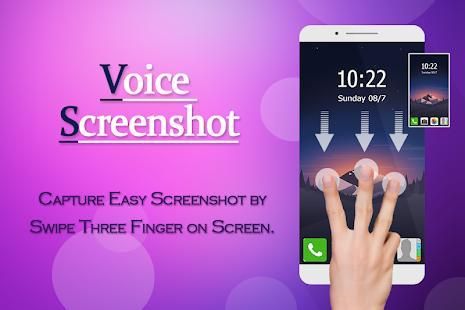
Swipe three finger on screen
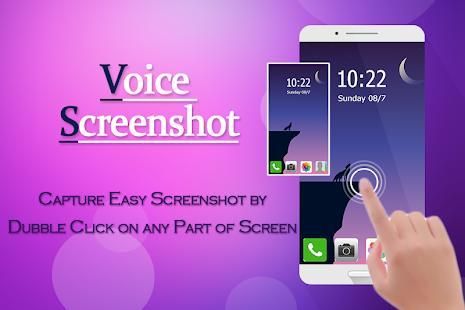
doubble click on screen
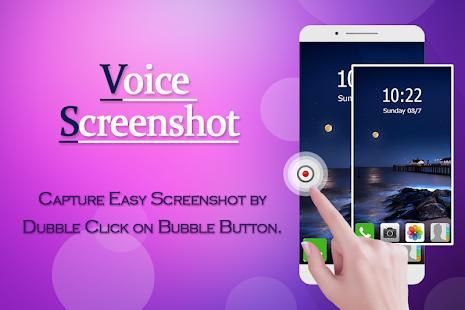
doubble click on Bibble button
Screenshot Capture is the simplest and easiest way to capture, edit and share your device's screen with friends.
There is an "Overlay button" to capture screen that is displayed on top of everything. You can take the screenshot easily with one touch on the screen.
Capture the screen in several apps such as games, wallpapers or any type of apps or videos. Floating button/gadget always remain on the top of the screen, so that you can capture easily at any time. Edit the captured image and share it with your friends in online platform.
*Depending on your device you can use the following triggers:-
- Swipe three finger on screen
- Voice screenshot by Speak "Capture" keyword
- double click on screen
- double click on Bubble button
- Hold 'Power button' and 'Volume-down button' for 2 seconds
- Hold 'Power button' and 'Home button' for 2 seconds
Thank you,
Berbicara "Tangkap" Kata Kunci Dan mengambil screenshot Mudah dari setiap halaman ..
Voice screenshot oleh Bicara "Capture" kata kunci
Menggesek tiga jari pada layar
klik doubble di layar
klik doubble pada tombol Bibble
Tangkap Screenshot adalah cara paling sederhana dan paling mudah untuk menangkap, mengedit dan berbagi layar perangkat Anda dengan teman-teman.
Ada "tombol Overlay" untuk menangkap layar yang ditampilkan di atas segalanya. Anda dapat mengambil screenshot dengan mudah dengan satu sentuhan di layar.
Menangkap layar di beberapa aplikasi seperti game, wallpaper atau jenis aplikasi atau video. Mengambang tombol / gadget selalu tetap di bagian atas layar, sehingga Anda dapat menangkap dengan mudah setiap saat. Mengedit gambar yang diambil dan berbagi dengan teman-teman Anda di platform online yang.
* Tergantung pada perangkat Anda, Anda dapat menggunakan pemicu berikut: -
- Babatan tiga jari pada layar
- Voice screenshot oleh Bicara "Capture" kata kunci
- klik dua kali pada layar
- klik dua kali pada tombol gelembung
- Hold 'Tombol Power' dan 'tombol Volume-down' selama 2 detik
- Hold 'Tombol Power' dan 'tombol Home' selama 2 detik
Terima kasih,



9Apps 4.9











