

Free and secured download of Android apps on 9Apps. 20,000+ users downloaded Video Editor latest version on 9Apps for free every week! More functions were added in this app. This hot app was released on 2019-12-12. I will tell you how to use this app in the following page.
Video Editor All - Compress, Trim, Converter
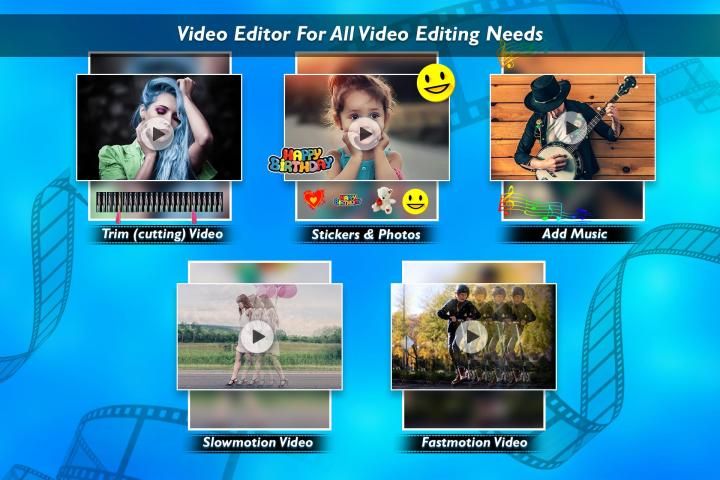
Video editor is a full-featured editor for Android. It has powerful tools which are easy to use video layers, blending modes, voice-overs, speed control, and more.
This is the best video editor with different types of editing tools where you can trim, extract, merge and convert various format's. Unleash your creativity, it is an opportunity to create something new and unique.
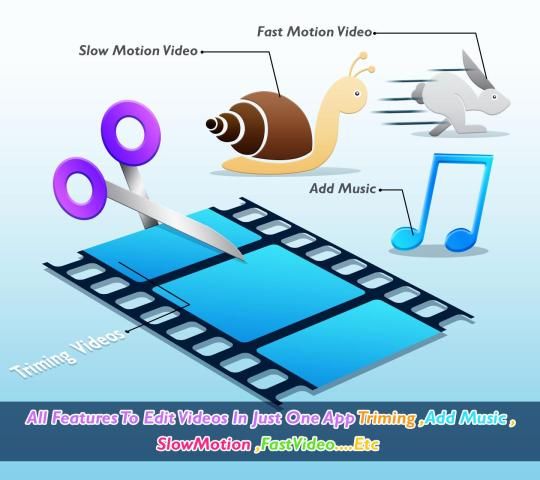
You can add video filters, transitions, music, voice over to the video, and you can rotate, zoom, trim, split your video. Play your video in slow motion. The slow-motion editor lets you change video speed to produce slow-mo video clips!
You create a slow-motion video show, change the video speed, then an amazing slow-motion video show will be ready!
=====Key Features of Video Editor=====
Add Overlay
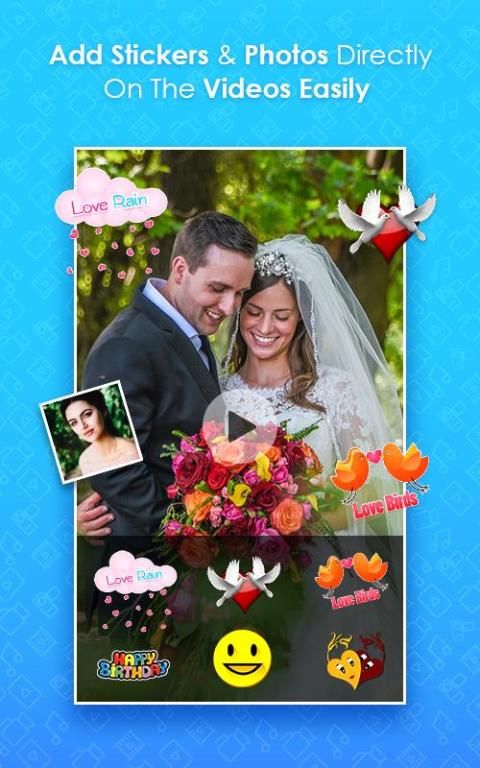
It has an option which allows you to apply the stickers to the video or add the borders to it. Click on the overlay and select any related frame and add stickers to it and click on the done button. This gives a unique touch to your video.
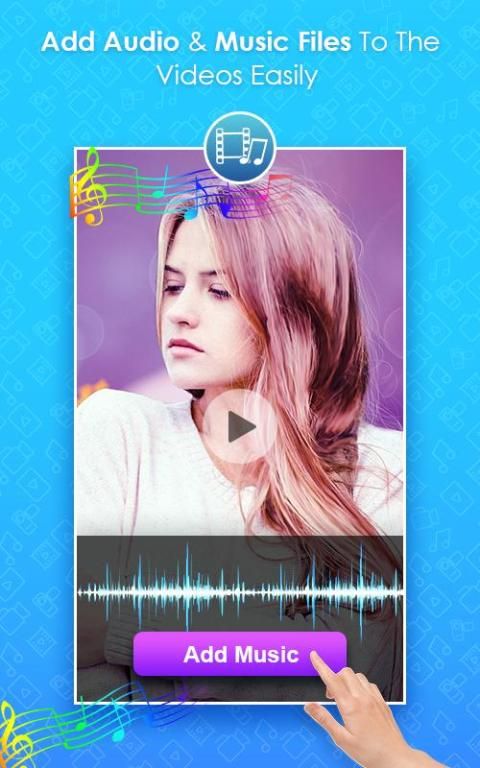
Change Audio
You have an option to change the audio running in the background of the video. Click on the video and tap on select audio either you choose the file from the gallery or you can record it, adjust the audio and upload in it.
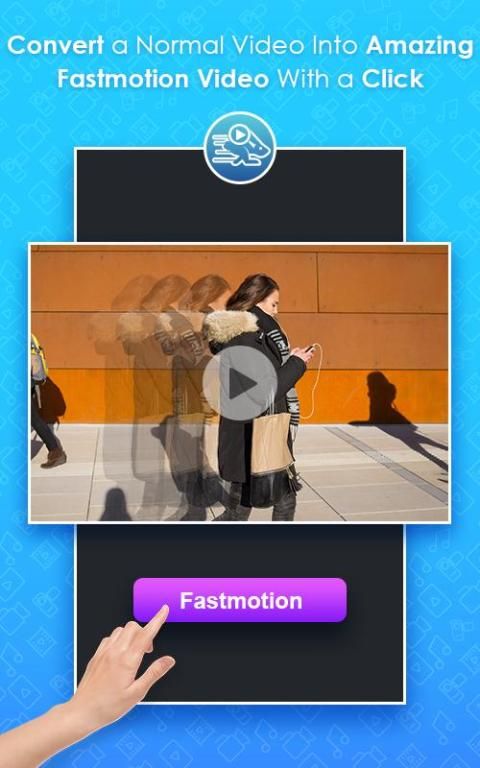
Speed up
It supports you in changing the speed of video playing at 4 different levels. Click on the video, change the speed you prefer and convert it. If the video playing in quite slow you can set the speed settings to play the video.
Slow motion
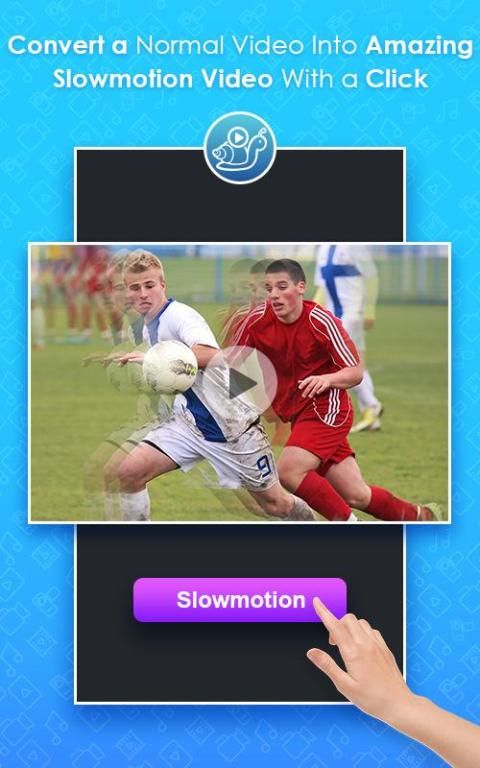
This feature helps you to convert the play speed into slow motion at 4 different levels. Select any video, click on the change speed button and set the low speed which you prefer and convert it. It creates a unique video version while playing it.
Flip video
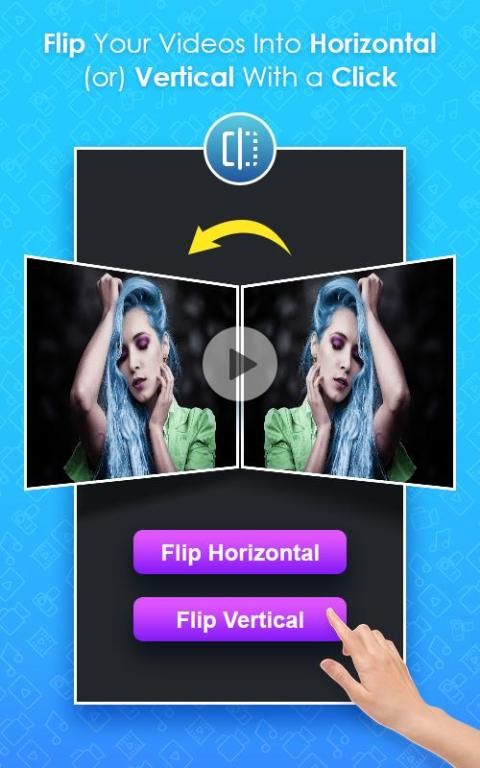
Flip video mode helps you in changing the position of video from a standard angle to the opposite angle. Select the video and choose the flip type and tap on the “ Flip ” button and check it once it loaded the file.
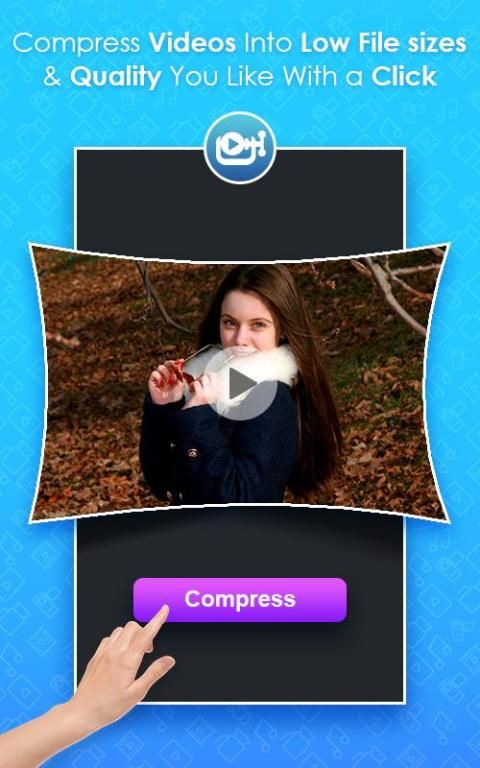
Video Compressor
This tool supports in compressing the large video into small size of the video. Choose any video and click on compress level it in shows the percentage level select anyone and compress it. This makes your sharing activity more simple by compressing it in the required size.
Video Trim
It allows you to crop the video if it is large to post. Click on the selected video and trim it by adjusting the start and end points as you prefer to trim and click to finish it. share it with friend or family.
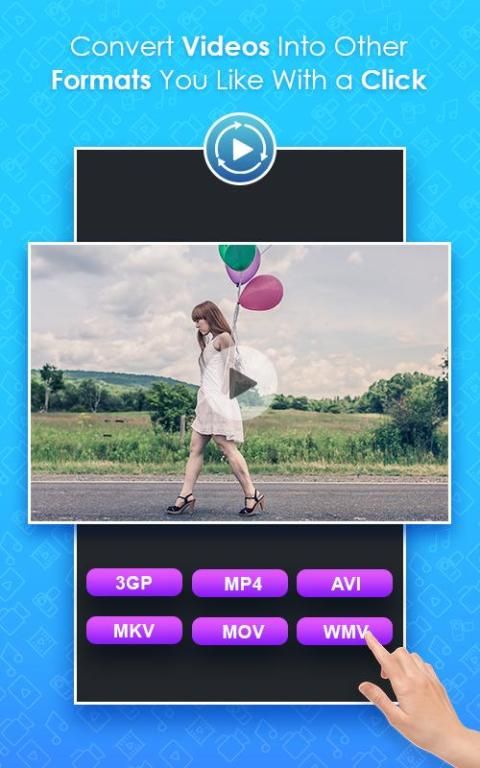
Converter
You can covert the video from current Mp4 into different video formats like AV1, FLV, MKV, 3GP mode. This conversion works and supports according to the mobile software version.
Don't forget to save all your creations and you can find it in your gallery. Share it to your family or your mates to show your creativity.
You can share it or post it in any social media apps, or website to unleash your creativity.
Its all about how you want to present your video creation.
Sounds interesting?... Rate us if you love the app..
your feedback is our booster to improve our services and create more interesting apps ahead...
Hope you have a great experience and enjoy our service …
Semua Editor Video - Kompres, Potong, Konverter
Editor video adalah editor berfitur lengkap untuk Android. Ini memiliki alat yang kuat yang mudah digunakan lapisan video, mode blending, voice-over, kontrol kecepatan, dan banyak lagi.
Ini adalah editor video terbaik dengan berbagai jenis alat pengeditan di mana Anda dapat memotong, mengekstrak, menggabungkan, dan mengonversi berbagai format. Lepaskan kreativitas Anda, ini adalah kesempatan untuk menciptakan sesuatu yang baru dan unik.
Anda dapat menambahkan filter video, transisi, musik, suara ke video, dan Anda dapat memutar, memperbesar, memotong, membagi video Anda. Putar video Anda dalam gerakan lambat. Editor gerak lambat memungkinkan Anda mengubah kecepatan video untuk menghasilkan klip video lambat-mo!
Anda membuat tayangan video gerak lambat, ubah kecepatan video, lalu tayangan video gerak lambat luar biasa siap!
===== Fitur Utama dari Editor Video =====
Tambahkan Hamparan
Ini memiliki opsi yang memungkinkan Anda untuk menerapkan stiker ke video atau menambahkan batas padanya. Klik pada overlay dan pilih bingkai yang terkait dan tambahkan stiker ke sana dan klik tombol selesai. Ini memberikan sentuhan unik pada video Anda.
Ubah Audio
Anda memiliki opsi untuk mengubah audio yang berjalan di latar belakang video. Klik pada video dan ketuk pada audio pilih apakah Anda memilih file dari galeri atau Anda dapat merekamnya, sesuaikan audio dan unggah di dalamnya.
Percepat
Ini mendukung Anda dalam mengubah kecepatan pemutaran video di 4 level yang berbeda. Klik pada video, ubah kecepatan yang Anda inginkan dan konversikan. Jika pemutaran video dalam cukup lambat Anda dapat mengatur pengaturan kecepatan untuk memutar video.
Gerakan lambat
Fitur ini membantu Anda mengubah kecepatan putar menjadi gerakan lambat di 4 level berbeda. Pilih video apa saja, klik tombol ubah kecepatan dan atur kecepatan rendah yang Anda inginkan dan konversikan. Itu membuat versi video unik saat memainkannya.
Balik video
Mode flip video membantu Anda dalam mengubah posisi video dari sudut standar ke sudut yang berlawanan. Pilih video dan pilih jenis flip dan ketuk tombol "Balik" dan periksa setelah memuat file.
Kompresor Video
Alat ini mendukung dalam mengompresi video besar menjadi ukuran kecil video. Pilih video apa pun dan klik pada tingkat kompres di dalamnya menunjukkan tingkat persentase pilih siapa saja dan kompres. Ini membuat aktivitas berbagi Anda lebih sederhana dengan mengompresnya dalam ukuran yang diperlukan.
Potong Video
Ini memungkinkan Anda untuk memotong video jika besar untuk dikirim. Klik pada video yang dipilih dan potong dengan menyesuaikan titik awal dan akhir yang Anda inginkan untuk memotong dan klik untuk menyelesaikannya. bagikan dengan teman atau keluarga.
Konverter
Anda dapat menyamarkan video dari Mp4 saat ini ke berbagai format video seperti AV1, FLV, MKV, mode 3GP. Konversi ini berfungsi dan mendukung sesuai dengan versi perangkat lunak seluler.
Jangan lupa untuk menyimpan semua kreasi Anda dan Anda dapat menemukannya di galeri Anda. Bagikan kepada keluarga atau teman Anda untuk menunjukkan kreativitas Anda.
Anda dapat membagikan atau mempostingnya di aplikasi media sosial, atau situs web apa pun untuk melepaskan kreativitas Anda.
Ini semua tentang bagaimana Anda ingin mempresentasikan kreasi video Anda.
Kedengarannya menarik? ... Nilai kami jika Anda menyukai aplikasi ini ..
umpan balik Anda adalah penguat kami untuk meningkatkan layanan kami dan membuat aplikasi yang lebih menarik di masa depan ...
Semoga Anda memiliki pengalaman hebat dan menikmati layanan kami ...




9Apps 4.9










