
Free and secured download of Android apps on 9Apps. 20,000+ users downloaded Video Call Recoder latest version on 9Apps for free every week! The app has made a strong effect. This hot app was released on 2019-05-01. Why not download and play it now?
Video Call Recorder it's a call recording, and also an automatic call recorder, and the best part it's FREE.
Video Call Recorder support HD video recorder, a call recorder and phone automatic call recorder.
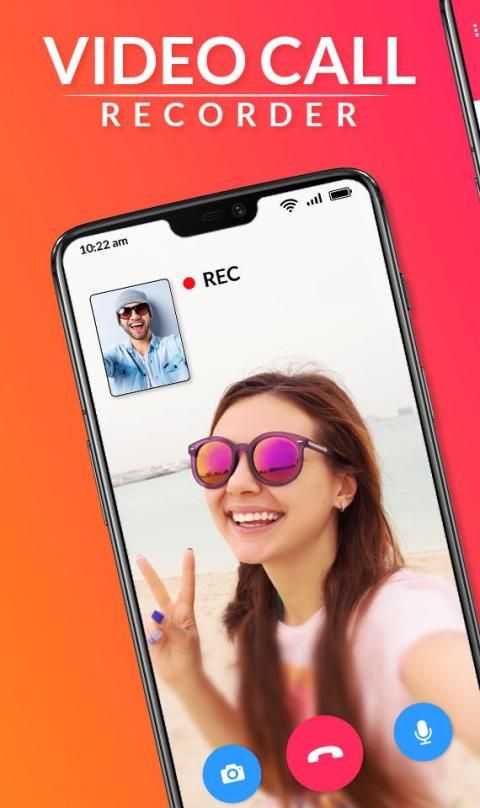
Video call recorder is a super creative app that helps you to capture screen and record any video in your mobile phone. Record video call of different video calling applications is now possible with Video call recorder and save the sweet memories in your phone forever.
Video call recorder & Video Chat Recording is a free and HD screen recorder for Android that helps you record Video Chats, Video call, Games mobile screen and Chats and much more with smooth and clear screen videos. Record any video Chat! Save, Play or Share moments with friends and colleagues.
All Video Call Recorder is a screen capture app for free in a short time for recording the device's screen the best way to record images, Application lets you record your Video Call to HD and Full HD and it is the only, No need required to be tied to your computer while rec or above, all Video Call Recorder is a must have utility Being swiftly able to open Video Call and record your conversation with one person or a group of people is very valuable.
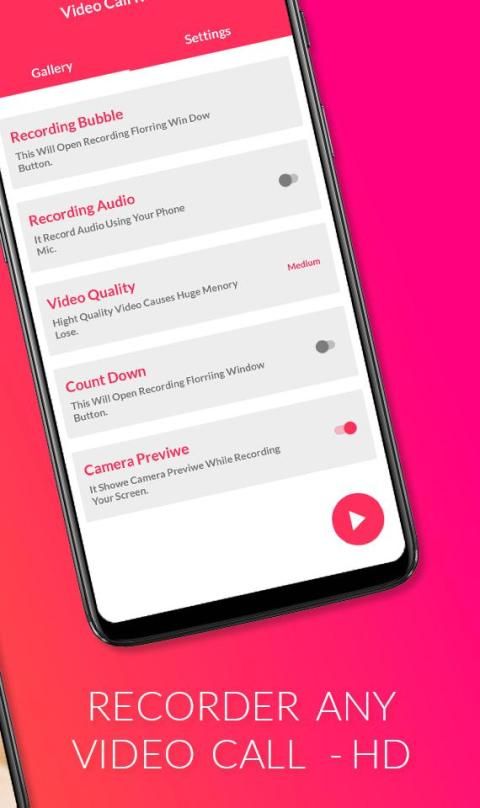
This screen recording app will let you make beautiful screencast videos by providing every feature that you need in a simple and elegant user experience design. You can also record audio from the mic and it is automatically mixed into the screencast videos.
Features of video call recorder & Video Chat Recording:
Record IMO video call screen recorder
Video calling free cam chat
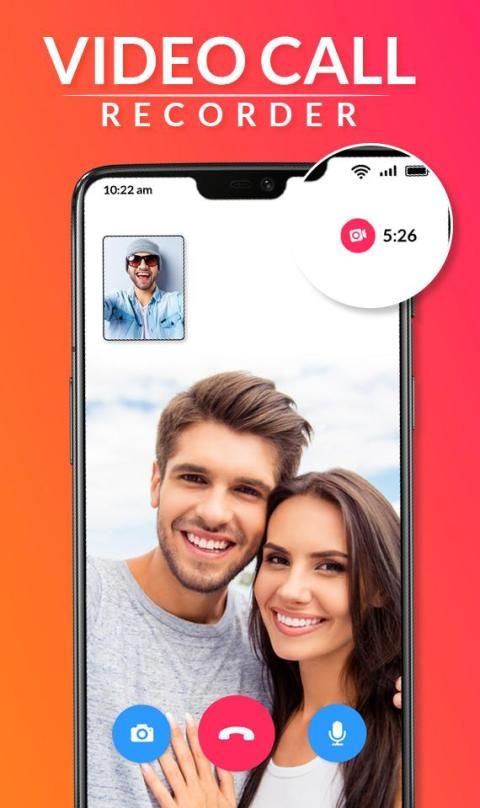
Record WhatsApp video call
Audio + Video Recording and HD Quality Available.
Record any video call with just 1 click.
Cool dynamic effect of the floating window
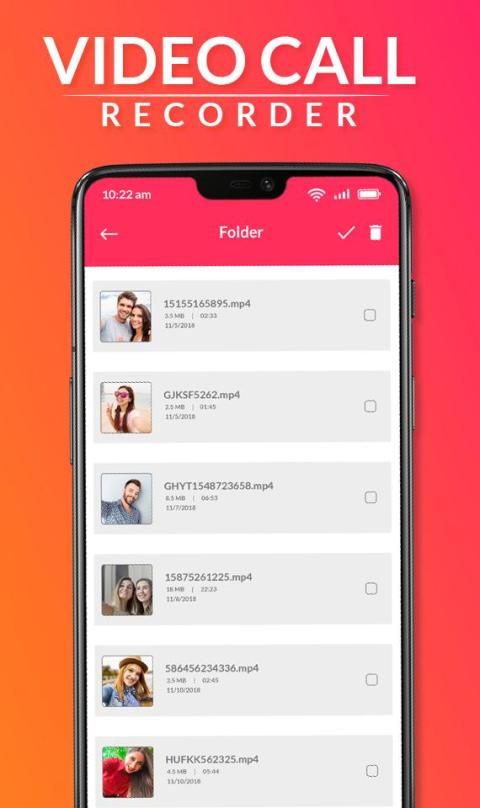
Edit name of the video, delete recorded videos anytime.
Auto adjustment of screen resolution and voice
Play, share or delete videos from within the application
Save your videos on dropbox, google drive etc
Record anytime anywhere without root.
Hide floating window when recording.
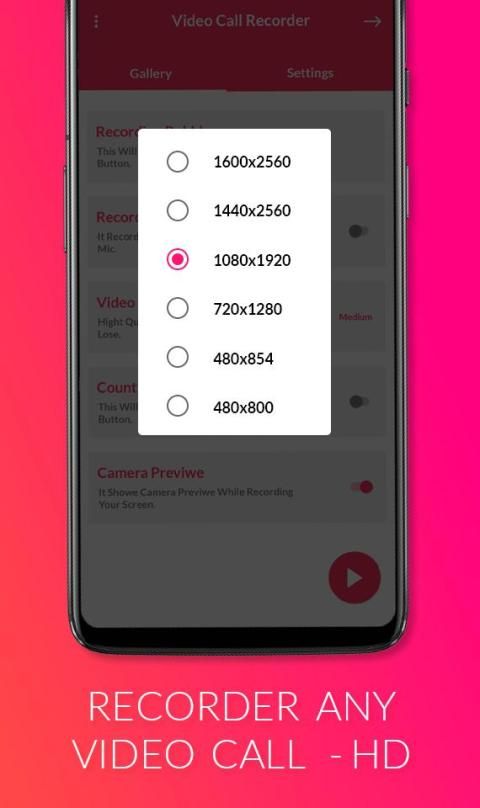
Multiple video resolutions, video quality, frame rates. Automatically choose the best video settings for your device.
Share & edit & delete & select all pictures.
How it works :
- Open app and Press recording button
- Notification with Start Stop button will appear
- Start Recording before your call start and stop on end
- Recording Video will be saved in App folder
- you can share trim and delete video from there
- record any outgoing and incoming video conference with multiple people or strangers.
Screenshots and Image Editing
Recorder is not only a screen recorder for videos, but also an app to capture screenshots and edit images. With DU Recorder, you can take a screenshot in just one click. With just one hand. No more double-press and hold. Quick and easy! You can also share your screenshots or use in-app image editing tools to stitch and crop local images.
Thank You.
Perekam Panggilan Video ini adalah rekaman panggilan, dan juga perekam panggilan otomatis, dan bagian terbaiknya GRATIS.
Perekam Panggilan Video mendukung perekam video HD, perekam panggilan dan perekam panggilan otomatis telepon.
Perekam panggilan video adalah aplikasi super kreatif yang membantu Anda menangkap layar dan merekam video apa pun di ponsel Anda. Rekam panggilan video dari aplikasi panggilan video yang berbeda sekarang mungkin dengan perekam panggilan video dan simpan kenangan manis di telepon Anda selamanya.
Perekam panggilan video & Rekaman Video Chat adalah perekam layar gratis dan HD untuk Android yang membantu Anda merekam Obrolan Video, Panggilan Video, layar ponsel Permainan dan Obrolan, dan banyak lagi dengan video layar yang halus dan jelas. Rekam obrolan video apa pun! Simpan, Mainkan, atau Bagikan momen dengan teman dan kolega.
Semua Perekam Panggilan Video adalah aplikasi tangkapan layar secara gratis dalam waktu singkat untuk merekam layar perangkat cara terbaik untuk merekam gambar, Aplikasi memungkinkan Anda merekam Panggilan Video ke HD dan Full HD dan itu adalah satu-satunya, Tidak perlu diperlukan untuk menjadi terikat ke komputer Anda saat rec atau di atas, semua Video Call Recorder adalah harus memiliki utilitas Dengan cepat dapat membuka Panggilan Video dan merekam percakapan Anda dengan satu orang atau sekelompok orang sangat berharga.
Aplikasi perekaman layar ini akan memungkinkan Anda membuat video screencast yang indah dengan menyediakan setiap fitur yang Anda butuhkan dalam desain pengalaman pengguna yang sederhana dan elegan. Anda juga dapat merekam audio dari mic dan secara otomatis dicampur ke dalam video screencast.
Fitur perekam panggilan video & Video Chat Recording:
Rekam perekam layar video IMO
Panggilan video obrolan gratis
Rekam panggilan video WhatsApp
Audio + Video Recording dan Kualitas HD Tersedia.
Rekam panggilan video apa pun hanya dengan 1 klik.
Efek dinamis yang sejuk dari jendela mengambang
Edit nama video, hapus rekaman video kapan saja.
Penyesuaian otomatis resolusi layar dan suara
Mainkan, bagikan, atau hapus video dari dalam aplikasi
Simpan video Anda di dropbox, google drive dll
Rekam kapan saja di mana saja tanpa root.
Sembunyikan jendela mengambang saat merekam.
Beberapa resolusi video, kualitas video, frekuensi gambar. Secara otomatis memilih pengaturan video terbaik untuk perangkat Anda.
Bagikan & edit & hapus & pilih semua gambar.
Bagaimana itu bekerja :
- Buka aplikasi dan tekan tombol perekaman
- Pemberitahuan dengan tombol Start Stop akan muncul
- Mulai Rekam sebelum panggilan Anda mulai dan berhenti pada akhirnya
- Rekaman Video akan disimpan dalam folder App
- Anda dapat membagikan dan menghapus video dari sana
- Rekam konferensi video yang keluar dan masuk dengan banyak orang atau orang asing.
Screenshot dan Editing Gambar
Perekam tidak hanya perekam layar untuk video, tetapi juga aplikasi untuk menangkap tangkapan layar dan mengedit gambar. Dengan DU Recorder, Anda dapat mengambil screenshot hanya dalam satu klik. Hanya dengan satu tangan. Tidak perlu lagi menekan ganda dan tahan. Cepat dan mudah! Anda juga dapat membagikan tangkapan layar atau menggunakan alat pengeditan gambar dalam aplikasi untuk menjahit dan memangkas gambar lokal.
Terima kasih.
Bug Fixed




9Apps 4.9










