
Big event coming! 20,000+ users downloaded Video Call Recorder - Automatic Call Recorder latest version on 9Apps for free every week! You get various free apps from the store. This hot app was released on 2019-06-13. You can find more interesting apps at 9Apps!
Video Call Recorder For Android is an app that can capture your screen during automatically during all your video conversations on your cell phone or tablet. This app record also automatically Video Call Recorder in HD high definition.
Video Call Recorder support HD video recorder, a call recorder and phone automatic call recorder. It uses Accessibility services. Record your calls and conversations with high quality.
This Video Call Recorder app will let you make beautiful conversation Video Call cast videos by providing every feature that you need in a simple and elegant user experience design; you can trim the captured videos by marking start and end points.
You will see many Video Call Recorder Apps in Play Store but video automatic call recorder has state of the art solutions, this may be the #1 Call Recorder for android.
Video Call Recorder it's a VoIP call recording, and also an automatic call recorder, and the best part it's FREE.
Note :
Video Call Recorder uses Accessibility services.
High Quality sound recording.
Record your calls and conversations with high quality.
It's simple and easy to use:
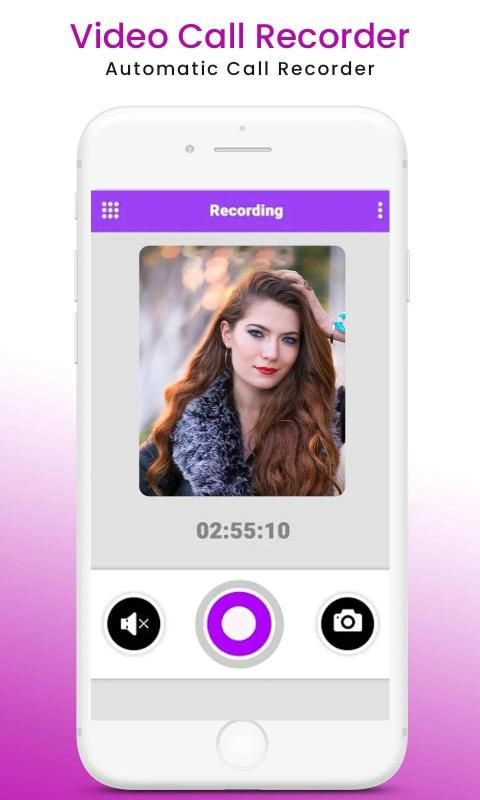
- Video call recorder, you can easily record every video call when it starts,
- Automatic video call recorder.
- HD quality recording.
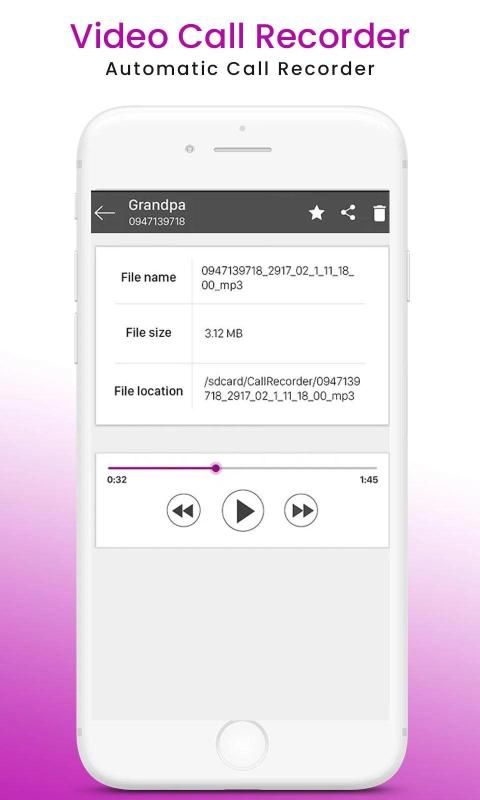
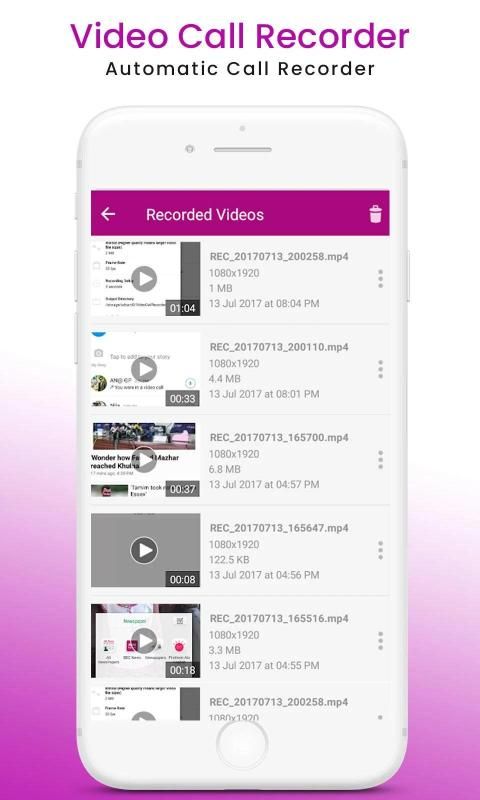
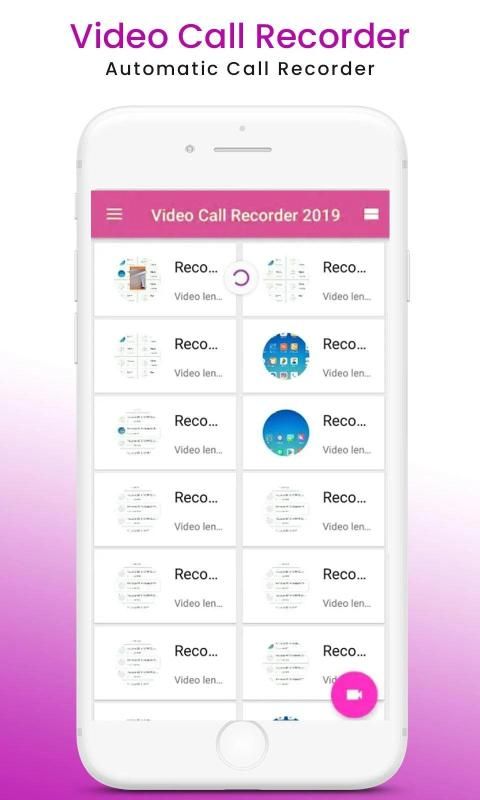
- Play recorded video calls anytime.
- Video Editing, delete, rename, share you name it.
- Video Effect
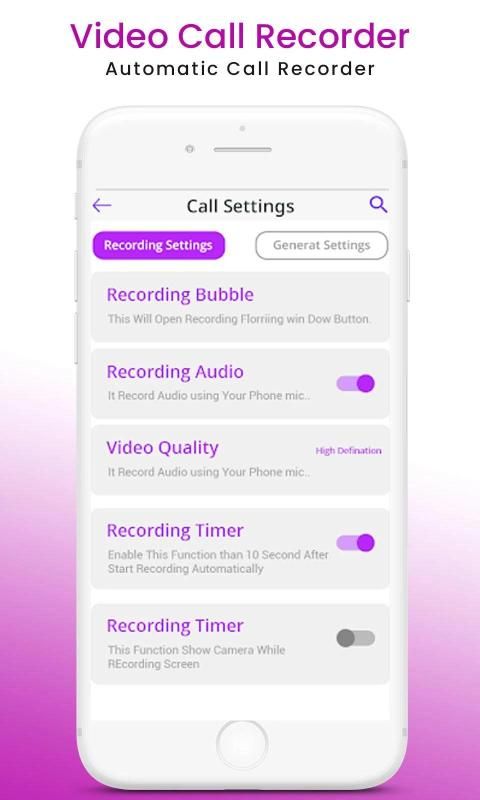
Set a recording delay timer.
- you can easily manage and set your own time delay you choose before start a video call recording or call recording.
- Share recording video calls anytime you want.
- Delete & Rename voice call recording.
So you can also use this Video Call Recorder app for recording live game streaming as well as screen capture recorder and Phone Recorder app. Record Phone Calls & Video Chat Recording it's easy to use that works on ANY video call application, enable you to record any video chat, save on the device and easily share or store. We all have important calls and sweet memories from friends and family to save, with What Recorder: Video Chat Recording it's fun and simple.
Legal notice
The legislation regarding voice call recording varies in different countries and states. Please, make sure that you're not breaking the legislation of your or your call/caller country. Always notify the call/caller that your conversation will be recorded and ask for their permission.
Features of video call recorder & Video Chat Recording:
Record IMO video call screen recorder
Video calling free cam chat
Record WhatsApp video call
Audio + Video Recording and HD Quality Available.
Record any video call with just 1 click.
Cool dynamic effect of the floating window
Edit name of the video, delete recorded videos anytime.
Auto adjustment of screen resolution and voice
Play, share or delete videos from within the application
Save your videos on dropbox, google drive etc
Record anytime anywhere without root.
Hide floating window when recording.
Multiple video resolutions, video quality, frame rates. Automatically choose the best video settings for your device.
Share & edit & delete & select all pictures.
How it works :
- Open app and Press recording button
- Notification with Start Stop button will appear
- Start Recording before your call start and stop on end
- Recording Video will be saved in App folder
- you can share trim and delete video from there
- record any outgoing and incoming video conference with multiple people or strangers.
Screenshots and Image Editing
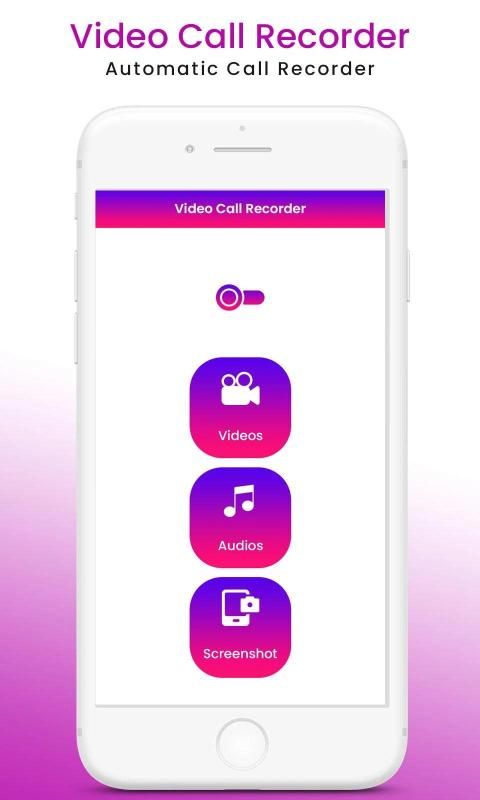
Recorder is not only a screen recorder for videos, but also an app to capture screenshots and edit images. With DU Recorder, you can take a screenshot in just one click. With just one hand. No more double-press and hold. Quick and easy! You can also share your screenshots or use in-app image editing tools to stitch and crop local images.
Thank You.
Perekam Panggilan Video Untuk Android adalah aplikasi yang dapat menangkap layar Anda selama secara otomatis selama semua percakapan video Anda di ponsel atau tablet Anda. Catatan aplikasi ini juga secara otomatis Perekam Panggilan Video dalam definisi tinggi HD.
Perekam Panggilan Video mendukung perekam video HD, perekam panggilan dan perekam panggilan otomatis telepon. Ini menggunakan layanan Aksesibilitas. Rekam panggilan dan percakapan Anda dengan kualitas tinggi.
Aplikasi Perekam Panggilan Video ini akan memungkinkan Anda melakukan percakapan yang indah Panggilan Video memutar video dengan menyediakan setiap fitur yang Anda butuhkan dalam desain pengalaman pengguna yang sederhana dan elegan; Anda dapat memotong video yang diambil dengan menandai titik awal dan akhir.
Anda akan melihat banyak Aplikasi Perekam Panggilan Video di Play Store tetapi perekam panggilan otomatis video memiliki solusi canggih, ini mungkin Perekam Panggilan # 1 untuk android.
Perekam Panggilan Video itu adalah rekaman panggilan VoIP, dan juga perekam panggilan otomatis, dan bagian terbaiknya GRATIS.
Catatan :
Perekam Panggilan Video menggunakan layanan Aksesibilitas.
Rekaman suara berkualitas tinggi.
Rekam panggilan dan percakapan Anda dengan kualitas tinggi.
Ini sederhana dan mudah digunakan:
- Perekam panggilan video, Anda dapat dengan mudah merekam setiap panggilan video saat dimulai,
- Perekam panggilan video otomatis.
- Rekaman kualitas HD.
- Putar panggilan video yang direkam kapan saja.
- Video Editing, hapus, ganti nama, bagikan nama Anda.
- Efek Video
Atur timer penundaan perekaman.
- Anda dapat dengan mudah mengelola dan mengatur waktu tunda yang Anda pilih sebelum memulai perekaman panggilan video atau merekam panggilan.
- Bagikan rekaman video call kapan saja Anda mau.
- Hapus & Ganti nama rekaman panggilan suara.
Jadi Anda juga dapat menggunakan aplikasi Perekam Panggilan Video ini untuk merekam streaming permainan langsung serta perekam tangkapan layar dan aplikasi Perekam Telepon. Rekam Panggilan Telepon & Obrolan Video. Rekaman itu mudah digunakan yang bekerja pada aplikasi panggilan video APA PUN, memungkinkan Anda untuk merekam obrolan video apa pun, menyimpan pada perangkat dan dengan mudah berbagi atau menyimpan. Kita semua memiliki panggilan penting dan kenangan manis dari teman dan keluarga untuk disimpan, dengan What Recorder: Rekaman Video Chat itu menyenangkan dan sederhana.
Pemberitahuan hukum
Undang-undang tentang rekaman panggilan suara berbeda-beda di berbagai negara dan negara bagian. Harap pastikan bahwa Anda tidak melanggar undang-undang negara panggilan / pemanggil Anda atau Anda. Selalu beri tahu penelepon / penelepon bahwa percakapan Anda akan direkam dan minta izinnya.
Fitur perekam panggilan video & Rekaman Obrolan Video:
Rekam perekam layar panggilan video IMO
Panggilan video chat cam gratis
Rekam panggilan video WhatsApp
Rekaman Audio + Video dan Kualitas HD Tersedia.
Rekam panggilan video apa pun hanya dengan 1 kali klik.
Efek dinamis keren dari jendela mengambang
Edit nama video, hapus rekaman video kapan saja.
Penyesuaian otomatis resolusi layar dan suara
Putar, bagikan, atau hapus video dari dalam aplikasi
Simpan video Anda di dropbox, google drive dll
Rekam kapan saja di mana saja tanpa root.
Sembunyikan jendela mengambang saat merekam.
Beberapa resolusi video, kualitas video, kecepatan bingkai. Secara otomatis memilih pengaturan video terbaik untuk perangkat Anda.
Bagikan & edit & hapus & pilih semua gambar.
Bagaimana itu bekerja :
- Buka aplikasi dan tekan tombol Perekaman
- Notifikasi dengan tombol Start Stop akan muncul
- Mulai merekam sebelum panggilan Anda mulai dan berhenti pada akhirnya
- Rekaman Video akan disimpan di folder Aplikasi
- Anda dapat berbagi trim dan menghapus video dari sana
- Merekam semua konferensi video yang keluar dan masuk dengan banyak orang atau orang asing.
Screenshot dan Pengeditan Gambar
Perekam tidak hanya perekam layar untuk video, tetapi juga aplikasi untuk menangkap tangkapan layar dan mengedit gambar. Dengan DU Recorder, Anda dapat mengambil tangkapan layar hanya dalam satu klik. Hanya dengan satu tangan. Tidak ada lagi tekan dua kali dan tahan. Cepat dan mudah! Anda juga dapat berbagi tangkapan layar atau menggunakan alat pengeditan gambar dalam aplikasi untuk menjahit dan memotong gambar lokal.
Terima kasih.






9Apps 4.9










