



9Apps services for free Android apps. 30,000+ users downloaded Video Background Changer latest version on 9Apps for free every week! Therefore, people are willing to accept this latest version. This hot app was released on 2019-04-23. That’s it! You’re done?
- Want to replace your photos background with Video ?
- Change your photo background with Smart Video background ?
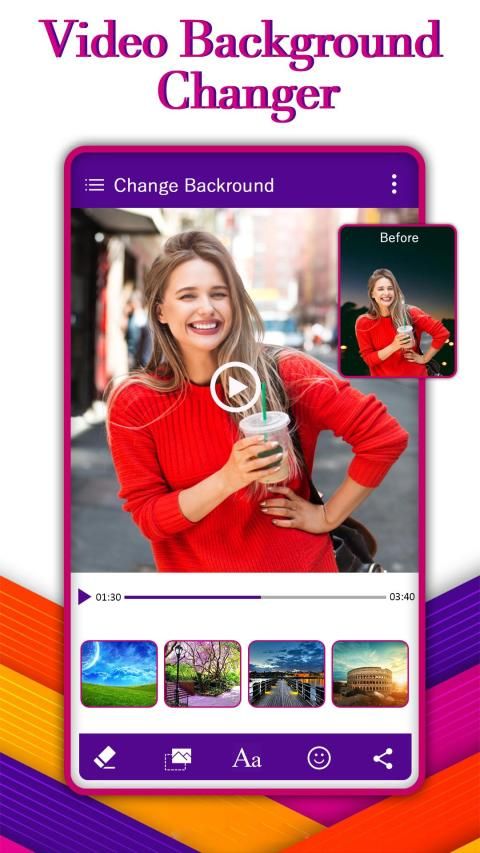
- Easy to replace your photo backgrounds & add new background Video ?
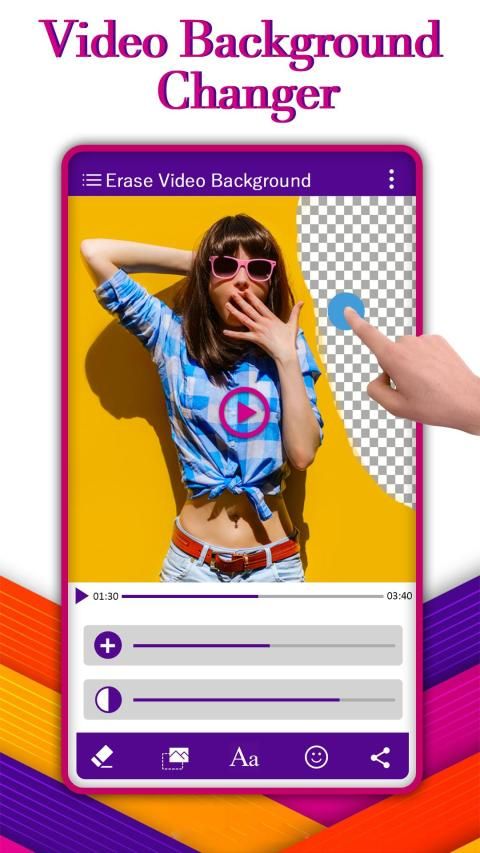
Video Background Changer Application remove Your old Background in your Photos Then add Beautiful Video Background.You Can Also Add Music,Stickers,Text as your choice.
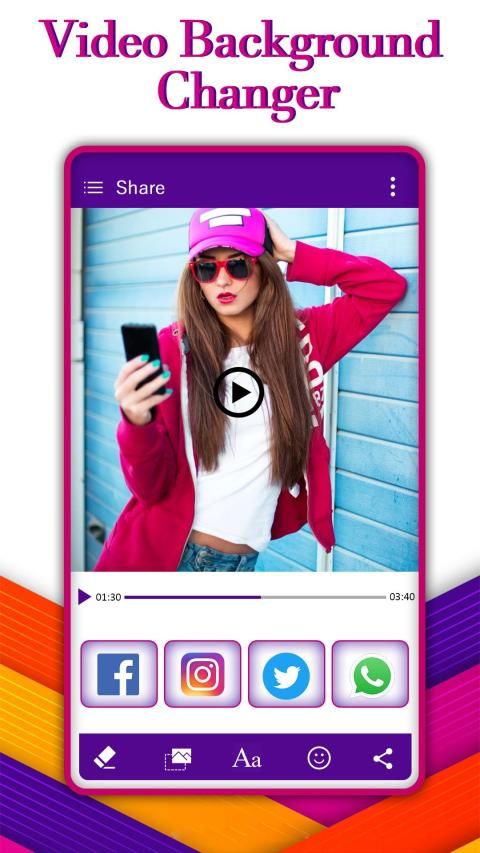
Video Background Changer Help you to Share your Videos with your friends and as well as social media.
Animated Background allows you to change Video background you can erase or remove any portion of the background Video.
How to use Video Background Changer:
- Choose photo from your gallery
- Cut out your photo
- Insert your cut out into background video
- Save and share
Features:-
- Select photo from gallery album.
- Selected photo easy to cropped as you require.
- Erase your photo's background with our easy to use background eraser tool.-
- Select any video clip which you like to add in your photo background.
- You can find different types of video given here you choose as you wish.
- Finally you can create replaced background video.
- You can easily Save your creation in your phone memory.
- One click to Share with your friends on social media application.
- Ingin mengganti latar belakang foto Anda dengan Video?
- Ubah latar belakang foto Anda dengan latar belakang Smart Video?
- Mudah untuk mengganti latar belakang foto Anda & menambahkan Video latar belakang baru?
Aplikasi Video Background Changer menghapus Background lama Anda di Foto Anda Kemudian tambahkan Background Video Cantik. Anda Juga Dapat Menambahkan Musik, Stiker, Teks sebagai pilihan Anda.
Video Background Changer Membantu Anda untuk Berbagi Video Anda dengan teman-teman Anda dan juga media sosial.
Latar Belakang Animasi memungkinkan Anda untuk mengubah latar belakang Video Anda dapat menghapus atau menghapus bagian mana pun dari Video latar belakang.
Cara menggunakan Video Background Changer:
- Pilih foto dari galeri Anda
- Gunting foto Anda
- Masukkan potongan Anda ke video latar belakang
- Simpan dan Bagikan
Fitur:-
- Pilih foto dari album galeri.
- Foto yang dipilih mudah dipangkas sesuai kebutuhan Anda.
- Hapus latar belakang foto Anda dengan alat penghapus latar belakang kami yang mudah digunakan.-
- Pilih klip video yang ingin Anda tambahkan di latar belakang foto Anda.
- Anda dapat menemukan berbagai jenis video yang diberikan di sini yang Anda pilih sesuai keinginan.
- Akhirnya Anda dapat membuat video latar belakang yang diganti.
- Anda dapat dengan mudah menyimpan kreasi Anda di memori ponsel Anda.
- Satu klik untuk Berbagi dengan teman Anda di aplikasi media sosial.




9Apps 4.9











