


Are you looking for some free apps? 20,000+ users downloaded VidMix : Audio Video Mixer - Video Editor latest version on 9Apps for free every week! In my opinion, you will like this app after use it. This hot app was released on 2019-10-04. To read more information, you can go to 9Apps.
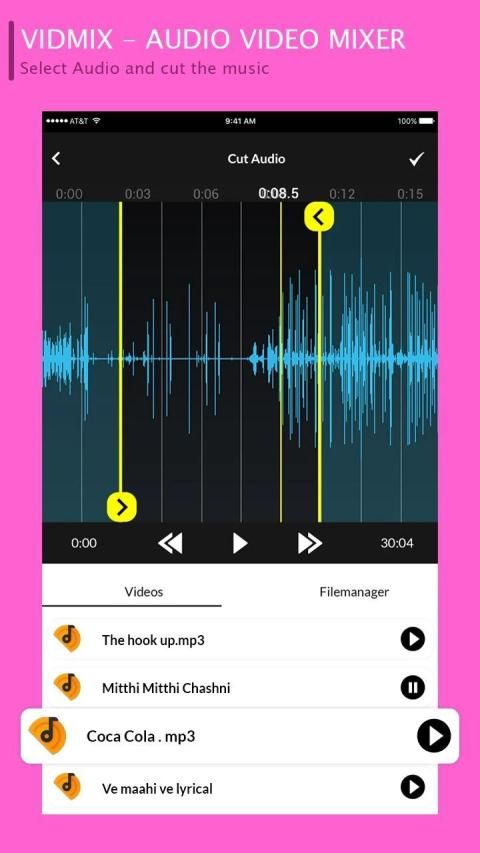
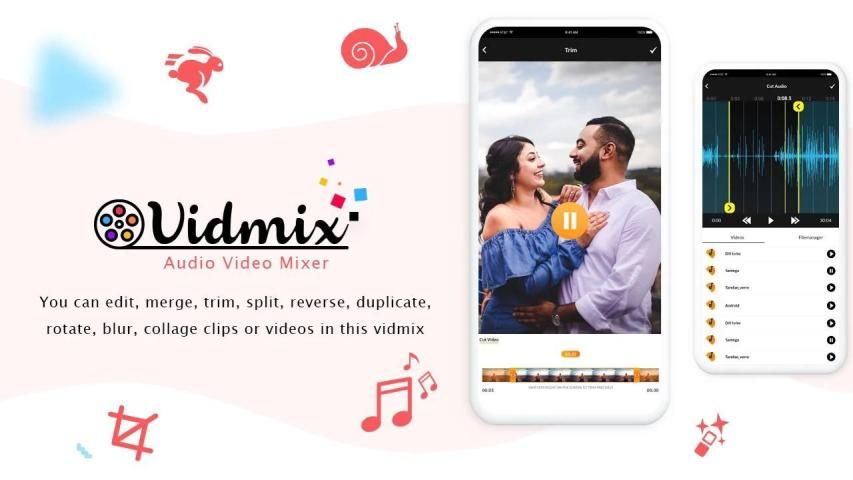
Using "VidMix - Audio Video Mixer - Video Editor" You can now add a song audio of your choice to any video with this application in your Android phone,cut video and audio , convert video to audio and more, also Include Audio Cutter, Video Cutter and Audio To Video Mixer.
Now a days, becoming a popular for sharing your feelings on social media especially for WhatsApp. Now you can add or change music in video with use of this or mix it with video by using great video editor tool VidMix, this application manages audio file size if the audio file length is larger than video files, it will be automatically trim audio to video's duration.
This app also known as video me gana dalne ka apps,Add audio to video,Add song to video, Video Me Gana Badle, video me gana set krna,video me gana kaise dale, video me gana set karne, video me gana,video pe gana.
"VidMix - Audio Video Mixer - Video Editor" provides you a good quality service in which you can play the process of audio replace in the video, you can also run this process in the background so that you can connect to work in your android device, and when the video is ready, the screen in front of you Come on.
How to change audio in video
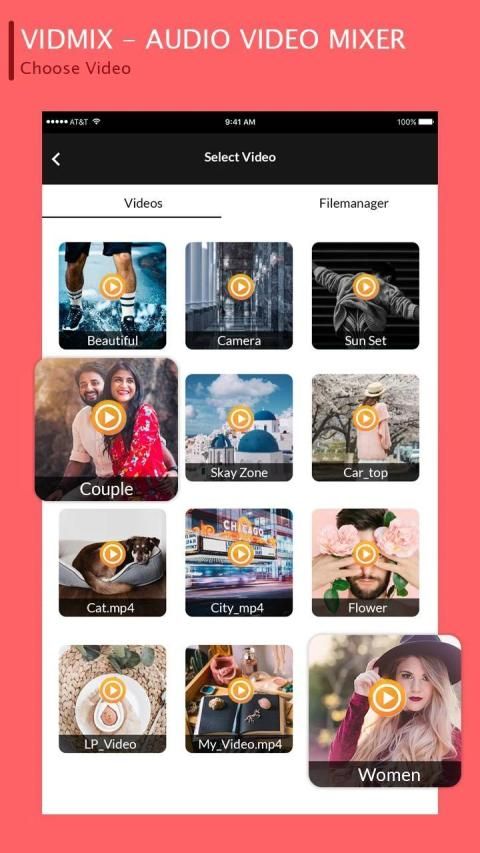
❤ Select your video from gallery or from your mobile.
❤ Select your audio from gallery or from your music library.
❤ Easy to use and user friendly UI of audio video editor mixer app.
❤ Automatically trim audio to video's duration like video editor app.
❤ You can also share your created video which are saved in my creation by your choice
Feature of Audio Video Mixer :-
- Repeat mode support.
- Choose the start location of the background music.
- Audio Editing at its best.
- Volume control with Audio Mixing.
- Preview support.
- Audio video mixer support music trimming too.
- Live preview.
- Delete or Share Video Directly from the list.
- Smooth UI designs.
- Supports major available video and audio Formats.
- Sharable to mostly social networks.
- Mix All audio and videos.
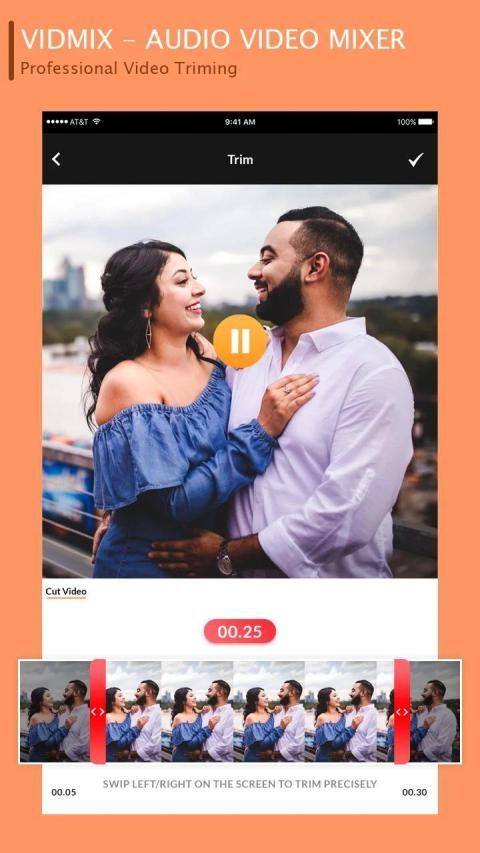
- Also Work as Video Trimmer.
- Powerful video and audio mixer.
- Supports major available Formats.
- Good design and easy to use.
- Light weight app.
- Easy to use Professional Video Audio Mixer Tools.
- Video List support.
- Share your Music videos & movie creations on Social Media App.
Menggunakan "VidMix - Audio Video Mixer - Video Editor" Sekarang Anda dapat menambahkan audio lagu pilihan Anda ke video apa pun dengan aplikasi ini di ponsel Android Anda, memotong video dan audio, mengkonversi video ke audio dan banyak lagi, juga Termasuk Pemotong Audio, Video Pemotong dan Pengaduk Audio Ke Video.
Sekarang, menjadi populer untuk berbagi perasaan Anda di media sosial terutama untuk WhatsApp. Sekarang Anda dapat menambah atau mengubah musik dalam video dengan menggunakan ini atau mencampurnya dengan video dengan menggunakan alat editor video yang hebat VidMix, aplikasi ini mengelola ukuran file audio jika panjang file audio lebih besar dari file video, itu akan secara otomatis memotong audio menjadi durasi video.
Aplikasi ini juga dikenal sebagai aplikasi video saya gana dalne ka, Tambah audio ke video, Tambahkan lagu ke video, Video Me Gana Badle, video saya gana set krna, video saya gana kaise dale, video saya gana set karne, video saya gana, video pe gana.
"VidMix - Audio Video Mixer - Video Editor" memberi Anda layanan berkualitas baik di mana Anda dapat memutar proses penggantian audio dalam video, Anda juga dapat menjalankan proses ini di latar belakang sehingga Anda dapat terhubung untuk bekerja di perangkat android Anda , dan saat video siap, layar di depan Anda Ayo.
Cara mengubah audio dalam video
❤ Pilih video Anda dari galeri atau dari ponsel Anda.
❤ Pilih audio Anda dari galeri atau dari perpustakaan musik Anda.
❤ UI yang mudah digunakan dan user friendly dari aplikasi mixer video editor audio.
❤ Secara otomatis memotong durasi audio ke video seperti aplikasi editor video.
❤ Anda juga dapat membagikan video yang Anda buat yang disimpan di kreasi saya dengan pilihan Anda
Fitur Audio Video Mixer: -
- Dukungan mode Ulangi.
- Pilih lokasi awal musik latar.
- Pengeditan Audio yang terbaik.
- Kontrol volume dengan Audio Mixing.
- Dukungan preview.
- Audio video mixer juga mendukung pemangkasan musik.
- Pratinjau langsung.
- Hapus atau Bagikan Video Langsung dari daftar.
- Desain UI halus.
- Mendukung Format video dan audio utama yang tersedia.
- Dapat digunakan di sebagian besar jejaring sosial.
- Campur Semua audio dan video.
- Juga Berfungsi sebagai Pemangkas Video.
- Mixer video dan audio yang kuat.
- Mendukung Format utama yang tersedia.
- Desain bagus dan mudah digunakan.
- Aplikasi ringan.
- Mudah digunakan Alat Mixer Audio Video Profesional.
- Dukungan Daftar Video.
- Bagikan video Musik & kreasi film Anda di Aplikasi Media Sosial.
Bug Fixes
Now the Vidmix : Audio Video Mixer app is running faster, enjoy it :-)







9Apps 4.9










