

It’s time to update your mobile application. 30,000+ users downloaded Verify latest version on 9Apps for free every week! It is a wonderful app that amazes every player. This hot app was released on 2019-01-16. It get a lot of recognition after release.
This application aims to add a security layer for your important sites you visit using your chrome browser.
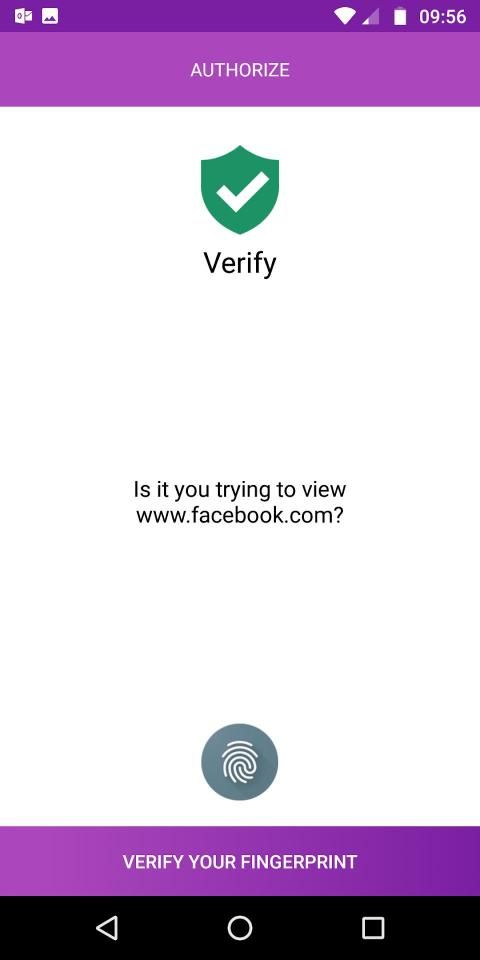
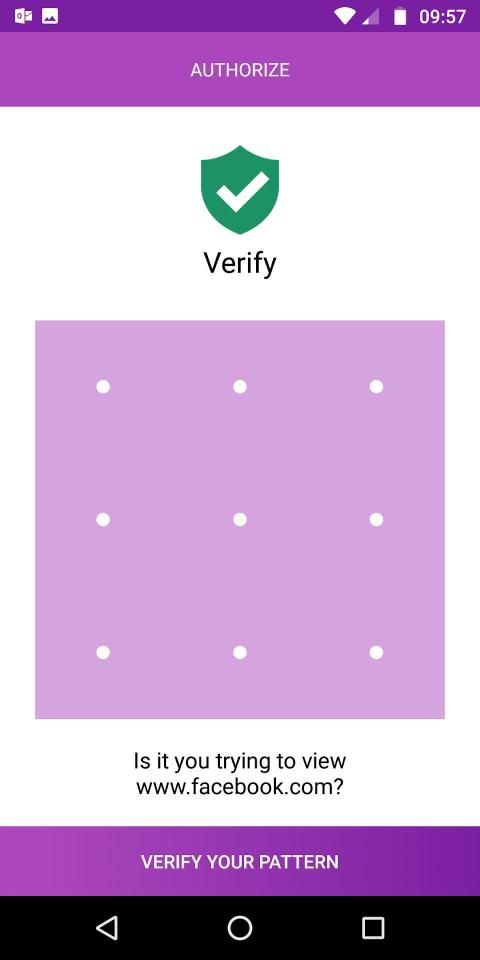
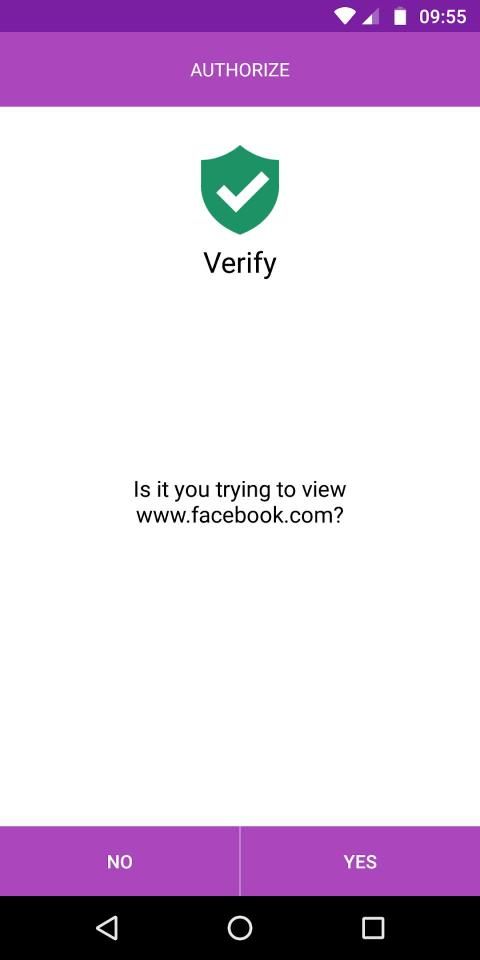
The plugin will prompt a authorisation screen on your linked mobile device when trying to view website added to verify list.
Upon successful authorisation the user will be allowed to the website.
An unsuccessful authorisation will leave the user blocked on the error page.
Installation:
Install the verify chrome extension like any other by just clicking on Add to Chrome button.
https://chrome.google.com/webstore/detail/verify/moohdfjahoapangnfpdciifockpafcnd
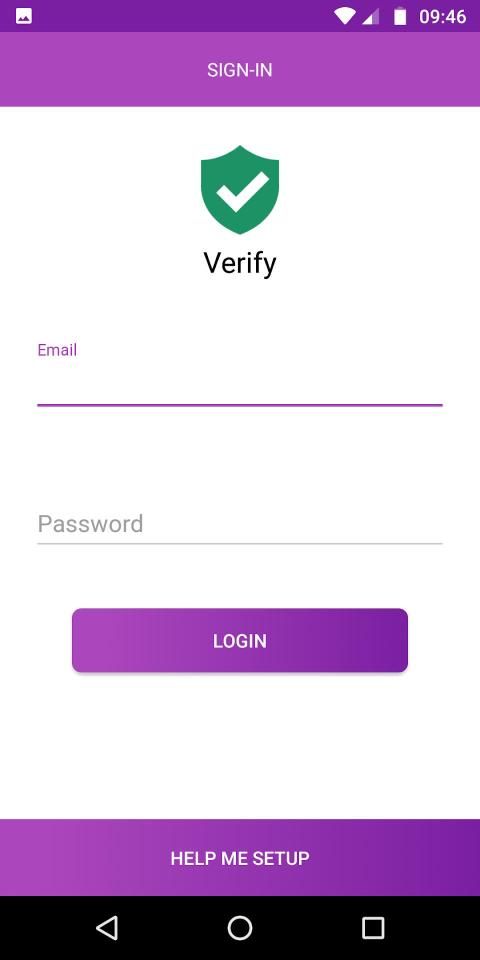
Signup with an email account.
Login to your account.
Login to the android app with same account that you created earlier.
Once logged-in the linked device will start showing up under settings for your chrome extension.
Aplikasi ini bertujuan untuk menambahkan lapisan keamanan untuk situs penting yang Anda kunjungi menggunakan browser chrome Anda.
Pengaya akan meminta layar otorisasi pada perangkat seluler Anda yang ditautkan ketika mencoba melihat situs web yang ditambahkan ke daftar verifikasi.
Setelah otorisasi berhasil, pengguna akan diizinkan ke situs web.
Otorisasi yang tidak berhasil akan membuat pengguna diblokir pada halaman kesalahan.
Instalasi:
Pasang ekstensi chrome verifikasi seperti yang lainnya dengan mengeklik tombol Tambahkan ke Chrome.
https://chrome.google.com/webstore/detail/verify/moohdfjahoapangnfpdciifockpafcnd
Daftar dengan akun email.
Masuk ke akun Anda.
Masuk ke aplikasi android dengan akun yang sama yang Anda buat sebelumnya.
Setelah masuk, perangkat yang tertaut akan mulai muncul di bawah pengaturan untuk ekstensi chrome Anda.
- Minor UI Fixes
- Optimized




9Apps 4.9










