Here provides top Free Android Apps. 20,000+ users downloaded Vector Addition latest version on 9Apps for free every week! You get various free apps from the store. This hot app was released on 2018-12-06. 9Apps has thousands of apps and updated daily!
- Click and Drag to draw the first vector
- Click and drag on either end to change it, or on the center magnitude to translate it
- Click on the red circle to begin drawing the next vector
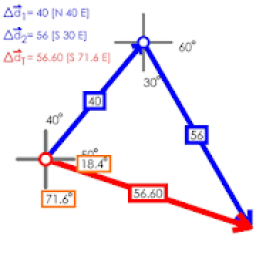
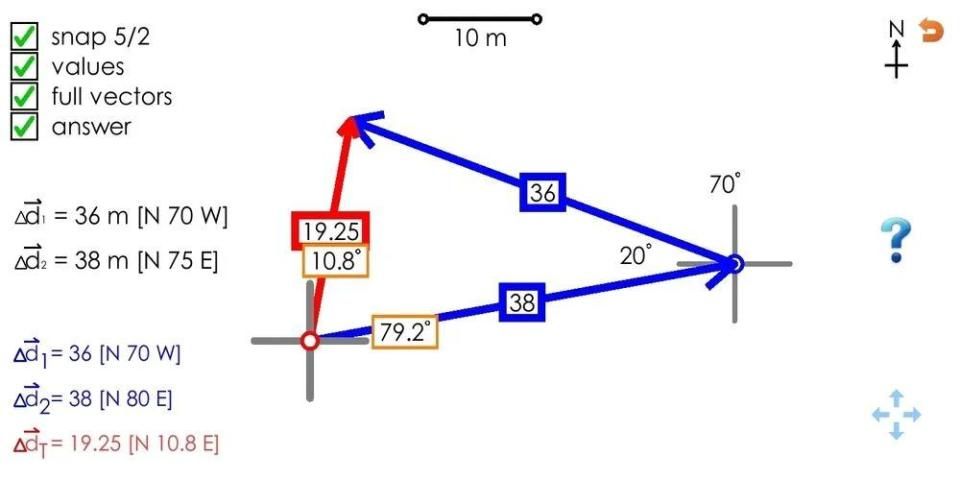
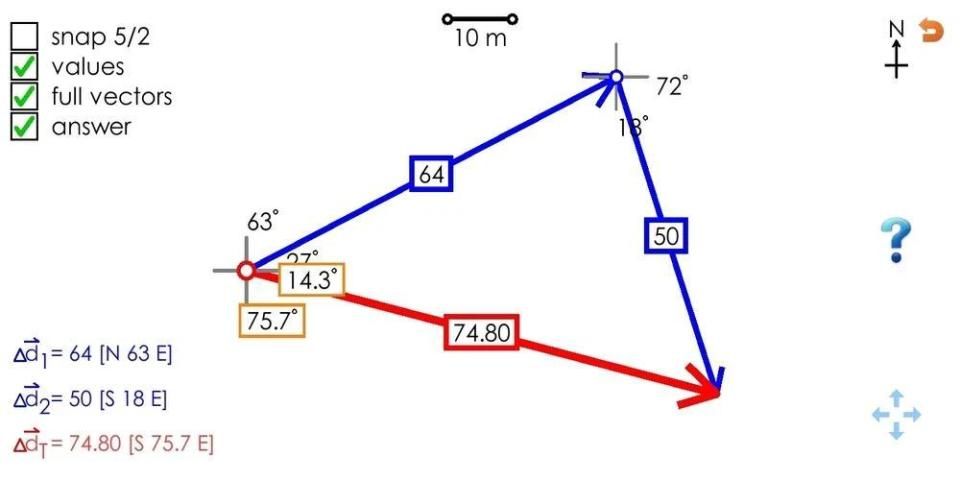
- Once both vector are drawn, drag one by the center to connect them and see the resultant
- Touch drag or pinch to translate or zoom the screen
- Buttons on the sides can show detail such as as: magnitudes and angles in the diagram, full vector labels on the left, the resultant vector (answer)
- The question mark button creates a random vector addition problem to solve
- The 5/2 button snaps vectors to the nearest 5 degrees and 2 m to make them simpler to draw
- Klik dan Seret untuk menggambar vektor pertama
- Klik dan seret salah satu ujung untuk mengubahnya, atau di bagian tengah untuk menerjemahkannya
- Klik pada lingkaran merah untuk mulai menggambar vektor berikutnya
- Setelah kedua vektor ditarik, tarik satu oleh pusat untuk menghubungkannya dan lihat hasilnya
- Sentuh seret atau cubit untuk menerjemahkan atau memperbesar layar
- Tombol pada sisi dapat menunjukkan detail seperti: besaran dan sudut dalam diagram, label vektor penuh di sebelah kiri, vektor resultan (jawaban)
- Tombol tanda tanya menciptakan masalah penambahan vektor acak untuk dipecahkan
- Tombol 5/2 menjepit vektor ke 5 derajat dan 2 m terdekat untuk membuatnya lebih mudah untuk menggambar
First release!

9Apps 4.9