



Some India application are update now! 20,000+ users downloaded Remove Unwanted Object From Photo latest version on 9Apps for free every week! The App has powerful functions. This hot app was released on 2019-04-30. You’ll want to use it on your own phones after you know more.
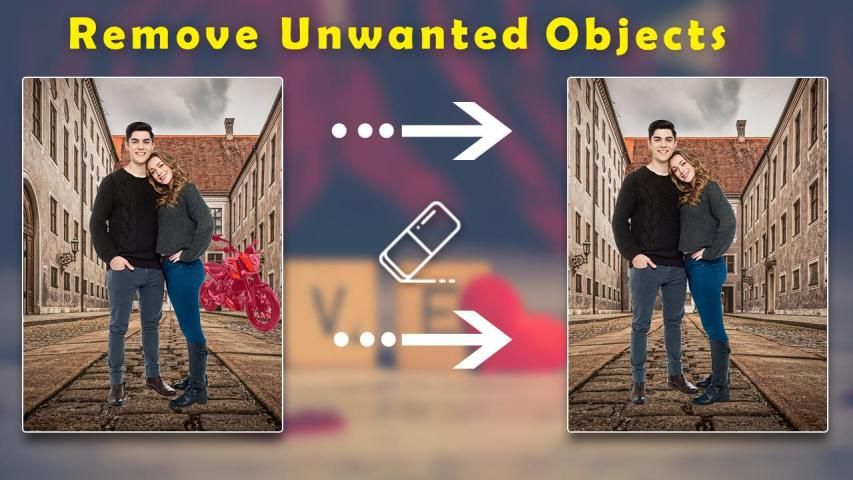
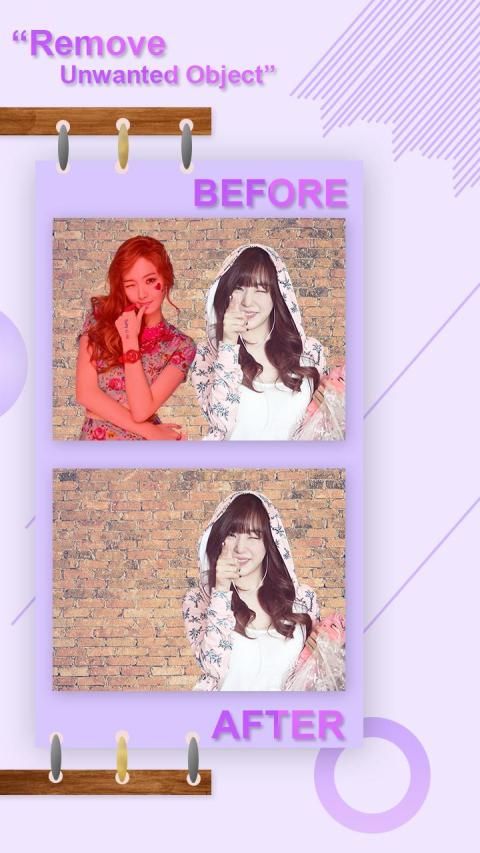
Touch to Remove Object from Photo: TouchRetouch app is a very useful tool that can erase any object, logo, watermark, or date on a picture. Photo Stamp Remover helps you improving your pictures in another manner than usual ones..
Removing Objects from Your Photos using the Magical tools of touch-retouch eraser like,object remover tool,scalado remover tool,photo inpaint tool, Watermark Remover tools, and others to remove unwanted content from photos.
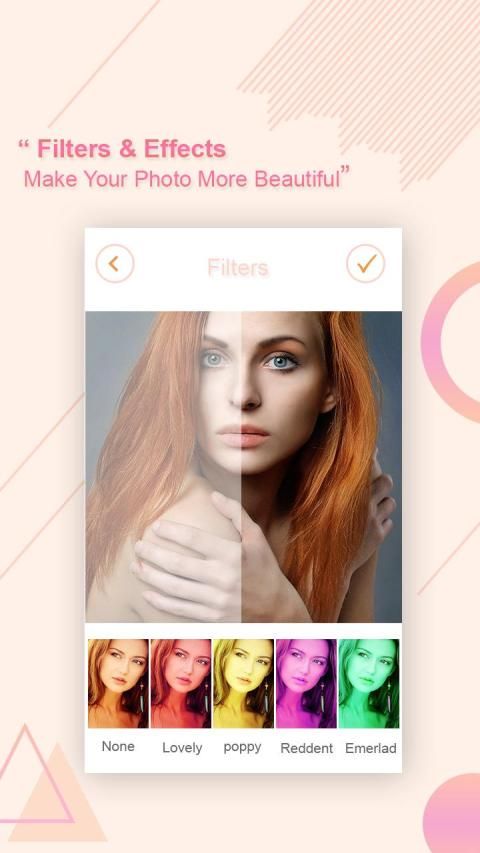
Are you want to make your photo more stylish & attractive? Are you want to erase your photo background easily? Are you want to delete unwanted object from your photo if your answer is yes than happy news for you that Remove Unwanted Object & Erase Background of Photo best app for making your photo more stylish, attractive and heart touching? You can easily to erase background and remove object from your photo by this app.
Use Segment Remover. Set your line Thickness and thick for better performance. Remove text from photo, remove stamp from photo, remove logo from photo, remove stickers from photo, remove pimples, remove blemish
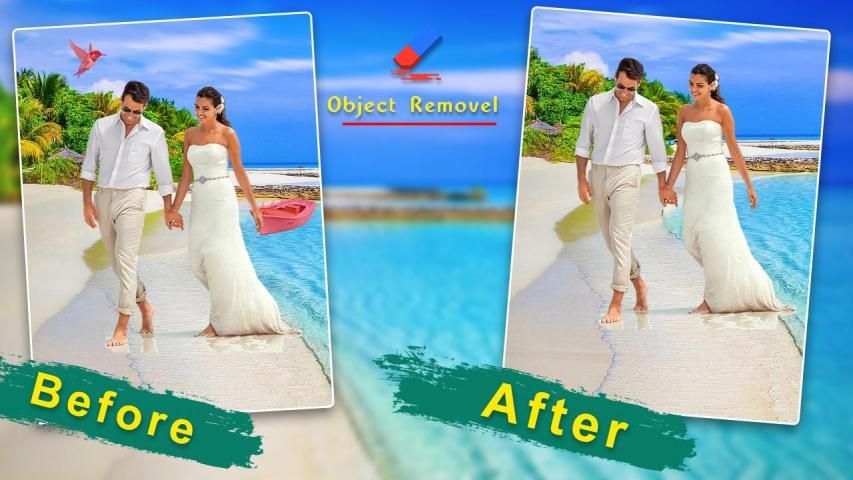
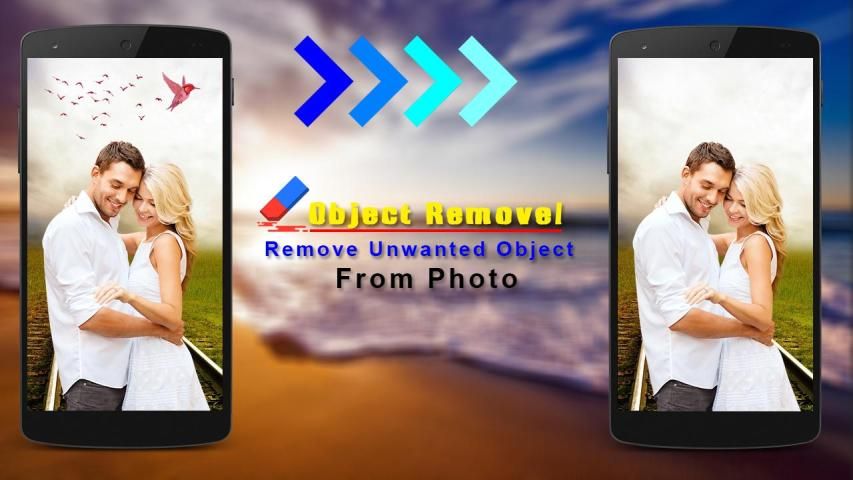
The first tool of TouchRetouch Eraser is unwanted object remover which use to easy same work you are select a photo and work on this object remover tool to delete object from your photo that you don’t want show in your favorite photo. To use brush size and pressing on the photo and easy to remove any object from your photo that you do not want to show in your image.
The second tool of TouchRetouch Eraser is quick to object remover or quick remover that work is same like object remover but use this tool you can remove any object from your photo auto, fast and easily.
The third tool of TouchRetouch Eraser App is clone stamp which uses like set a mirror effect and double effect on your photo. You can make a lot of clones or faces of a single image by this stamp clone tool. You can set the duplicate or replica effect on your photo, cloth remover from any photo by this stamp cloning tool. So use this clone stamp tool in your photo and make your image mind-blowing.
How to use:
* Simply open your Object Remover app.
* Select of your favorite tool.
* Pick photo from camera or gallery .
* Choose objects you want to remove which selected in red.
* Press process button and see magic on your photo.
* Save or share this image to your friends.
Best Features:
* Easy to remove your photo background.
* Delete any object from your photo.
* Quick object remover option.
* Also, use a lasso tool in this app.
* Remove cloth from photo.
* Quick eraser tool.
* Mirror effect tool or stamp clone is enable.
* Video tutorial for how to use this app.
* Removing Objects with Your finger touch selection of part.
* Eraser tool for photos.
* Blur effect.
* Text of photos.
* Photo editing option are also available for editing like text and effects.
* Remove filter from picture.
* Simple to remove object with one click.
* Very easily remove unwanted content from your photo.
* Photobombers, scalado remove, and object remover.
* Adjustment of the backlight and objects.
* Insufflate your mood into your photos.
* Easy to use professional editing tools with simple interface.
* Easy to use and user friendly UI.
* Remove Useless Content for Touch-Retouches Photo Eraser.
* Photo editor remove objects.
* Remove object of any photos.
* Remove objects from pictures.
* Remove people from photo.
* Eraser tool for photos.
* Support all android device.
* Share it with your friends and also with relatives
Thanks for using...
Sentuh untuk Menghapus Objek dari Foto: Aplikasi TouchRetouch adalah alat yang sangat berguna yang dapat menghapus objek, logo, tanda air, atau tanggal pada gambar. Penghapus Perangko Foto membantu Anda meningkatkan gambar dengan satu cara
Menghapus Objek dari Foto Anda menggunakan alat ajaib penghapus sentuh-retouching, alat renovasi, alat penghapus scalado, alat foto inpaint, alat penghapus tanda air, dan lainnya untuk menghapus konten yang tidak diinginkan dari foto.
Apakah Anda ingin membuat foto Anda lebih gaya & menarik? Apakah Anda ingin menghapus latar belakang foto Anda dengan mudah? Obyek & Hapus yang Tidak Diinginkan Latar belakang foto terbaik untuk foto Anda yang lebih gaya, menarik, dan menyentuh hati? Anda dapat dengan mudah mendapatkan objek ini dari foto Anda dengan aplikasi ini.
Gunakan Segment Remover. Tetapkan garis Anda Ketebalan dan tebal untuk kinerja yang lebih baik. Hapus teks dari foto, hapus cap foto, hapus logo dari foto, hapus stiker foto, hapus jerawat, hapus noda
Alat pertama dari TouchRetouch Eraser adalah alat paling penting dalam dunia fotografi. Untuk menggunakan kuas dan ukuran gambar Anda.
Alat kedua dari TouchRetouch Eraser cepat dan mudah untuk dihapus atau dihilangkan dengan mudah.
Alat ketiga dari TouchRetouch Eraser App adalah cap clone yang menggunakan efek cermin dan efek ganda pada foto Anda. Anda dapat membuat banyak klon atau alat klon. Anda dapat mengatur efek duplikat emas pada foto Anda dengan alat kloning prangko ini. Jadi gunakan alat stempel klon ini di foto Anda dan buat gambar Anda menakjubkan.
Cara menggunakan:
* Cukup buka aplikasi Object Remover Anda.
* Pilih alat favorit Anda.
* Pilih gambar dari kamera atau galeri.
* Pilih objek yang ingin Anda hapus yang dipilih dengan warna merah.
* Tekan tombol proses dan lihat keajaiban di foto Anda.
* Simpan atau bagikan gambar ini ke teman-teman Anda.
Fitur Terbaik:
* Mudah untuk menghapus latar belakang foto Anda.
* Hapus objek apa pun dari foto Anda.
* Opsi penghapus objek cepat.
* Juga, gunakan alat di aplikasi ini.
* Lepaskan kain dari foto.
* Alat penghapus cepat.
* Alat efek cermin atau klon perangko diaktifkan.
* Video tutorial untuk cara menggunakan aplikasi ini.
* Menghapus Objek dengan pemilihan sentuhan jari Anda.
* Alat penghapus untuk foto.
* Efek kabur.
* Teks foto.
* Opsi pengeditan foto juga tersedia untuk pengeditan seperti teks dan efek.
* Hapus filter dari gambar.
* Sederhana untuk menghapus objek dengan satu klik.
* Sangat mudah menghapus konten yang tidak diinginkan dari foto Anda.
* Photobomb, scalado remove, dan object remover.
* Penyesuaian lampu latar dan objek.
* Menambah suasana hati Anda ke dalam foto Anda.
* Mudah digunakan alat pengeditan profesional dengan antarmuka yang sederhana.
* Mudah digunakan dan UI yang ramah pengguna.
* Hapus Konten Tidak Berguna untuk Penghapus Foto Touch-up.
* Editor foto menghapus objek.
* Hapus objek foto apa pun.
* Hapus objek dari gambar.
* Hapus orang dari foto.
* Alat penghapus untuk foto.
* Mendukung semua perangkat android.
* Bagikan dengan teman Anda dan juga dengan kerabat
Terima kasih telah menggunakan ...




9Apps 4.9










