

It is said that 20,000+ users downloaded Telegram Camera (Telecam) latest version on 9Apps for free every week! This app is intended for an adult audience. This hot app was released on 2018-04-06. If you like it, just download and enjoy this app!
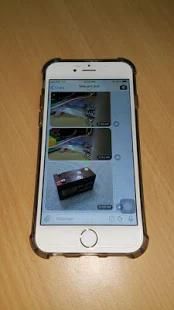
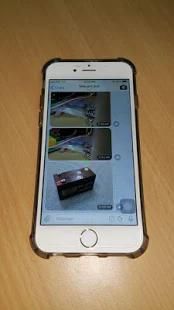
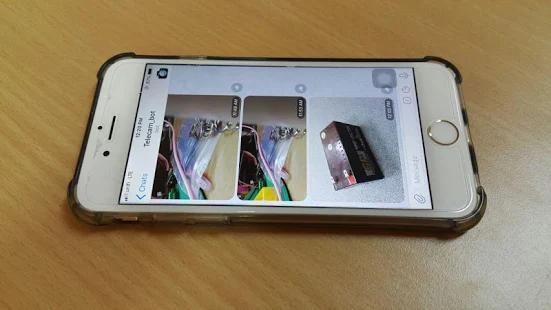
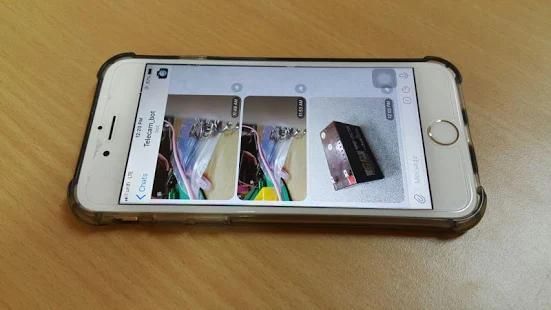
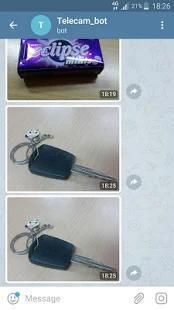
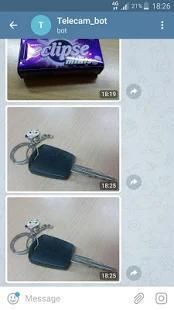
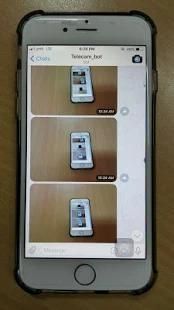
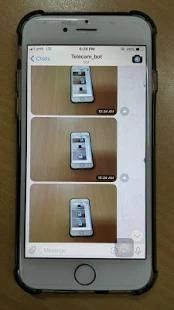
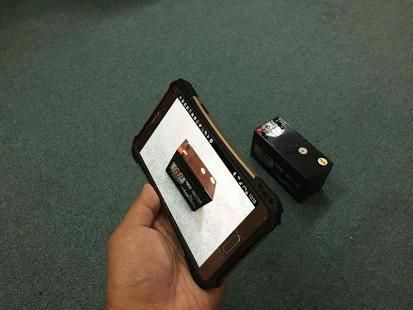
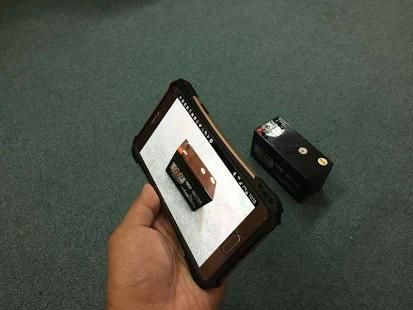
This app lets you take pictures using your phone and send them directly to your Telegram Messenger app.
Sample applications:
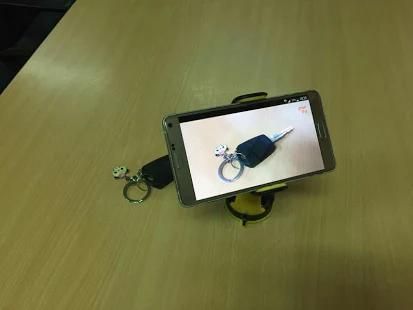
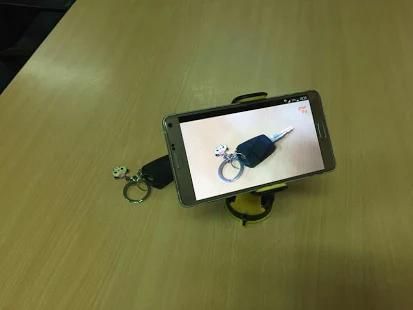
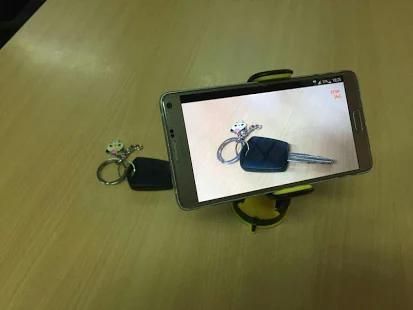
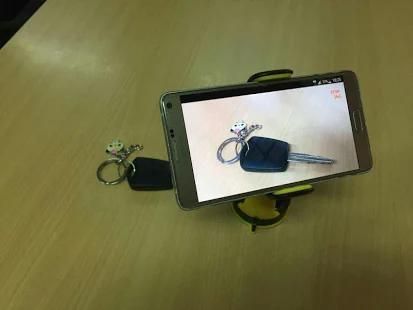
1. Make your phone as a CCTV. Fix it to a phone holder and point it to your house's main entrance. Every 5 minutes you get the picture in your Telegram Messenger app, which of course you are not at home at the moment.
2. Make your phone as a kids watcher. Fix it to a phone holder and place it somewhere in their room. Every 30 minutes you know what they are doing, like doing homework or just goofing around.
3. Monitor your pets activities.
4. Surveil your car.
5. Get to know the presence of your bus coming to your route.
6. You own a self-service laundry shop and you want to monitor how it goes. Install the phone at the corner of the shop just like a CCTV but make sure you put it in a cage.
7. You are doing research on endangered animals like the rhinos. Put the phone on their trails to catch some awesome pictures of them.
8. Many more. You name it. This app is totally free with no ads. Developed just for fun. Please use it responsibly. Thanks!
Instruction:
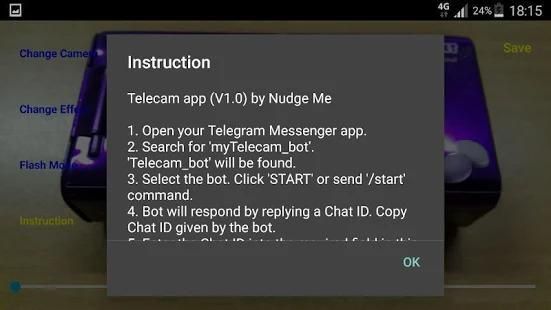
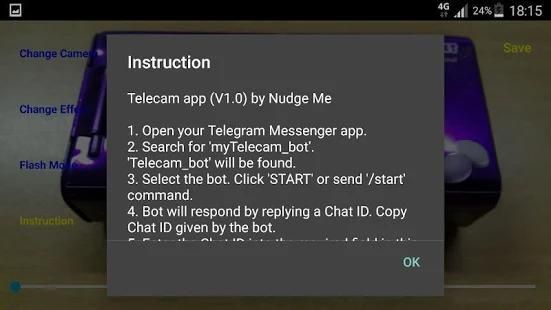
1. Open your Telegram Messenger app.
2. Search for 'myTelecam_bot'.
'Telecam_bot' will be found.
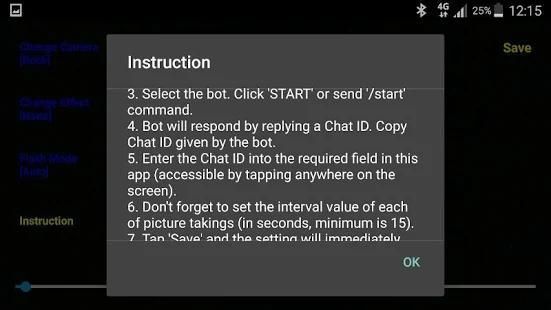
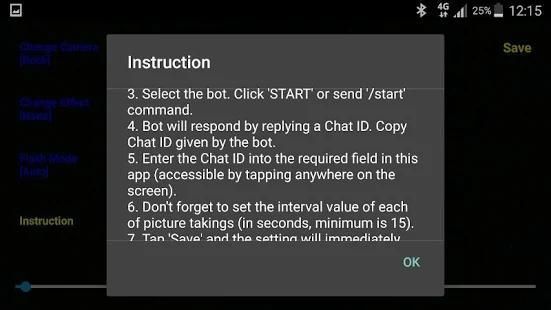
3. Select the bot. Click 'START' or send '/start' command.
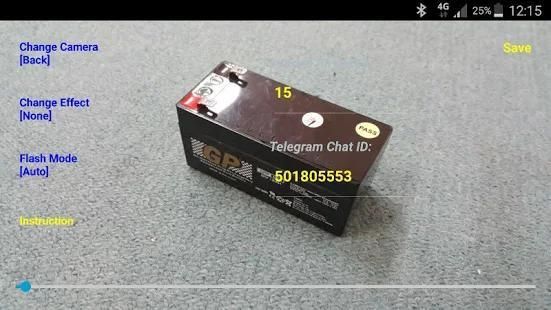
4. Bot will respond by replying a Chat ID. Copy Chat ID given by the bot.
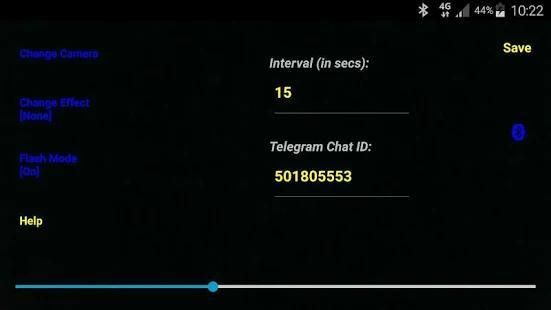
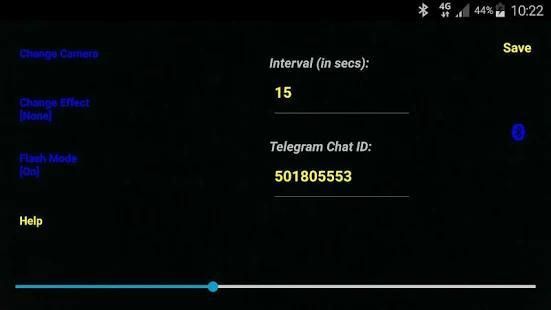
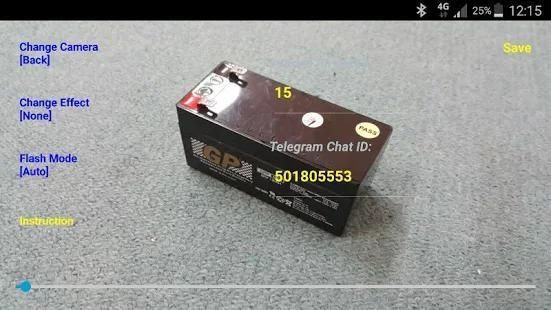
5. Enter the Chat ID into the required field in this app (accessible by tapping anywhere on the screen).
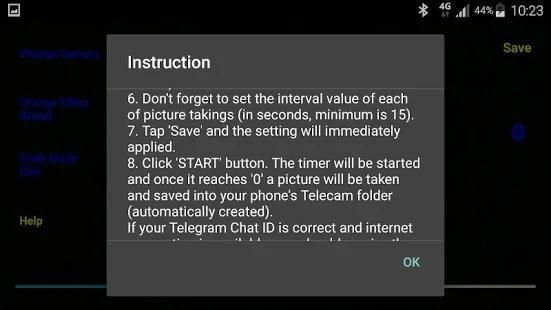
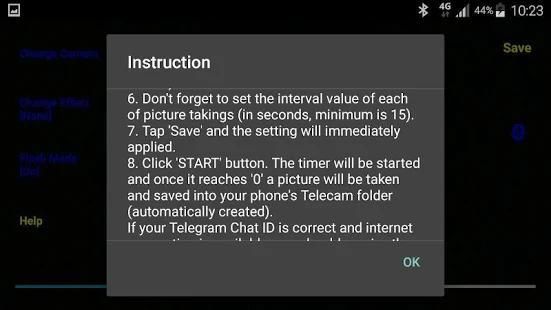
6. Don't forget to set the interval value of each of picture takings (in seconds, minimum is 15).
7. Tap 'Save' and the setting will immediately applied.
8. Click 'START' button. The timer will be started and once it reaches '0' a picture will be taken and saved into your phone's Telecam folder (automatically created). If your Telegram Chat ID is correct and internet connection is available, you should receive the pictures sent to your Telegram Messenger app."
Bluetooth function:
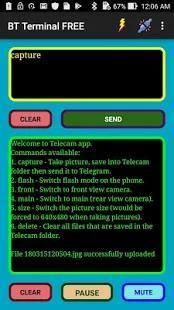
1. Get "BT Terminal" app by Nudge Me from Google Play. Install it to another phone (phone B). Phone A is where the Telecam app is installed.
2. Pair Bluetooth between phone A and phone B through phone's Bluetooth Setting (required one time only).
3. Launch the BT Terminal app.
4. Select 'Connect' menu, then select the phone A's Bluetooth name from the popup list.
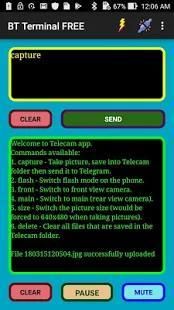
5. When the connection is successful, you will get a command list sent by phone A indicating that everything is OK.
Key in the following text (commands) on the phone B, then click SEND button.
a) capture - Take picture, save into Telecam folder then send it to Telegram.
b) flash - Switch flash mode on the phone.
c) front - Switch to front view camera.
d) main - Switch to main (rear view camera).
e) size - Switch the picture size (would be eventually forced to 640x480 when taking pictures).
f) delete - Clear all files that are saved in the Telecam folder.
Aplikasi ini memungkinkan Anda mengambil gambar menggunakan ponsel Anda dan mengirimkannya langsung ke aplikasi Telegram Messenger Anda.
contoh aplikasi:
1. Membuat ponsel Anda sebagai CCTV. Memperbaikinya untuk pemegang ponsel dan arahkan ke pintu masuk utama rumah Anda. Setiap 5 menit Anda mendapatkan gambar di aplikasi Telegram Messenger Anda, yang tentu saja Anda tidak di rumah saat ini.
2. Membuat ponsel Anda sebagai anak-anak pengamat. Memperbaikinya untuk pemegang telepon dan menempatkannya di suatu tempat di kamar mereka. Setiap 30 menit Anda tahu apa yang mereka lakukan, seperti melakukan pekerjaan rumah atau hanya bermain-main di sekitar.
3. Memantau aktivitas hewan peliharaan Anda.
4. surveil mobil Anda.
5. Kenali kehadiran bus Anda datang ke rute Anda.
6. Anda memiliki toko binatu swalayan dan Anda ingin memantau bagaimana kelanjutannya. Instal telepon di sudut toko hanya seperti CCTV tapi pastikan Anda memasukkannya ke dalam kandang.
7. Anda sedang melakukan penelitian pada hewan yang terancam punah seperti badak. Letakkan telepon pada jalur mereka untuk menangkap beberapa gambar yang mengagumkan dari mereka.
8. Banyak lagi. Anda nama itu. Aplikasi ini benar-benar gratis tanpa iklan. Dikembangkan hanya untuk bersenang-senang. Silakan gunakan secara bertanggung jawab. Terima kasih!
Petunjuk:
1. Buka aplikasi Telegram Messenger Anda.
2. Cari untuk 'myTelecam_bot'.
'Telecam_bot' akan ditemukan.
3. Pilih bot. Klik 'MULAI' atau mengirim '/ start' perintah.
4. Bot akan merespon dengan membalas ID Chat. Copy obrolan ID yang diberikan oleh bot.
5. Masukkan ID obrolan ke dalam bidang yang dibutuhkan dalam aplikasi ini (diakses dengan menekan mana saja di layar).
6. Jangan lupa untuk mengatur interval nilai dari masing-masing pengambilalihan gambar (dalam hitungan detik, minimal adalah 15).
7. Tekan 'Save' dan pengaturan akan segera diterapkan.
8. Klik tombol 'MULAI'. timer akan dimulai dan setelah mencapai '0' gambar akan diambil dan disimpan ke dalam folder Telecam ponsel Anda (otomatis dibuat). Jika Anda Telegram obrolan ID sudah benar dan koneksi internet tersedia, Anda harus menerima gambar yang dikirim ke aplikasi Telegram Messenger Anda."
fungsi Bluetooth:
1. Dapatkan "BT Terminal" aplikasi dengan Sikut Me dari Google Play. Menginstalnya ke ponsel lain (telepon B). Telepon A adalah di mana aplikasi Telecam diinstal.
2. Pasangan Bluetooth antara ponsel A dan telepon B melalui telepon Pengaturan Bluetooth (diperlukan satu kali saja).
3. Luncurkan aplikasi BT Terminal.
4. Pilih 'Connect' menu, kemudian pilih telepon nama Bluetooth A dari daftar popup.
5. Ketika koneksi berhasil, Anda akan mendapatkan daftar perintah yang dikirim melalui telepon A menunjukkan bahwa semuanya OK.
Kunci dalam teks berikut (perintah) pada telepon B, kemudian klik tombol KIRIM.
a) capture - Mengambil gambar, simpan ke dalam folder Telecam kemudian mengirimkannya ke Telegram.
b) flash - modus Beralih flash pada ponsel.
c) depan - Beralih ke tampilan kamera depan.
d) utama - Beralih ke main (rear view camera).
e) ukuran - Beralih ukuran gambar (akan akhirnya terpaksa 640x480 saat mengambil gambar).
f) menghapus - Hapus semua file yang disimpan dalam folder Telecam.
1. Manual snap button added
2. Bluetooth function added
3. Timer can now be activated through Bluetooth command
4. Other minor changes




9Apps 4.9









