

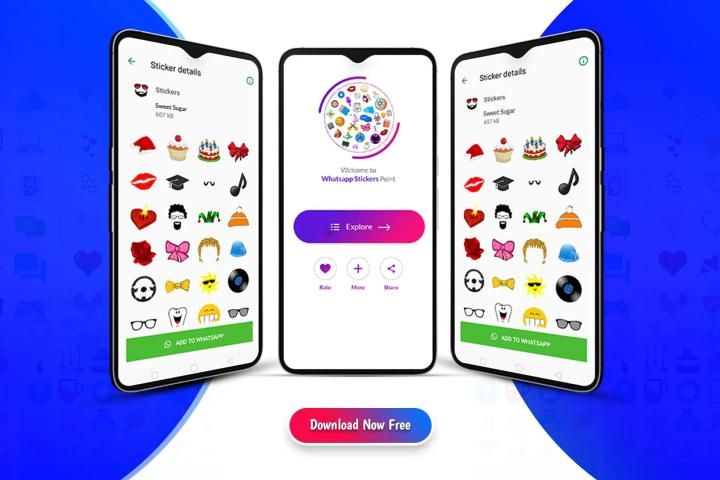
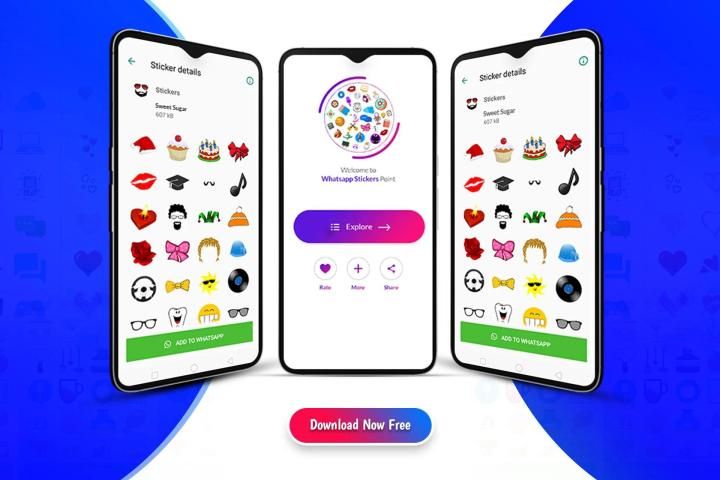
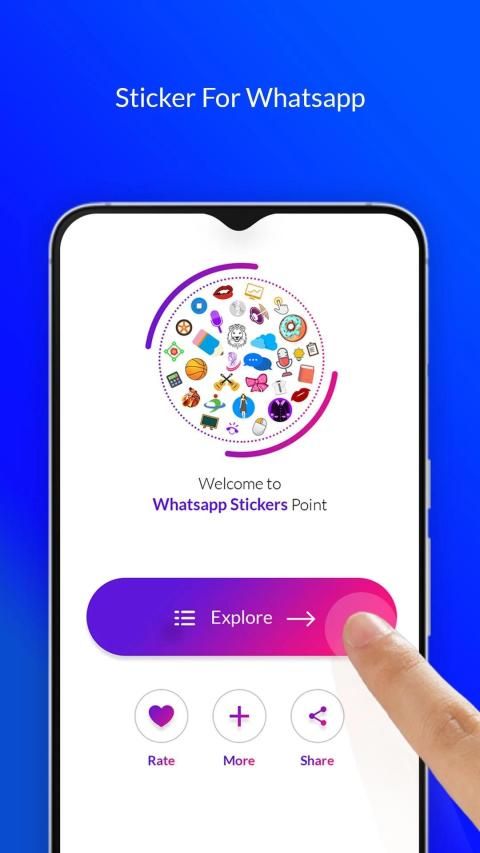
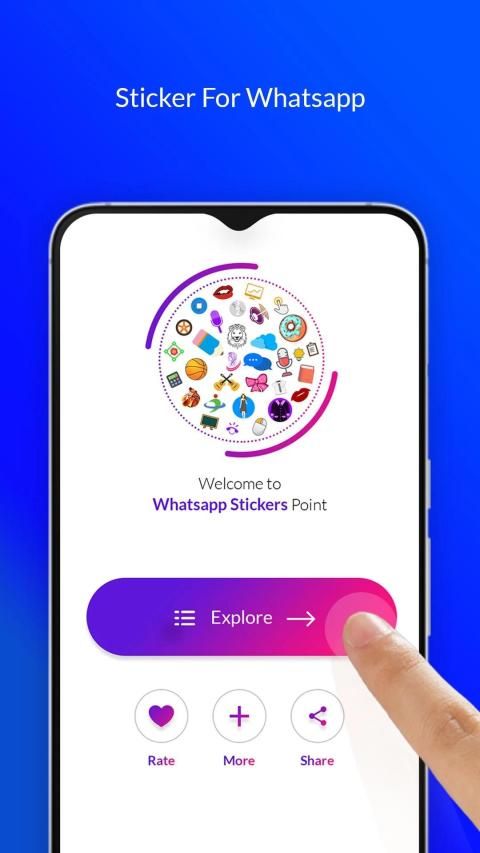
Millions of free Android apps are provide on 9apps. 20,000+ users downloaded WhatsApp Stickers Point latest version on 9Apps for free every week! A lot of functions and features are contained in this app. This hot app was released on 2019-02-09. I will tell you how to use this app in the following page.
Send interesting and out of the box stickers to your friends. WhatsApp Stickers Point contains all sorts of stickers for your liking
Make your chat even more exciting and interesting by using these ultimate stickers.
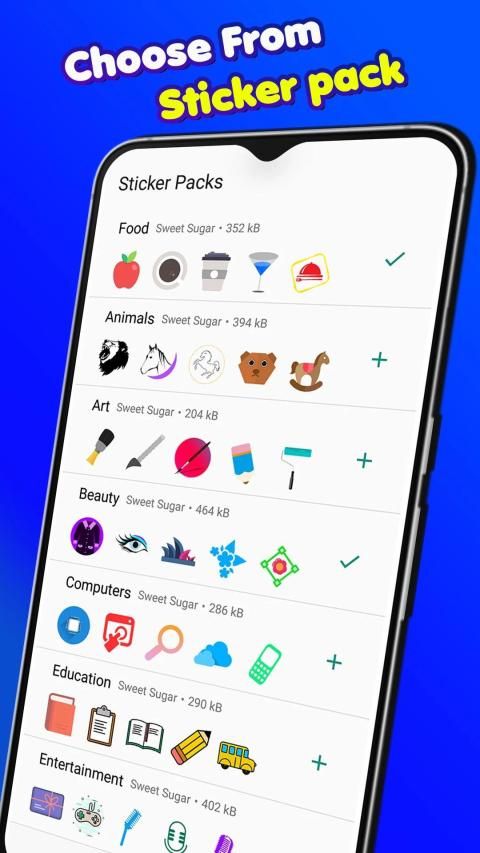
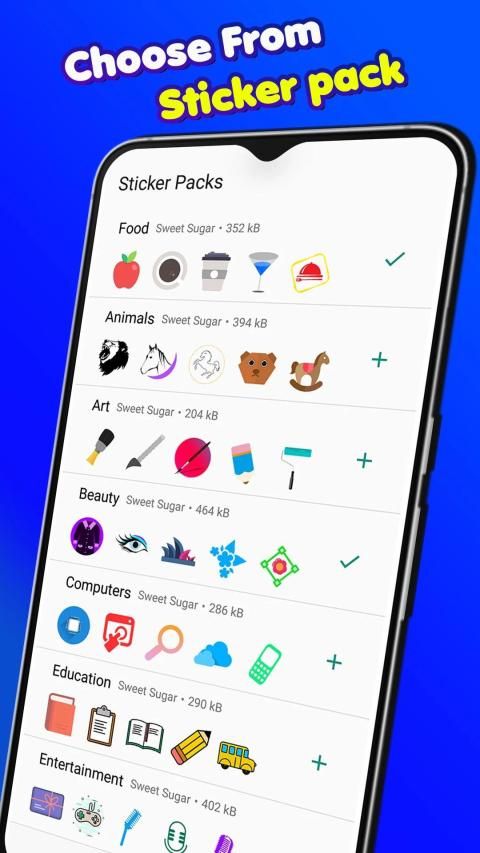
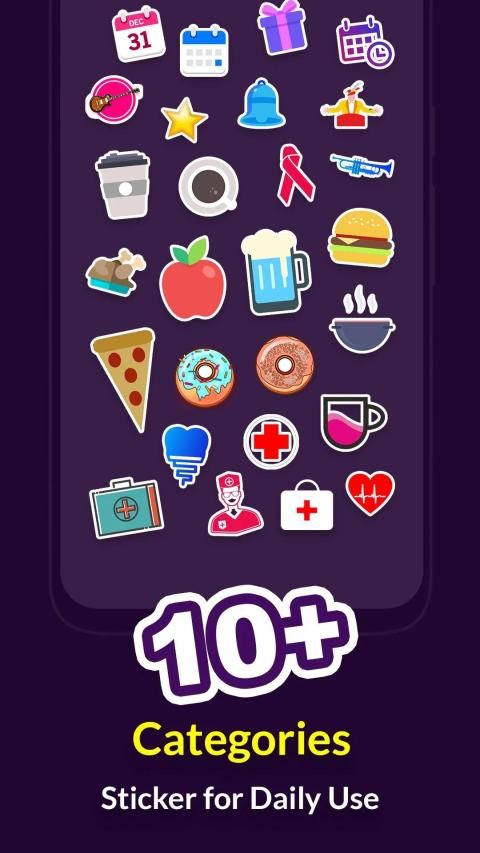
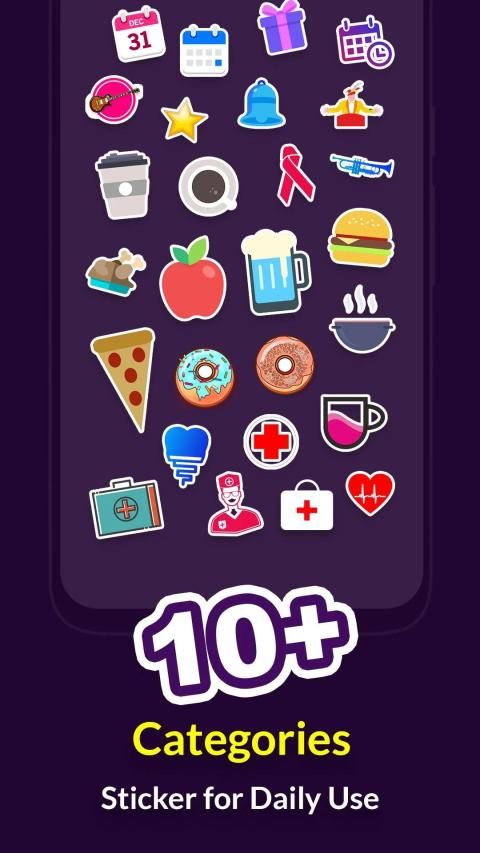
Categorized in 10+ categories. This WAStickerApp brings you hi-res stickers you will surely enjoy sharing.
Sticker Packs included:
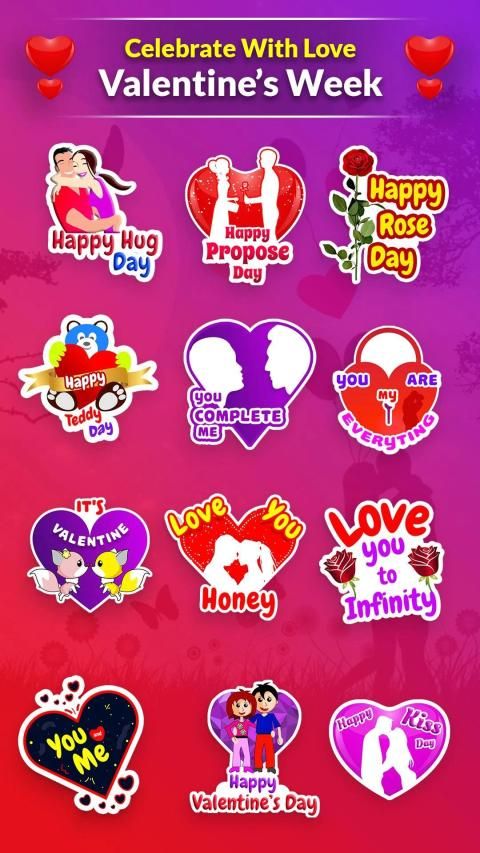
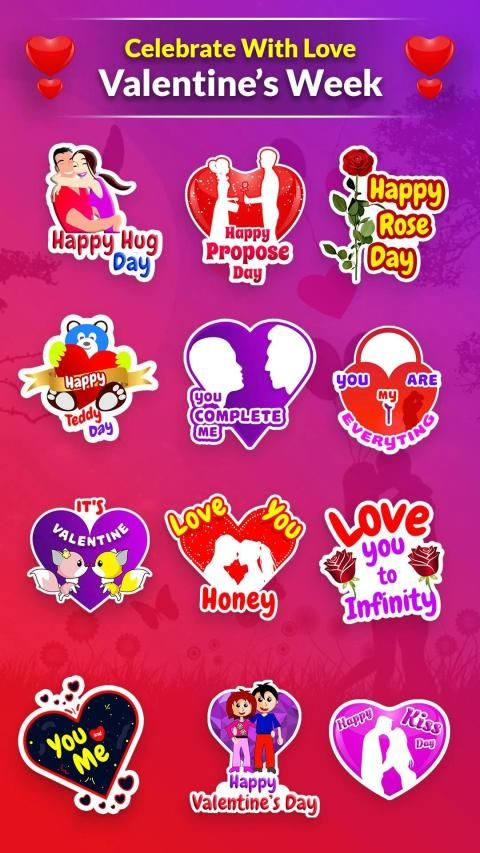
• Valentine sticker pack – Beautiful stickers for showing your love to your valentine on this valentine's day
• Animal sticker pack – For all the animal lovers this will be an amazing collection to have
• Art stickers pack – show your love to paint with brushes, colors, canvas, etc.
• Beauty Stickers – Flaunt your style with this beautiful stickers pack
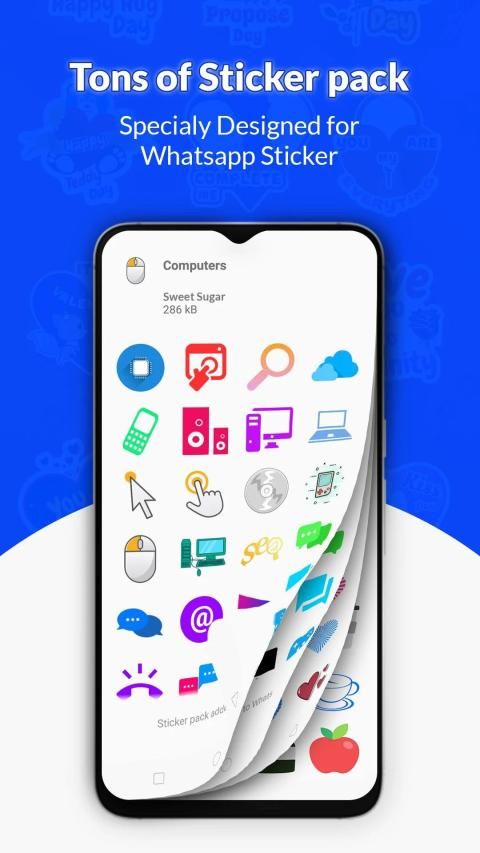
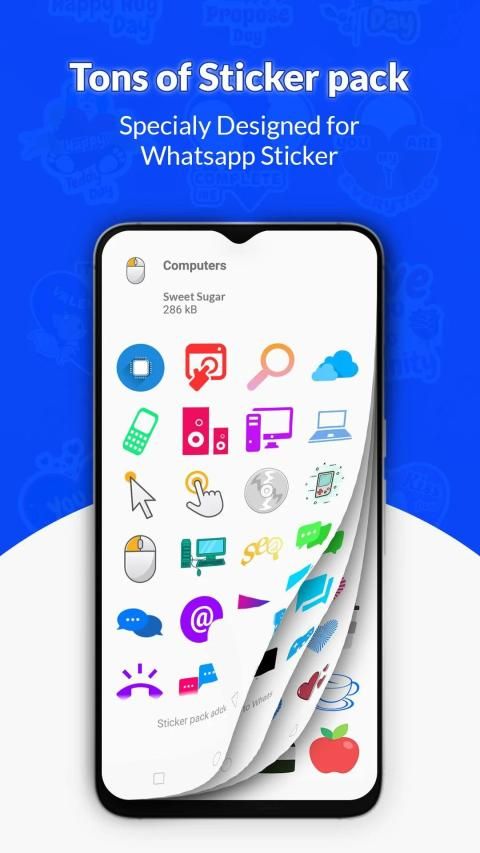
• Computer and Information Technology stickers
• Education stickers – Live the school life again. Books, pencils and many more.
• Entertainment stickers – Music, love, games, videos
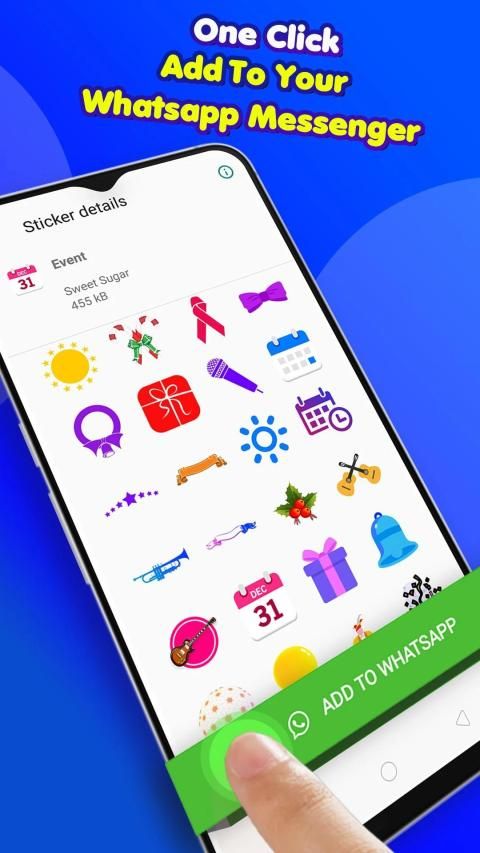
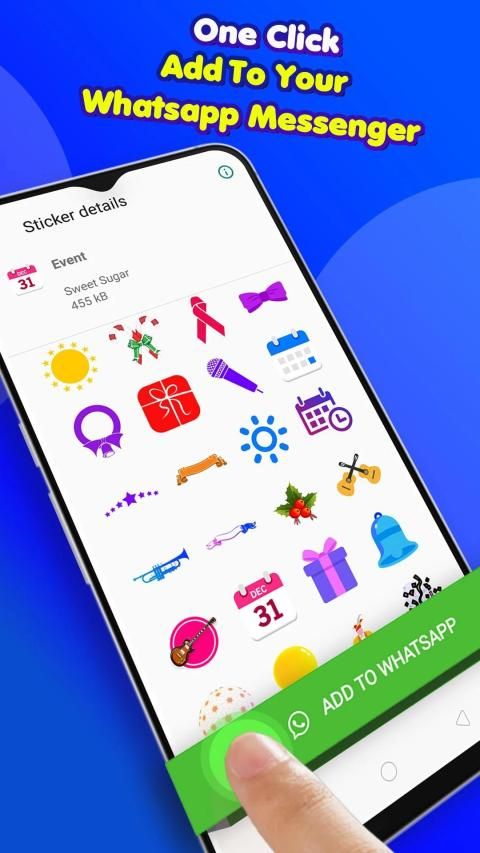
• Event related stickers – celebration, gifts, and important events
• Food stickers for all the food lover
• Health stickers for medical and health related
• Heart stickers for all the lovers. Spread love all over WhatsApp
• Sports stickers for players. Choose from a variety of sports like basketball, snooker, cycling, archery, running, tennis etc.
• Sticker – this category holds some amazing abstract stickers
• Travel – All the travel stickers goes here.
How to add stickers to WhatsApp (WAStickerApps)
1. Tap the "+" icon next to the sticker category you'd like to add and confirm.
2. Open WhatsApp, tap the smiley icon in the bottom left corner and then tap the sticker icon in the bottom. Your sticker category will appear in the panel (after the clock and star icons).
How to remove stickers from WhatsApp (WAStickerApps)
1. Open WhatsApp, tap the smiley icon in the bottom left corner and then tap the sticker icon in the bottom.
2. Tap the "+" icon shown to the right from all sticker tabs.
3. Tap "My stickers" tab on top and remove any category using the trash icon. If deleted by mistake, you can always add such a category again from the “Stickers Point” app.
Our sticker categories sometimes disappear in WhatsApp (WAStickerApps)
Your device manufacturer might be trying to optimize the battery life, and some unexpected things can happen such as disappearing stickers from the apps which haven't been opened recently. Please try this solution: go into your device Settings / Battery / "Stickers Point" and select "Don't optimize" (you may need to search for a similar wording as it varies on different devices).
Kirim stiker yang menarik dan keluar dari kotak ke teman Anda. WhatsApp Stickers Point berisi semua jenis stiker sesuai keinginan Anda
Jadikan obrolan Anda semakin seru dan menarik dengan menggunakan stiker pamungkas ini.
Dikategorikan dalam 10+ kategori. WAStickerApp ini memberi Anda stiker hi-res yang pasti akan Anda nikmati.
Paket Stiker termasuk:
• Paket stiker Valentine - Stiker yang indah untuk menunjukkan cinta Anda kepada valentine Anda di hari valentine ini
• Paket stiker hewan - Untuk semua pecinta hewan, koleksi ini sangat menarik untuk dimiliki
• Paket stiker seni - tunjukkan kesukaan Anda melukis dengan kuas, warna, kanvas, dll.
• Stiker Kecantikan - Pamerkan gaya Anda dengan paket stiker yang indah ini
• Stiker Komputer dan Teknologi Informasi
• Stiker pendidikan - Jalani kehidupan sekolah lagi. Buku, pensil, dan banyak lagi.
• Stiker hiburan - Musik, cinta, game, video
• Stiker terkait acara - perayaan, hadiah, dan acara penting
• Stiker makanan untuk semua pecinta makanan
• Stiker kesehatan untuk medis dan terkait kesehatan
• Stiker hati untuk semua pecinta. Menyebarkan cinta ke seluruh WhatsApp
• Stiker olahraga untuk pemain. Pilih dari berbagai olahraga seperti bola basket, snooker, bersepeda, memanah, berlari, tenis dll.
• Stiker - kategori ini memiliki beberapa stiker abstrak yang menakjubkan
• Perjalanan - Semua stiker perjalanan ada di sini.
Bagaimana cara menambahkan stiker ke WhatsApp (WAStickerApps)
1. Ketuk ikon "+" di sebelah kategori stiker yang ingin Anda tambahkan dan konfirmasi.
2. Buka WhatsApp, ketuk ikon smiley di sudut kiri bawah, lalu ketuk ikon stiker di bagian bawah. Kategori stiker Anda akan muncul di panel (setelah ikon jam dan bintang).
Cara menghapus stiker dari WhatsApp (WAStickerApps)
1. Buka WhatsApp, ketuk ikon smiley di sudut kiri bawah, lalu ketuk ikon stiker di bagian bawah.
2. Ketuk ikon "+" yang ditampilkan di sebelah kanan dari semua tab stiker.
3. Ketuk tab "Stiker saya" di atas dan hapus kategori apa pun menggunakan ikon tempat sampah. Jika dihapus karena kesalahan, Anda selalu dapat menambahkan kategori seperti itu lagi dari aplikasi "Stiker Titik".
Kategori stiker kami terkadang hilang di WhatsApp (WAStickerApps)
Pabrikan perangkat Anda mungkin mencoba mengoptimalkan masa pakai baterai, dan beberapa hal yang tidak terduga dapat terjadi seperti hilangnya stiker dari aplikasi yang belum dibuka baru-baru ini. Silakan coba solusi ini: buka Pengaturan perangkat Anda / Baterai / "Titik Stiker" dan pilih "Jangan mengoptimalkan" (Anda mungkin perlu mencari kata-kata yang sama karena bervariasi pada perangkat yang berbeda).
Added Valentine sticker pack



9Apps 4.9










