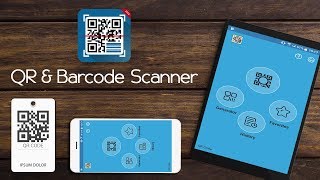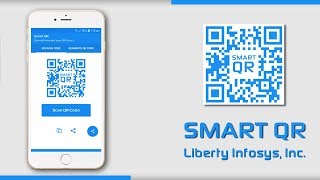
With the updating of mobile application, 30,000+ users downloaded Smart Scanner latest version on 9Apps for free every week! More functions were added in this app. This hot app was released on 2019-04-01. More apps was release recently, you can download them and share with your friends!
Smart Scanner, a powerful QR reader & Barcode Scanner that supports all kinds of major barcode formats. Try to scan code in a much simple way!
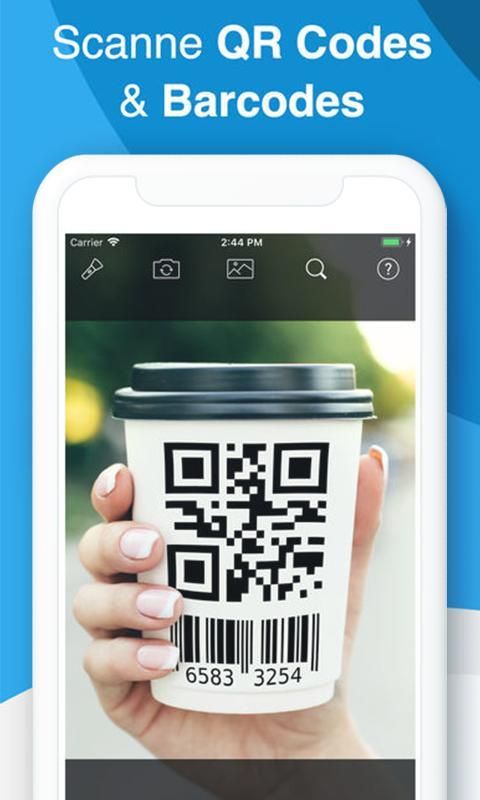
Smart Scanner is extremely easy to use; simply point to QR or barcode you want to scan and app will automatically detect and scan it. No need to press any buttons, just take photos.
How to use Smart Scan:
1.To scan QR code or barcode, you can simply open the app, point the camera at the code and the scanner will automatically recognize it
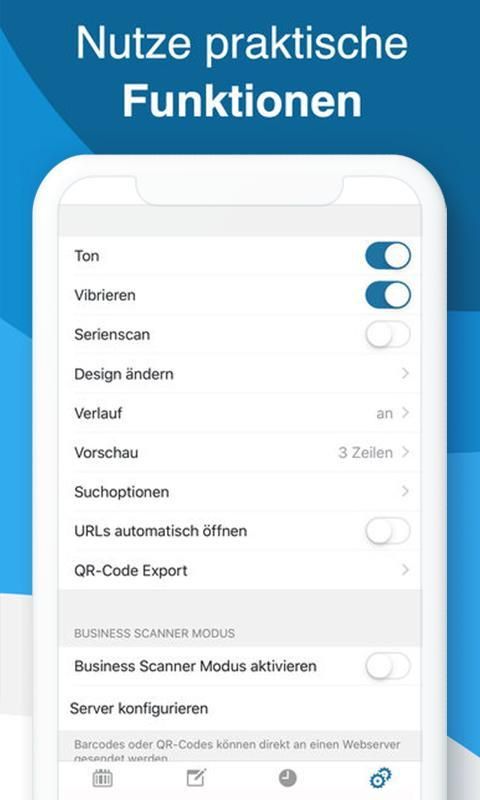
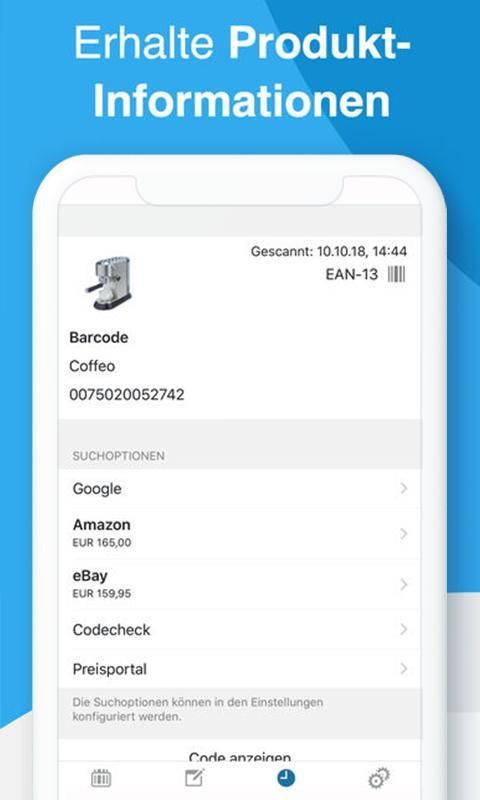
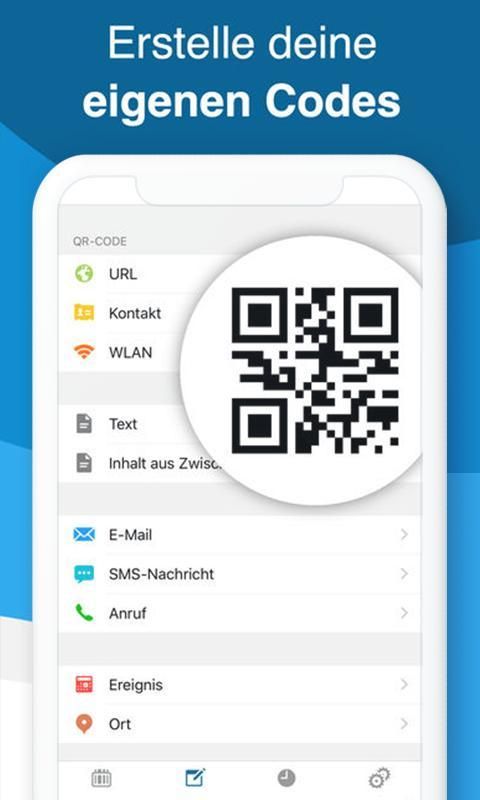
2.For different types of scanned result, there are varies options for you to choose. e.g. reading the text, sharing the link, dialing the phone number, sending e-mail, getting contact info. on your list and connecting WIFI etc.
3.If you are in the low-light circumstance when scanning the code, click the flashlight button to turn on the flashlight.
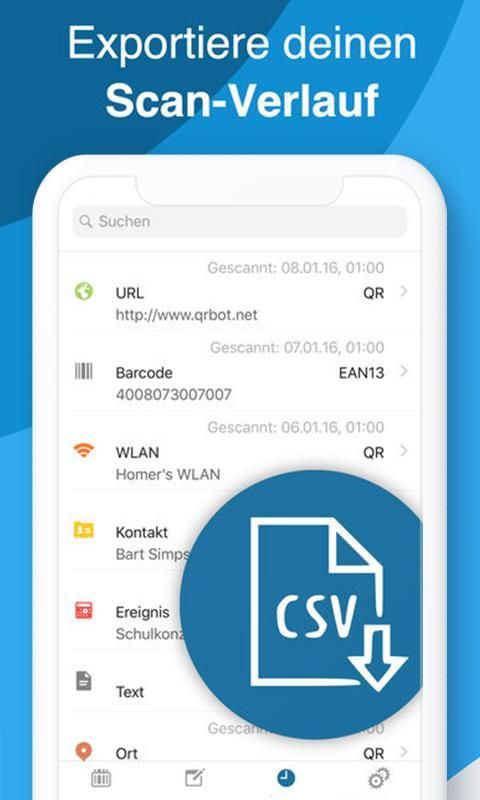
4. Try to view scan history, it could help you to review your scan record better.
5. This APP Includes but not limited to the following features:Tag reader, business card scanner, book scanner, store locator, food scanner, price scanner.
Try to discover its new usage for yourself, it will be fun!
We are dedicated to your perfect experience, your meaningful feedback will be very valuable to us. If you have any issue or suggestion, please feel free to contact us. Thanks!
Smart Scanner, pembaca QR & Barcode Scanner yang kuat yang mendukung semua jenis format barcode utama. Cobalah memindai kode dengan cara yang sangat sederhana!
Smart Scanner sangat mudah digunakan; cukup tunjuk ke QR atau barcode yang ingin Anda pindai dan aplikasi akan secara otomatis mendeteksi dan memindai itu. Tidak perlu menekan tombol apa pun, cukup ambil foto.
Cara menggunakan Smart Scan:
1.Untuk memindai kode QR atau barcode, Anda cukup membuka aplikasi, arahkan kamera ke kode dan pemindai akan secara otomatis mengenalinya
2.Untuk jenis hasil pemindaian yang berbeda, ada beragam opsi untuk Anda pilih. misalnya membaca teks, membagikan tautan, menekan nomor telepon, mengirim email, mendapatkan info kontak. pada daftar Anda dan menghubungkan WIFI dll.
3.Jika Anda berada dalam kondisi cahaya redup saat memindai kode, klik tombol senter untuk menyalakan senter.
4. Cobalah untuk melihat riwayat pemindaian, ini dapat membantu Anda meninjau catatan pemindaian Anda dengan lebih baik.
5. APP Ini Termasuk tetapi tidak terbatas pada fitur-fitur berikut: Pembaca tag, pemindai kartu nama, pemindai buku, pencari lokasi, pemindai makanan, pemindai harga.
Cobalah untuk menemukan penggunaan baru untuk Anda sendiri, itu akan menyenangkan!
Kami berdedikasi untuk pengalaman sempurna Anda, umpan balik Anda yang berarti akan sangat berharga bagi kami. Jika Anda memiliki masalah atau saran, jangan ragu untuk menghubungi kami. Terima kasih!
- Customized generation
- Support 100+codes
- Social codes Facebook

9Apps 4.9