9Apps supports free android apps apk download. 30,000+ users downloaded Smart Assistive Touch latest version on 9Apps for free every week! If you are not comfortable with the old version then you can updated it right now. This hot app was released on 2018-05-31. You can find more interesting apps at 9Apps!
What is Smart Assistive Touch?
Smart Assistive Touch is an easy touch tool for Android. It's fast, it’s smooth, and it’s totally FREE
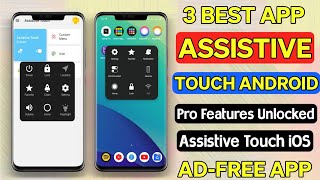
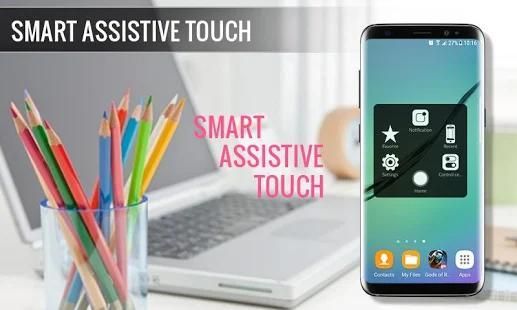
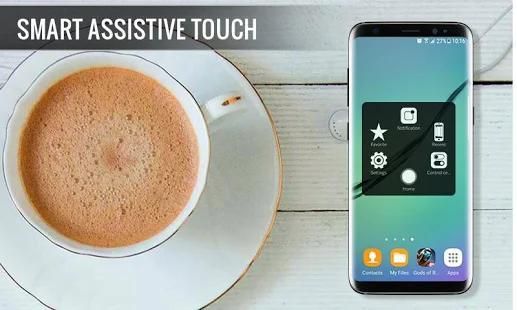
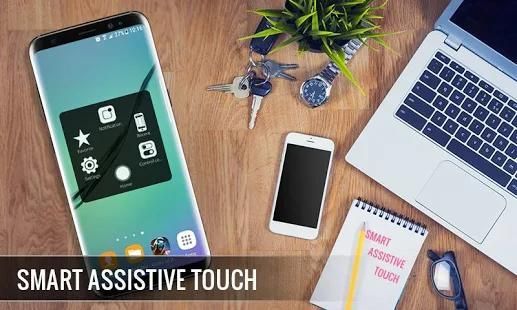
When you turn on Assistive Touch, you’ll see the AssistiveTouch menu. You can drag it to any edge of the screen, then tap the menu to open it.
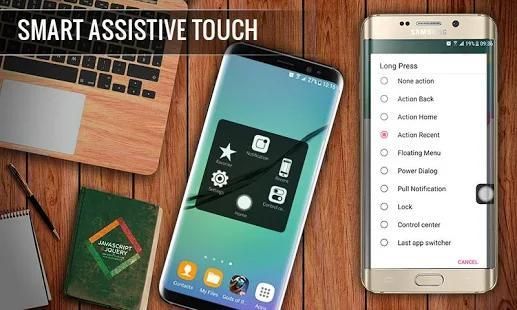
You can also use AssistiveTouch to access your Home screen, Recent screen and use Back Key. Just open the AssistiveTouch menu and tap Home, Recent, Back action.
*****Note
"This app uses the Device Administrator permission " => It is necessary and used only for locking the device when you use feature turn off the screen. You need to enable Administration before it can be used that feature.
"This app uses Accessibility services." => It is necessary and used only to perform a global action. For example going back, going home, opening recent, power dialog, notification etc. You need grant this permission to use that action.
*****FEATURES:
- Virtual Home key, easy touch to lock screen and open recent task
- Control your device with Assistive Touch menu
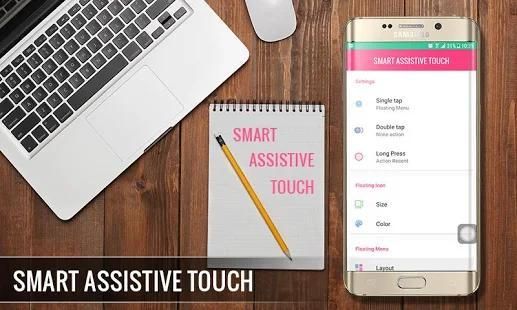
- Custom size and color Floating icon
- Custom color Assistive Touch menu
- Easy touch to open your favorite application
- Go to all setting very quick with a touch
- Free All
Apa itu Smart Assistive Touch?
Cerdas Assistive Touch adalah alat sentuhan mudah bagi Android. Ini cepat, itu halus, dan itu benar-benar GRATIS
Ketika Anda menghidupkan Sentuh Assistive, Anda akan melihat menu AssistiveTouch. Anda dapat tarik ke setiap tepi layar, lalu ketuk menu untuk membukanya.
Anda juga dapat menggunakan AssistiveTouch untuk mengakses layar Utama, layar Terbaru Anda dan gunakan Kembali Key. Hanya membuka menu AssistiveTouch dan tekan Home, Terbaru, Kembali tindakan.
*****Catatan
"Aplikasi ini menggunakan Device Administrator izin" => Hal ini diperlukan dan hanya digunakan untuk mengunci perangkat bila Anda menggunakan fitur mematikan layar. Anda perlu mengaktifkan Administrasi sebelum dapat menggunakan fitur itu.
"Aplikasi ini menggunakan layanan aksesibilitas." => Hal ini diperlukan dan digunakan hanya untuk melakukan aksi global. Misalnya akan kembali, pulang, membuka baru-baru ini, dialog listrik, pemberitahuan dll Anda perlu memberikan izin ini untuk menggunakan tindakan itu.
*****FITUR:
- Virtual tombol Home, mudah sentuh untuk mengunci layar dan membuka task baru-baru ini
- Kontrol perangkat Anda dengan menu Assistive Sentuh
- Custom size dan warna Mengambang ikon
- warna Adat menu Assistive Sentuh
- Mudah sentuh untuk membuka aplikasi favorit Anda
- Pergi ke semua pengaturan yang sangat cepat dengan sentuhan
- Gratis Semua

9Apps 4.9