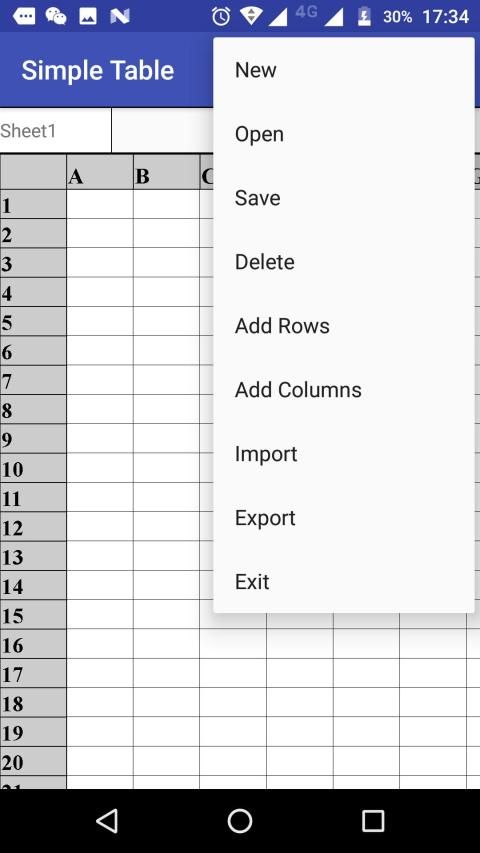
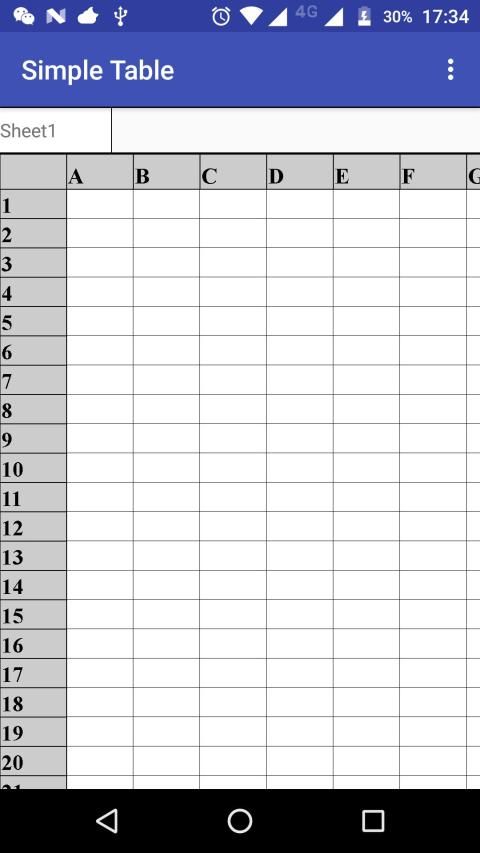
This app can be used to create and open table. You can open excel file with this app.In this app, you can create new table and edit it, and you can also save it. With this app, you can edit table easily in your phone.
1.You can input content by touching for a long time.
2.Touch index to do some operation about row and column.
3.Select sheet by touch "Sheet" button.
4.If you want open ".xls" and ".xlsx" files, put them into folder named "ST" in sdcard.
5."Export" can export ".xls" file in folder named "export" in "ST" folder.
Aplikasi ini dapat digunakan untuk membuat dan meja terbuka. Anda dapat membuka file excel dengan app.In ini aplikasi ini, Anda dapat membuat tabel baru dan mengeditnya, dan Anda juga dapat menyimpannya. Dengan aplikasi ini, Anda dapat mengedit tabel mudah di ponsel Anda.
1.You bisa isi masukan dengan menyentuh untuk waktu yang lama.
Indeks 2.Touch untuk melakukan beberapa operasi tentang baris dan kolom.
sheet 3.Select dengan sentuhan tombol "Sheet".
4.Jika Anda ingin membuka ".xls" dan "xlsx" file, menempatkan mereka ke dalam folder bernama 'ST' di sdcard.
5. "Ekspor" dapat mengekspor ".xls" file dalam folder bernama 'ekspor' di folder 'ST'.

9Apps 4.9