



Big event coming! 20,000+ users downloaded Shot On Camera latest version on 9Apps for free every week! The app has do enough to distinguish itself from its predecessor. This hot app was released on 2019-06-02. More similar hot applications can be found here too.
"Shot On Camera: Auto Add Shot On Photos" apply customized ShotOn watermark on your image with a "ShotOn" Label with the variation of ShotOn Any Model Name, Shot by and ShotOn watermark Logo.
"Shot On Camera: Auto Add Shot On Photos" is a simple app that provides you the functionality to auto add “ShotOn” tags watermark on your photographs captured from the built-in camera.
Features you wished for, delivered!
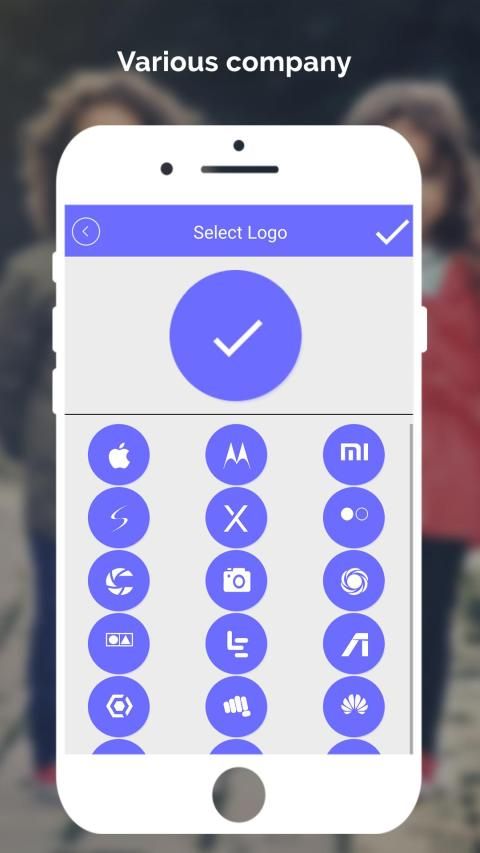
Wide Variety of Brand Logos to Choose from
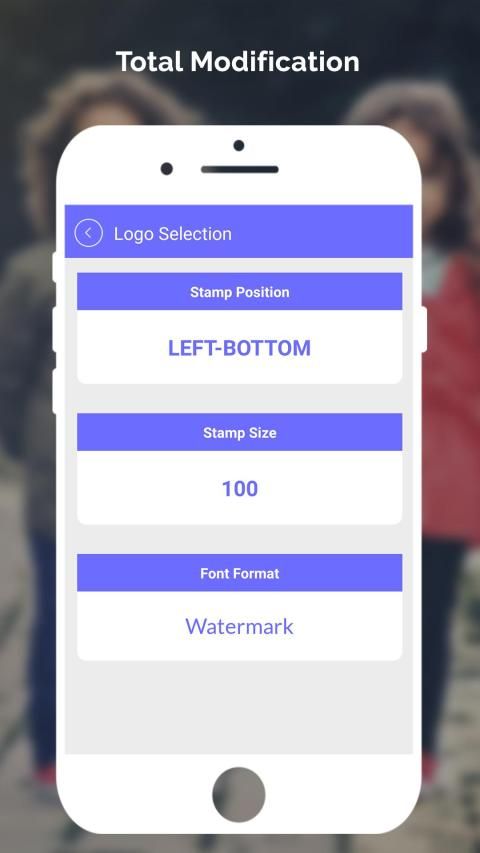
ShotOn Tag Stamp Position Changeable
Shot On Tag Signature Fields Editable
Functionality to add custom Logo
Choose your phone model according to brand
Ample Colors to Customize Text
Watermark Text Size Resizable
Expansive Font Formats
Choose Model Name
Select custom Watermark Logo
Add custom Shot By signature name
Save and Share your Images
Bought a new phone? Doesn’t have ShotOn feature inbuilt? No worries, just download this app and customize these copyright tags. Moreover it also supports Shot On for Intex, ShotOn for Honor, and many other devices.
No need to download separate apps for individual features like before, Shot On watermark for Camera sums up all the required features for adding ShotOn tag.ShotOn tag also plays the role of copyright and trademark marker for all your photographs protecting it from any misuse.
How to:
-How to add shot on watermark in photos?
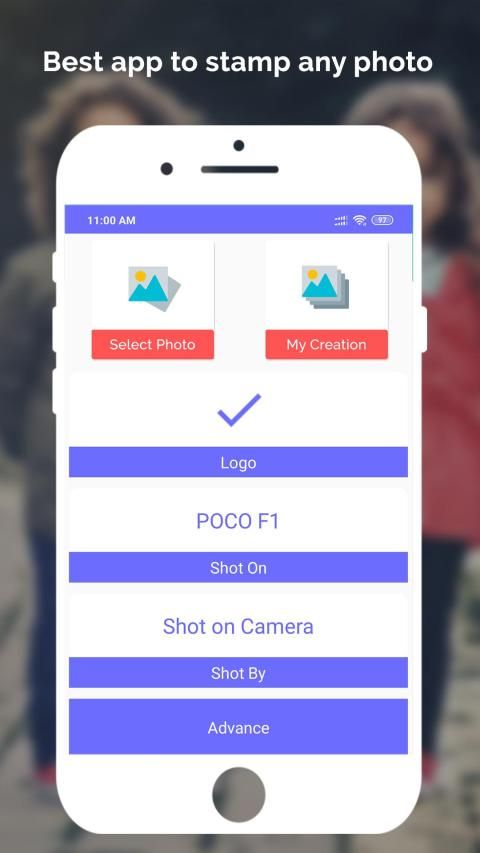
Open the app, go to stamp settings and modify the settings according to your need. You can choose a logo, phone, shot by, stamp position and size. Then, click on start and select camera to capture a new pic or add watermark to old photos stored in your gallery by selecting Gallery option.
-What makes this app better than others?
You can easily add watermarks to your app using this app and there are a variety of logos to choose from. The most special thing about the app is that you can select Auto Stamp and all the photos you will capture using your camera would be watermarked automatically. So, you don’t just have to open the app every time.
"Shot On Camera: Auto Add Shot On Photos" menerapkan tanda air ShotOn yang disesuaikan pada gambar Anda dengan label "ShotOn" dengan variasi ShotOn Setiap Model Nama, Ditembak oleh dan Logo watermark ShotOn.
"Shot On Camera: Auto Add Shot On Photos" adalah aplikasi sederhana yang memberi Anda fungsionalitas untuk menambahkan tanda air "ShotOn" otomatis pada foto yang diambil dari kamera internal.
Fitur yang Anda inginkan, terkirim!
Berbagai Variasi Logo Merek untuk Pilih
Posisi Cap Tag ShotOn Berubah
Shot On Tag Signature Fields Dapat Diedit
Fungsi untuk menambahkan Logo khusus
Pilih model ponsel Anda sesuai dengan merek
Cukup Warna untuk Menyesuaikan Teks
Ukuran Teks Watermark Resizable
Format Font yang Luas
Pilih Nama Model
Pilih Logo Tanda Air kustom
Tambahkan custom Shot By nama tanda tangan
Simpan dan Bagikan Gambar Anda
Membeli telepon baru? Tidak memiliki fitur ShotOn bawaan? Jangan khawatir, cukup unduh aplikasi ini dan sesuaikan tag hak cipta ini. Selain itu juga mendukung Shot On untuk Intex, ShotOn for Honor, dan banyak perangkat lainnya.
Tidak perlu mengunduh aplikasi terpisah untuk fitur individual seperti sebelumnya, tanda air Shot On untuk Kamera meringkas semua fitur yang diperlukan untuk menambahkan tag ShotOn. TagShotOn juga berperan sebagai penanda hak cipta dan merek dagang untuk semua foto Anda yang melindunginya dari penyalahgunaan.
Bagaimana cara:
-Bagaimana cara menambahkan bidikan pada watermark di foto?
Buka aplikasi, buka pengaturan stempel dan ubah pengaturan sesuai kebutuhan Anda. Anda dapat memilih logo, telepon, potret, posisi dan ukuran cap. Kemudian, klik mulai dan pilih kamera untuk mengambil foto baru atau tambahkan tanda air ke foto-foto lama yang disimpan di galeri Anda dengan memilih opsi Galeri.
-Apa yang membuat aplikasi ini lebih baik dari yang lain?
Anda dapat dengan mudah menambahkan tanda air ke aplikasi Anda menggunakan aplikasi ini dan ada berbagai logo untuk dipilih. Hal yang paling istimewa tentang aplikasi ini adalah Anda dapat memilih Cap Otomatis dan semua foto yang akan Anda ambil menggunakan kamera Anda akan ditandai secara otomatis. Jadi, Anda tidak perlu hanya membuka aplikasi setiap saat.
Shot on camera




9Apps 4.9










