

1. Ponsel Android Anda harus memiliki versi Minimum Android Lollipop.
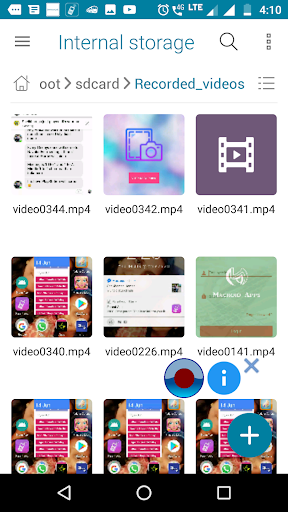
2.Jika Anda tidak dapat menemukan video yang direkam di galeri, buka folder / SDCard / Recorded_Videos di App File Manager.
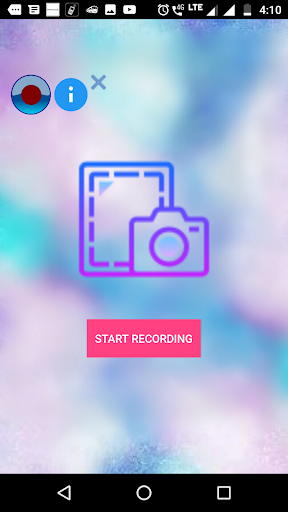
3.Tekan tombol "HOME" setelah mengklik tombol "Mulai Rekaman".
4.Jika Anda tidak dapat melihat video di folder yang disebutkan, harap restart telepon. "
Screen Recorder lite is the application used to record the activities in your phone. This app consumes very less memory in your device.
1.Your android phone should have minimum of Android Lollipop version.
2.If you can't find your recorded video in the gallery, open the /sdcard/Recorded_videos folder in File manager app.
3.Press "Home" button after clicking "START RECORDING" button.
4. If you are unable to see the video in the mentioned folder please restart the phone.


9Apps 4.9










