
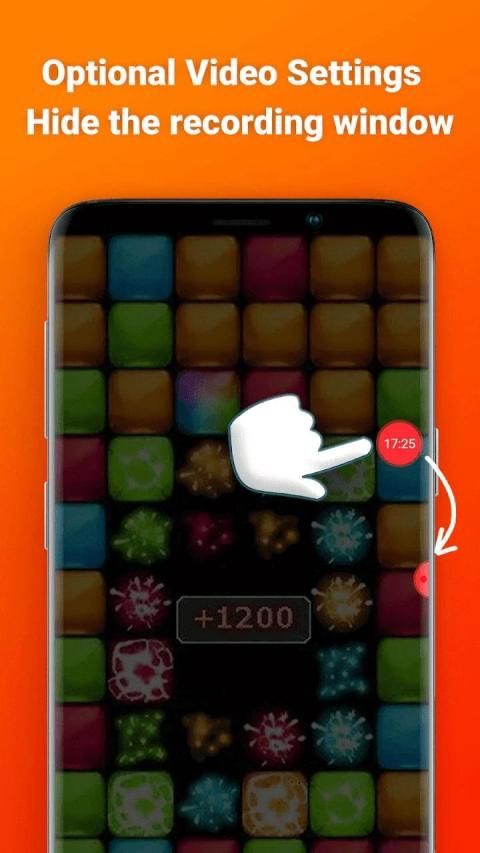
It’s time to update your mobile application. 20,000+ users downloaded Screen Recorder latest version on 9Apps for free every week! You get various free apps from the store. This hot app was released on 2020-05-01. To read more info about mobile apps, you can click on 9Apps.
Screen Recorder is an app help you easy Record Screen and Take Screenshot anywhere.
screen recording software is a free screen recorder no root app to record and capture your mobile screen in video formats with or without front camera.
Screen recorder. It doesn’t require root access, no time limit, no watermark and very easy to use with one action to start and stop recording. This screen recording app will let you make beautiful screencast videos by providing every feature that you need in a simple and elegant user experience design.
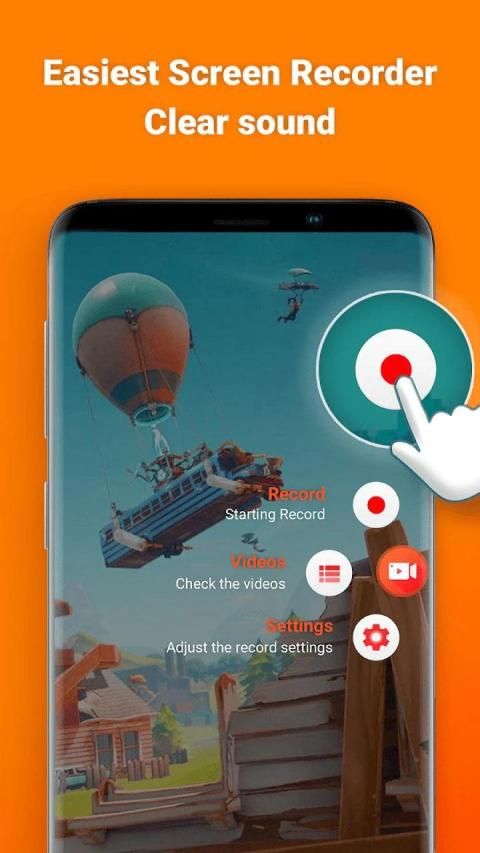
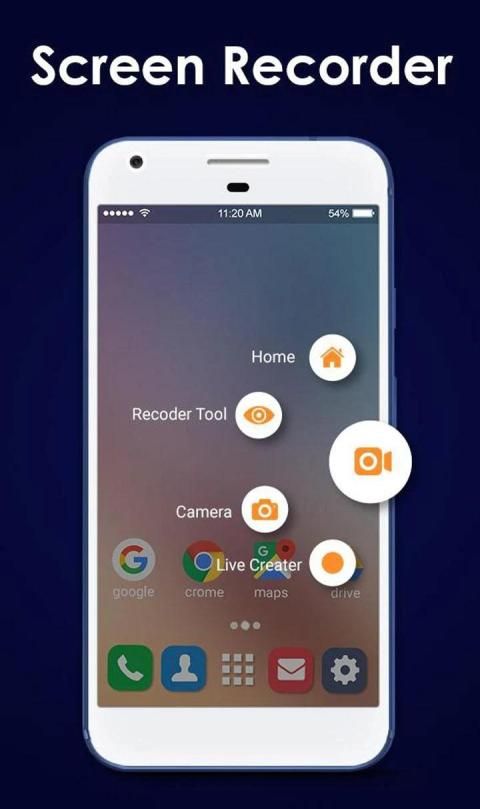
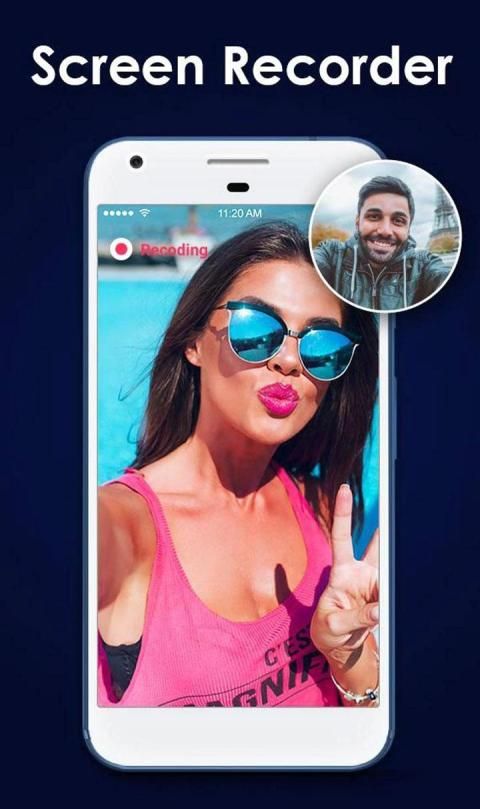
Screen recorder. Open the app to start to record on screen. Our toolbar will appear on the screen for you to customize such as turning on the camera, drawing to screen or pause at any time. It is simple to record games on your phone, sound and face cam at the same time.
Screen recorder. Now very easy to record you’re your mobile screen. Best video editor app and screen capture. Screen Recorder is an app help you easy Record Screen and Take Screenshot anywhere.
screen capture offers a lot of features such as video recorder, screen capture, game recorder.
Everything we do is for your better screen recording experience.
Key Features of My Screen Recorder:
- Variety of features such as video recorder, video editor, screen capture.
- game screen recorder, videos, live shows, video chats.
- Record screen with audio and screen recorder for pc
-screen recorder with sound and free screen recorder
-screenshot download, screen voice recorder,screen video recorder app.
- screen capture app, screen recorder download
- Share your videos or screenshots to Youtube, Facebook and Twitter.
- Edit recording screen videos, trim / merge / crop videos.
- Create high quality videos with FUll HD graphics in 1080p.
- Totally free, NO watermark, NO root needed, NO time limit, NO watermark
- Screen recorder
- Screen capture
- Screen video editor
- Screen recorder with audio
- No limit on recording time
- Audio recording
- Show screen touches while recording
- Shake or switch screen off to stop
- Possibility to delay start of recording
=>Screen Recorder
With stable and fluid screen video recorder, you can easily record popular mobile game videos,
video calls with family and friends. Also popular programs on live apps!
-One tap to start screen recording during ur gameplay & Facetime.
-Intelligent 3 sec preparation after starting the recording.
-Capture your reactions freely with Facecam!
-Easily start/stop recording by quick control panel on notification bar or in floating window.
-Create high quality videos with FUll HD graphics in 1080 p.
-Automatically record sounds from MIC when recording screen video.
=>Video Editor
GO Recorder provides several amazing features to help you create better videos. You can easily
make the following video editing operations with the screen recorder :
-Trim the beginning/ending redundant parts of the clips to make your perfect videos.
=>Screenshots
GO Screen Recorder is not only a screen recorder
Perekam Layar adalah aplikasi yang membantu Anda dengan mudah Rekam Layar dan Ambil Cuplikan Layar di mana saja.
perekaman layar perangkat lunak adalah perekam layar gratis tanpa aplikasi root untuk merekam dan menangkap layar ponsel Anda dalam format video dengan atau tanpa kamera depan. >
Perekam layar. Itu tidak memerlukan akses root, tidak ada batas waktu, tidak ada tanda air dan sangat mudah digunakan dengan satu tindakan untuk memulai dan berhenti merekam. Aplikasi perekaman layar ini memungkinkan Anda membuat video screencast yang indah dengan menyediakan setiap fitur yang Anda butuhkan dalam desain pengalaman pengguna yang sederhana dan elegan.
Perekam layar. Buka aplikasi untuk mulai merekam di layar. Bilah alat kami akan muncul di layar untuk Anda sesuaikan seperti menyalakan kamera, menggambar ke layar atau berhenti kapan saja. Sangat mudah untuk merekam game di ponsel Anda, suara dan cam wajah pada saat yang sama.
Perekam layar. Sekarang sangat mudah untuk merekam layar ponsel Anda. Aplikasi dan tangkapan layar video editor terbaik. Perekam Layar adalah sebuah aplikasi yang membantu Anda merekam Layar dengan mudah dan Mengambil Screenshot di mana saja.
tangkapan layar menawarkan banyak fitur seperti perekam video, tangkapan layar, perekam game.
Semuanya kami lakukan adalah untuk pengalaman perekaman layar Anda yang lebih baik.
Fitur Utama dari Perekam Layar Saya:
- Berbagai fitur seperti perekam video, editor video, tangkapan layar.
- perekam layar permainan , video, pertunjukan langsung, obrolan video.
- Rekam layar dengan audio dan perekam layar untuk pc
Perekam layar dengan suara dan perekam layar gratis
unduh layar, perekam suara layar, aplikasi perekam video layar.
- aplikasi tangkapan layar, unduh perekam layar
- Bagikan video atau tangkapan layar Anda ke Youtube, Facebook dan Twitter
-. Edit video layar perekaman, trim / gabung / potong video.
- Buat kualitas tinggi video dengan grafis FUll HD dalam 1080p.
- Benar-benar gratis, TANPA tanda air, TIDAK perlu root, TANPA batas waktu, TANPA tanda air
- Perekam layar
- Perekaman layar e
- Editor video layar
- Perekam layar dengan audio
- Tidak ada batasan waktu perekaman
- Rekaman audio
- Perlihatkan sentuhan layar saat merekam
- Goyangkan atau nonaktifkan layar ke stop
- Kemungkinan untuk menunda mulai merekam
=> Perekam Layar
Dengan perekam video layar yang stabil dan lancar, Anda dapat dengan mudah merekam video gim seluler populer,
panggilan video dengan keluarga dan teman-teman .
Juga program populer di aplikasi langsung!
-Satu ketukan untuk memulai perekaman layar selama gameplay & Facetime Anda.
-Persiapan cerdas 3 detik setelah memulai perekaman.
-Tangkap reaksi Anda dengan mudah dengan Facecam!
-Mudah memulai / menghentikan perekaman dengan panel kontrol cepat pada bilah notifikasi atau di jendela mengambang.
-Membuat video berkualitas tinggi dengan grafik HD FUll dalam resolusi 1080 p.
- Secara otomatis merekam suara dari MIC saat merekam layar video.
=> Editor Video
GO Recorder menyediakan beberapa fitur luar biasa untuk membantu Anda membuat video yang lebih baik. Anda dapat dengan mudah
melakukan operasi pengeditan video berikut dengan perekam layar:
-Mencek bagian awal / akhir yang berlebihan dari klip untuk membuat video sempurna Anda.
=> Screenshot
GO Perekam Layar tidak hanya perekam layar
HD Screen Recorder



9Apps 4.9











