

Are you looking for some free apps? 20,000+ users downloaded Screen Recorder - Edit Record Video latest version on 9Apps for free every week! More apps are free download here! This hot app was released on 2018-09-07. Even if you’re not a fan of this app, you’ll love it after reading this page.
Screen Recorder - Edit Record Video is a pro recorder now ready to use for those people who want to record Mobile Screen Live videos and want to share it on any Social media platform. Here is the best Video screen recording app with best User Interface and Attractive Graphic design.
Screen Recorder - Edit Record Video is one of the best Android application in the market which have magical button to start recording with some extraordinary features. It has pause and resume option to start recording Screen video from where we want start live video recording. It is best app for recording website Demo. It means it is a web recorder application and video screen capture application.
Screen Recorder - Edit Record Video has two main tabs to use this app. One tab is for change setting according to your requirements. Pixels can be change with frame per second and bit rate setting. By Setting up pixels setting you can record hd screen video. It is one of the pro recorder app with all customize setting of pixels, frames and bit rate. Other Tab will show you all existing recorded videos through screen video recorder.
Screen Recorder app doesn’t need any internet connection or data to use this app features. it will save all recorded videos in local phone memory or in SD card. Magical recoding button will present on top of all used application so you can easily pause or resume recording. you can easily record snap of other and video status. it is also a snap saver application. Just install this app and record it live with pro screen video recorder.
How to use Screen Recorder - Edit Record Video:
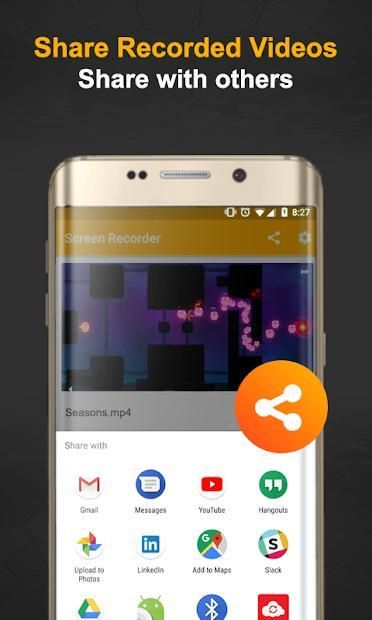
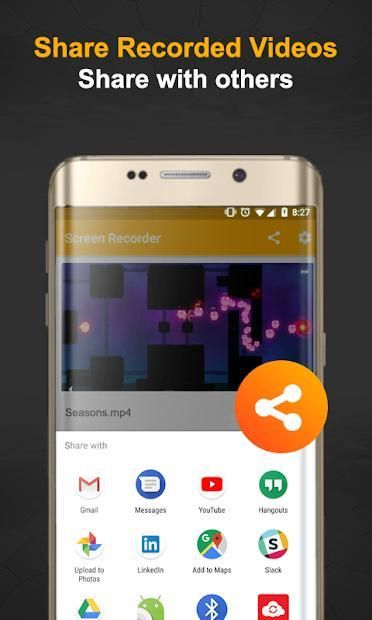
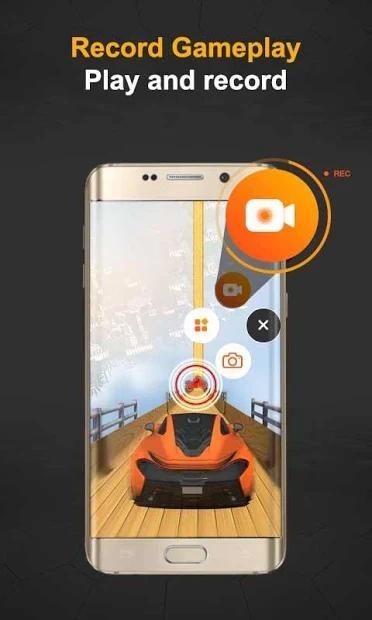
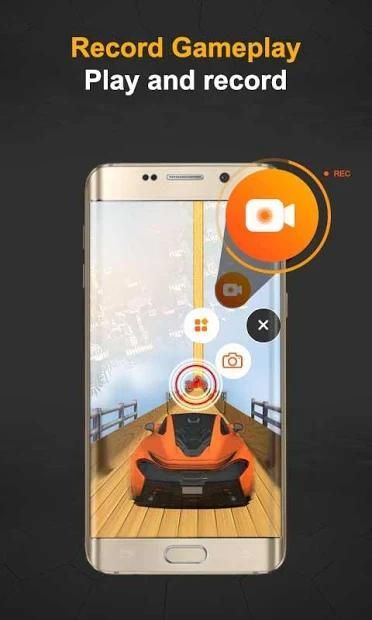
After installing application you can see two main tabs to start record my screen. First one is Setting tab in which you can change pixels. you set pixel for recording video by yourself. you can set frame per second and bit rate according to your choice. Second tab is consists of all screen recorded videos. you can share these videos with any one on social media apps like Facebook, Imo and whats app etc. there is special button to select all existing videos. A magical video recording button is on bottom left side of your screen you can start recoding by pressing that button. you can pause and start again your recording by pressing play/pause button. you can easily delete screen video recorded videos just in one click by pressing Delete bucket.
Feature of Screen Recorder - Edit Record Video:
- setting tab for customize recording settings
- will be pro after using several times
- customize pixels setting
- customize frame per second
- customize resolution setting
- Attractive Graphics and UI design
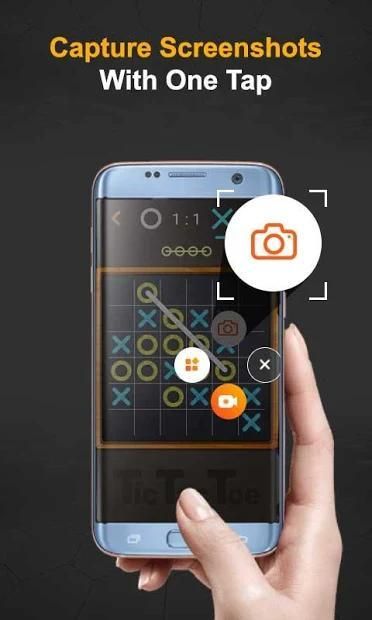
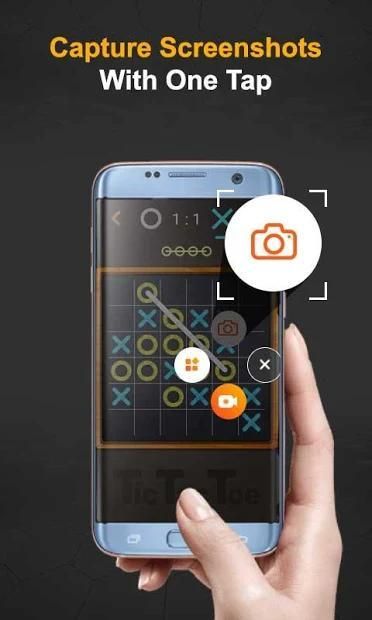
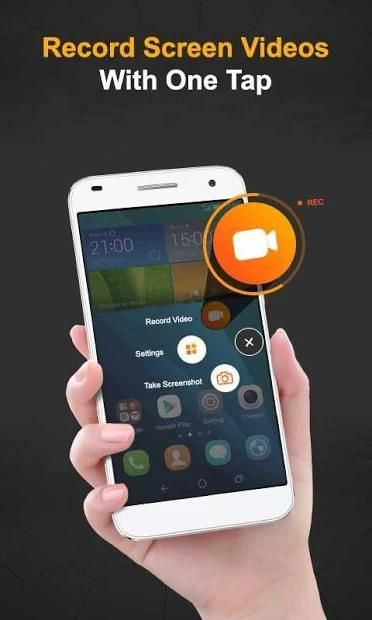
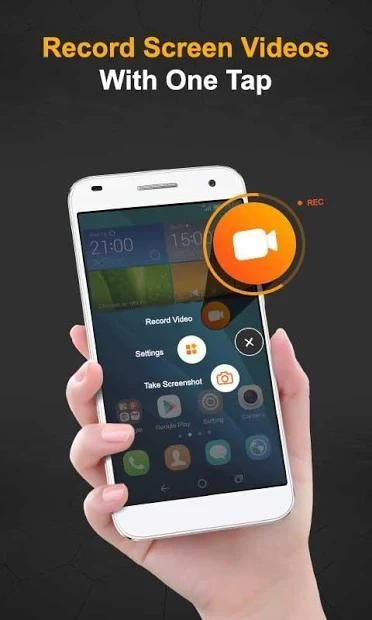
- Magical Screen Recording button
- Pause and Resume option for screen recording
- Easily shareable on any social media platform
- option Share all videos at once
- Delete all at once option
- No Internet and Data required
- Save videos in local memory
What’s in Upcoming Versions:
- Video editor
- video trimer
- Audio Cutter and Editor
- Take Screen Shot while doing live video recording
Note:
your suggestions and recommendation will be considerable at any cost.
Screen Recorder - Edit Rekam Video adalah perekam pro sekarang siap digunakan bagi orang-orang yang ingin merekam video Mobile Screen Live dan ingin membaginya pada platform media sosial. Berikut ini adalah aplikasi perekaman layar Video terbaik dengan Antarmuka Pengguna terbaik dan desain Grafis yang Menarik.
Perekam Layar - Edit Rekam Video adalah salah satu aplikasi Android terbaik di pasar yang memiliki tombol ajaib untuk mulai merekam dengan beberapa fitur luar biasa. Ini memiliki opsi jeda dan melanjutkan untuk mulai merekam video Layar dari mana kita ingin memulai perekaman video langsung. Ini adalah aplikasi terbaik untuk merekam Demo situs web. Ini berarti aplikasi perekam web dan aplikasi tangkapan layar video.
Perekam Layar - Edit Rekam Video memiliki dua tab utama untuk menggunakan aplikasi ini. Satu tab untuk pengaturan perubahan sesuai dengan kebutuhan Anda. Piksel dapat berubah dengan pengaturan frame per detik dan bit rate. Dengan mengatur pengaturan piksel Anda dapat merekam video layar hd. Ini adalah salah satu aplikasi perekam pro dengan semua pengaturan menyesuaikan piksel, frame dan bit rate. Tab Lainnya akan menampilkan semua rekaman video yang ada melalui perekam video layar.
Aplikasi Perekam Layar tidak memerlukan koneksi internet atau data untuk menggunakan fitur aplikasi ini. itu akan menyimpan semua rekaman video dalam memori telepon lokal atau di kartu SD. Tombol pengodean magis akan hadir di atas semua aplikasi yang digunakan sehingga Anda dapat dengan mudah menjeda atau melanjutkan perekaman. Anda dapat dengan mudah merekam snap status lain dan video. itu juga aplikasi snap saver. Cukup instal aplikasi ini dan rekam secara langsung dengan perekam video layar pro.
Cara menggunakan Perekam Layar - Edit Rekam Video:
Setelah menginstal aplikasi, Anda dapat melihat dua tab utama untuk mulai merekam layar saya. Yang pertama adalah tab Pengaturan di mana Anda dapat mengubah piksel. Anda mengatur piksel untuk merekam video sendiri. Anda dapat mengatur frame per detik dan bit rate sesuai pilihan Anda. Tab kedua terdiri dari semua video yang direkam layar. Anda dapat membagikan video ini dengan siapa pun di aplikasi media sosial seperti Facebook, Imo, dan whats app dll. ada tombol khusus untuk memilih semua video yang ada. Sebuah tombol perekaman video ajaib ada di sisi kiri bawah layar Anda, Anda dapat mulai melakukan pengodean ulang dengan menekan tombol itu. Anda dapat menjeda dan memulai lagi rekaman Anda dengan menekan tombol putar / jeda. Anda dapat dengan mudah menghapus video layar video yang direkam hanya dalam satu klik dengan menekan Hapus keranjang.
Fitur Perekam Layar - Edit Rekam Video:
- tab pengaturan untuk pengaturan perekaman kustom
- akan pro setelah menggunakan beberapa kali
- menyesuaikan pengaturan piksel
- sesuaikan bingkai per detik
- sesuaikan pengaturan resolusi
- Desain Grafis dan UI Menarik
- Tombol Magical Screen Recording
- Jeda dan Lanjutkan opsi untuk perekaman layar
- Mudah dibagikan pada platform media sosial apa pun
- opsi Bagikan semua video sekaligus
- Hapus semua opsi sekaligus
- Tidak ada Internet dan Data yang diperlukan
- Menyimpan video di memori lokal
Apa yang Ada di Versi Mendatang:
- Editor video
- Video trimer
- Pemotong dan Editor Audio
- Ambil Screen Shot saat melakukan perekaman video langsung
catatan:
saran dan rekomendasi Anda akan cukup berapapun biayanya.



9Apps 4.9










