
Do you believe? 20,000+ users downloaded Screen Mirroring With TV latest version on 9Apps for free every week! This will give an informative for the other crazy players. This hot app was released on 2020-01-07. Hope you will like this amazing app!
Screen Mirroring with Samsung TV - Mirror Screen apk content rating is Everyone and can be downloaded and installed on android devices supporting 18 api and above.
Screen Mirroring with TV - Mirror Screen
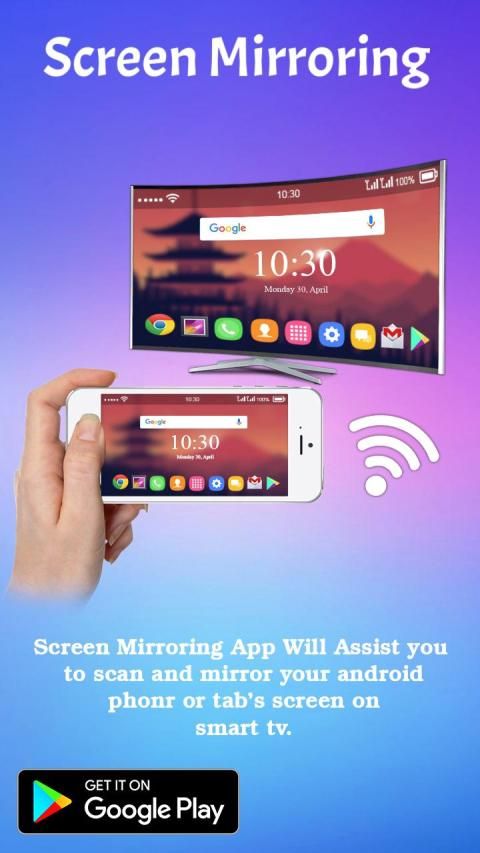
Screen Mirroring with TV - Mirror Screen App will assist you to scan and mirror your android phone or tab's screen on smart TV/Display or Wireless dongles or adapters.
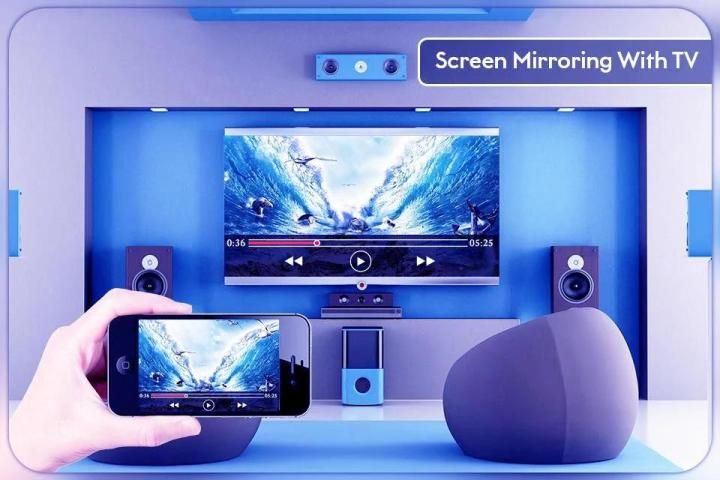
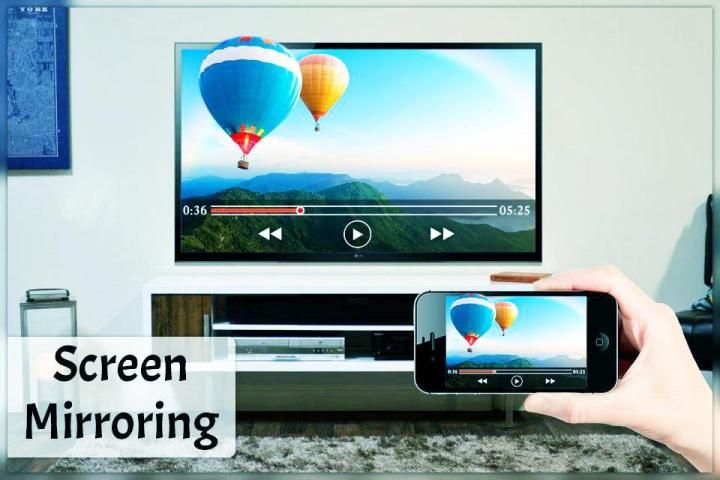
Screen Mirroring with TV - Mirror Screen Able to play videos, music, photos, etc. in my smartphone with any devices (smartphone, smart TV, laptop, tablet, etc.) at anywhere.
Screen Mirroring with TV - Mirror Screen does not need extra dongle or cable. Click the “Start”, the Mobile hotspot will be operating automatically. and After hotspot will be operating, connect to AP from other devices.
Able to play videos, music, photos, etc in my smartphone with any devices (smartphone, smartTV, laptop, tablet, etc) at anywhere. This Wifi Screen Stream Mirroring app was developed for presentations of android apps in mind, featuring low latency, high frame rate streaming of your Android device.
Screen Mirroring with TV - Mirror Screen can only play contents but send screen as is such as HDMI, MHL, Miracast and Chromecast. It has been tested and found works on most of android mobiles.
Please follow below steps to mirror your mobile screen to smart TV.
1) Your TV should support Wireless Display or any sort of Display Dongles.
2) The TV must be connected to wifi network same as your phone.
3) The Phone version must be android 4.2 and above.
4) Download and run Screen Mirroring App.
If you have enjoyed your experience with this Screen Mirroring with TV, rate us on play store. Do not forget to share this share screen with tv among all your friends who enjoy casting as much as you do.
o Share/mirror mobile screen to Smart TV or WIFI Display dongle connected to TV,
Following steps needs to performed:
1. Check your TV weather it supports WIFI Display / Miracast.
2. Make sure TV is connected to the same WIFI network as your mobile device. You can't connect it with wired connection (LAN).
3. Make sure your Android device version is 4.2 or higher.
4. Make sure your device inbuilt hardware of Miracast.
5. Download and run Screen Mirroring App.
How to use?
Firstly, App open then click on wi-fi display you will go on cast screen directly.
Enable the TV Miracast.
Tap on start WIFI of the application.
Miracast application should be enabled.
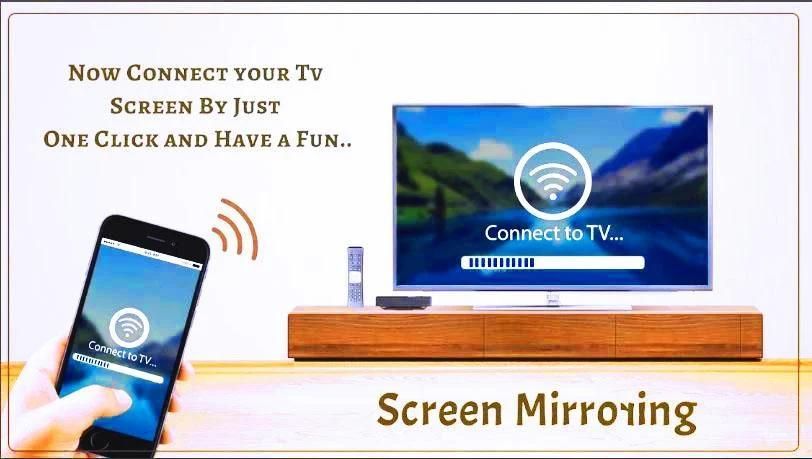
Both will connect automatically to each other than you can see same mobile screen show on Smart TV.
Ease of Use: The app is fast event in 3g-4g-5g network and easy to browse.
Miracast gives you –
- Truly amazing graphics
- Amazing animations
- Carefully crafted option more apps
Please follow below steps to mirror your mobile screen to smart TV.
Screen Mirroring Assistant is the better way for mirroring to tv and also to Screen Stream Mirroring your phone or your mobile to Display Phone Screen On smart TV
screen mirroring app can do many things like : use your android samsung a50 at screen mirroring on smart TV : mirror your photos to TV .
Screen Mirroring with TV – All Screen Mirror sharing with web browsers screen Mirroring to play games. Screen drawing while mirroring. Mirroring, screen sharing with media players. to make powerful presentation for work, education, or gaming screen cast is used.
Screen Mirroring with TV - Mirror Screen sharing with web browsers screen Mirroring to play games. Screen drawing while mirroring. Mirroring, screen sharing with media players. to make powerful presentation for work, education, or gaming screen cast is used.
If you have enjoyed your experience with this screen mirroring for Samsung smart tv, rate us on play store. Do not forget to share this screen mirroring for Samsung smart tv among all your friends who enjoy casting as much as you do.
If you have any suggestions for us to improve this screen mirroring for Samsung smart tv better, please write to us.
Thank You…
Screen Mirroring with Samsung TV - Mirror Screen apk konten rating Semua orang dan dapat didownload dan diinstal pada perangkat android yang mendukung 18 api dan di atas.
Screen Mirroring dengan TV - Layar Cermin
Screen Mirroring with TV - Mirror Screen App akan membantu Anda memindai dan mencerminkan ponsel android Anda atau layar tab di smart TV / Display atau dongle atau adapter nirkabel.
Screen Mirroring with TV - Mirror Screen Mampu memutar video, musik, foto, dll. Di ponsel cerdas saya dengan perangkat apa pun (ponsel cerdas, TV pintar, laptop, tablet, dll.) Di mana saja.
Screen Mirroring with TV - Mirror Screen tidak perlu dongle atau kabel tambahan. Klik "Mulai", hotspot Seluler akan beroperasi secara otomatis. dan Setelah hotspot akan beroperasi, sambungkan ke AP dari perangkat lain.
Dapat memutar video, musik, foto, dll di ponsel cerdas saya dengan perangkat apa pun (ponsel cerdas, smartTV, laptop, tablet, dll) di mana saja. Aplikasi Wifi Screen Stream Mirroring ini dirancang untuk presentasi aplikasi Android, menampilkan latensi rendah, streaming frame rate tinggi dari perangkat Android Anda.
Screen Mirroring with TV - Mirror Screen hanya dapat memutar konten tetapi mengirim layar seperti HDMI, MHL, Miracast, dan Chromecast. Ini telah diuji dan ditemukan bekerja pada sebagian besar ponsel Android.
Ikuti langkah-langkah di bawah ini untuk mencerminkan layar ponsel Anda ke TV pintar.
1) TV Anda harus mendukung Layar Nirkabel atau Dongles Layar apa pun.
2) TV harus terhubung ke jaringan wifi yang sama dengan telepon Anda.
3) Versi Telepon harus Android 4.2 ke atas.
4) Unduh dan jalankan Aplikasi Pencerminan Layar.
Jika Anda menikmati pengalaman Anda dengan Screen Mirroring with TV ini, beri nilai kami di play store. Jangan lupa untuk berbagi layar berbagi ini dengan tv di antara semua teman Anda yang menikmati casting sebanyak yang Anda lakukan.
o Bagikan / mirror layar ponsel ke Smart TV atau dongle Display WIFI yang terhubung ke TV,
Langkah-langkah berikut perlu dilakukan:
1. Periksa cuaca TV Anda mendukung WIFI Display / Miracast.
2. Pastikan TV terhubung ke jaringan WIFI yang sama dengan perangkat seluler Anda. Anda tidak dapat menghubungkannya dengan koneksi kabel (LAN).
3. Pastikan versi perangkat Android Anda 4.2 atau lebih tinggi.
4. Pastikan perangkat keras bawaan Anda dari Miracast.
5. Unduh dan jalankan Aplikasi Pencerminan Layar.
Cara Penggunaan?
Pertama, Aplikasi terbuka lalu klik pada tampilan wi-fi Anda akan langsung masuk ke layar cast.
Aktifkan Miracast TV.
Ketuk mulai WIFI aplikasi.
Aplikasi Miracast harus diaktifkan.
Keduanya akan terhubung secara otomatis satu sama lain daripada Anda dapat melihat tampilan layar ponsel yang sama di Smart TV.
Kemudahan Penggunaan: Aplikasi ini adalah acara cepat di jaringan 3g-4g-5g dan mudah dijelajahi.
Miracast memberi Anda -
- Grafik yang benar-benar menakjubkan
- Animasi menakjubkan
- Opsi hati-hati dibuat lebih banyak aplikasi
Ikuti langkah-langkah di bawah ini untuk mencerminkan layar ponsel Anda ke TV pintar.
Screen Mirroring Assistant adalah cara yang lebih baik untuk mirroring ke tv dan juga untuk Screen Stream Mirroring ponsel atau ponsel Anda ke Display Phone Screen On smart TV
aplikasi mirroring layar dapat melakukan banyak hal seperti: menggunakan android a50 samsung Anda di mirroring layar di smart TV: mirror foto Anda ke TV.
Screen Mirroring with TV - Semua berbagi Mirror Layar dengan browser web layar Mirroring untuk bermain game. Gambar layar sambil mirroring. Mirroring, berbagi layar dengan pemutar media. untuk membuat presentasi yang kuat untuk pekerjaan, pendidikan, atau pemeran layar game digunakan.
Screen Mirroring with TV - Mirror Screen sharing dengan browser web layar Mirroring untuk bermain game. Gambar layar sambil mirroring. Mirroring, berbagi layar dengan pemutar media. untuk membuat presentasi yang kuat untuk pekerjaan, pendidikan, atau pemeran layar game digunakan.
Jika Anda telah menikmati pengalaman Anda dengan mirroring layar ini untuk Samsung smart tv, nilai kami di play store. Jangan lupa untuk berbagi mirroring layar ini untuk Samsung smart tv di antara semua teman Anda yang menikmati casting sebanyak yang Anda lakukan.
Jika Anda memiliki saran bagi kami untuk meningkatkan pencerminan layar ini untuk Samsung smart tv yang lebih baik, silakan kirim surat kepada kami.
Terima kasih…





9Apps 4.9










