
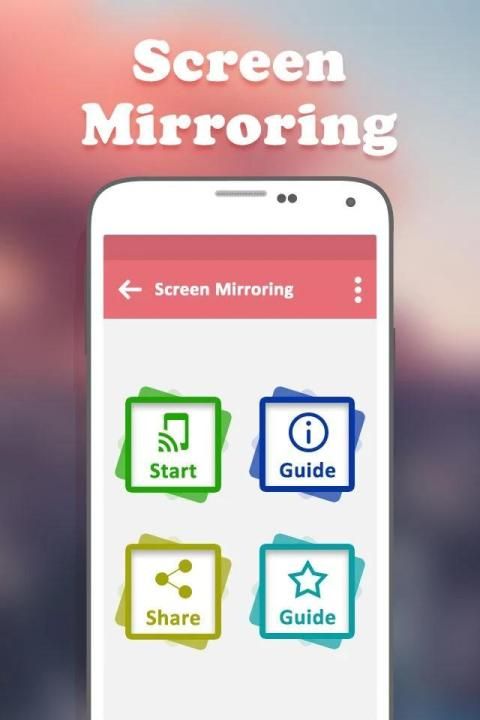
Hot applications make large number of downloads. 20,000+ users downloaded Screen Mirroring - Mobile to TV latest version on 9Apps for free every week! More apps are free download here! This hot app was released on 2019-01-12. More similar hot applications can be found here too.
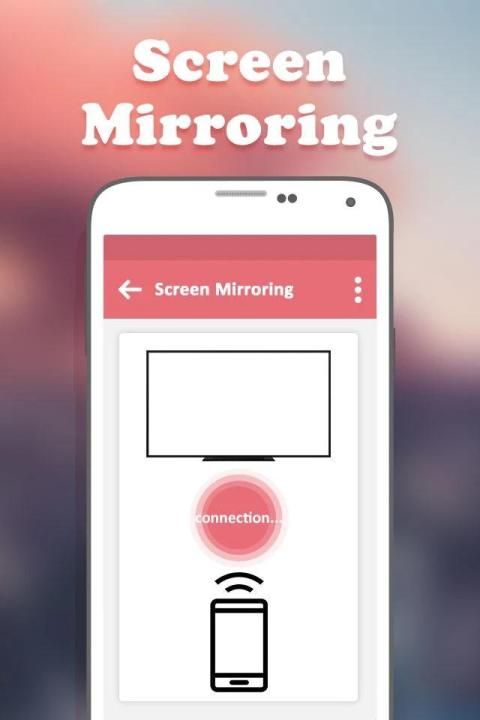
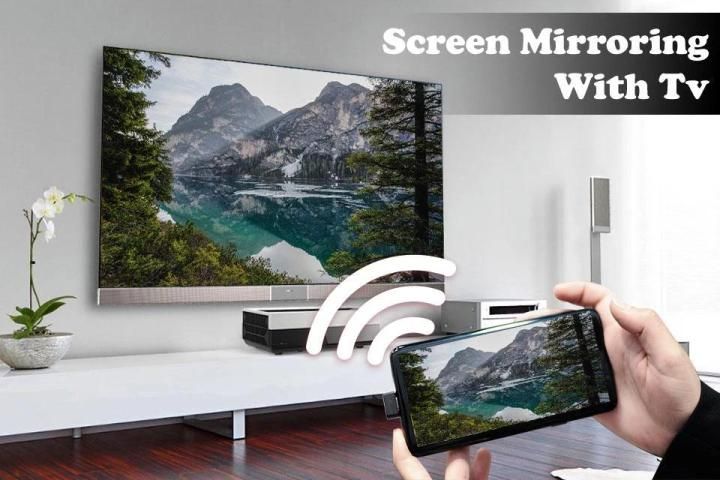
Display Phone Screen On TV App will assist you to scan and mirror your android phone or tab's screen on smart TV/Display (mira cast enabled) or Wireless dongles or adapters.
Display Phone Screen On TV App does not need extra dongle or cable. Click the Start, the Mobile hotspot will be operating automatically. and After hotspot will be operating, connect to AP from other devices.
Screen Mirroring is the most powerful TV app for mirroring and broadcasting your Android screen and audio in real time! Now you can Extend your mobile contents onto your Smart TV and The FRAME TV. Screen Mirroring Assistant will help you to share, display and mirror your android phone or tab's screen on smart TV.
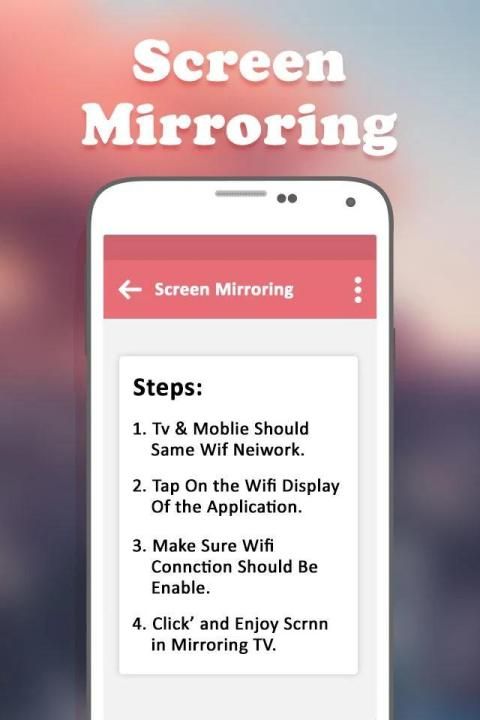
★ Please follow below steps to mirror your mobile screen to smart TV.
1) Your TV should support Wireless Display or any sort of Display Dongles.
2) The TV must be connected to wifi network same as your phone.
3) The Phone version must be android 4.2 and above.
4) Download and run Screen Mirroring App.
If you have enjoyed your experience with this Screen Mirroring with TV, rate us on play store. Do not forget to share this share screen with tv among all your friends who enjoy casting as much as you do.
Able to play videos, music, photos, etc in my smartphone with any devices (smartphone, smartTV, laptop, tablet, etc) at anywhere. This Wifi Screen Stream Mirroring app was developed for presentations of android apps in mind, featuring low latency, high frame rate streaming of your Android device.
★ The Screen Mirroring or Smart View feature is compatible with the following devices:
Samsung Galaxy S8, Samsung Galaxy S7, S8, S8 edge, Samsung Galaxy S6, Samsung Galaxy S5, Samsung Galaxy S4, Samsung Galaxy S III , Samsung Galaxy Note II, Samsung Galaxy Note 3, Samsung Galaxy Note 4, Samsung Galaxy Camera, Samsung 8 Galaxy Note, Samsung Galaxy Note 10.1, Samsung Galaxy Note 10.1" edge 2017 Edition. Sony TV, Bravia, Bmw, choppy, c9 pro, car, directv, droid turbo delay, Emerson, Epson, Pixel, J7 Tab, S2 Tab, Huawei, HTC, Hisense, Hotstar, JVC & JIO Smart TV, Kindle Fire, Kodi, K20, keyone, LG TV, Nexus, Nokia, Roku Root, Playstation PS3, PS4, PS5, XBOX, Vizio, Vivo, Videocon, Xiaomi redmi mi5, Xfinity, Xperia, Zenfone, Zte Zmax, cyanogenmod, 4K smart TV.
★ Keyword
Screen Mirroring Assistant
mirroring to tv
Screen Stream Mirroring
Display Phone Screen On TV
screen mirroring laptop
Screen Mirroring - Mirror Screen
mirror tv cast screen
screen mirroring smart tv
screen mirroring casting
screen mirroring app
mirror cast screen cast
screen mirroring smart TV
mirror screen android
mirror your photo to TV
mirror phone to tv
Layar Telepon Layar Pada Aplikasi TV akan membantu Anda memindai dan mencerminkan ponsel Android Anda atau layar tab di TV pintar / Layar (mira cast diaktifkan) atau dongle atau adaptor Nirkabel.
Tampilan Layar Ponsel Pada Aplikasi TV tidak perlu dongle atau kabel tambahan. Klik Mulai, hotspot Seluler akan beroperasi secara otomatis. dan Setelah hotspot akan beroperasi, sambungkan ke AP dari perangkat lain.
Screen Mirroring adalah aplikasi TV paling kuat untuk mirroring dan menyiarkan layar Android Anda dan audio secara real time! Sekarang Anda dapat Perluas konten seluler Anda ke Smart TV dan The FRAME TV. Screen Mirroring Assistant akan membantu Anda berbagi, menampilkan, dan merefleksikan ponsel Android Anda atau layar tab di TV pintar.
★ Ikuti langkah-langkah di bawah ini untuk mencerminkan layar ponsel Anda ke smart TV.
1) TV Anda harus mendukung Display Nirkabel atau segala jenis Dongles Display.
2) TV harus terhubung ke jaringan wifi yang sama dengan telepon Anda.
3) Versi Telepon harus Android 4.2 ke atas.
4) Unduh dan jalankan Aplikasi Pencerminan Layar.
Jika Anda menikmati pengalaman Anda dengan Screen Mirroring with TV ini, beri nilai kami di play store. Jangan lupa untuk berbagi layar berbagi ini dengan tv di antara semua teman Anda yang menikmati casting sebanyak yang Anda lakukan.
Dapat memutar video, musik, foto, dll di ponsel cerdas saya dengan perangkat apa pun (ponsel cerdas, smartTV, laptop, tablet, dll) di mana saja. Aplikasi Wifi Screen Stream Mirroring ini dirancang untuk presentasi aplikasi Android, menampilkan latensi rendah, streaming frame rate tinggi dari perangkat Android Anda.
★ Fitur Screen Mirroring atau Smart View kompatibel dengan perangkat berikut:
Samsung Galaxy S8, Samsung Galaxy S7, S8, S8 edge, Samsung Galaxy S6, Samsung Galaxy S5, Samsung Galaxy S4, Samsung Galaxy S III, Samsung Galaxy Note II, Samsung Galaxy Note 3, Samsung Galaxy Note 3, Samsung Galaxy Note 4, Kamera Samsung Galaxy, Samsung 8 Galaxy Note, Samsung Galaxy Note 10.1, Samsung Galaxy Note 10.1 "edge 2017 Edition. Sony TV, Bravia, Bmw, choppy, c9 pro, mobil, direktif, droid turbo delay, Emerson, Epson, Pixel, J7 Tab, S2 Tab, Huawei, HTC, Hisense, Hotstar, JVC & JIO Smart TV, Kindle Fire, Kodi, K20, keyone, LG TV, Nexus, Nokia, Roku Root, Playstation PS3, PS4, PS5, XBOX, Vizio, Vivo, Videocon, Xiaomi redmi mi5, Xfinity, Xperia, Zenfone, Zte Zmax, cyanogenmod, 4K smart TV.
★ kata kunci
Asisten Pemantulan Layar
mirroring ke tv
Screen Stream Mirroring
Tampilkan Layar Ponsel Di TV
layar mirroring laptop
Screen Mirroring - Layar Cermin
layar cermin tv cor
layar mirroring tv pintar
casting layar mirroring
aplikasi mirroring layar
cermin cor layar cor
layar mirroring TV pintar
layar cermin android
mirror foto Anda ke TV
telepon cermin ke tv




9Apps 4.9











