
Hot applications make large number of downloads. 30,000+ users downloaded Screen Mirroring latest version on 9Apps for free every week! This app is intended for an adult audience. This hot app was released on 2020-05-12. Get the latest version now!
Screen Mirroring - mirror app - Miracast
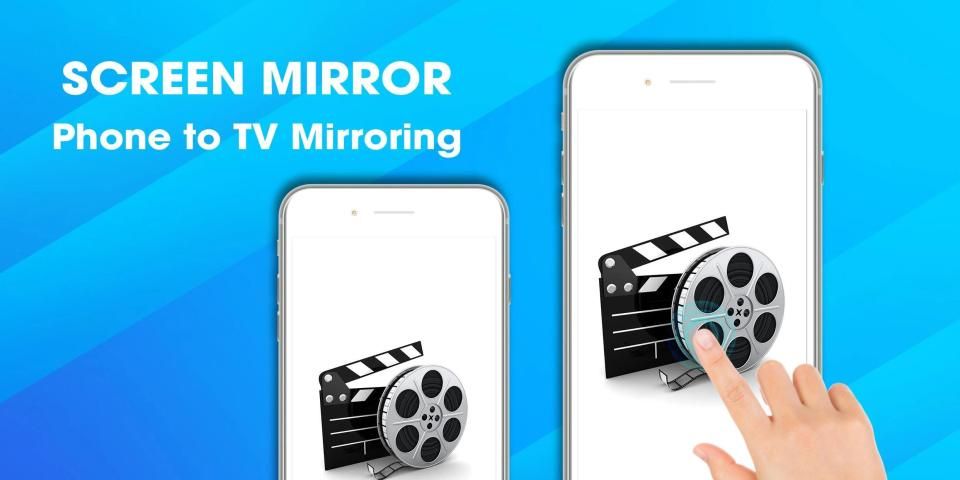
Screen Mirroring App will assist you to scan and mirror your android screen on your TV.
This app does not need extra dongle or cable. Click the “Start”, the mirroring will be operating automatically.
Screen Mirroring can only play contents but send screen as is such as HDMI, MHL, Miracast and Chromecast. It has been tested and found works on most of Samsung, LG TV.
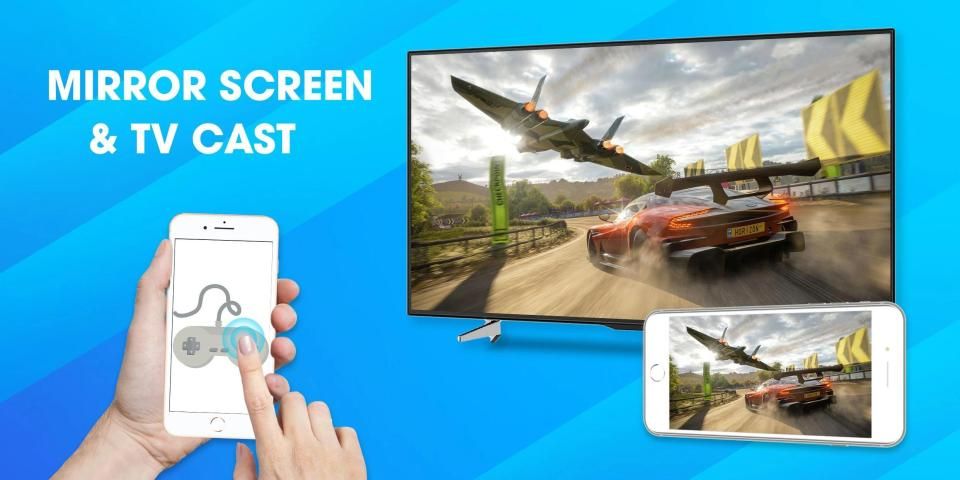
Please notice that our screen mirroring app is not suitable for playing games on TV, because the normal delay time is from 5s to 6s. We are working hard to make it come true for gamers. We have Optimize Speed mode with 0s latency for TVs.
This tv mirror app allows you to easily connect your device and your TV. It provides you a secure connection to protect your data, files and applications. tv mirror is simple, easy to use and most importantly a free app!
** SCREEN MIRROR TO MULTIPLE DEVICES SIMULTANEOUSLY **
Features
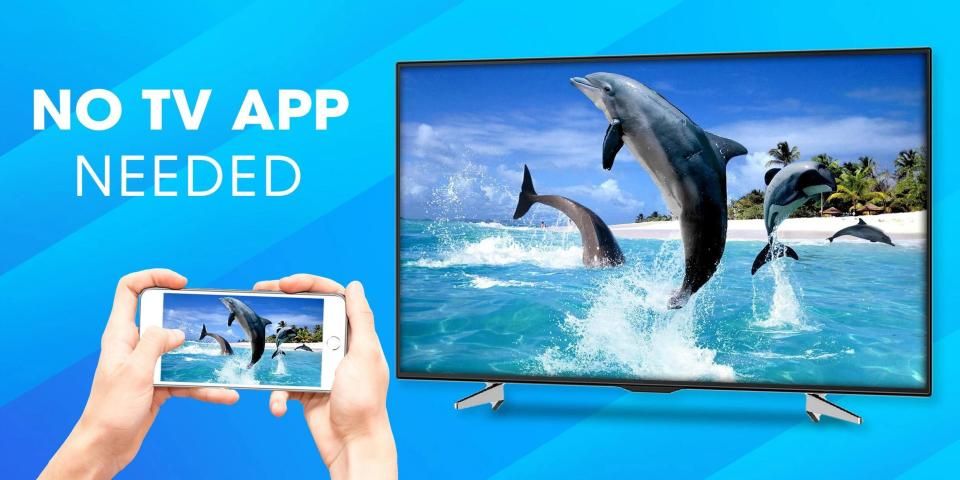
- No need to install any tv mirror app on TV
- Mirroring any application or games (for watching) wirelessly on your android
screen to TVs over your wifi network
- Streaming or casting photos, videos, music from your android to TV
- Cast any web videos to TV
- No cables, no additional hardware, nothing else needed
- Support for roku,lg tv, roku tv, samsung tv, iwebtv, samsung smart view.
How to start mirroring?
1. Connect your android and your TV to the same wifi network
2. Open the app and connect the app to your TV
3. Allow your TV connect to your android
4. Open the app and click on Start Mirroring to start mirroring on your TV
5. To stop mirroring click on top red bar of your android
Note: Make sure your android device and your SamSung TV, LG TV, Roku TV, Smart Phone, Tablet other device are all connected to the same network. Sound is not supported yet. If you mirror your screen to many devices simultaneously, the mirroring performance may be degraded. The latest android models are recommended in this case.
Privacy Policy: https://screenmirroringapp.blogspot.com/2020/04/privacy-policy-screen-mirroring.html
Screen Mirroring - aplikasi cermin - Miracast
Aplikasi Screen Mirroring akan membantu Anda untuk memindai dan mirror layar android Anda di TV Anda.
Aplikasi ini tidak perlu dongle atau kabel tambahan. Klik "Mulai", mirroring akan beroperasi secara otomatis.
Screen Mirroring hanya dapat memutar konten tetapi mengirim layar seperti HDMI, MHL, Miracast, dan Chromecast. Telah diuji dan ditemukan bekerja pada sebagian besar Samsung, LG TV.
Harap perhatikan bahwa aplikasi pencerminan layar kami tidak cocok untuk bermain game di TV, karena waktu tunda normal adalah dari 5 hingga 6 s. Kami bekerja keras untuk mewujudkannya bagi para gamer. Kami memiliki mode Kecepatan Optimasi dengan latensi 0 untuk TV.
Aplikasi cermin tv ini memungkinkan Anda untuk dengan mudah menghubungkan perangkat Anda dan TV Anda. Ini memberi Anda koneksi aman untuk melindungi data, file, dan aplikasi Anda. cermin tv sederhana, mudah digunakan dan yang terpenting adalah aplikasi gratis!
** LAYAR CERMIN KE PERANGKAT GANDA SECARA BERANDA **
fitur
- Tidak perlu menginstal aplikasi cermin tv di TV
- Mencerminkan aplikasi atau game apa saja (untuk menonton) secara nirkabel di Android Anda
layar ke TV melalui jaringan wifi Anda
- Streaming atau casting foto, video, musik dari android Anda ke TV
- Keluarkan video web apa pun ke TV
- Tidak ada kabel, tidak ada perangkat keras tambahan, tidak ada yang dibutuhkan
- Dukungan untuk roku, lg tv, roku tv, samsung tv, iwebtv, samsung smart view.
Bagaimana cara memulai mirroring?
1. Hubungkan android dan TV Anda ke jaringan wifi yang sama
2. Buka aplikasi dan hubungkan aplikasi ke TV Anda
3. Biarkan TV Anda terhubung ke Android Anda
4. Buka aplikasi dan klik Mulai Mirroring untuk mulai mirroring di TV Anda
5. Untuk berhenti mirroring klik pada bilah merah teratas Android Anda
Catatan: Pastikan perangkat android Anda dan SamSung TV Anda, LG TV, Roku TV, Smart Phone, Tablet perangkat lain semuanya terhubung ke jaringan yang sama. Suara belum didukung. Jika Anda mirror layar Anda ke banyak perangkat secara bersamaan, kinerja mirroring mungkin menurun. Model android terbaru direkomendasikan dalam hal ini.
Kebijakan Privasi: https://screenmirroringapp.blogspot.com/2020/04/privacy-policy-screen-mirroring.html




9Apps 4.9











