
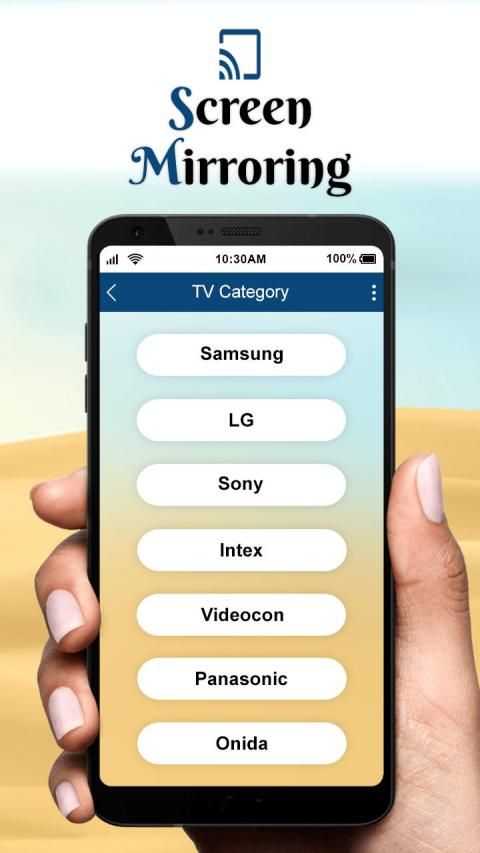
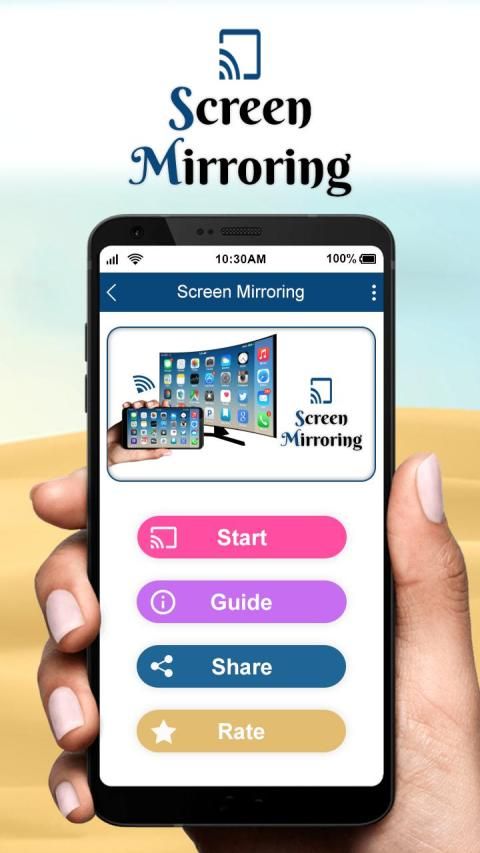
Welcome to our app recommend. 20,000+ users downloaded Screen Mirroring latest version on 9Apps for free every week! Therefore, people are willing to accept this latest version. This hot app was released on 2019-06-28. Just use it when absolutely necessary.
Screen Mirroring can only play contents but send screen as is such as HDMI, MHL, Mira-cast and Chrome-cast. It has been tested and found works on most of android mobiles.
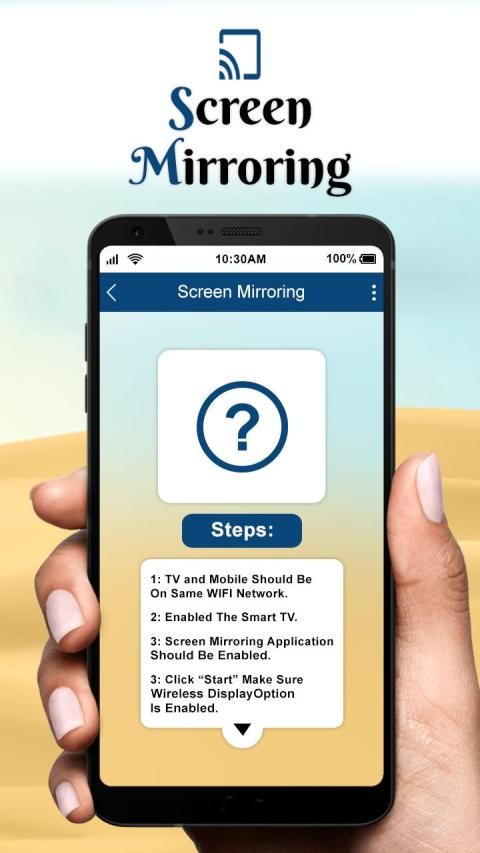
Please follow below steps to mirror your mobile screen to smart TV.
1) Your TV should support Wireless Display or any sort of Display Dongles.
2) The TV must be connected to wifi network same as your phone.
3) The Phone version must be android 4.2 and above.
4) Download and run Screen Mirroring App.
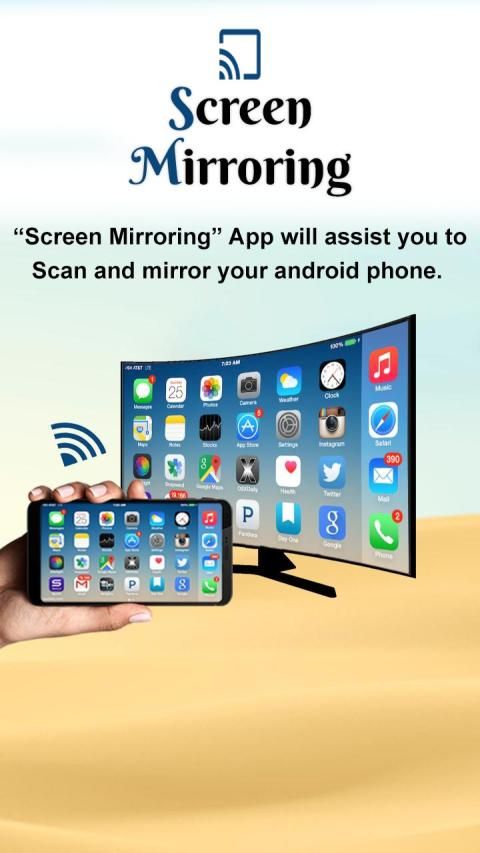
Screen Mirroring will assist you to scan and mirror your android phone or tab's screen on smart TV/Display (mira cast enabled) or Wireless dongles or adapters. Screen Mirroring Able to play videos, music, photos, etc in my Smartphone with any devices (smartphone, smartTV, laptop, tablet, etc) at anywhere.
With the all-new Smart View app, you can enjoy your personalized Smart Hub experience on your smartphone or tablet with all the benefits of touch. Browse across your favorite live TV and streaming apps more. Discover and launch your movies, shows, sports, music or games directly from your phone without interrupting your viewing experience on the TV.
If you are tired of searching the greatest Apps for casting your small screens into larger screens to get awesome experiences, here is the best and most user-friendly Connect Phone To TV (Castto) App. All you need is to make sure that your smartphone/tablet and your TV are connected to the same WIFI network in order for this Mobile Connect To TV App to work successfully.
If you have any suggestions for us to improve this screen mirroring for Samsung smart tv better, please write to us.
Thank You…
Screen Mirroring hanya dapat memutar konten tetapi mengirim layar seperti HDMI, MHL, Mira-cast dan Chrome-cast. Ini telah diuji dan ditemukan bekerja pada sebagian besar ponsel Android.
Ikuti langkah-langkah di bawah ini untuk mencerminkan layar ponsel Anda ke TV pintar.
1) TV Anda harus mendukung Layar Nirkabel atau Dongles Layar apa pun.
2) TV harus terhubung ke jaringan wifi yang sama dengan telepon Anda.
3) Versi Telepon harus Android 4.2 ke atas.
4) Unduh dan jalankan Aplikasi Pencerminan Layar.
Screen Mirroring akan membantu Anda memindai dan mencerminkan ponsel Android Anda atau layar tab di smart TV / Display (mira cast enabled) atau Wireless dongles atau adapter. Pencerminan Layar Mampu memutar video, musik, foto, dll di Smartphone saya dengan perangkat apa pun (smartphone, smartTV, laptop, tablet, dll) di mana saja.
Dengan aplikasi Smart View yang semuanya baru, Anda dapat menikmati pengalaman Smart Hub yang dipersonalisasi di ponsel cerdas atau tablet Anda dengan semua manfaat sentuhan. Jelajahi lebih banyak TV langsung favorit Anda dan aplikasi streaming. Temukan dan luncurkan film, acara, olahraga, musik, atau game langsung dari ponsel Anda tanpa mengganggu pengalaman menonton Anda di TV.
Jika Anda bosan mencari Aplikasi terbaik untuk menampilkan layar kecil Anda ke layar yang lebih besar untuk mendapatkan pengalaman yang luar biasa, berikut ini adalah Aplikasi Connect Phone To TV (Castto) terbaik dan paling ramah pengguna. Yang Anda butuhkan adalah memastikan bahwa ponsel cerdas / tablet dan TV Anda terhubung ke jaringan WIFI yang sama agar Aplikasi Mobile Connect To TV ini berfungsi dengan baik.
Jika Anda memiliki saran bagi kami untuk meningkatkan pencerminan layar ini untuk Samsung smart tv yang lebih baik, silakan kirim surat kepada kami.
Terima kasih…
Update Button design for user friendly.


![How to Screen Mirror ANDROID/IOS to Laptop [FREE]: WooTechy MirrorDisp screenshot 4](https://i.ytimg.com/vi/zkZ4REsWjSQ/mqdefault.jpg)


9Apps 4.9










