
It has to be noticed that 30,000+ users downloaded Screen Mirroring latest version on 9Apps for free every week! The app has made a strong effect. This hot app was released on 2019-02-28. Don’t wait any longer– the application will shock you.
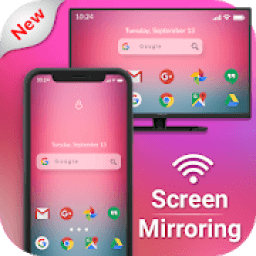
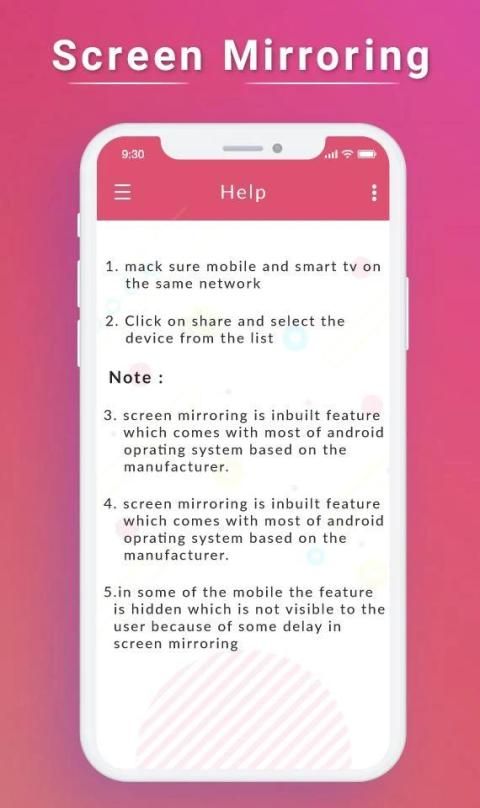
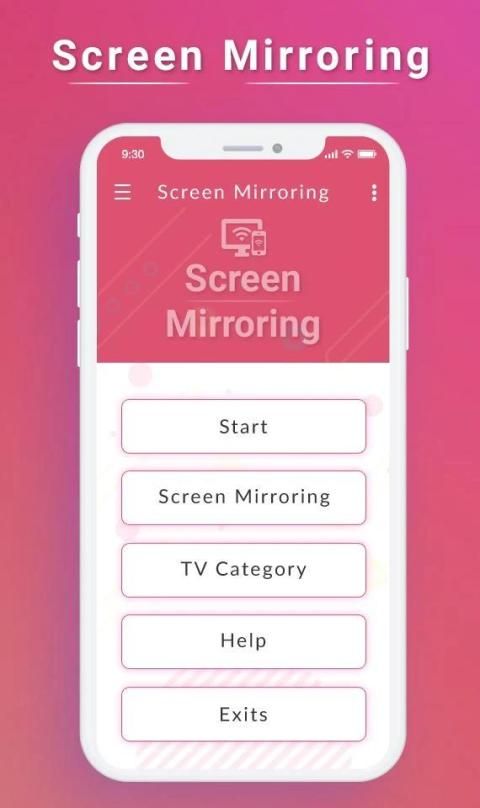
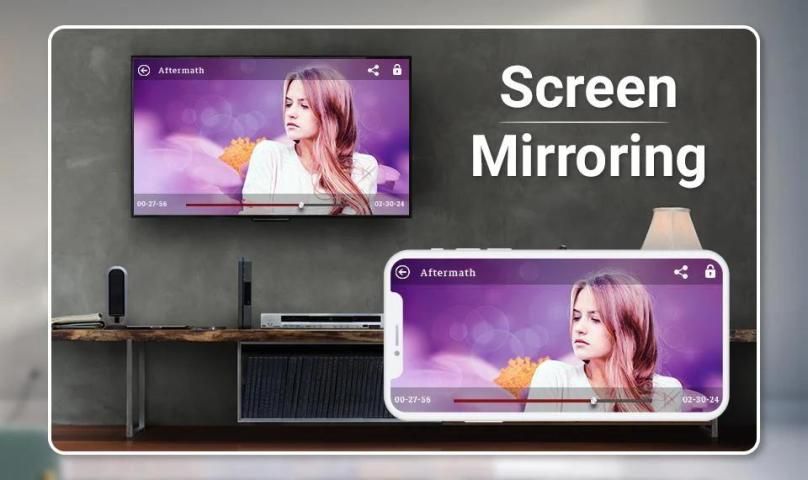
Screen Mirroring App will assist you to scan and mirror your android phone or tab's screen on smart TV/Display (mira cast enabled ) or Wireless dongles or adapters.
Screen Mirroring Able to play videos, music, photos, etc in my smartphone with any devices (smartphone, smartTV, laptop, tablet, etc) at anywhere.
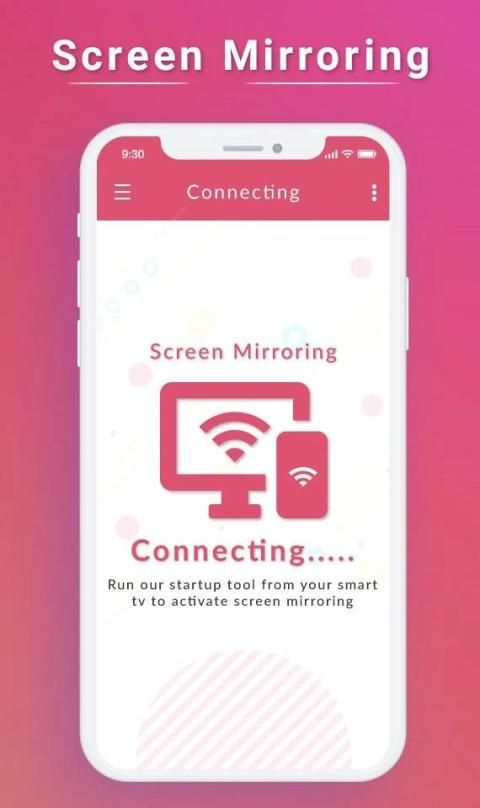
Mirror screen does not need extra dongle or cable. Click the “Start”, the Mobile hotspot will be operating automatically. and After hotspot will be operating, connect to AP from other devices.
Screen Mirroring can only play contents but send screen as is such as HDMI, MHL, Miracast and Chromecast. It has been tested and found works on most of android mobiles.
Feature :-
• Easily change resolution and density - take full advantage of the resolution of your external display, and show the Android tablet interface if you're using a phone
• Simple profile-based interface - easy to enable/disable different profiles for different types of displays
• Automatically enable Bluetooth and Wi-Fi - quickly connect a keyboard, mouse, and/or game controller
• Lock screen orientation to landscape
• Show desktop sites in Chrome by default - browse the real Web, on your TV!
• Full integration with Tasker
• Disable device backlight and/or vibration - save battery while your device is connected (not compatible with all devices)
• Load profiles automatically when a display is connected
Screen Mirroring is the most powerful TV app for mirroring and broadcasting your Android screen and audio in real time! Now you can Extend your mobile contents onto your Smart TV and The FRAME TV. Screen Mirroring Assistant will help you to share, display and mirror your android phone or tab's screen on smart TV.
This App also known as : -
⌨ Screen mirroring app
⌨ Mirror screen
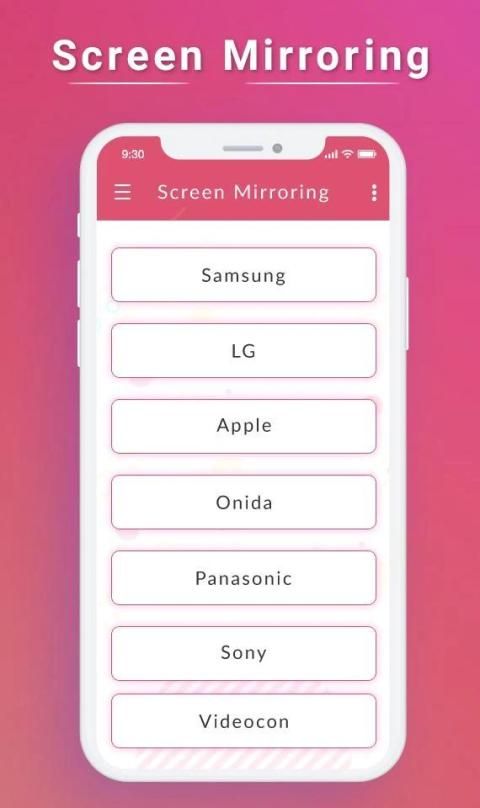
⌨ Screen mirroring Samsung TV
⌨ Mirror TV
⌨ MiraCast
⌨ Mobile Screen to TV Screen
⌨ Connect Mobile with TV
⌨ Mobile Video to TV Screen
⌨ Screen mirroring Samsung smart TV
⌨ Samsung screen mirroring
⌨ Mirror cast
⌨ Screen mirroring Samsung
⌨ Cast screen android
⌨ Samsung mirroring app
⌨ Screen mirror
⌨ Mirror screen android
⌨ Screen mirroring for Samsung TV
⌨ Mirroring to TV
⌨ Screen mirroring laptop
Screen Mirroring with TV - Mirror Screen sharing with web browsers screen Mirroring to play games. Screen drawing while mirroring. Mirroring, screen sharing with media players. to make powerful presentation for work, education, or gaming screen cast is used.
If you have enjoyed your experience with this screen mirroring for Samsung smart tv, rate us on play store. Do not forget to share this screen mirroring for Samsung smart tv among all your friends who enjoy casting as much as you do.
If you have any suggestions for us to improve this screen mirroring for Samsung smart tv better, please write to us.
Thank You…
Aplikasi Screen Mirroring akan membantu Anda untuk memindai dan mencerminkan ponsel Android Anda atau layar tab di smart TV / Display (mira cast diaktifkan) atau dongle atau adapter nirkabel.
Pencerminan Layar Mampu memutar video, musik, foto, dll di ponsel cerdas saya dengan perangkat apa pun (ponsel cerdas, smartTV, laptop, tablet, dll) di mana saja.
Layar cermin tidak perlu dongle atau kabel tambahan. Klik "Mulai", hotspot Seluler akan beroperasi secara otomatis. dan Setelah hotspot akan beroperasi, sambungkan ke AP dari perangkat lain.
Screen Mirroring hanya dapat memutar konten tetapi mengirim layar seperti HDMI, MHL, Miracast, dan Chromecast. Ini telah diuji dan ditemukan bekerja pada sebagian besar ponsel Android.
Fitur: -
• Mudah mengubah resolusi dan kepadatan - manfaatkan sepenuhnya resolusi layar eksternal Anda, dan tunjukkan antarmuka tablet Android jika Anda menggunakan ponsel
• Antarmuka berbasis profil sederhana - mudah untuk mengaktifkan / menonaktifkan profil yang berbeda untuk berbagai jenis tampilan
• Secara otomatis mengaktifkan Bluetooth dan Wi-Fi - dengan cepat sambungkan keyboard, mouse, dan / atau pengontrol game
• Kunci orientasi layar ke lanskap
• Tampilkan situs desktop di Chrome secara default - jelajahi Web yang sebenarnya, di TV Anda!
• Integrasi penuh dengan Tasker
• Nonaktifkan lampu latar perangkat dan / atau getaran - hemat baterai saat perangkat Anda terhubung (tidak kompatibel dengan semua perangkat)
• Muat profil secara otomatis ketika layar terhubung
Screen Mirroring adalah aplikasi TV paling kuat untuk mirroring dan menyiarkan layar Android Anda dan audio secara real time! Sekarang Anda dapat Perluas konten seluler Anda ke Smart TV dan The FRAME TV. Screen Mirroring Assistant akan membantu Anda berbagi, menampilkan, dan merefleksikan ponsel Android Anda atau layar tab di TV pintar.
Aplikasi ini juga dikenal sebagai: -
⌨ Aplikasi pencerminan layar
⌨ Layar cermin
⌨ Pencerminan layar TV Samsung
⌨ TV Cermin
⌨ MiraCast
⌨ Layar Ponsel ke Layar TV
⌨ Hubungkan Ponsel dengan TV
⌨ Video Mobile ke Layar TV
⌨ Pencerminan layar TV pintar Samsung
⌨ Pencerminan layar Samsung
⌨ Pemain cermin
⌨ Pencerminan layar Samsung
⌨ Cast layar android
⌨ Aplikasi pencerminan Samsung
⌨ Cermin layar
⌨ Layar cermin android
⌨ Pencerminan layar untuk Samsung TV
⌨ Mencerminkan ke TV
⌨ Layar laptop mirroring
Screen Mirroring with TV - Mirror Screen sharing dengan browser web layar Mirroring untuk bermain game. Gambar layar sambil mirroring. Mirroring, berbagi layar dengan pemutar media. untuk membuat presentasi yang kuat untuk pekerjaan, pendidikan, atau pemeran layar game digunakan.
Jika Anda telah menikmati pengalaman Anda dengan mirroring layar ini untuk Samsung smart tv, beri peringkat kami di play store. Jangan lupa untuk berbagi mirroring layar ini untuk Samsung smart tv di antara semua teman Anda yang menikmati casting sebanyak yang Anda lakukan.
Jika Anda memiliki saran bagi kami untuk meningkatkan pencerminan layar ini untuk Samsung smart tv yang lebih baik, silakan menulis kepada kami.
Terima kasih…





9Apps 4.9










