
I wants to share an app for all of you. 20,000+ users downloaded screenmirroing latest version on 9Apps for free every week! This makes the app feel more like a popular merchandise, which is very positive in my opinion. This hot app was released on 2018-08-14. For more mobile apps information, you can go to our official website - 9Apps.
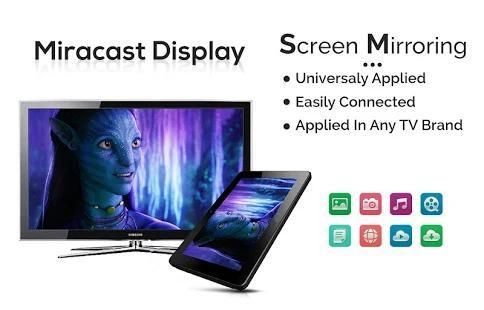
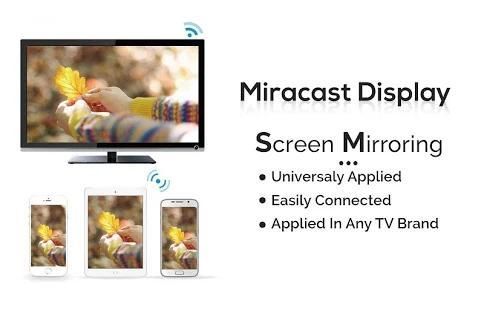
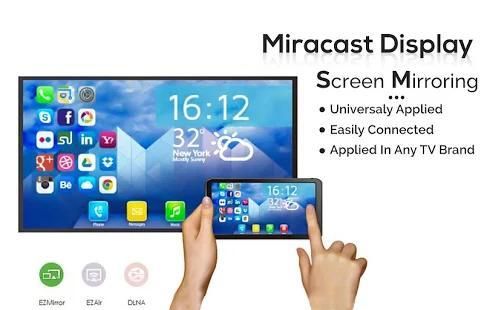
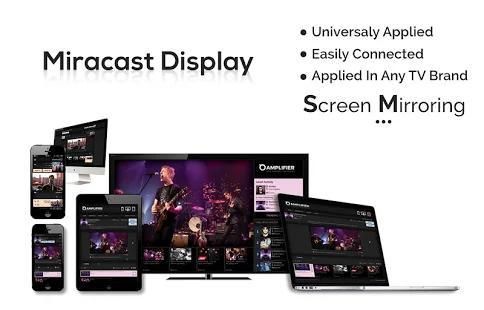
Screen Mirroring App will assist you to scan and mirror your android phone or tab's screen on smart TV/Display (mira cast enabled ) or Wireless dongles or adapters.
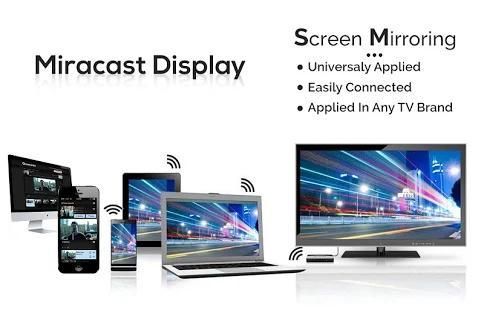
Screen Mirroring Able to play videos, music, photos, etc in my smartphone with any devices (smartphone, smartTV, laptop, tablet, etc) at anywhere.
Mirror screen does not need extra dongle or cable. Click the “Start”, the Mobile hotspot will be operating automatically. and After hotspot will be operating, connect to AP from other devices.
Screen Mirroring can only play contents but send screen as is such as HDMI, MHL, Miracast and Chromecast. It has been tested and found works on most of android mobiles.
Please follow below steps to mirror your mobile screen to smart TV.
1) Your TV should support Wireless Display or any sort of Display Dongles.
2) The TV must be connected to wifi network same as your phone.
3) The Phone version must be android 4.2 and above.
4) Download and run Screen Mirroring Assistant App.
5) Happy Mirroring :)
Features:
- screen mirroring app
- mirror screen
- mirror tv
- mirror cast
- cast screen android
- screen mirr
- mirror screen android
- mirroring to tv
- screen mirroring laptop
THANK YOU!!!
Layar Mirroring App akan membantu Anda untuk memindai dan cermin ponsel android Anda atau layar tab pada pintar TV / Display (mira cor diaktifkan) atau dongle nirkabel atau adaptor.
Layar Mirroring Mampu memutar video, musik, foto, dll di smartphone saya dengan perangkat (smartphone, smartTV, laptop, tablet, dll) di mana saja.
layar cermin tidak perlu dongle tambahan atau kabel. Klik “Start”, hotspot Mobile akan beroperasi secara otomatis. dan Setelah hotspot akan beroperasi, terhubung ke AP dari perangkat lain.
Layar Mirroring hanya bisa bermain isinya tetapi mengirim layar seperti seperti HDMI, MHL, Miracast dan Chromecast. Telah diuji dan bekerja pada sebagian besar ponsel android.
Ikuti langkah-langkah berikut untuk cermin layar ponsel Anda ke TV pintar.
1) TV Anda harus mendukung Wireless Display atau apapun dongle Display.
2) TV harus terhubung ke jaringan wifi yang sama dengan telepon Anda.
3) Versi telepon harus android 4.2 dan di atas.
4) Download dan menjalankan Layar Mirroring Asisten App.
5) Selamat Mirroring :)
Fitur:
- Layar mirroring aplikasi
- Layar cermin
- mirror tv
- cermin cor
- Layar cor android
- Layar MIRR
- layar kaca android
- mirroring untuk tv
- Layar mirroring laptop
TERIMA KASIH!!!


![How to Screen Mirror ANDROID/IOS to Laptop [FREE]: WooTechy MirrorDisp screenshot 3](https://i.ytimg.com/vi/zkZ4REsWjSQ/mqdefault.jpg)
![FREE - Best Android to PC Screen Mirroring Software 2026 [ Internal Audio ] PUBG/BGMI Stream Setup screenshot 4](https://i.ytimg.com/vi/hAUpdoZwnR4/mqdefault.jpg)


9Apps 4.9










