
There are hundreds of new apps released every week, 20,000+ users downloaded Satellite Director NG latest version on 9Apps for free every week! By use it, you can upgrade your abilities smartly. This hot app was released on 2019-08-24. You can enjoy the most completed function of this app.
Before buying this app: have you tried the free version ?
If you cannot install the free version your phone does not have a compass, which is required for the director or pointing function in this app. Check "Satellite Locator" which uses GPS locations to find a satellite.
This app is simular to the free Satellite
Director
but has
additional features, some may require the use of internet:
- enter street and city to get your location coordinates
- your location coordinates via network and/or GPS
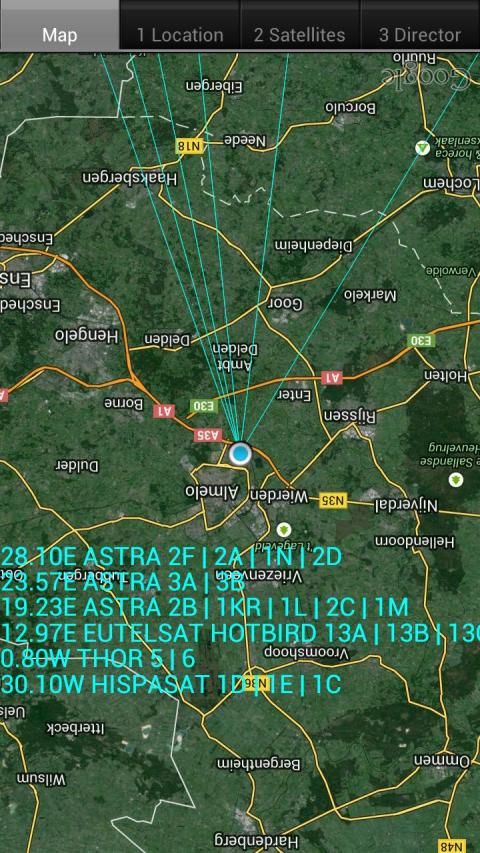
- find the exact location with the help Google Maps
- see in satellite view above your location where to point the dish
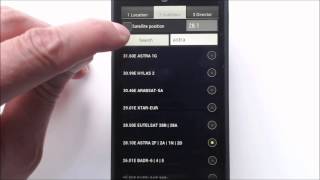
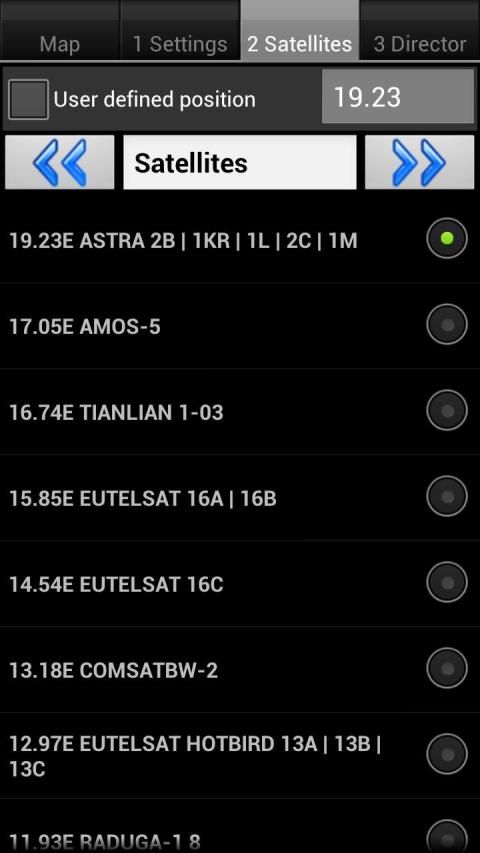
- create your own satellite sat-lists with only those satellites in it that you want using the build-in satellite list
- reduce and sort the satellite list without restarting the app
- on-line help pages
- 'simple' mode without balancing the phone
- export/import the satellite lists to SD card (backup)
- overrule the build-in satellite list with your own list
- vibrate
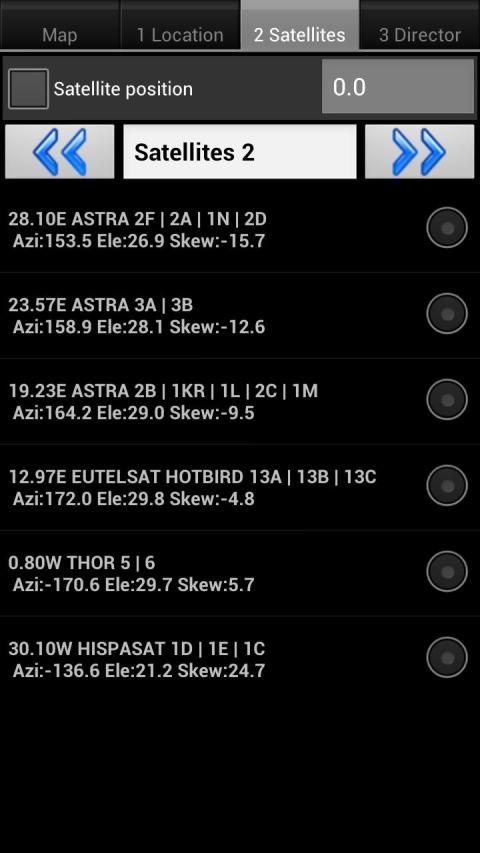
- up to 6 satellites simultaniously displayed
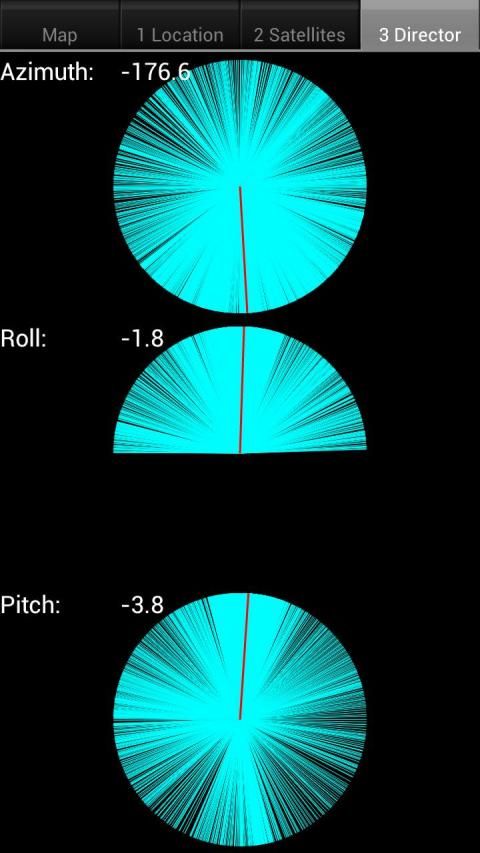
- display for your location and all satellites the values for: azimuth, elevation and skew
- the current location via the network
- update the satellite list from a website (sats.csv, Enigma satellites.xml, SatelliteCalculation) or a local file.
- instead of finding a satellite find an antenna by gps location or address.
Warning: metal covers/cases or covers/cases with metal/magnetic closure will influence/disrupt the compass of your phone or tablet. Do not use these covers !!
Finding a TV satellite, in azimuth, can be pretty difficult. Before you can find it with a compass you have to do some
calculations using GPS location, magnetic variation, compass azimuth and satellite azimuth.
Satellite
Director
replaces all of that.
Just enable the GPS in your phone or enter your GPS location or use the map to find your location,
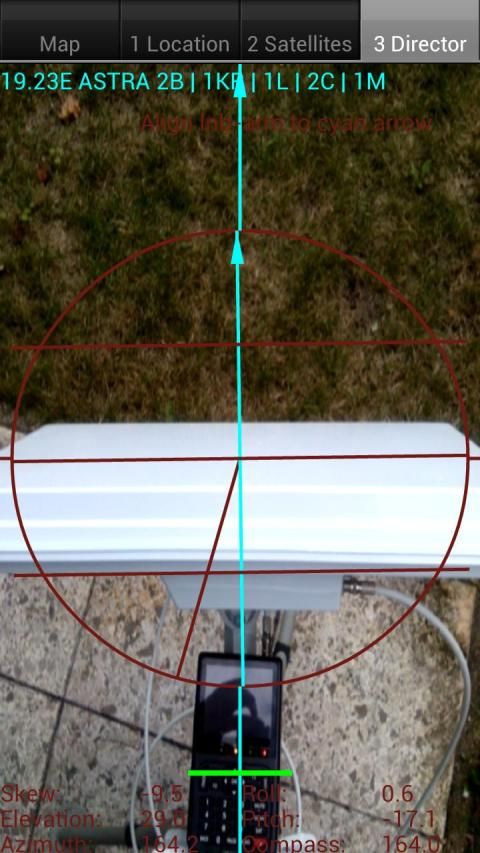
select the desired TV satellite and point your phone to the sky to target (find) the TV satellite.
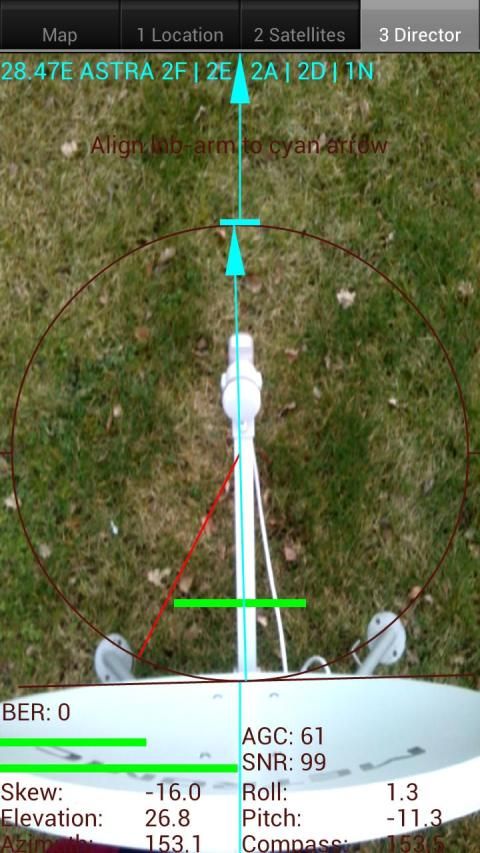
Balance your phone. You have found the satellite when the white ball is in the white circle
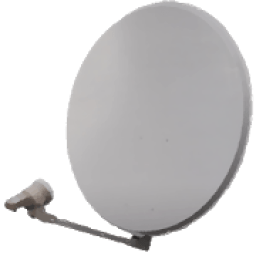
and the cyan ball is in the cyan circle. Align the offset arm, in azimuth, of the satellite dish to the cyan arrow on
the phones display and the satellite dish is aligned in azimuth with the satellite.
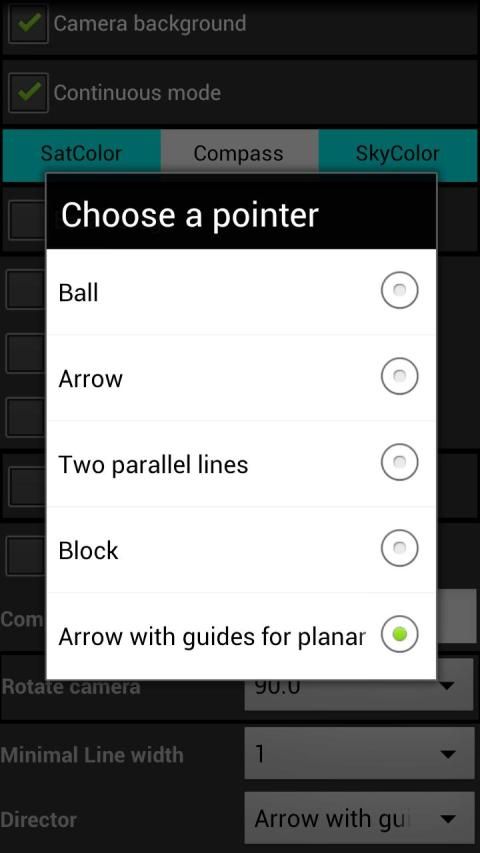
Selectable audio tone, camera preview, continuous mode (no pause), color pickers or a user defined satellite position may make it easier for you to find the desired TV satellite.
There are 2 satellite lists: an extended list with 400+ satellites and a compact list with 220+ satellites or use your own list (mailed to the phone or downloaded, see Youtube how easy it is to use.).
New phones with Android 4: remember that the "Settings" screen has options to correct the compass readings, if needed.
Sebelum membeli aplikasi ini: Anda mencoba versi gratis?
Jika Anda tidak dapat menginstal versi gratis telepon Anda tidak memiliki kompas, yang diperlukan untuk direktur atau fungsi menunjuk aplikasi ini. Periksa "Satellite Locator" yang menggunakan lokasi GPS untuk menemukan satelit.
Aplikasi ini adalah simular untuk bebas Satelit
Direktur
tetapi memiliki
fitur tambahan, beberapa mungkin memerlukan penggunaan internet:
- masuk jalan dan kota untuk mendapatkan koordinat lokasi Anda
- lokasi koordinat melalui jaringan dan / atau GPS
- menemukan lokasi yang tepat dengan bantuan Google Maps
- lihat di tampilan satelit di atas lokasi Anda di mana untuk menunjuk hidangan
- membuat satelit sendiri duduk-daftar dengan hanya mereka satelit di dalamnya yang Anda ingin menggunakan build-in daftar satelit
- mengurangi dan mengurutkan daftar satelit tanpa restart aplikasi
- on-line halaman bantuan
- 'sederhana' mode tanpa menyeimbangkan telepon
- ekspor / impor daftar satelit ke kartu SD (cadangan)
- menolak daftar satelit build-in dengan daftar Anda sendiri
- getar
- sampai dengan 6 satelit simultan ditampilkan
- display untuk lokasi Anda dan semua satelit nilai-nilai untuk: azimuth, elevasi dan condong
- lokasi saat melalui jaringan
- memperbarui daftar satelit dari sebuah situs web (sats.csv, Enigma satellites.xml, SatelliteCalculation) atau file lokal.
- bukan mencari satelit menemukan antena dengan lokasi gps atau alamat.
Peringatan: logam penutup / kasus atau selimut / kasus dengan logam / tutup magnet akan mempengaruhi / mengganggu kompas dari ponsel atau tablet. Jangan gunakan selimut ini !!
Menemukan satelit TV, di azimut, bisa sangat sulit. Sebelum Anda dapat menemukannya dengan kompas yang harus Anda lakukan beberapa
perhitungan menggunakan lokasi GPS, variasi magnetik, kompas azimuth dan azimuth satelit.
Satelit
Direktur
menggantikan semua itu.
Hanya mengaktifkan GPS di ponsel Anda atau masukkan lokasi GPS Anda atau menggunakan peta untuk menemukan lokasi Anda,
pilih satelit TV yang diinginkan dan titik telepon Anda ke langit untuk menargetkan (menemukan) satelit TV.
Seimbangkan ponsel Anda. Anda telah menemukan satelit ketika bola putih dalam lingkaran putih
dan bola cyan dalam lingkaran cyan. Sejajarkan lengan offset, di azimut, dari parabola ke cyan panah pada
layar ponsel dan parabola sejajar di azimuth dengan satelit.
nada dipilih audio, pratinjau kamera, kontinu (tidak ada jeda), pemetik warna atau posisi satelit ditetapkan pengguna dapat membuat lebih mudah bagi Anda untuk menemukan satelit TV yang diinginkan.
Ada 2 daftar satelit: daftar panjang dengan 400 + satelit dan daftar kompak dengan 220 + satelit atau menggunakan daftar Anda sendiri (dikirimkan ke telepon atau download, lihat Youtube betapa mudahnya adalah dengan menggunakan.)
.
ponsel baru dengan Android 4: ingat bahwa "Settings" layar memiliki pilihan untuk memperbaiki bacaan kompas, jika diperlukan.
Some Improvements to 2.3.25.
See https://www.youtube.com/watch?v=E8coftjLnbU&list=

9Apps 4.9