

Welcome to our app recommend. 20,000+ users downloaded Round Corners latest version on 9Apps for free every week! More apps are free download here! This hot app was released on 2018-10-07. 9Apps has thousands of apps and updated daily!
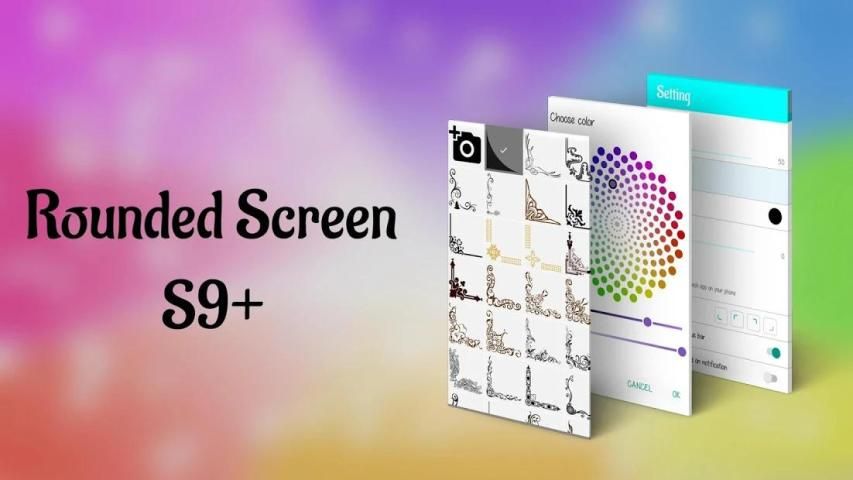
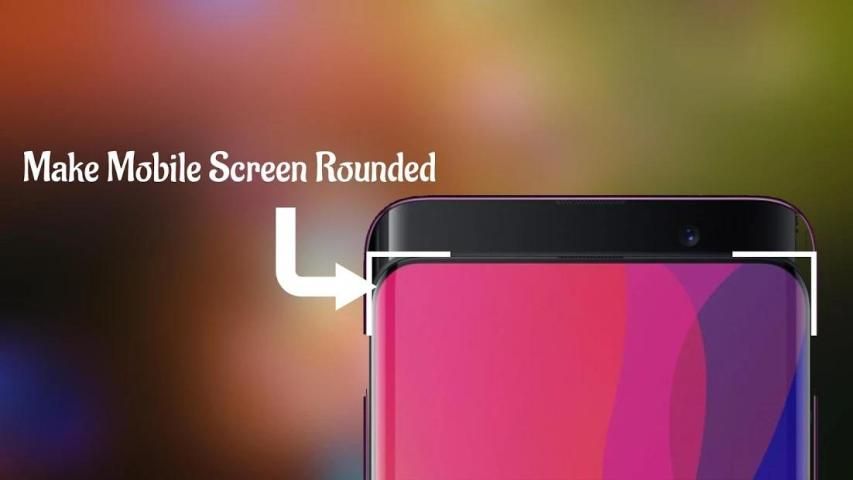
Now you can customize the corners of your screen and make it look smooth and very pleasing to the eye.
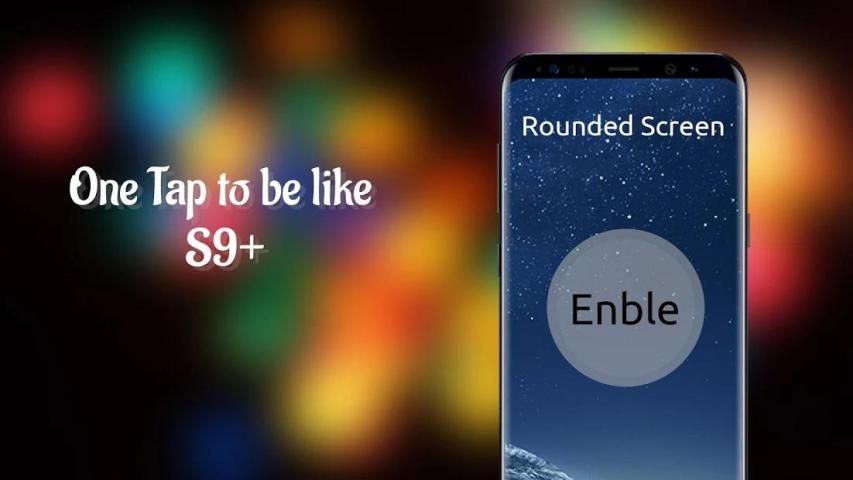
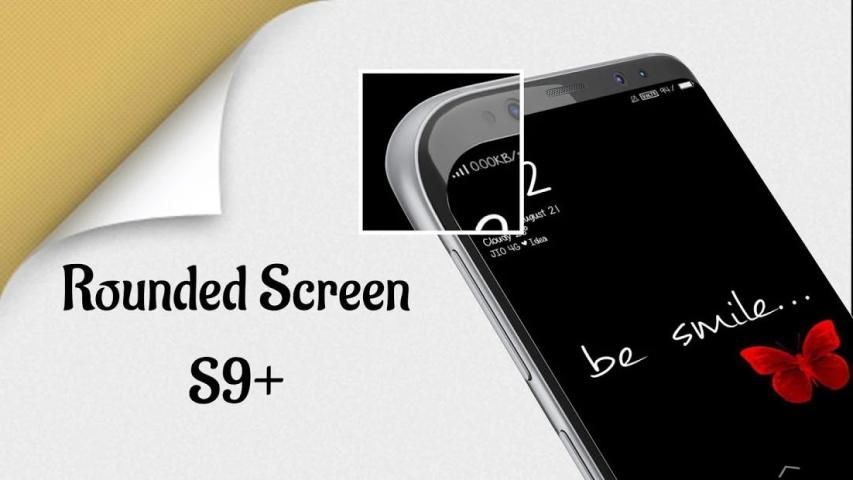
Rounded Corners Screen is simple app have settings which allow you adjusting the corners radius easy same with LG G6, Samsung Galaxy S8, Samsung Galaxy S9, Samsung Galaxy Note 8, Galaxy Note 9...
The Round Corners is lightweight app and shouldn’t leave a significant battery footprint. In fact, you may even save some battery life if you use Round Corners on a device with an AMOLED display panel that doesn’t light up black pixels, though any potential savings probably won’t be large enough for you to notice a difference in everyday use.
Some features:
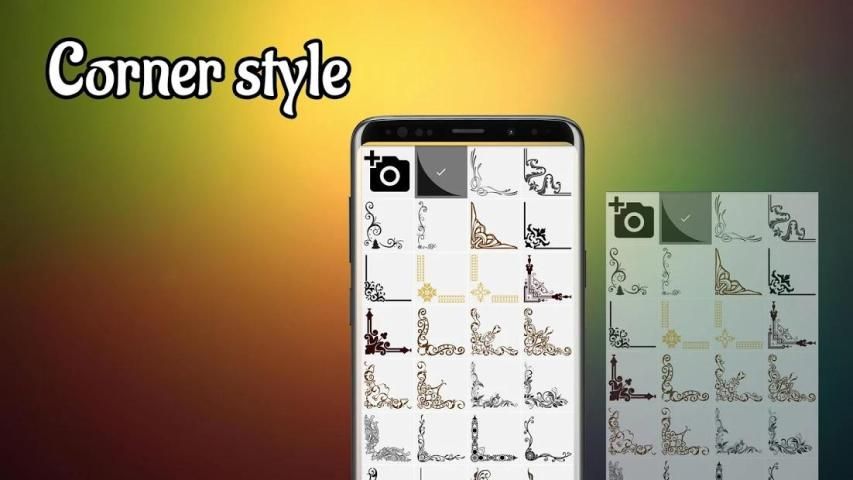
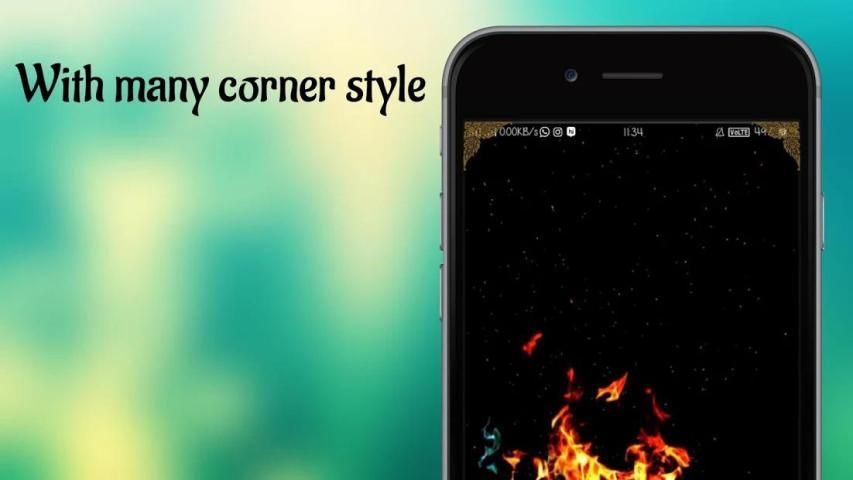
-- Rounded Corner : Change style of corners as decoration
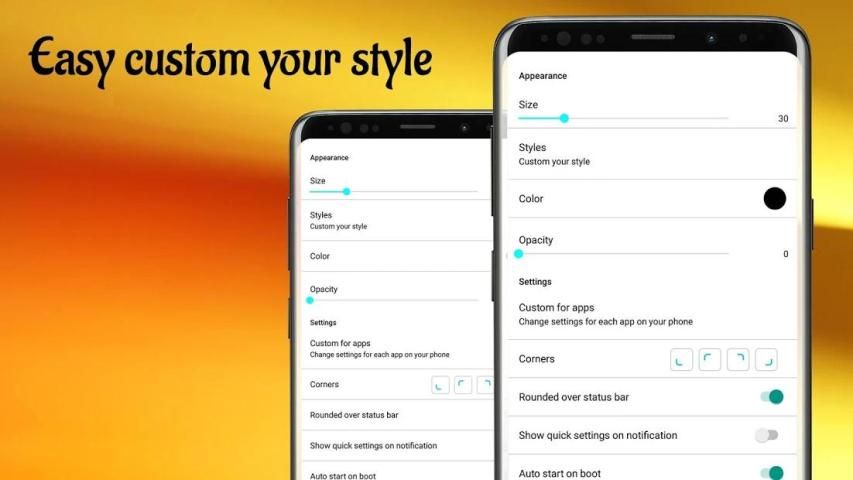
-- Rounded Corner : Change settings for each app on your phone
-- Rounded Corner : Free to change size of corners
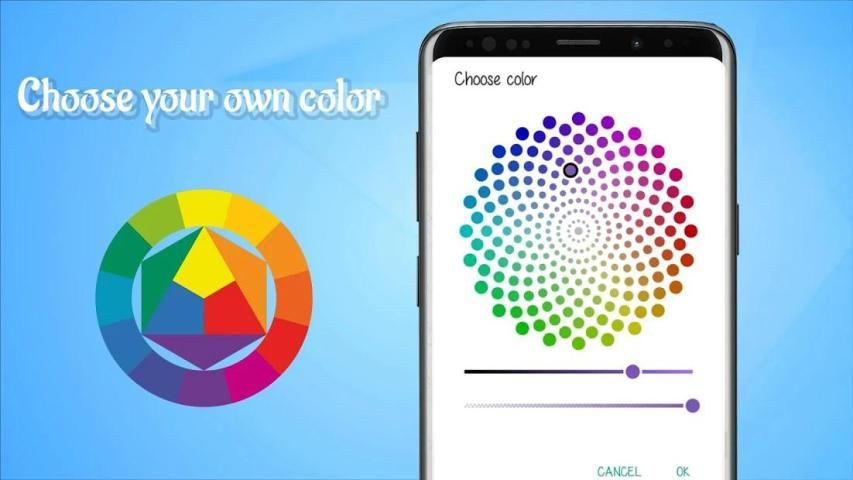
-- Rounded Corner : Change color to match with your phone cover
-- Rounded Corner : Option rounded over status bar, navigation bar
-- Rounded Corner : Quick settings from notification
****PERMISSIONS****
• System overlay - used for draw corners and filters on top of other applications.
• Accessibility Service - only to run app service.
Just download Rounded Corner and give your phone a new look!
Just download Rounded Corner and give your screen a new look!
For Samsung device: To prevent the app stoped by itself:
System Settings > Device Maintenance > Battery > Unmonitored apps > Add apps > checked Rounded Corner
For Oppo device: To prevent the app stoped by itself:
Security Center > Battery > Enable Smart power-saving mode > Power-saving app control and management > Add apps > checked Rounded Corner
For Xiaomi smartphone: need manually grant "Draw over other apps" permission (Go to Setting > Installed apps > Rounded Corner > Permission manager > Display pop-up window > "Allow").
To prevent the app turn off when clear RAM: Go to Security Tab -Permission-Auto-start management - Add auto-start apps, checked Rounded Corner
For Huawei smartphone: Open Phone Manager apps (or Settings app) -> Permission Manager -> choose Applications tab -> select Rounded Corner -> enable Draw over other apps
“This app uses Accessibility services.”
Sekarang Anda dapat menyesuaikan sudut layar Anda dan membuatnya terlihat halus dan sangat menyenangkan bagi mata.
Rounded Corners Screen adalah aplikasi sederhana yang memiliki pengaturan yang memungkinkan Anda menyesuaikan jari-jari sudutnya sama mudahnya dengan LG G6, Samsung Galaxy S8, Samsung Galaxy S9, Samsung Galaxy Note 8, Galaxy Note 9 ...
Sudut Bulat adalah aplikasi ringan dan tidak boleh meninggalkan jejak baterai yang signifikan. Bahkan, Anda bahkan dapat menghemat baterai jika Anda menggunakan Round Corners pada perangkat dengan panel layar AMOLED yang tidak menerangi piksel hitam, meskipun potensi penghematan mungkin tidak akan cukup besar bagi Anda untuk melihat perbedaan dalam penggunaan sehari-hari.
Beberapa fitur:
- Pojok Bulat: Ubah gaya sudut sebagai dekorasi
- Pojok Bulat: Ubah pengaturan untuk setiap aplikasi di ponsel Anda
- Pojok Bulat: Bebas untuk mengubah ukuran sudut
- Pojok Bulat: Ubah warna agar cocok dengan penutup telepon Anda
- Pojok Bulat: Opsi dibulatkan ke bilah status, bilah navigasi
- Pojok Bulat: Pengaturan cepat dari pemberitahuan
**** IZIN ****
• Overlay sistem - digunakan untuk menggambar sudut dan filter di atas aplikasi lain.
• Layanan Aksesibilitas - hanya untuk menjalankan layanan aplikasi.
Cukup unduh Rounded Corner dan berikan ponsel Anda tampilan baru!
Cukup unduh Rounded Corner dan berikan layar Anda tampilan baru!
Untuk perangkat Samsung: Untuk mencegah aplikasi berhenti dengan sendirinya:
Pengaturan Sistem> Pemeliharaan Perangkat> Baterai> Aplikasi yang Tidak Dimonopoli> Tambah aplikasi> dicentang Sudut Bulat
Untuk perangkat Oppo: Untuk mencegah aplikasi berhenti dengan sendirinya:
Pusat Keamanan> Baterai> Aktifkan Mode hemat daya cerdas> Kontrol dan manajemen aplikasi hemat-daya> Tambah aplikasi> dicentang Sudut Bulat
Untuk smartphone Xiaomi: perlu secara manual memberikan izin "Menarik aplikasi lain" (Buka Pengaturan> Aplikasi terinstal> Pojok Bulat> Manajer izin> Tampilkan jendela pop-up> "Izinkan").
Untuk mencegah aplikasi mati saat membersihkan RAM: Buka Tab Keamanan - Manajemen Pengaktifan Otomatis - Tambah aplikasi mulai otomatis, periksa Sudut Bulat
Untuk ponsel cerdas Huawei: Buka aplikasi Manajer Telepon (atau Aplikasi Pengaturan) -> Izin Manajer -> pilih tab Aplikasi -> pilih Sudut Bulat -> aktifkan Draw di atas aplikasi lain
“Aplikasi ini menggunakan layanan Aksesibilitas.”



9Apps 4.9










