
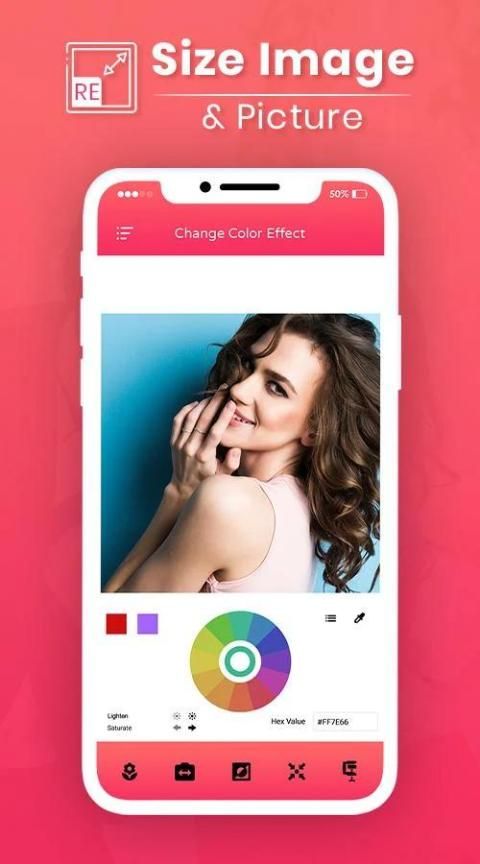
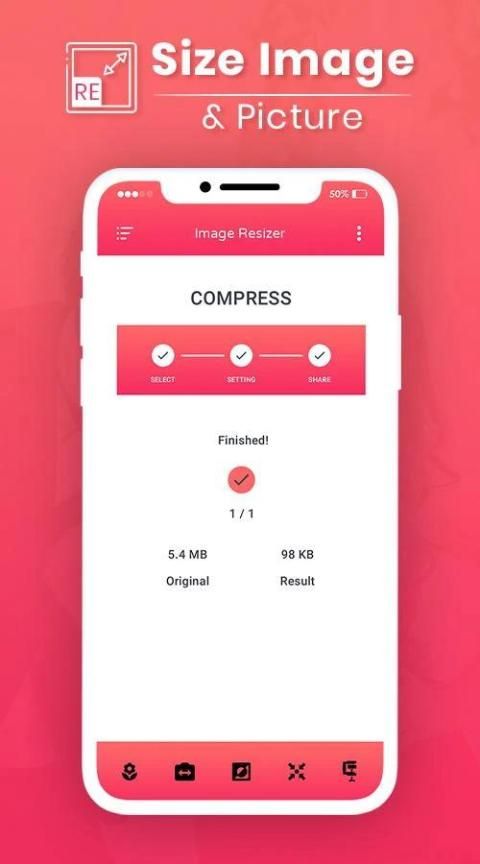
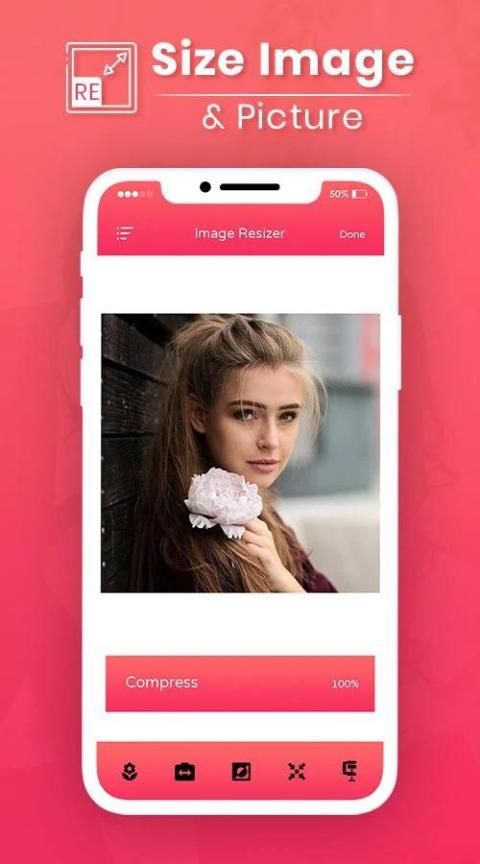
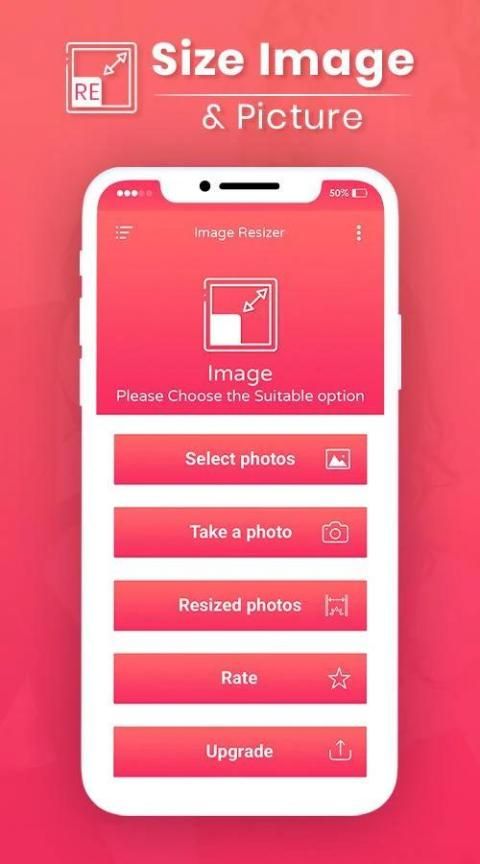
Hot applications make large number of downloads. 30,000+ users downloaded Enlarge and Correct Image latest version on 9Apps for free every week! You can find this multifunction app on 9Apps easily. This hot app was released on 2019-10-21. It get a lot of recognition after release.
Reduce Image Size - Image Compressor
with lots of formats support. Reduces JPEG image size without changing resolution. Please read warnings & important points before using app. save space by reducing image file sizes. It can also be called photo compressor, photo size reducer, photo space saver etc.
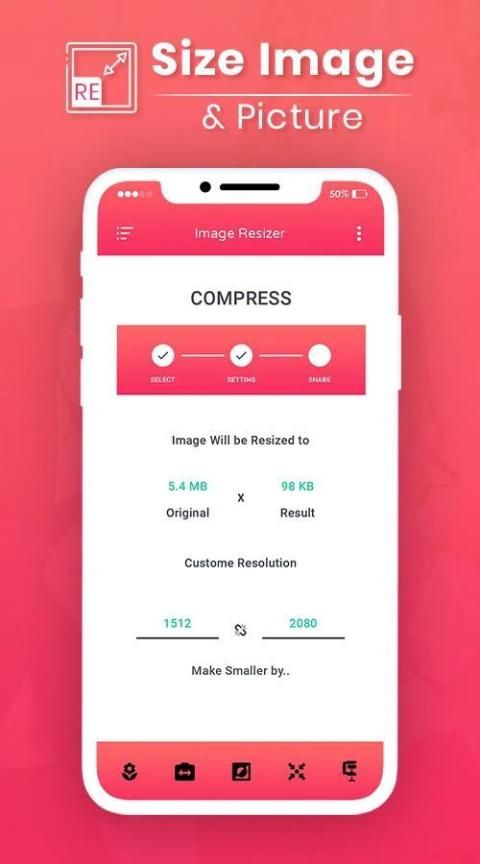
Compress Image Size In KB quickly reduces your pictures sizes too few kb. It can change image resolution to any selected custom resolution.
Resize Image
. Edit images and share on e-mails, Instagram, Facebook, whatsapp, web forms, etc. Share your pictures much faster with your friends and family.
You can upscale or downscale any image using custom resolutions.
Photo Resizer
is a free application designed to help you resize images in batches. Image Resizer performs simple resizing of the images in a fast and easy-to-use way.
This
Picture Resizer
app will allow you to compress large photos into smaller sized photos with very less or negligible loss in quality of the image. Now you do not require any desktop or laptop computers with special software for image compression. Apart from compressing photos this app can also Reduce Image Size - Image Compressor for you.
Features:
* Absolutely free
* Batch resize and multiple photos resize
* Original pictures are not affected
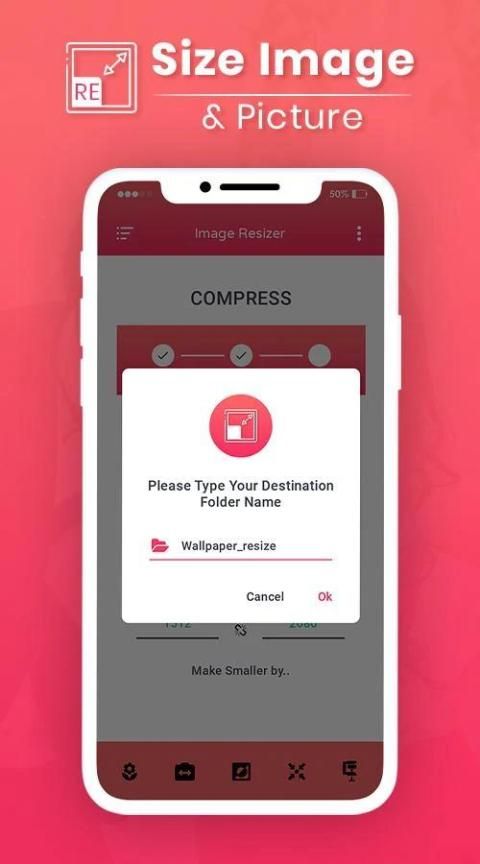
* Resized pictures are automatically saved in the 'Pictures/PhotoResizer' directory
* Very good quality of the resized photos
* Photos resized several times do not lose quality
* Browsing photos by gestures
* Reducing photo size preserves original quality and aspect ratio
* Very good compression result for ex. 2MB picture is shrunk to approx. ~100 KB - for resolution 800x600
* The resized photo can easily be sent via email or text message
*shared to social media
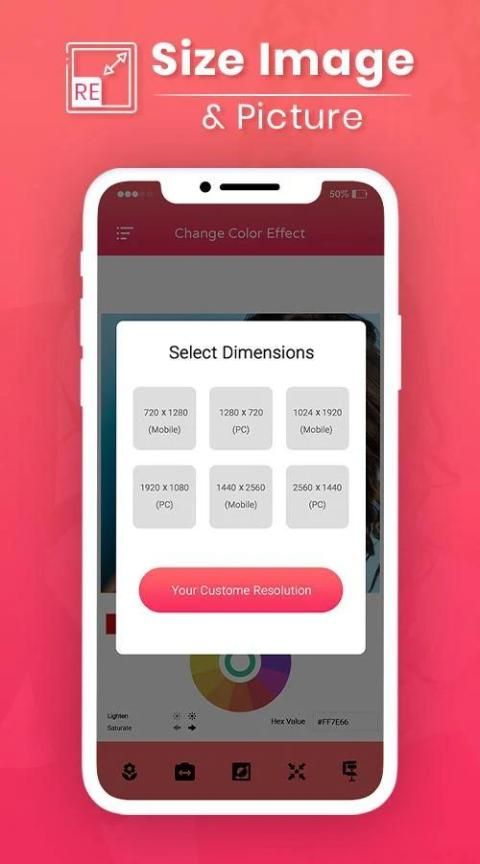
* Predefined most-used photo resolutions
* Possibility to define custom image resolution
How to use:
1. Select a photo or multiple images at a time
2. The image compressor will show you selected photos
3. Press compress image icon
4. Select your desired option
5. Boom! Your photos are compressed and reduced in size.
6. Save or replace your photos.
Photo Size Reducer
to save your precious storage of your device without sacrificing image quality. The AI compress process help user to compress jpg / jpeg and png images without affecting quality. Reduce Image Size - Image Compressor will help you to easily Compress Image Size In Kb. If you don't want to manually select photo resolution, our default AI process will automatically select the best quality within small size.
Reduce Image Size - Image Compressor is a image tools application which will help you compressing image and resize.
Reduce Image Size In KB
will help you to crop your jpg and png image freely or any aspect ratio you want. Batch compress works for multiple image and shrink images. This app can reduce image size mb to kb. The app itself uses a powerful photo compressor algorithm for faster work also this app can Jpg Size Reducer significantly.
If you want to quickly reduce the picture size or resolution, Smart Image Resizer is a perfect choice.
Image Enlarger
allows you to easily reduce photo size without losing quality. You don’t have to manually save resized pictures, because they are automatically saved in a separate folder titled Pictures/ Jpg Size Compressor and are accessible via build-in Gallery app.
Use the crop functionality to remove unwanted portions of the image and choose between the many aspect ratios available to better adjust your photo. This photo cropping tool is best among google play store photo cropping tool to
Compress Png
the borders for pictures and crops and photo editor and you can sharpen image.
Thanking to you for using this app, give us your feedback, rating and consider for future updates.
Thank you...
Kurangi Ukuran Gambar - Kompresor Gambar
dengan banyak format dukungan. Mengurangi ukuran gambar JPEG tanpa mengubah resolusi. Harap baca peringatan & poin penting sebelum menggunakan aplikasi. menghemat ruang dengan mengurangi ukuran file gambar. Ini juga dapat disebut kompresor foto, peredam ukuran foto, penghemat ruang foto dll.
Kompres Ukuran Gambar Dalam KB dengan cepat mengurangi ukuran gambar Anda terlalu sedikit kb. Itu dapat mengubah resolusi gambar ke resolusi kustom yang dipilih.
Ubah Ukuran Gambar
. Edit gambar dan bagikan di email, Instagram, Facebook, whatsapp, formulir web, dll. Bagikan foto Anda lebih cepat dengan teman dan keluarga Anda.
Anda dapat meningkatkan atau menurunkan skala gambar apa pun menggunakan resolusi khusus.
Photo Resizer
adalah aplikasi gratis yang dirancang untuk membantu Anda mengubah ukuran gambar dalam batch. Image Resizer melakukan pengubahan ukuran gambar yang sederhana dengan cara yang cepat dan mudah digunakan.
Aplikasi
Pengatur Gambar
ini akan memungkinkan Anda untuk mengompres foto besar menjadi foto berukuran lebih kecil dengan kehilangan kualitas gambar yang sangat sedikit atau dapat diabaikan. Sekarang Anda tidak memerlukan komputer desktop atau laptop dengan perangkat lunak khusus untuk kompresi gambar. Selain mengompresi foto, aplikasi ini juga dapat Mengurangi Ukuran Gambar - Kompresor Gambar untuk Anda.
Fitur:
* Benar-benar gratis
* Ubah ukuran batch dan beberapa foto mengubah ukuran
* Gambar asli tidak terpengaruh
* Gambar yang diubah ukurannya secara otomatis disimpan di direktori 'Gambar / PhotoResizer'
* Kualitas foto yang diubah ukurannya sangat bagus
* Foto yang diubah ukurannya beberapa kali tidak kehilangan kualitas
* Menelusuri foto dengan gerakan
* Mengurangi ukuran foto menjaga kualitas asli dan rasio aspek
* Hasil kompresi yang sangat baik untuk mantan. Gambar 2MB menyusut menjadi kira-kira. ~ 100 KB - untuk resolusi 800x600
* Foto yang diubah ukurannya dapat dengan mudah dikirim melalui email atau pesan teks
* dibagikan ke media sosial
* Resolusi foto yang paling sering digunakan yang telah ditentukan sebelumnya
* Kemungkinan untuk menentukan resolusi gambar khusus
Cara Penggunaan:
1. Pilih satu foto atau beberapa gambar sekaligus
2. Kompresor gambar akan menunjukkan kepada Anda foto yang dipilih
3. Tekan ikon kompres gambar
4. Pilih opsi yang Anda inginkan
5. Boom! Foto Anda dikompresi dan diperkecil ukurannya.
6. Simpan atau ganti foto Anda.
Pengurang Ukuran Foto
untuk menghemat penyimpanan berharga perangkat Anda tanpa mengorbankan kualitas gambar. Proses kompres AI membantu pengguna untuk mengkompres gambar jpg / jpeg dan png tanpa mempengaruhi kualitas. Kurangi Ukuran Gambar - Kompresor Gambar akan membantu Anda dengan mudah Mengompresi Ukuran Gambar Dalam Kb. Jika Anda tidak ingin memilih resolusi foto secara manual, proses AI standar kami akan secara otomatis memilih kualitas terbaik dalam ukuran kecil.
Kurangi Ukuran Gambar - Kompresor Gambar adalah aplikasi alat gambar yang akan membantu Anda mengompres dan mengubah ukuran gambar.
Kurangi Ukuran Gambar Dalam KB
akan membantu Anda memotong gambar jpg dan png Anda secara bebas atau rasio aspek apa pun yang Anda inginkan. Kompres batch berfungsi untuk banyak gambar dan mengecilkan gambar. Aplikasi ini dapat mengurangi ukuran gambar mb ke kb. Aplikasi itu sendiri menggunakan algoritma kompresor foto yang kuat untuk bekerja lebih cepat juga aplikasi ini dapat Jpg Ukuran Peredam secara signifikan.
Jika Anda ingin mengurangi ukuran atau resolusi gambar dengan cepat, Smart Image Resizer adalah pilihan yang sempurna.
Pembesar Gambar
memungkinkan Anda mengurangi ukuran foto dengan mudah tanpa kehilangan kualitas. Anda tidak perlu menyimpan gambar yang diubah ukurannya secara manual, karena disimpan secara otomatis di folder terpisah berjudul Gambar / Kompresor Ukuran Jpg dan dapat diakses melalui aplikasi Galeri bawaan.
Gunakan fungsi pangkas untuk menghapus bagian gambar yang tidak diinginkan dan pilih di antara banyak rasio aspek yang tersedia untuk menyesuaikan foto Anda dengan lebih baik. Alat pemangkasan foto ini adalah yang terbaik di antara alat pemangkasan foto google play store untuk
Png Kompresi
perbatasan untuk gambar dan krop dan editor foto dan Anda dapat mempertajam gambar.
Berterima kasih kepada Anda karena menggunakan aplikasi ini, beri kami umpan balik, peringkat, dan pertimbangkan untuk pembaruan di masa mendatang.
Terima kasih...




9Apps 4.9










