


With the development of technology, more and more apps appeared in the mobile market. 30,000+ users downloaded PlayservicesError latest version on 9Apps for free every week! The App has powerful functions. This hot app was released on 2018-09-22. Why not download and play it now?
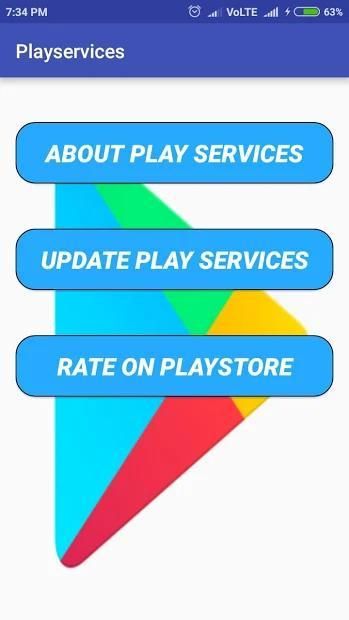
By using this Small utility app to check quickly the status of the Google Play services.By using this small utility app you get the information of version number,installation date and date of the last update.it also provides links to the play store,developer release notes and the app info dialog.
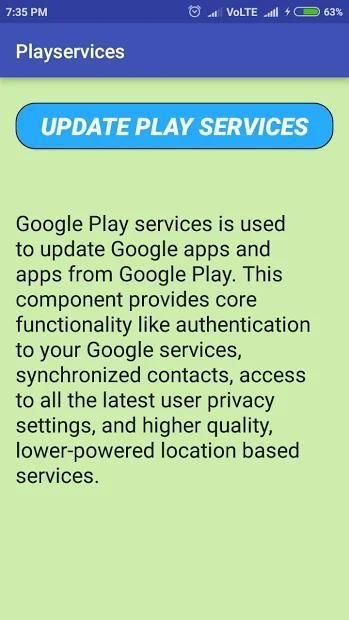
By using this app you can be used to install and update the Google Play Services.
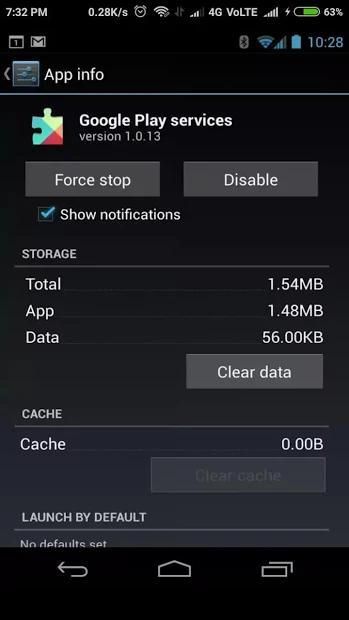
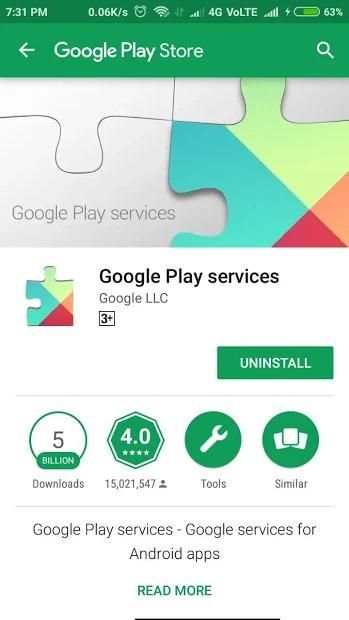
If you want to fix "Google Play Services has stopped" errors, try to opening the app info dialog from apps and select "clear cache". if you found that its not working,try the "uninstall updates" option.Then download and re-install the latest version of Google play services and the link is provided in app.
Features
:-By using this find Google Play Services
:-Go yo the information screen.
:-Find latest version
:-By using this app you get solution to fix the google play services stopped
:-Simple to use this app
:-Its not complicated to use.
:-Update Google Play Services in a second
:-You will able to fix Google Play services Error in a second
This app is not Google Play Services.Its just help you to have information about it and provide a way to install and update Google play service.
Please note: Instruction for Play Services is not affiliated with Google LLC.
Dengan menggunakan aplikasi utilitas Kecil ini untuk memeriksa dengan cepat status layanan Google Play. Dengan menggunakan aplikasi utilitas kecil ini Anda mendapatkan informasi nomor versi, tanggal pemasangan dan tanggal pembaruan terakhir.it juga menyediakan tautan ke play store, pengembang lepaskan catatan dan dialog info aplikasi.
Dengan menggunakan aplikasi ini Anda dapat digunakan untuk memasang dan memperbarui Layanan Google Play.
Jika Anda ingin memperbaiki "Google Play Services telah menghentikan" kesalahan, cobalah untuk membuka dialog info aplikasi dari aplikasi dan pilih "hapus cache". jika Anda menemukan bahwa tidak berfungsi, coba opsi "copot pembaruan". Lalu unduh dan instal ulang versi terbaru layanan Google Play dan tautan disediakan di aplikasi.
fitur
: -Dengan menggunakan ini, temukan Layanan Google Play
: -Pergi ke layar informasi.
: -Cari versi terbaru
: -Dengan menggunakan aplikasi ini Anda mendapatkan solusi untuk memperbaiki layanan google play dihentikan
: -Sederhana untuk menggunakan aplikasi ini
: -Itu tidak rumit untuk digunakan.
: -Update Google Play Services dalam hitungan detik
: -Anda akan dapat memperbaiki layanan Google Play Galat dalam hitungan detik
Aplikasi ini bukan Layanan Google Play. Hanya membantu Anda untuk memiliki informasi tentang itu dan menyediakan cara untuk menginstal dan memperbarui layanan Google Play.
Harap diperhatikan: Instruksi untuk Layanan Play tidak berafiliasi dengan Google LLC.



9Apps 4.9










