Hot applications make large number of downloads. 20,000+ users downloaded Photo Cut Out Studio latest version on 9Apps for free every week! Once you've used it, you'll be attracted. This hot app was released on 2019-02-21. You can also find some other similar apps here.
Photo Cut Out Studio
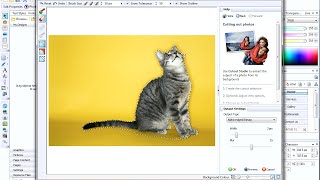
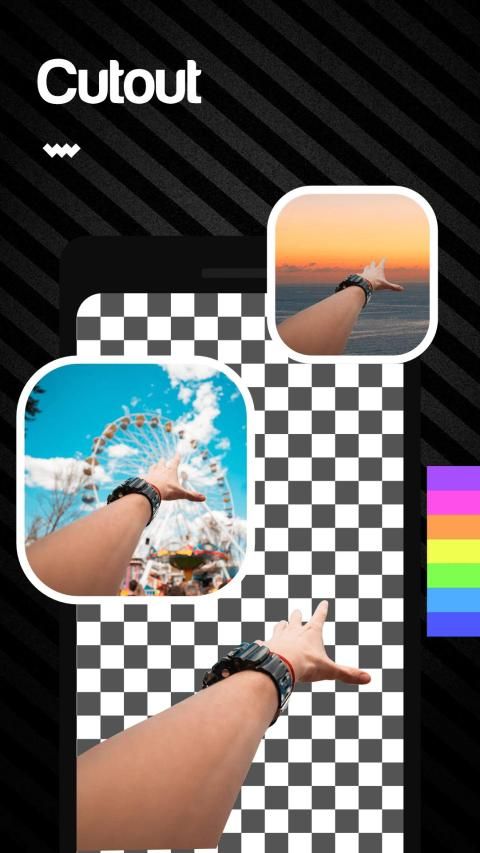
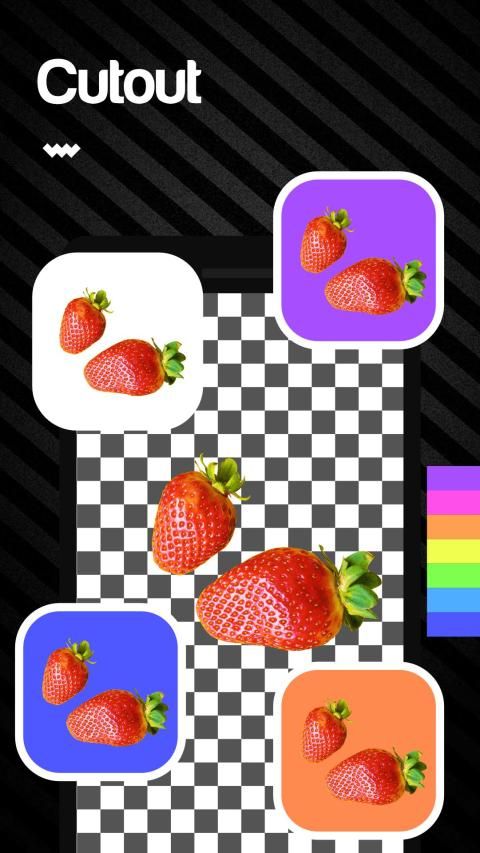
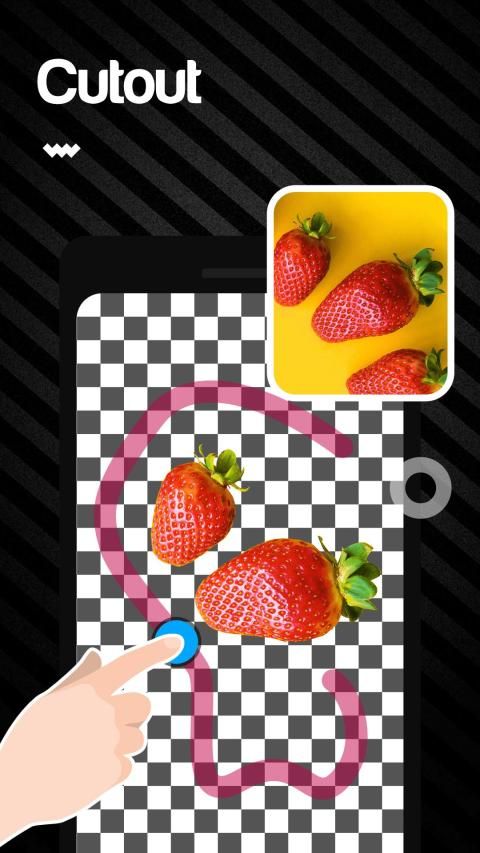
is an interesting photo editing APP which can erase photo background and make it transparent.
If you want to try different background , Photo Cut Out Studio will be your best choice.
In addition , You can also use it to create a natural and formal identification photo, like passport image or ID card image and something like that for yourself. You can avoid complex image matting procedures because of it.
How to use it:
Select photo:
select a photo from your phone
Cut photo:
cut the photo according to the subject location
Remove background:
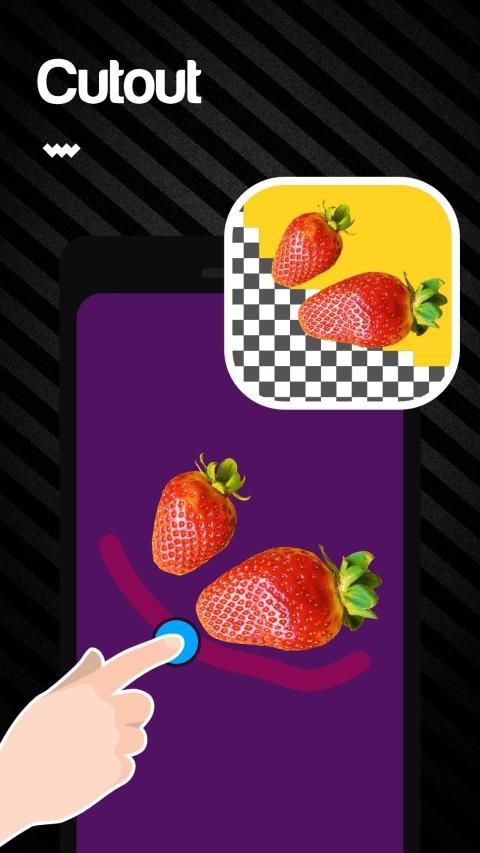
delete the background automatically or manually by clicking or sliding the brush
Save photo:
save the composite photograph and share it on the social network site
Features:
♦️
Brush adjustment:
you can choose the size of the brush
♦️
Photo editing:
you can move or rotate the photo
♦️
Edge blur:
you can blur the edges of the remaining photo and you can set the level of the blur
♦️
Perfect combination:
the remaining photo and the background will be combined perfectly and the final picture will be natural
♦️
Original photo reserved:
the original photo still in your phone
Let's try it! You will love it!
Photo Cut Out Studio
adalah aplikasi pengeditan foto yang menarik yang dapat menghapus latar belakang foto dan membuatnya transparan.
Jika Anda ingin mencoba latar belakang yang berbeda, Photo Cut Out Studio akan menjadi pilihan terbaik Anda.
Selain itu, Anda juga dapat menggunakannya untuk membuat foto identifikasi alami dan formal, seperti gambar paspor atau gambar kartu ID dan sesuatu seperti itu untuk Anda sendiri. Anda dapat menghindari prosedur pembuatan gambar yang rumit karena itu.
Bagaimana cara menggunakannya:
Pilih foto:
pilih foto dari ponsel Anda
Potong foto:
potong foto sesuai dengan lokasi subjek
Hapus latar belakang:
hapus latar belakang secara otomatis atau manual dengan mengklik atau menggeser kuas
Simpan foto:
simpan foto komposit dan bagikan di situs jejaring sosial
Fitur:
♦ ️
Penyesuaian kuas:
Anda dapat memilih ukuran kuas
♦ ️
Pengeditan foto:
Anda dapat memindahkan atau memutar foto
♦ ️
Tepi kabur:
Anda dapat mengaburkan tepi foto yang tersisa dan Anda dapat mengatur tingkat buram
♦ ️
Kombinasi sempurna:
foto yang tersisa dan latar belakang akan digabungkan dengan sempurna dan gambar akhir akan menjadi alami
♦ ️
Foto asli dicadangkan:
foto asli masih ada di ponsel Anda
Ayo kita coba! Kau akan menyukainya!
bug fixed and new development

9Apps 4.9