
9Apps is the free store of application, 30,000+ users downloaded Phone Condition Test : With Certified Report latest version on 9Apps for free every week! Therefore, people are willing to accept this latest version. This hot app was released on 2018-11-21. To read more information, you can go to 9Apps.
Are you buying a second hand phone ? Want to know if each hardware, sensors and components are working in the phone. Download our Phone Condition Test app and check the phone completely before buying the phone. By checking the phone you would be able to bargain at right of the phone. Also it is handy in testing your own phone hardware, sensors and components regularly to know the working and condition of your phone.
How to Test your phone hardware, sensors and components properly.
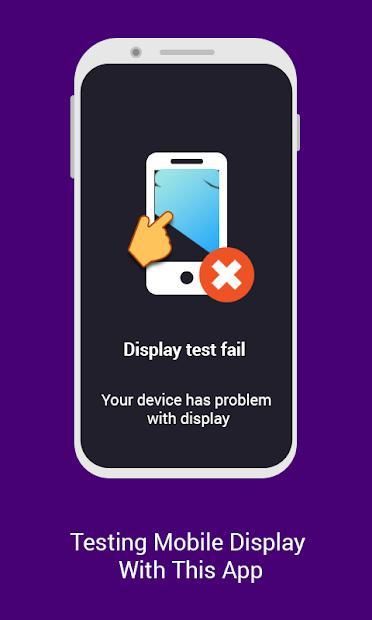
Touch screen : Swipe finger across full screen to test it.
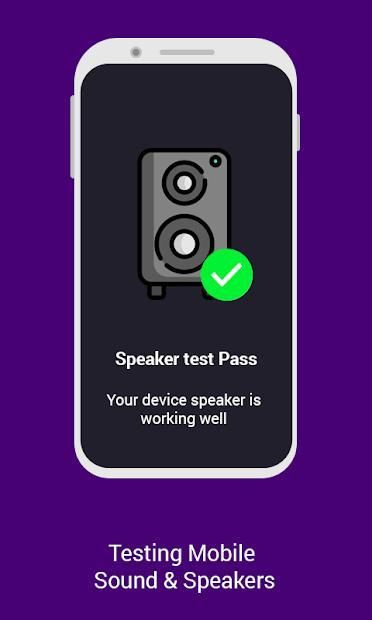
Speaker : Listen to the numbers carefully on speaker and type it in the same order.
Earpiece : Listen to t numbers carefully on earpiece and type it in same order.
Microphone : Say 'Hi' to test your phone microphone.
Headphone : Connect Headphone and Listen to the numbers carefully on headphone and type it in same order.
Accelerometer : Shake your phone as per instruction to test it.
Rotation : Rotate your phone screen side down to test it.
Gyroscope : Rotate your phone clockwise to test it.
Wifi : Connect yout phone to trusted wifi network to test it.
Bluetooth : Connect yout phone to trusted bluetooth device to test it.
Cellular : Insert sim properly into your phone to test it.
GPS : Test your phone GPS working or not.
Light Sensor : Put your phone screen in direct sunlight to test it.
Charger : Plug in your phone to charger to test it.
Hardware Buttons : Press hardware buttons as per instruction to test it.
Vibration : Feel the number of vibrations on your phone and type it.
Proximity sensor : Place your hand over upper part of your phone screen to test it.
Fingerprint : Put your finger on fingerprint sensor to test it.
Front Camera : Capture a photo in front camera.
Back Camera : Capture a photo in back camera.
Flashlight : Count the number of LED light flashes on your phone and type it.
We need follwing app permission to test your phone:
Camera
Location
Microphone
Storage
Phone
Motion sensor
Audio
USB storage
Network
Wifi
Bluetooth
Flashlight
Vibration
Apakah Anda membeli ponsel bekas? Ingin tahu apakah masing-masing perangkat keras, sensor, dan komponen berfungsi di telepon. Unduh aplikasi Uji Kondisi Telepon kami dan periksa ponsel sepenuhnya sebelum membeli telepon. Dengan memeriksa telepon, Anda dapat menawar di sebelah kanan telepon. Juga sangat berguna dalam menguji perangkat keras ponsel Anda sendiri, sensor dan komponen secara teratur untuk mengetahui kerja dan kondisi telepon Anda.
Cara Menguji perangkat keras ponsel, sensor, dan komponen Anda dengan benar.
Layar sentuh: Geser jari di layar penuh untuk mengujinya.
Pembicara: Dengarkan angka-angka dengan hati-hati pada pengeras suara dan ketik dengan urutan yang sama.
Earpiece: Dengarkan nomor t dengan hati-hati pada earpiece dan ketik dengan urutan yang sama.
Mikrofon: Katakan 'Hai' untuk menguji mikrofon ponsel Anda.
Headphone: Sambungkan Headphone dan Dengarkan angka dengan hati-hati di headphone dan ketik dengan urutan yang sama.
Accelerometer: Guncangkan telepon Anda sesuai instruksi untuk mengujinya.
Rotasi: Putar sisi layar ponsel Anda ke bawah untuk mengujinya.
Giroskop: Putar ponsel searah jarum jam untuk mengujinya.
Wifi: Sambungkan telepon ke jaringan wifi tepercaya untuk mengujinya.
Bluetooth: Sambungkan telepon Anda ke perangkat bluetooth tepercaya untuk mengujinya.
Seluler: Masukkan sim dengan benar ke ponsel Anda untuk mengujinya.
GPS: Uji kerja GPS ponsel Anda atau tidak.
Sensor Cahaya: Letakkan layar ponsel Anda di bawah sinar matahari langsung untuk mengujinya.
Pengisi daya: Sambungkan ponsel Anda ke pengisi daya untuk mengujinya.
Tombol Perangkat Keras: Tekan tombol perangkat keras sesuai instruksi untuk mengujinya.
Getaran: Rasakan jumlah getaran di ponsel Anda dan ketik.
Sensor jarak: Letakkan tangan Anda di bagian atas layar ponsel untuk mengujinya.
Sidik jari: Letakkan jari Anda pada sensor sidik jari untuk mengujinya.
Kamera Depan: Mengambil foto di kamera depan.
Kembali Kamera: Mengambil foto di kamera belakang.
Senter: Hitung jumlah lampu LED yang berkedip di ponsel Anda dan ketik.
Kami perlu izin aplikasi follwing untuk menguji ponsel Anda:
Kamera
Lokasi
Mikropon
Penyimpanan
Telepon
Sensor gerak
Audio
penyimpanan USB
Jaringan
Wifi
Bluetooth
Senter
Getaran





9Apps 4.9









