Enjoy the most popular apps here! 20,000+ users downloaded PDF Reader latest version on 9Apps for free every week! The world's most powerful app is here waiting for you. This hot app was released on 2020-02-22. Just use it when absolutely necessary.
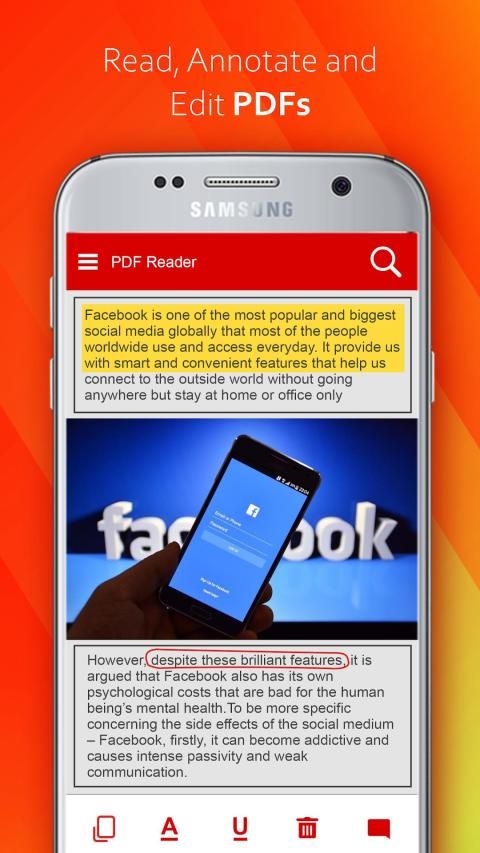
Get the all in one PDF office to view, comment, edit, sign, fill form, and share Adobe Acrobat Reader PDF on smartphones, tablets.
PDF Office Reader 2020 - book reader allows reading books for free, offline in PDF, EPUB, WORD(DOC,DOCX), EXCEL(XLS,XLSX), PowerPoint(PPT, PPTX), Image(PNG,JPG), TXT.
Reliable, stable and fast PDF viewing engine and smooth liquidtext navigation. Complete PDF support and compatible with Adobe PDF Reader Pro and other PDF viewer (such as Xodo, Foxit, PDF Expert, PDFelement, GoodReader, Kami) supporting standard PDF annotations.
**Key Features :
Image to PDF : Generates PDF file from selected Images.
PDF to Image : Generates images in JPEG or PNG from PDF file.
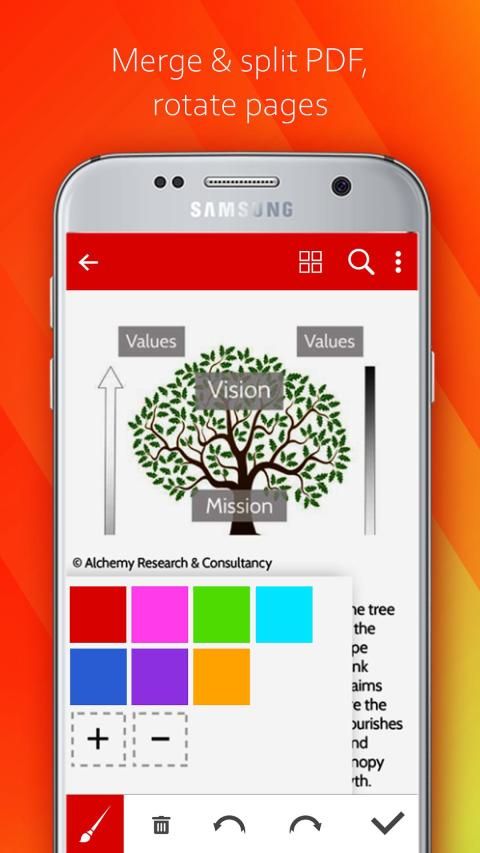
Merge PDF : It merges two or more PDF files into single PDF.
Split PDF : It splits PDF file into two PDF files. You can give page numbers or specific range to split PDF file.
Delete Page : It deletes pages from PDF file. You have to give page numbers that you want delete from file.
Extract Page : It extracts pages from PDF file. Give page numbers you want to extract and new file will created of that pages only.
Lock PDF : You can add password to lock PDF file for security purpose.
Unlock PDF : You can also unlock PDF file which is locked by password.
Rotate Page : You can rotate pages by 0, 90, 180, or 270 degree. You can rotate all page or specific pages.
Add Watermark : You can add watermark to all pages or specific pages. You can set font, font size, font color & font style of watermark too.
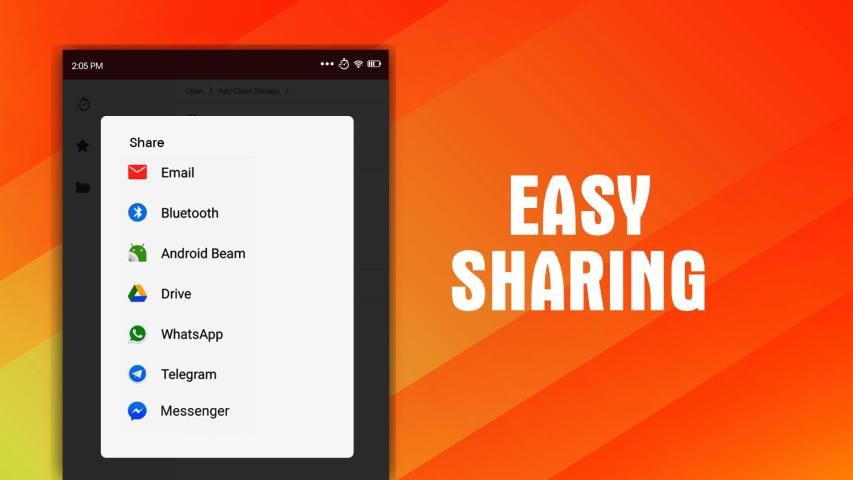
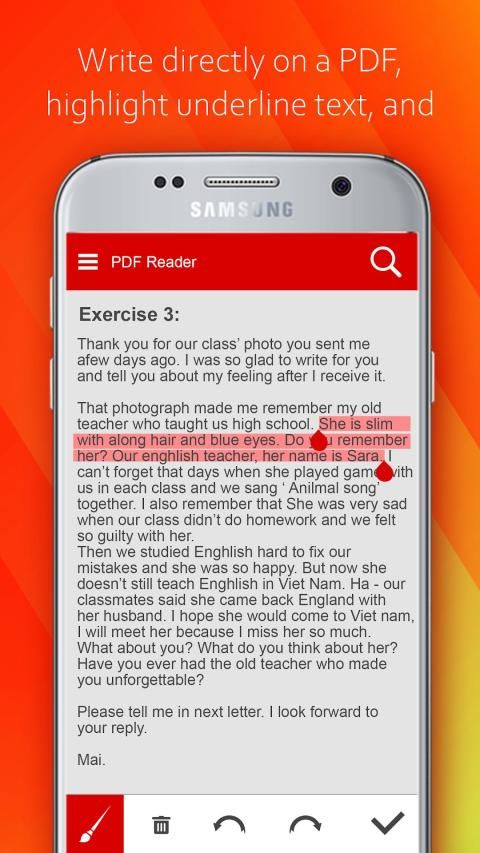
This pdf editor app helps you to edit documents that are in pdf files and save them again to text files. You can share those edit pdf files or also modify them as well.
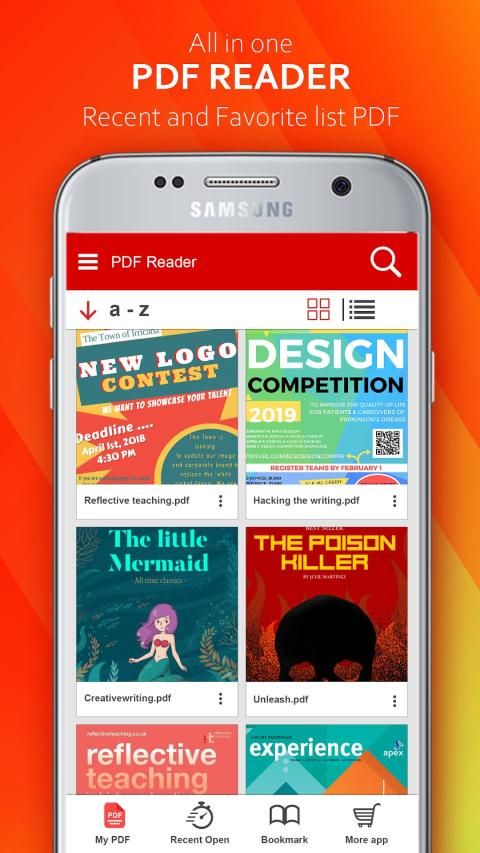
PDF manager file: Scan and update all cute pdf available in your device as quickly as possible. List all the pdf files available in your device.
☀️ List good reader pdf you have recently viewed.
☀️ Add your good reader pdf to your favorite book, you can open it faster.
☀️ PDF Reader- edit documents Search: Easily find you're pdfs by name, you also can search text in your pdf file
☀️ PDF editor free: The most important feature of this application is the pdf viewer. You can easily and quickly view the contents of the pdf files and edit documents in your device. From anywhere, you can quickly launch this application to view your pdf.
☀️ PDF next to page: Quickly move to the pdf page you desire. It is very convenient to see what is currently being viewed.
☀️ Search on PDF app: Search the desired text easily and quickly in your pdf document
☀️ PDF orientation: Vertical and horizontal views provide the most convenient experience for you
► Merge PDF file, split PDFs; rotate pages for pdf viewer
► Convert PDF to Text Format support easy pdf reader
► Edit document converts the text files can be in .txt or .doc format
Dapatkan semua dalam satu kantor PDF untuk melihat, mengomentari, mengedit, menandatangani, mengisi formulir, dan berbagi Adobe Acrobat Reader PDF di smartphone, tablet.
PDF Office Reader 2020 - pembaca buku memungkinkan membaca buku secara gratis, offline dalam PDF, EPUB, WORD (DOC, DOCX), EXCEL (XLS, XLSX), PowerPoint (PPT, PPTX), Gambar (PNG, JPG), TXT.
Mesin penampil PDF yang andal, stabil, dan cepat serta navigasi liquidtext yang lancar. Dukungan PDF lengkap dan kompatibel dengan Adobe PDF Reader Pro dan penampil PDF lainnya (seperti Xodo, Foxit, PDF Expert, PDFelement, GoodReader, Kami) mendukung anotasi PDF standar.
** Fitur Utama:
Gambar ke PDF: Menghasilkan file PDF dari Gambar yang dipilih.
PDF ke Gambar: Menghasilkan gambar dalam format JPEG atau PNG dari file PDF.
Gabungkan PDF: Menggabungkan dua atau lebih file PDF ke dalam satu PDF.
Split PDF: Membagi file PDF menjadi dua file PDF. Anda dapat memberikan nomor halaman atau rentang tertentu untuk membagi file PDF.
Hapus Halaman: Menghapus halaman dari file PDF. Anda harus memberikan nomor halaman yang ingin Anda hapus dari file.
Extract Page: Ini mengekstrak halaman dari file PDF. Berikan nomor halaman yang ingin Anda ekstrak dan file baru akan dibuat dari halaman itu saja.
Kunci PDF: Anda dapat menambahkan kata sandi untuk mengunci file PDF untuk tujuan keamanan.
Buka kunci PDF: Anda juga dapat membuka kunci file PDF yang dikunci oleh kata sandi.
Rotate Page: Anda dapat memutar halaman dengan 0, 90, 180, atau 270 derajat. Anda dapat memutar semua halaman atau halaman tertentu.
Tambahkan Tanda Air: Anda dapat menambahkan tanda air ke semua halaman atau halaman tertentu. Anda dapat mengatur font, ukuran font, warna font & gaya font dari watermark juga.
Aplikasi editor pdf ini membantu Anda untuk mengedit dokumen yang ada dalam file pdf dan menyimpannya kembali ke file teks. Anda dapat membagikan file edit pdf tersebut atau juga memodifikasinya.
File manajer PDF: Pindai dan perbarui semua pdf imut yang tersedia di perangkat Anda secepat mungkin. Daftar semua file pdf yang tersedia di perangkat Anda.
☀️ Daftarkan pembaca yang baik, pdf yang baru saja Anda lihat.
☀️ Tambahkan pdf pembaca baik Anda ke buku favorit Anda, Anda dapat membukanya lebih cepat.
☀️ PDF Reader - edit dokumen Cari: Mudah menemukan Anda pdf berdasarkan nama, Anda juga dapat mencari teks dalam file pdf Anda
☀️ Editor PDF gratis: Fitur terpenting dari aplikasi ini adalah penampil pdf. Anda dapat dengan mudah dan cepat melihat konten file pdf dan mengedit dokumen di perangkat Anda. Dari mana saja, Anda dapat dengan cepat meluncurkan aplikasi ini untuk melihat pdf Anda.
☀️ PDF di sebelah halaman: Pindah ke halaman pdf yang Anda inginkan dengan cepat. Sangat nyaman untuk melihat apa yang sedang dilihat.
☀️ Cari di aplikasi PDF: Cari teks yang diinginkan dengan mudah dan cepat di dokumen pdf Anda
Orientation Orientasi PDF: Tampilan vertikal dan horizontal memberikan pengalaman yang paling nyaman bagi Anda
► Gabungkan file PDF, pisahkan PDF; putar halaman untuk penampil pdf
► Konversi PDF ke Format Teks mendukung pembaca pdf mudah
► Edit dokumen, konversi file teks dapat dalam format .txt atau .doc

9Apps 4.9