Download the latest application of india here. 20,000+ users downloaded PDF Manager latest version on 9Apps for free every week! More features are involved in this new version. This hot app was released on 2020-01-10. Get the latest version now!
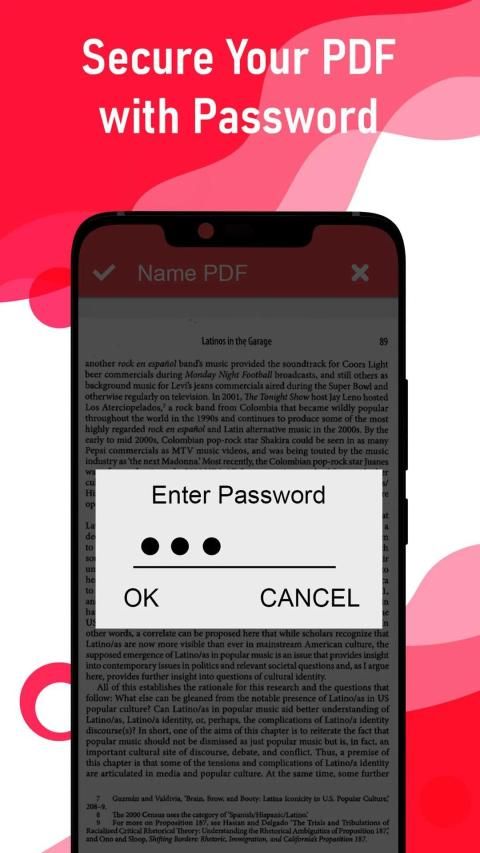
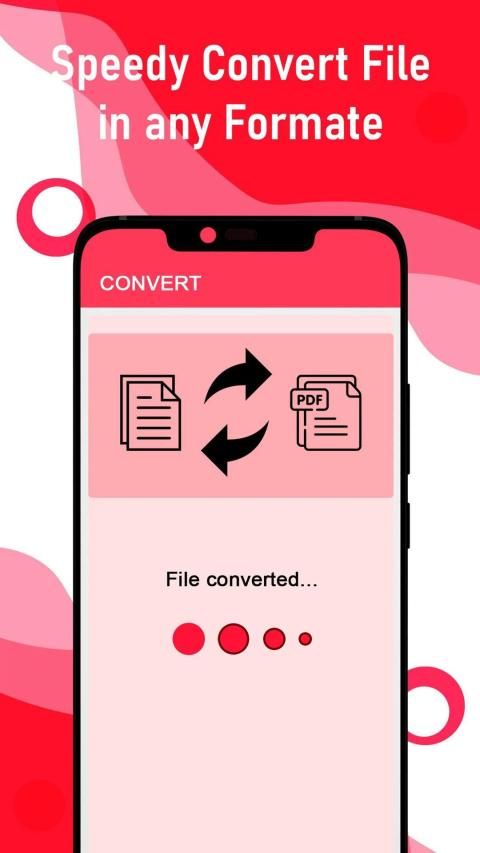
PDF Converter : All Files Converter is an easy to convert PDF and PDF to other files. And also you can convert Photos, Documents, Contacts and Text Messages in to PDF Files easily with this pdf converter.
Immediately manage reports, projects, invoices, and other documentation while on a business trip or out of the office. Easily manage student notes, lectures and learning materials.
The simplicity of this app makes it an ultimate PDF Converter for your device.
All files to PDF Converter is a document converter that allows you to transform files to other extensions or formats. You can easily convert DOC, TXT, PPT, WORD, JPG, PNG, XLS to PDF formats.
PDF Converter Features :
- File converter of excellent conversion quality.
- PDF scans and complex documents are converted as well.
- Powerful PDF scanner.
- Various file formats are supported (Word, Excel, Image, AutoCAD and more).
- Different PDF quality options: high, medium, and low.
- Different PDF size: cropped part, letter, and A4.
How to use PDF Converter app?
1. Select the document you want to convert. It can be a PDF file from your phone, cloud services or a PDF scan (scan your paper document with your phone camera).
2. Choose the PDF output, PDF quality, and page size.
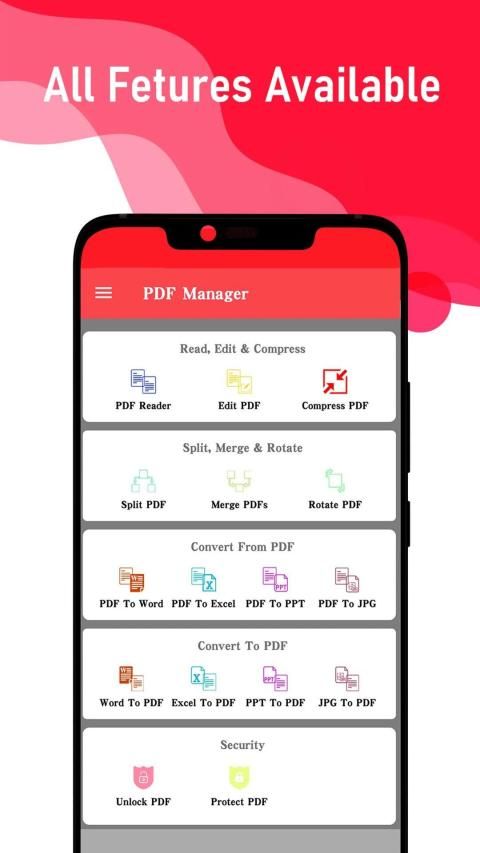
Supported conversion types:
- Scan to PDF
- PDF to Word
- PDF to Excel
- PDF to PowerPoint
- PDF to JPG
- PDF to AutoCad
- PDF to Text
- JPG/JPEG to PDF
- Word to PDF
- Log to PDF
- PowerPoint to PDF
- Text to PDF
- Excel to PDF
- PNG to PDF
- GIF to PDF
- BMP to PDF
- XPS to PDF
- Scan to Text
- Scan to Word
- Scan to Excel
- Publisher to PDF
Download this PDF Reader and PDF Editor free and get many premium features free also.
Konverter PDF: Semua File Konverter mudah untuk mengkonversi PDF dan PDF ke file lain. Dan Anda juga dapat mengonversi Foto, Dokumen, Kontak, dan Pesan Teks ke dalam file PDF dengan mudah menggunakan konverter pdf ini.
Segera kelola laporan, proyek, faktur, dan dokumentasi lainnya saat dalam perjalanan bisnis atau di luar kantor. Mudah mengelola catatan siswa, ceramah dan bahan belajar.
Kesederhanaan aplikasi ini membuatnya menjadi PDF Converter terbaik untuk perangkat Anda.
Semua file ke PDF Converter adalah pengonversi dokumen yang memungkinkan Anda untuk mengubah file ke ekstensi atau format lain. Anda dapat dengan mudah mengkonversi DOC, TXT, PPT, WORD, JPG, PNG, XLS ke format PDF.
Fitur Konverter PDF:
- File converter dengan kualitas konversi yang sangat baik.
- Pemindaian PDF dan dokumen kompleks juga dikonversi.
- Pemindai PDF yang kuat.
- Berbagai format file didukung (Word, Excel, Image, AutoCAD, dan lainnya).
- Pilihan kualitas PDF yang berbeda: tinggi, sedang, dan rendah.
- Ukuran PDF berbeda: bagian yang dipotong, huruf, dan A4.
Bagaimana cara menggunakan aplikasi PDF Converter?
1. Pilih dokumen yang ingin Anda konversi. Ini bisa berupa file PDF dari ponsel Anda, layanan cloud atau pemindaian PDF (memindai dokumen kertas Anda dengan kamera ponsel Anda).
2. Pilih output PDF, kualitas PDF, dan ukuran halaman.
Jenis konversi yang didukung:
- Pindai ke PDF
- PDF ke Word
- PDF ke Excel
- PDF ke PowerPoint
- PDF ke JPG
- PDF ke AutoCad
- PDF ke Teks
- JPG / JPEG ke PDF
- Kata ke PDF
- Masuk ke PDF
- PowerPoint ke PDF
- Teks ke PDF
- Unggul ke PDF
- PNG ke PDF
- GIF ke PDF
- BMP ke PDF
- XPS ke PDF
- Pindai ke Teks
- Pindai ke Word
- Pindai ke Excel
- Penerbit ke PDF
Unduh Pembaca PDF dan Editor PDF ini gratis dan dapatkan banyak fitur premium gratis juga.

9Apps 4.9