
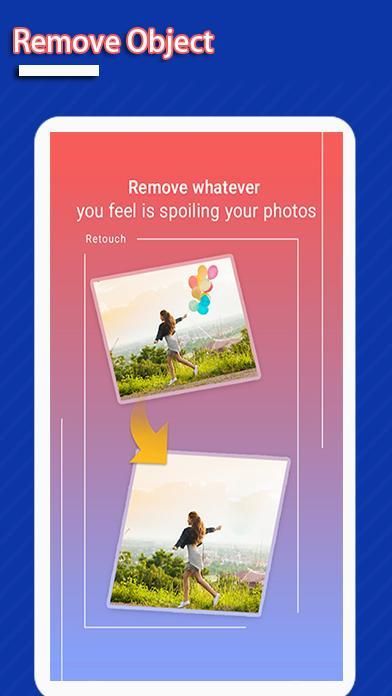
It is a truth that 20,000+ users downloaded Remove Unwanted Object from Photo latest version on 9Apps for free every week! This is one of my favorite apps. This hot app was released on 2020-06-15. If you wanna more apps besides this, turn to 9Apps.
This is one of best applications that lets you remove unwanted content from your photos using just the tip of your finger. It will help you save time to retouch your image with simple image processing, fast, effective and easy to use.
How to use touch & retouch?
1. Pick photo from camera or gallery
2. Choose objects you want to remove which selected in red
3. Press process button and see magic on your photo
4. Save or share this image to your friends
What you can do with Remove Unwanted object from photo :
- telephone wires and posts, power lines;
- surface breaks and scratches – both straight and curved;
- photobombers, scalado remove, and object remover;
- pimples and skin blemishes with lunapic photo editor;
- retouching human-made objects like stop lights, street signs, trash cans;
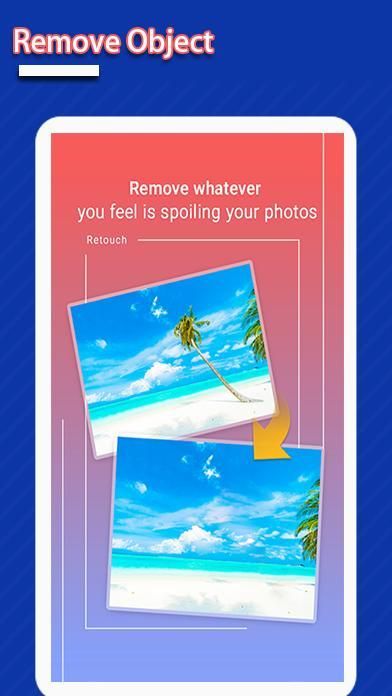
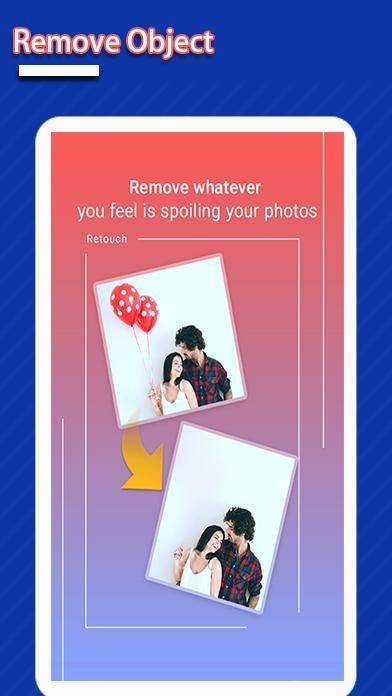
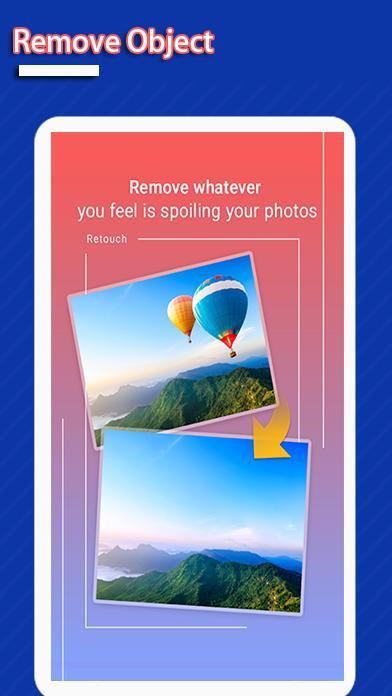
- whatever you feel is spoiling your photos.
- Remove Unwanted Objects with Life In LoFi Touch.
What does touch-retouch do for you?
% Remove telephone wires and posts, power lines
% Remove surface breaks and scratches—both straight and curved
% Remove photobombers
% Remove pimples and skin blemishes
% Remove human-made objects like stop lights, street signs, trash cans
% Remove whatever you feel is spoiling your photos
You can use Selection tools to select and then automatically remove unwanted details from the photo. Or you can use the Clone tool to manually copy detail from one part of the frame to another.
Make unwanted objects vanish right before your eyes by just marking them.
With Blemish Remover, you can touch any minor blemish once to remove it forever.
Thank you for using our application!
Ini adalah salah satu aplikasi terbaik yang memungkinkan Anda menghapus konten yang tidak diinginkan dari foto Anda hanya menggunakan ujung jari Anda. Ini akan membantu Anda menghemat waktu untuk memperbaiki gambar Anda dengan pemrosesan gambar yang sederhana, cepat, efektif dan mudah digunakan.
Bagaimana cara menggunakan touch & retouch?
1. Pilih foto dari kamera atau galeri
2. Pilih objek yang ingin Anda hapus yang dipilih dengan warna merah
3. Tekan tombol proses dan lihat keajaiban di foto Anda
4. Simpan atau bagikan gambar ini ke teman-teman Anda
Apa yang dapat Anda lakukan dengan Hapus objek yang Tidak Diinginkan dari foto:
- kabel dan pos telepon, saluran listrik;
- permukaan pecah dan tergores - lurus dan melengkung;
- photobombers, scalado remove, dan object remover;
- Jerawat dan cacat kulit dengan editor foto lunap;
- retouching benda buatan manusia seperti lampu berhenti, rambu-rambu jalan, tong sampah;
- Apa pun yang Anda rasakan merusak foto Anda.
- Hapus Objek yang Tidak Diinginkan dengan Life In LoFi Touch.
Apa yang dilakukan sentuhan-sentuhan untuk Anda?
% Lepaskan kabel dan pos telepon, saluran listrik
% Buang permukaan dan goresan — lurus dan melengkung
% Hapus photobombers
% Menghilangkan jerawat dan cacat kulit
% Hapus benda buatan manusia seperti lampu berhenti, rambu jalan, tong sampah
% Hapus apa pun yang Anda rasakan merusak foto Anda
Anda dapat menggunakan alat Seleksi untuk memilih dan kemudian secara otomatis menghapus detail yang tidak diinginkan dari foto. Atau Anda dapat menggunakan alat Clone untuk secara manual menyalin detail dari satu bagian frame ke yang lain.
Buat benda yang tidak diinginkan menghilang tepat di depan mata Anda dengan hanya menandai mereka.
Dengan Penghilang Noda, Anda dapat menyentuh Noda kecil sekali saja untuk menghilangkannya selamanya.
Terima kasih telah menggunakan aplikasi kami!



9Apps 4.9










