
It can be said with certainty that 20,000+ users downloaded Icolour Visualizer latest version on 9Apps for free every week! This indicates many people like this application. This hot app was released on 2016-02-06. I believe that if you are an android apps lover, you would not miss it.
Nippon i-Colour Visualizer app is unique app that helps you visualize the colours of your walls before you buy the paint. With of the Nippon i-Colour Visualizer app you can get an idea of the type of Nippon colours that will suit your surface the most. With the app you will feel like having a Nippon colour card at home at the touch of your fingertips.
If you are an interior designer or an architect, the Nippon i-Colour Visualizer will save you time and money because you can demo the client instantly how the colour selected will look against the furniture placed in the room.
The 5 easy steps of how to use the Nippon i-Colour Visualizer app.
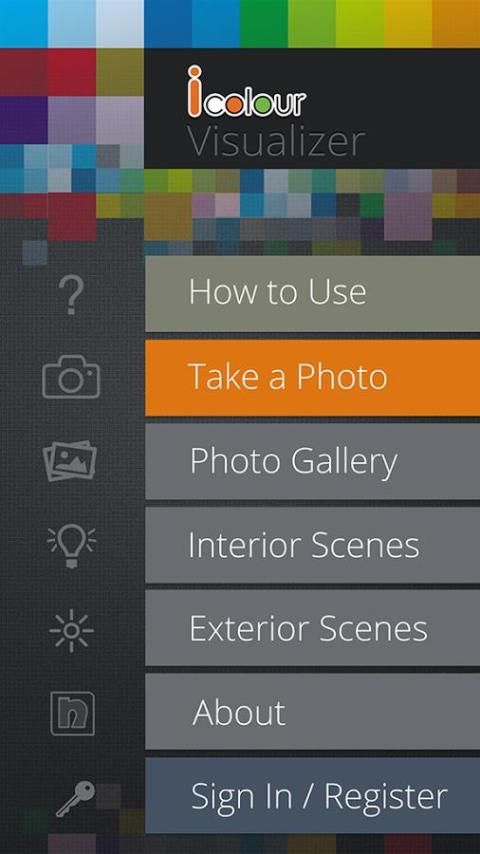
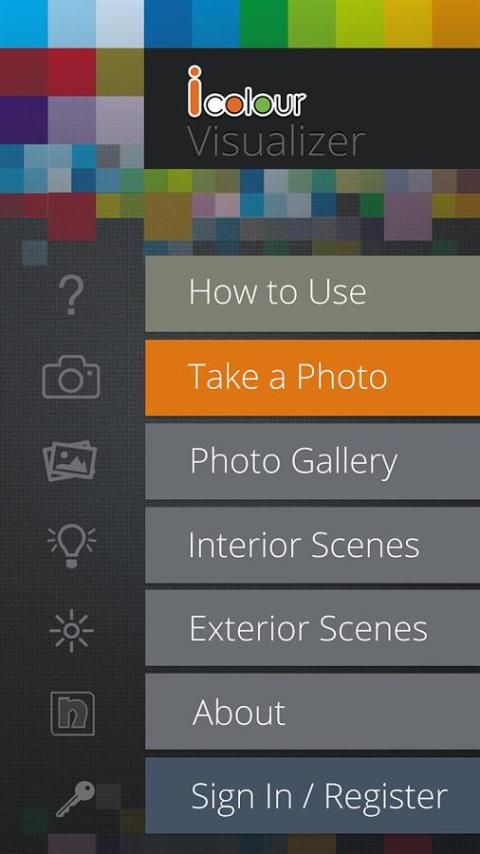
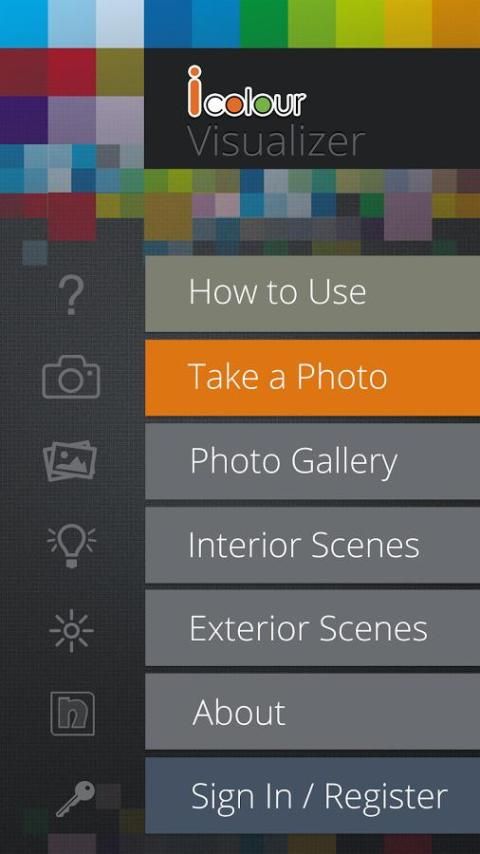
Step 1 – Take a photo from your camera or select a photo from the gallery.
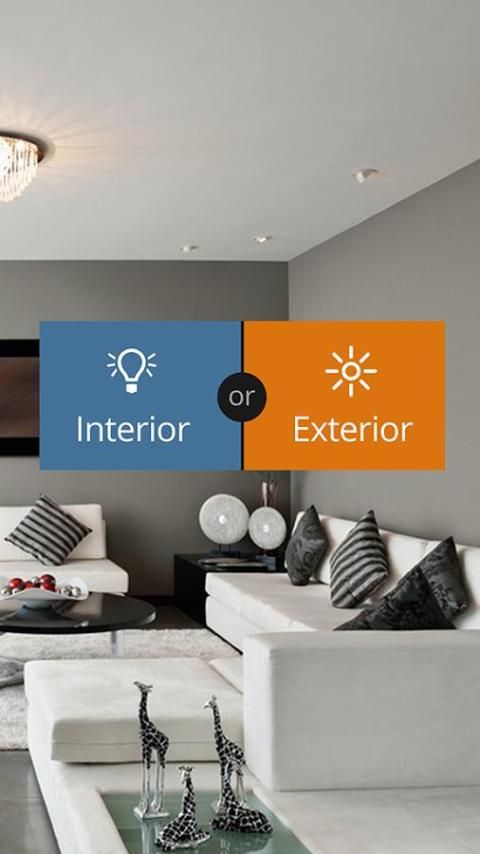
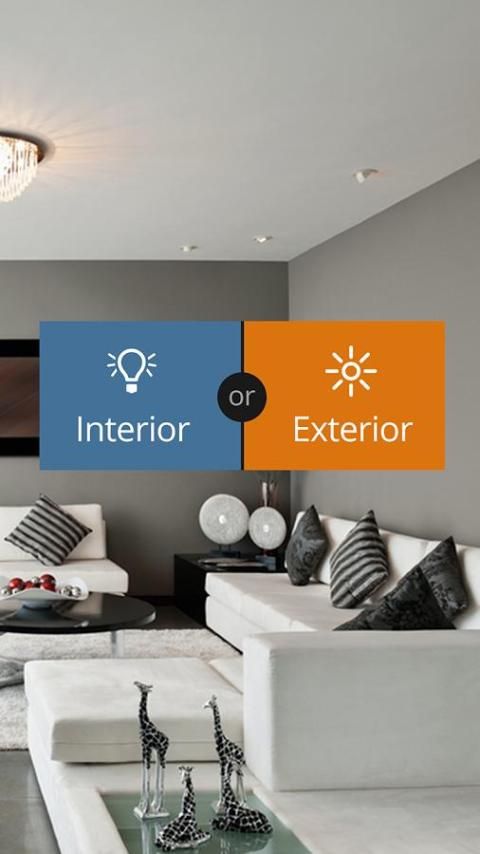
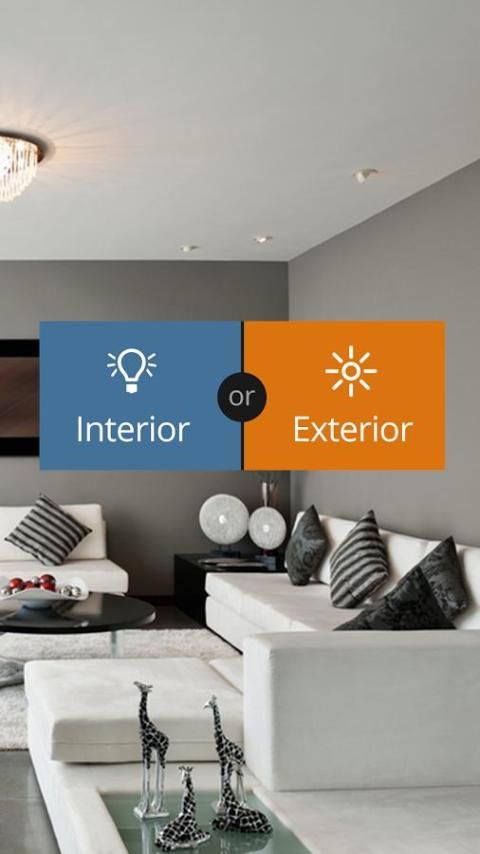
Step 2 - Choose either "Interior" or "Exterior" to specify the scene in your picture.
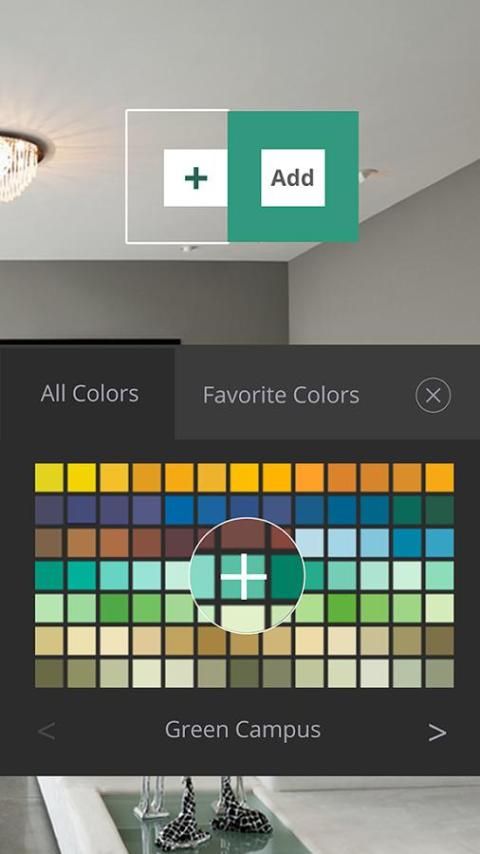
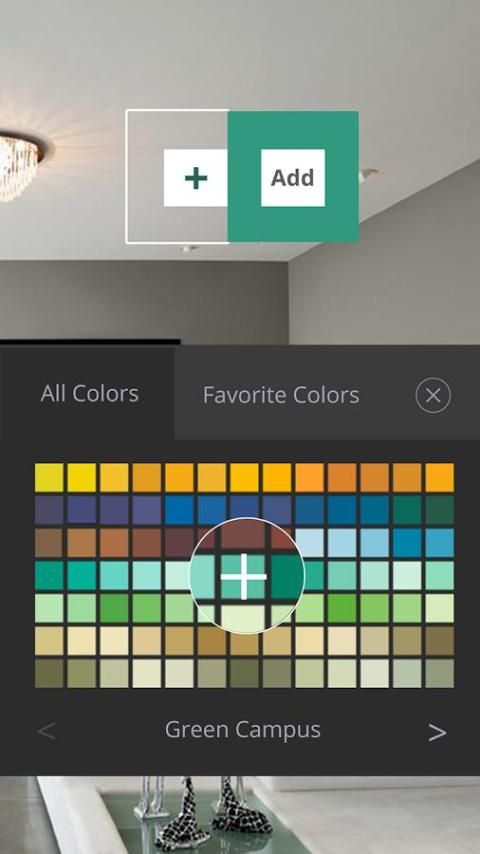
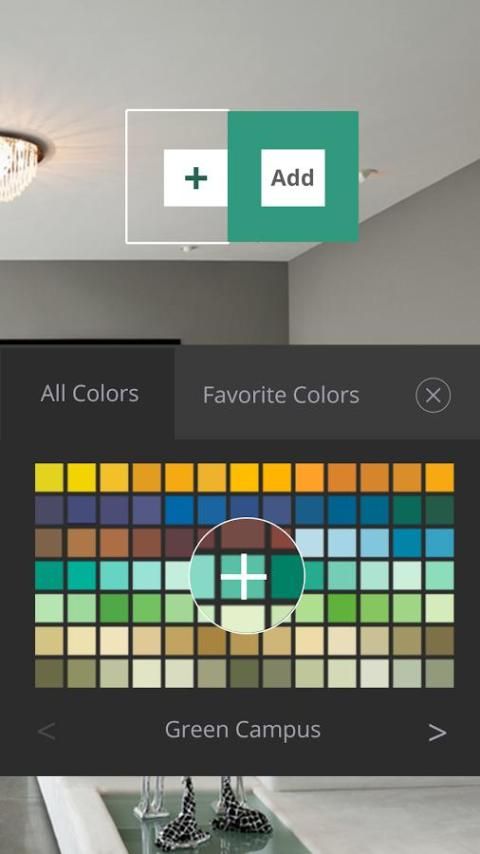
Step 3 – Select the colour you want to apply from the colour select tool.
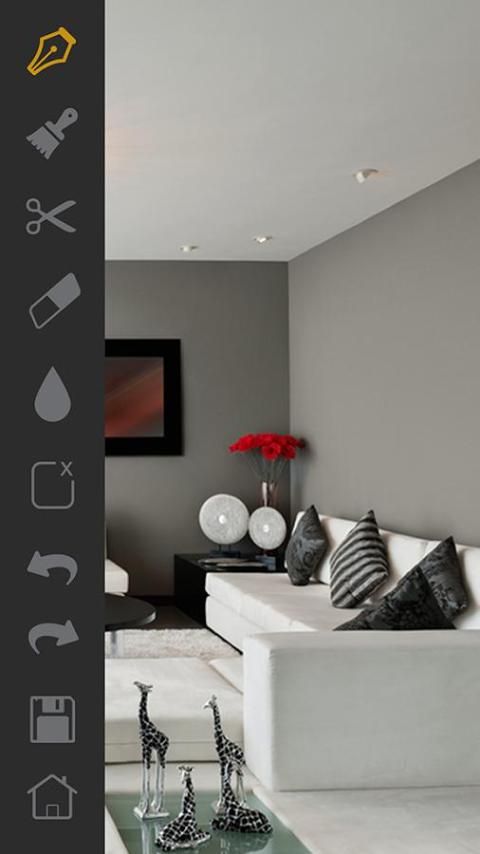
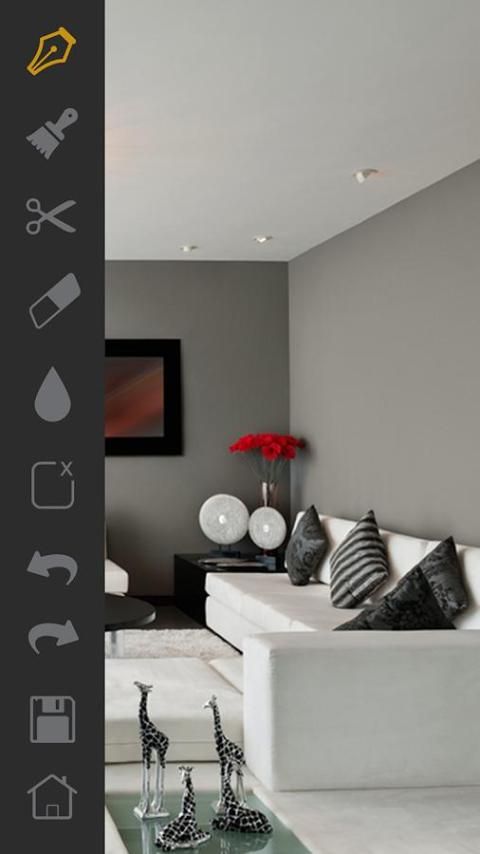
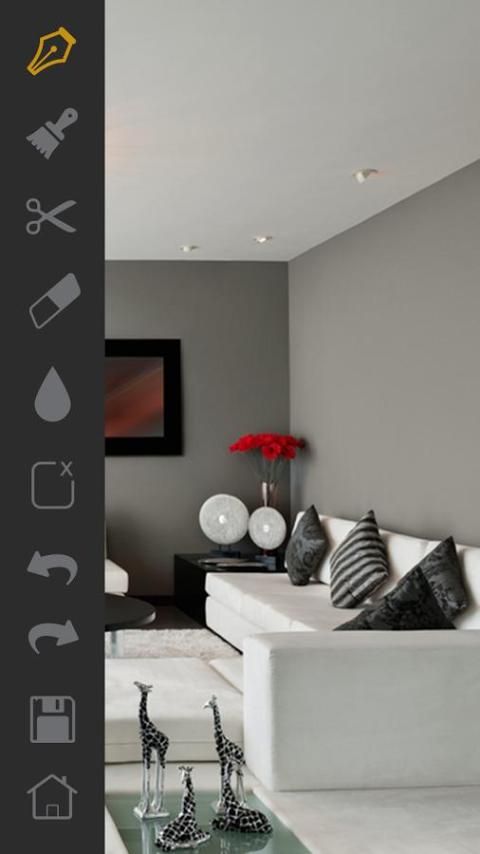
Step 4 – Mark the area of the wall you wish to paint in the photo using the given "Pen" or the "Brush" tools.
Step 5 – Save the customize image to compare with other images later.
App Nippon i-Warna Visualizer adalah aplikasi unik yang membantu Anda memvisualisasikan warna dinding Anda sebelum Anda membeli cat. Dengan dari Nippon i-Warna Visualizer aplikasi Anda bisa mendapatkan ide dari jenis warna Nippon yang akan sesuai permukaan Anda yang paling. Dengan aplikasi ini Anda akan merasa seperti memiliki kartu warna Nippon di rumah pada sentuhan ujung jari Anda.
Jika Anda adalah seorang desainer interior atau arsitek, Nippon i-Warna Visualizer akan menghemat waktu dan uang karena Anda dapat demo klien langsung bagaimana warna yang dipilih akan terlihat melawan furnitur ditempatkan di dalam ruangan.
5 langkah mudah bagaimana menggunakan Nippon aplikasi i-Warna Visualizer.
Langkah 1 - Mengambil foto dari kamera atau memilih foto dari galeri.
Langkah 2 - Pilih salah satu "Interior" atau "Luar" untuk menentukan adegan dalam gambar Anda.
Langkah 3 - Pilih warna yang Anda ingin menerapkan dari warna pilih alat.
Langkah 4 - Tandai daerah dinding Anda ingin melukis di foto menggunakan diberikan "Pen" atau "Brush" alat.
Langkah 5 - Simpan gambar menyesuaikan untuk membandingkan dengan gambar lain nanti.

9Apps 4.9