Neon Flower Clock Live Wallpaper
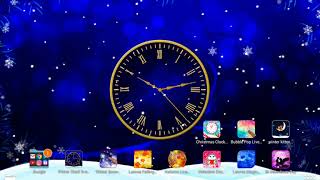
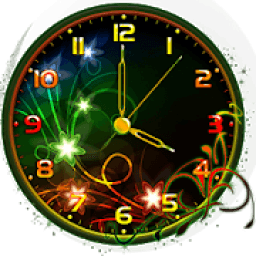
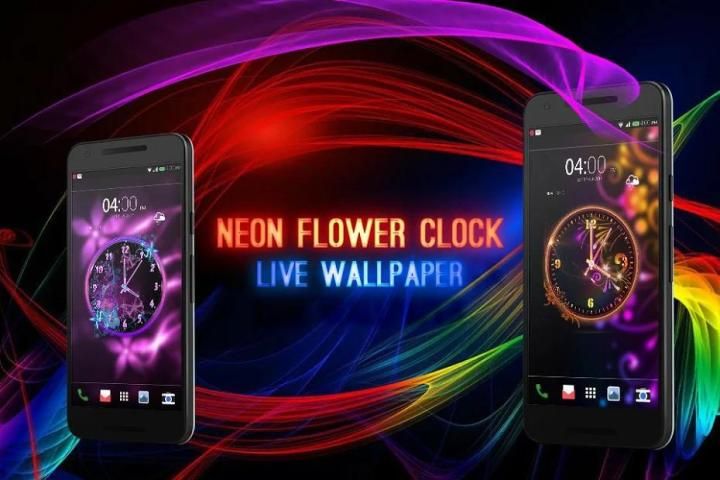
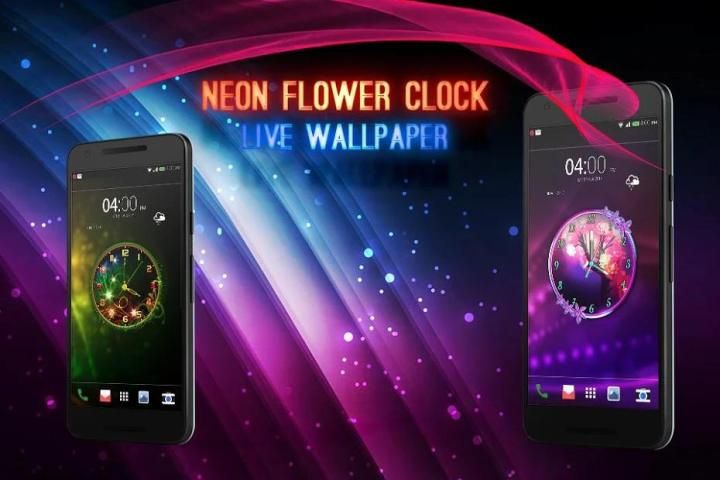
Neon Flower Clock Live Wallpaper is most powerful and great live wallpaper which make your mobile display more beautiful.
Neon Flower Clock Live Wallpaper is contains with many beautiful Neon Flower Clock and you can customize clocks as per your display.
Neon Flower Clock Live Wallpaper has lots of clock with suitable background and for set clock live wallpaper on screen you have to just click on set wallpaper.
Neon Flower Clock Live Wallpaper contain many option for customize clock like select clock , clock size etc.
Main Feature of Neon Flower Clock Live Wallpaper:
1) There are lots of clock available with hd backgrounds.
2) You can change clock size as per your device screen.
3) Great user interface.
4) Completely free application.
How to set Neon Flower Clock on screen:
1) Open the app and select clock which you like most.
2) Customize the clock.
3) Set on wallpaper and enjoy the beautiful Neon Flower Clock.
Hope you all love this Neon Flower Clock and you all set on your screen for see time and make your screen more beautiful.
Don't forgot to share our clock with your family and friends and told them to use our application and set clock on than screen.
If you love this Neon Flower Clock live wallpaper than don't forgot to give good rating to us.
Thank you!!!
Neon Jam Bunga Live Wallpaper
Neon Jam Bunga Live Wallpaper adalah yang paling kuat dan besar wallpaper hidup yang membuat tampilan ponsel Anda lebih indah.
Neon Jam Bunga Live Wallpaper adalah mengandung banyak indah neon Jam Bunga dan Anda dapat menyesuaikan jam per tampilan Anda.
Neon Jam Bunga Live Wallpaper memiliki banyak jam dengan latar belakang yang cocok dan untuk set jam hidup wallpaper di layar Anda harus klik pada set wallpaper.
Neon Jam Bunga Live Wallpaper mengandung banyak pilihan untuk jam menyesuaikan seperti pilih jam, ukuran jam dll
Fitur utama dari Neon Jam Bunga Live Wallpaper:
1) Ada banyak jam yang tersedia dengan latar belakang hd.
2) Anda dapat mengubah ukuran jam per layar perangkat Anda.
3) antarmuka pengguna yang besar.
4) aplikasi Sepenuhnya gratis.
Bagaimana mengatur Neon Jam Bunga di layar:
1) Buka aplikasi dan pilih jam yang paling Anda sukai.
2) Sesuaikan jam.
3) Terletak di wallpaper dan menikmati Neon Jam Bunga yang indah.
Harap Anda semua cinta Neon Jam Bunga ini dan Anda siap pada layar Anda untuk melihat waktu dan membuat layar Anda lebih indah.
Jangan lupa untuk berbagi jam kami dengan keluarga dan teman-teman dan mengatakan kepada mereka untuk menggunakan aplikasi kita dan mengatur jam pada daripada layar.
Jika Anda menyukai ini wallpaper hidup Neon Jam Bunga dari tidak lupa untuk memberikan rating yang baik kepada kami.
Terima kasih!!!

9Apps 4.9