

9Apps services for free Android apps. 30,000+ users downloaded Navigation Bar latest version on 9Apps for free every week! Once you've used it, you'll be attracted. This hot app was released on 2020-02-04. Why not download and play it now?
Navigation Bar Simple Control 2020
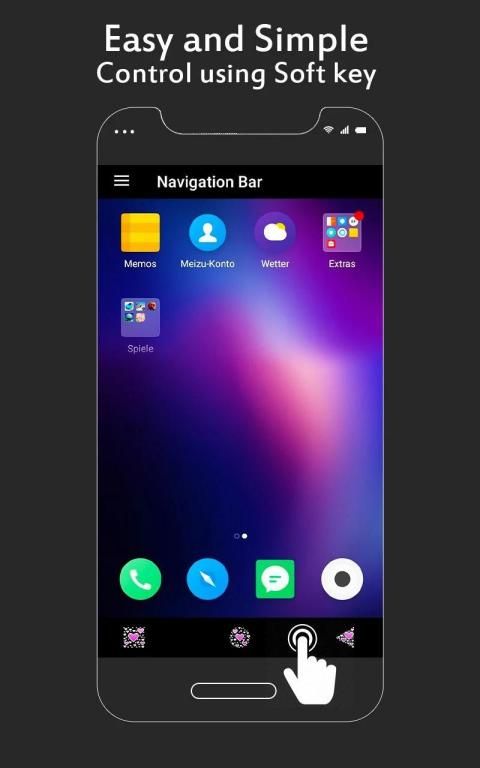
Easy and Simple Control using Soft Key.
Smart Solution if your home button is not working or damaged due to some reason. Using this Navigation Bar App you can easily control your device. Multiple Navigation bar buttons are available.
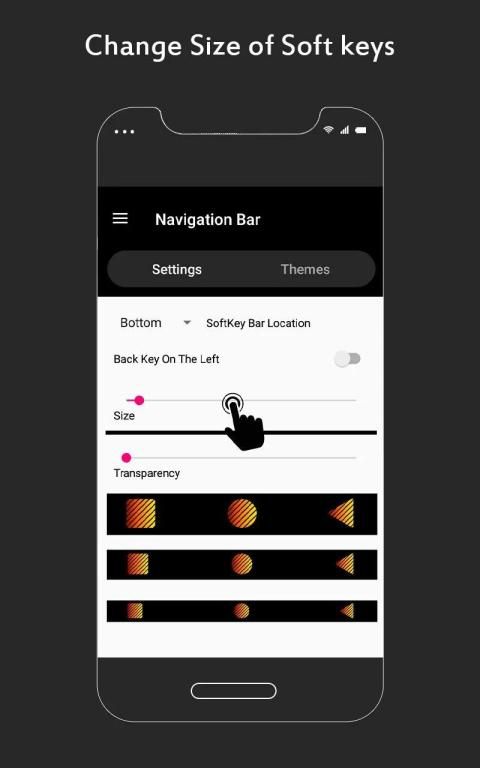
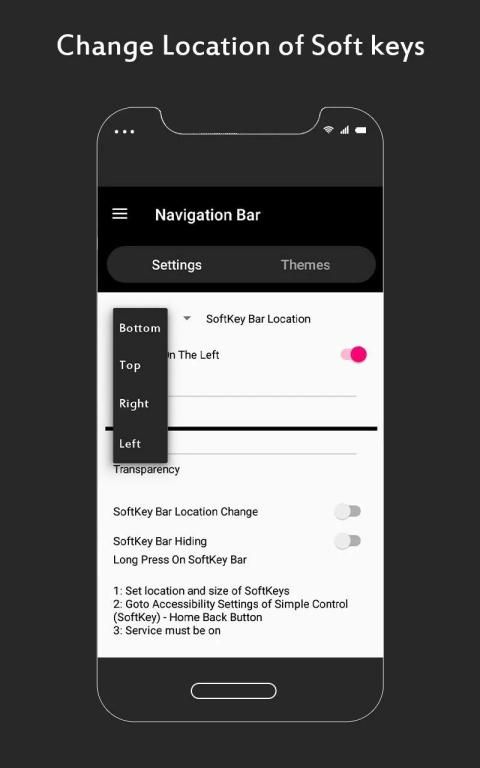
Easy and simple control using soft key, useful tool & easy navigation. You can customize the location of soft keys; this will really help you to easily navigate in the android phone home screen.
This navigation bar smart app provide you four navigation bar locations to place the navigation bar buttons
1. Top (horizontal navigation bar)
2. Bottom (horizontal navigation bar)
3. Left Side (vertical navigation bar)
4. Right Side (vertical navigation bar)
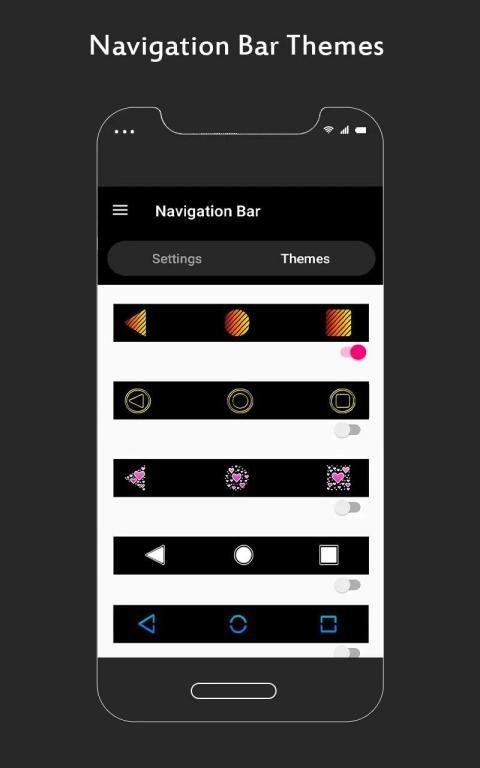
Soft key navigation bar app can replace a damaged or broken button, easy and simple control using soft key in attractive button themes.
DOWNLOAD FREE
Navigation Bar Simple Control 2020 App and start using Soft Keys for Android and enjoy the easy and quick controls keys in your left, top, bottom or right side of the phone screen, these simple control and soft keys helps you in case if your phone home button is not working or back button is not working then this Navigation Bar with simple control back buttons android app is very useful.
It’s easy soft keys app download free today and make the simple control back button part of you smart and easy access!
Please Note;
Device Administrator Permission required to show navigation bar on top. This may interpret with your use of other apps but hopefully you can navigate easily in your mobile device, tested and working with major and common devices.
Bilah Navigasi Kontrol Sederhana 2020
Kontrol Mudah dan Sederhana menggunakan Soft Key.
Solusi Cerdas jika tombol beranda Anda tidak berfungsi atau rusak karena beberapa alasan. Menggunakan Aplikasi Bilah Navigasi ini Anda dapat dengan mudah mengontrol perangkat Anda. Tersedia beberapa tombol bilah Navigasi.
Kontrol yang mudah dan sederhana menggunakan tombol lunak, alat yang berguna & navigasi yang mudah. Anda dapat menyesuaikan lokasi tombol lunak; ini akan sangat membantu Anda untuk bernavigasi dengan mudah di layar beranda ponsel android.
Aplikasi pintar bilah navigasi ini memberi Anda empat lokasi bilah navigasi untuk menempatkan tombol bilah navigasi
1. Top (bilah navigasi horisontal)
2. Bawah (bilah navigasi horizontal)
3. Sisi Kiri (bilah navigasi vertikal)
4. Sisi Kanan (bilah navigasi vertikal)
Aplikasi bilah navigasi tombol lunak dapat menggantikan tombol yang rusak atau rusak, kontrol mudah dan sederhana menggunakan tombol lunak dalam tema tombol yang menarik.
UNDUH GRATIS
Bilah Navigasi Simple Control 2020 App dan mulailah menggunakan Soft Keys untuk Android dan nikmati tombol kontrol yang mudah dan cepat di kiri, atas, bawah atau kanan layar ponsel Anda, kontrol sederhana dan lembut ini tombol membantu Anda jika tombol telepon rumah Anda tidak berfungsi atau tombol kembali tidak berfungsi maka Navigasi Bar ini dengan tombol kontrol sederhana aplikasi android sangat berguna.
Pengunduhan aplikasi tombol lunak yang mudah gratis hari ini dan menjadikan kontrol tombol kembali menjadi bagian dari Anda yang pintar dan mudah diakses!
Tolong dicatat;
Izin Administrator Perangkat diperlukan untuk menampilkan bilah navigasi di atas. Ini mungkin menafsirkan dengan menggunakan aplikasi lain dari Anda, tetapi mudah-mudahan Anda dapat menavigasi dengan mudah di perangkat seluler Anda, diuji dan bekerja dengan perangkat utama dan umum.





9Apps 4.9










