
Browse and download apps to your android phone from the App Store. 20,000+ users downloaded Install Apps On Sd Card Pro latest version on 9Apps for free every week! This makes the app feel more like a popular merchandise, which is very positive in my opinion. This hot app was released on 2019-03-12. Just use it when absolutely necessary.
Move Apps To Sd Card-File Transfer&Moves App:
One common Point with computing devices : PCs, laptops, smartphones, and tablets—is the way they tend to feel sluggish over time. You’re always going to get peak performance when they’re brand new out of the box, but the accumulated apps, files, photos, and updates end up using system resources, which results in slower operation.
With Move Apps To Sd Card-File Transfer&Moves App and proper upkeep and the right hardware, you can maintain optimal performance on your Android smartphone or tablet as long as it has a microSD card slot.
If you have an Android phone or tablet with a small amount of storage, you probably keep uninstalling apps to make room for other ones. But there is a way to expand the storage of an Android device if it has an SD card slot.
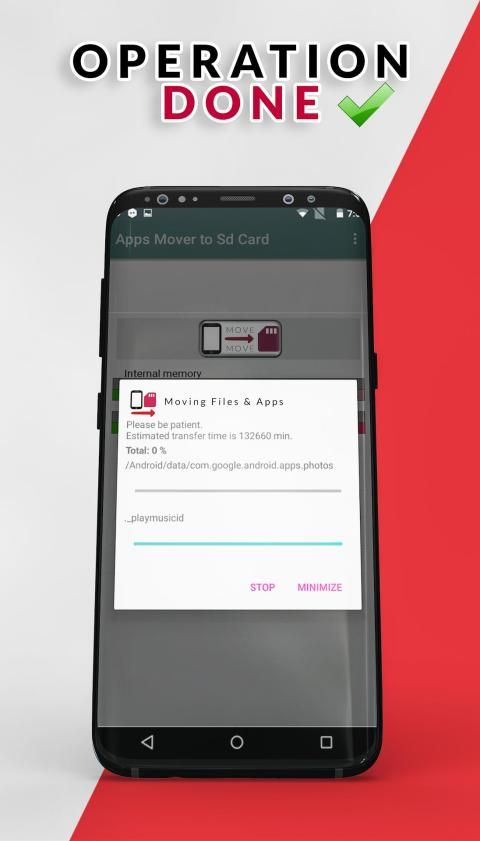
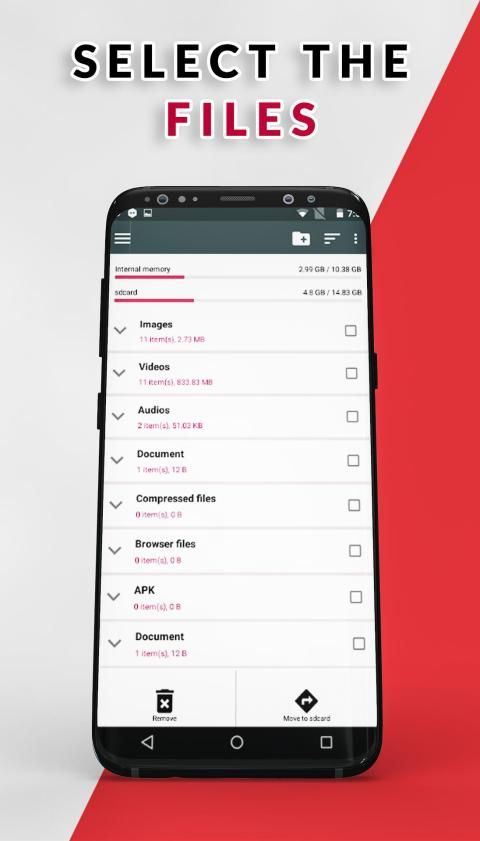
This Install Apps On Sd Card App is a one click fast solution to move your files from internal memory to SD card in your phone. Move your photos, videos and other downloads to your SD card.
If you’re an Android user who’s moved apps before, chances are good that you’re well aware of the limitations. Some apps are deemed as too important by their developer, and thus can’t be moved via normal methods. Many apps that ship with the device can’t be moved either.
Method :
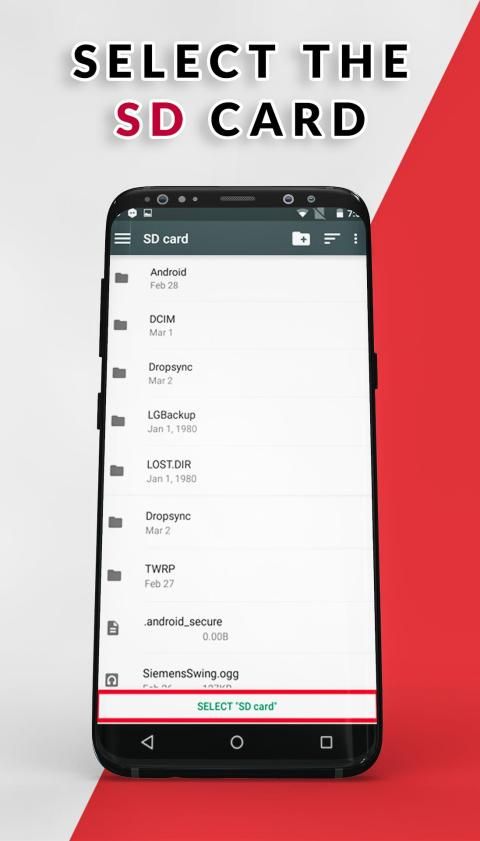
1 -- Select Your Device Memory Card Destination
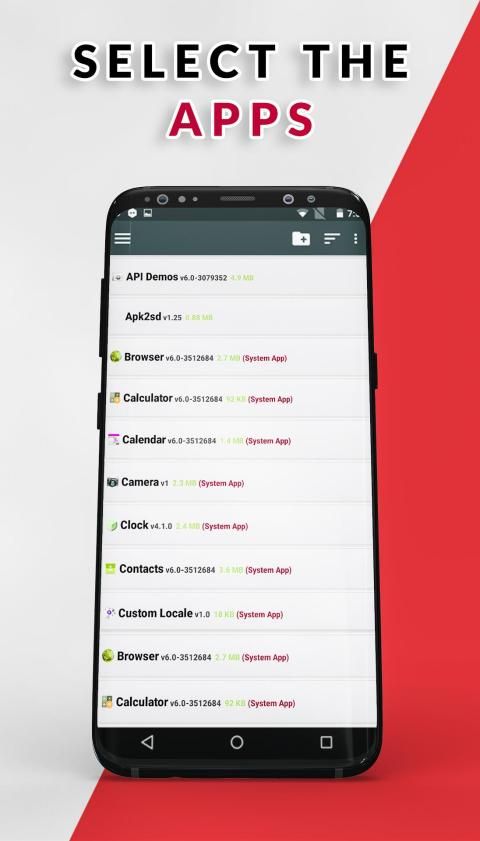
2 --Select All Your files & Apps showing in the Main Menu
3 --Press the thumb icon on the above side of the Menu
4 --Move Your Files & Apps to the Memory Card
Enjoy The Fresh Memory
Pindahkan Aplikasi Ke Sd Card-File Transfer & Moves App:
Satu titik umum dengan perangkat komputasi: PC, laptop, smartphone, dan tablet — adalah cara mereka cenderung merasa lamban seiring waktu. Anda akan selalu mendapatkan kinerja puncak ketika mereka baru keluar dari kotak, tetapi akumulasi aplikasi, file, foto, dan pembaruan pada akhirnya menggunakan sumber daya sistem, yang mengakibatkan operasi lebih lambat.
Dengan Pindahkan Aplikasi Ke Sd Kartu-File Transfer & Aplikasi Bergerak dan pemeliharaan yang tepat dan perangkat keras yang tepat, Anda dapat mempertahankan kinerja optimal pada ponsel cerdas atau tablet Android Anda asalkan memiliki slot kartu microSD.
Jika Anda memiliki ponsel atau tablet Android dengan sedikit penyimpanan, Anda mungkin terus menghapus instalan aplikasi untuk memberi ruang bagi yang lain. Tetapi ada cara untuk memperluas penyimpanan perangkat Android jika memiliki slot kartu SD.
Instal Aplikasi ini Pada Sd Card App adalah solusi cepat satu klik untuk memindahkan file Anda dari memori internal ke kartu SD di ponsel Anda. Pindahkan foto, video, dan unduhan lainnya ke kartu SD Anda.
Jika Anda adalah pengguna Android yang pernah memindahkan aplikasi sebelumnya, kemungkinan besar Anda mengetahui batasannya. Beberapa aplikasi dianggap terlalu penting oleh pengembangnya, dan karenanya tidak dapat dipindahkan melalui metode normal. Banyak aplikasi yang dikirimkan dengan perangkat tidak dapat dipindahkan juga.
Metode :
1 - Pilih Tujuan Kartu Memori Perangkat Anda
2 - Pilih Semua File & Aplikasi Anda yang ditampilkan di Menu Utama
3 --Tekan ikon ibu jari di sisi atas Menu
4 - Pindahkan File & Aplikasi Anda ke Kartu Memori
Nikmati Memori Baru
Fixed Bugs & new Features



9Apps 4.9










