

With the development of technology, more and more apps appeared in the mobile market. 20,000+ users downloaded MobileTrans latest version on 9Apps for free every week! This app has been greatly welcomed in India. This hot app was released on 2019-11-12. You can free download it from 9Apps.
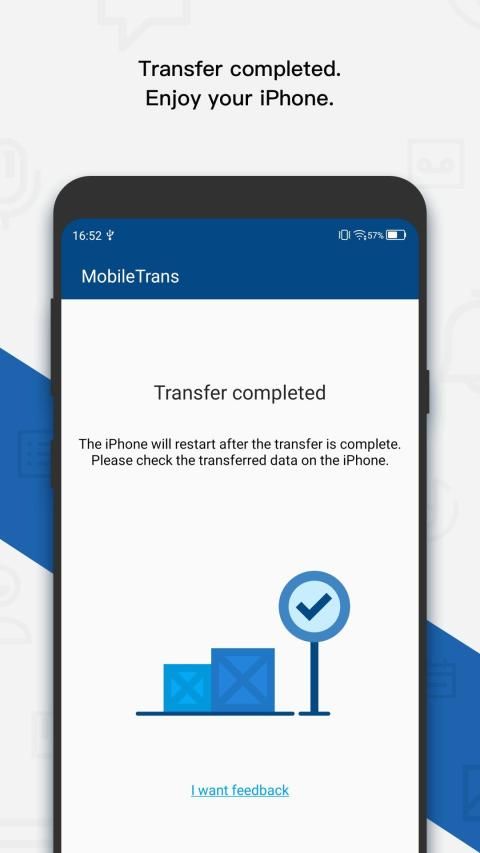
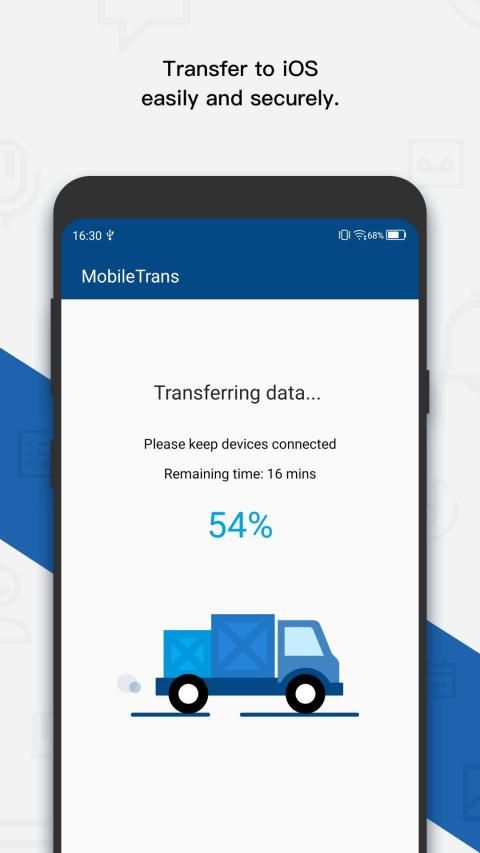
MobileTrans - Copy Data to iOS is the first Move to iOS alternative to help you switch to iPhone/iPad easily. With just a few taps, you can migrate your content from your Android devices to the iPhone securely and easily. The best part is, unlike Move to iOS, you can transfer data after you set up your iPhone, without resetting.
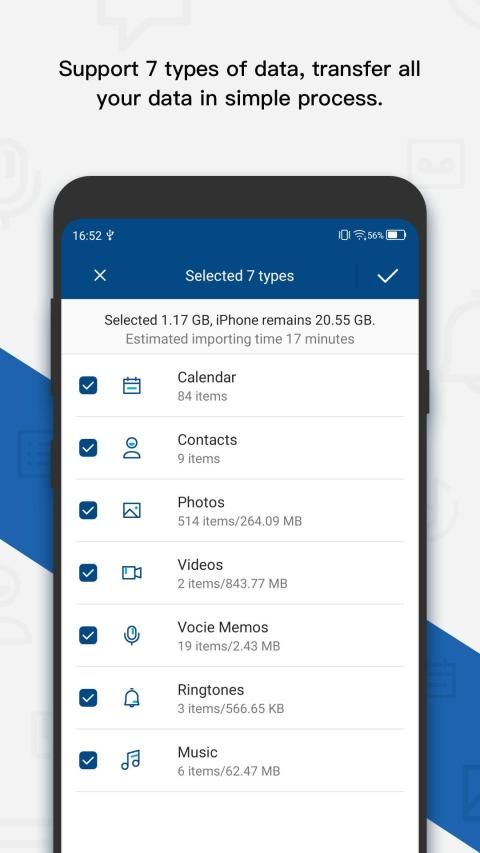
★This data transfer App securely transfers the contents below for you:
Contacts
Calendar
Photos
Videos
Voice Memos
Ringtones
Music
★How it transfer data?
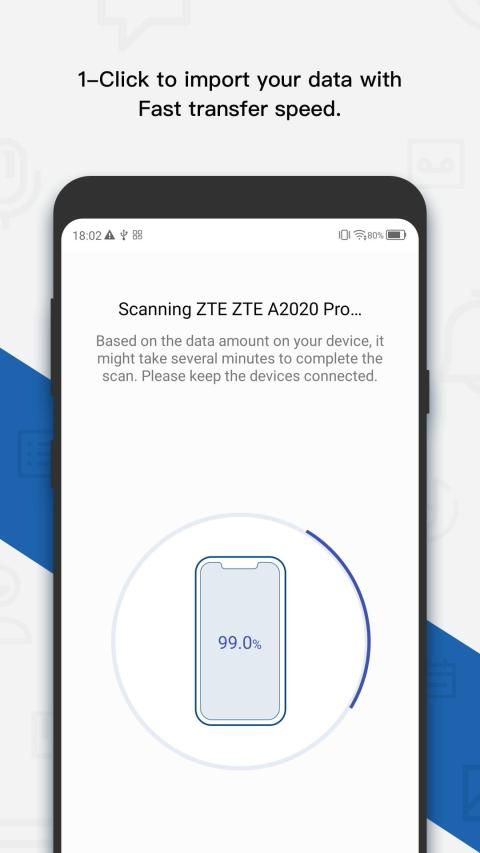
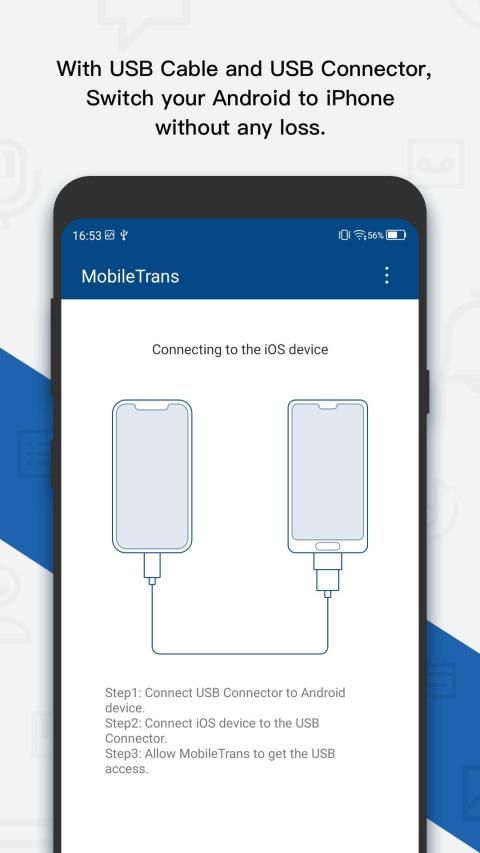
- Download MobileTrans - Copy Data to iOS App on your Android phone. Launch the App and connect your Android and iPhone using an OTG cable.
- Select the content you'd like to transfer after all contents loaded.
- Tap Start Importing to let the data transferred to your iPhone automatically.
★Supported devices
-iOS 5.0 or above
-Android 6.1 or above
★You can download this App to test how this App works. But transferring the data requires payment first.
MobileTrans - Salin Data ke iOS adalah alternatif Pindah ke iOS pertama untuk membantu Anda beralih ke iPhone / iPad dengan mudah. Hanya dengan beberapa ketukan, Anda dapat memigrasikan konten Anda dari perangkat Android ke iPhone dengan aman dan mudah. Bagian terbaiknya adalah, tidak seperti Move to iOS, Anda dapat mentransfer data setelah mengatur iPhone Anda, tanpa mengatur ulang.
★ Aplikasi transfer data ini dengan aman mentransfer konten di bawah untuk Anda:
Kontak
Kalender
Foto
Video
Memo Suara
Nada Dering
Musik
★ Bagaimana cara mentransfer data?
- Unduh MobileTrans - Salin Data ke Aplikasi iOS di ponsel Android Anda. Luncurkan Aplikasi dan hubungkan Android dan iPhone Anda menggunakan kabel OTG.
- Pilih konten yang ingin Anda transfer setelah semua konten dimuat.
- Ketuk Mulai Mengimpor untuk membiarkan data ditransfer ke iPhone Anda secara otomatis.
★ Perangkat yang didukung
-iOS 5.0 atau lebih tinggi
-Android 6.1 atau lebih tinggi
★ Anda dapat mengunduh Aplikasi ini untuk menguji cara kerja Aplikasi ini. Tetapi mentransfer data memerlukan pembayaran terlebih dahulu.
► Import Android contents to your iPhone by wire. (iOS device cable and USB connector are necessary)




9Apps 4.9










