
Here provides top Free Android Apps. 30,000+ users downloaded Miracast Player latest version on 9Apps for free every week! It truly does not offer any money. This hot app was released on 2018-11-12. You can enjoy the most completed function of this app.
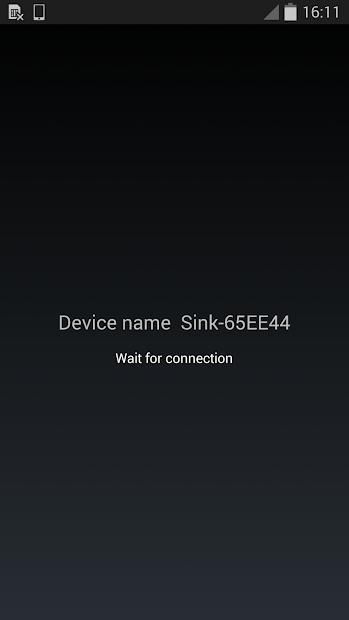
Miracast Player is an application to support cast screen between Android devices. The device running this application will be a wifi display sink and can be connected by another Android device via "Cast Screen". Usage:
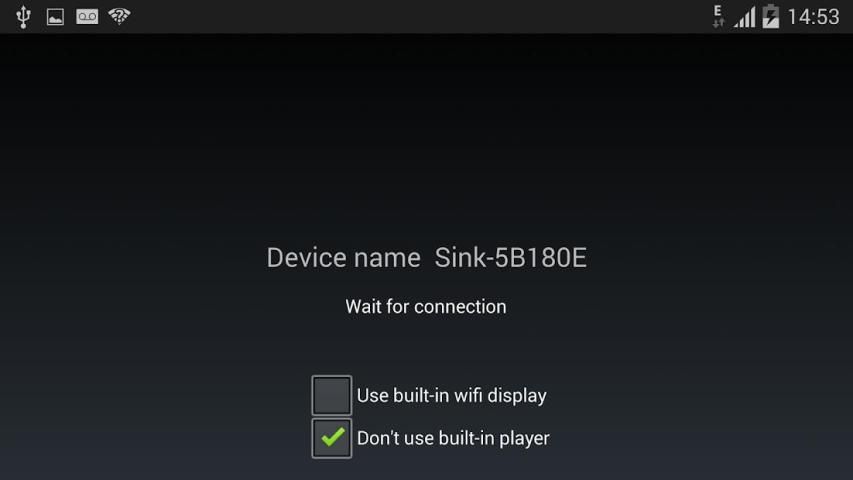
1. Start the application on the 1st Android device. It will display a device name, e.g. "Sink-645A3E"
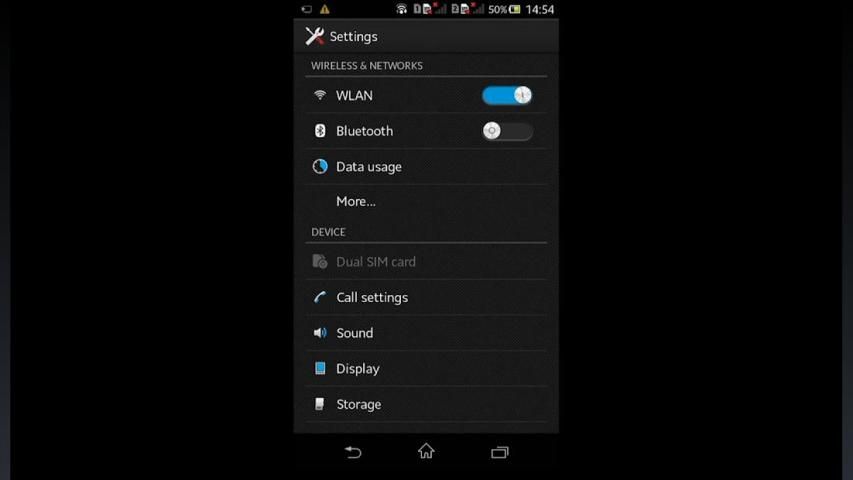
2. On the 2nd Android device, click Settings->Display->Cast Screen (Wireless Display/AllShare/Share Cast/ScreenMirror)
3. Wait until the name of the 1st device is displayed in the 2nd device
4. Click the device name to connect.
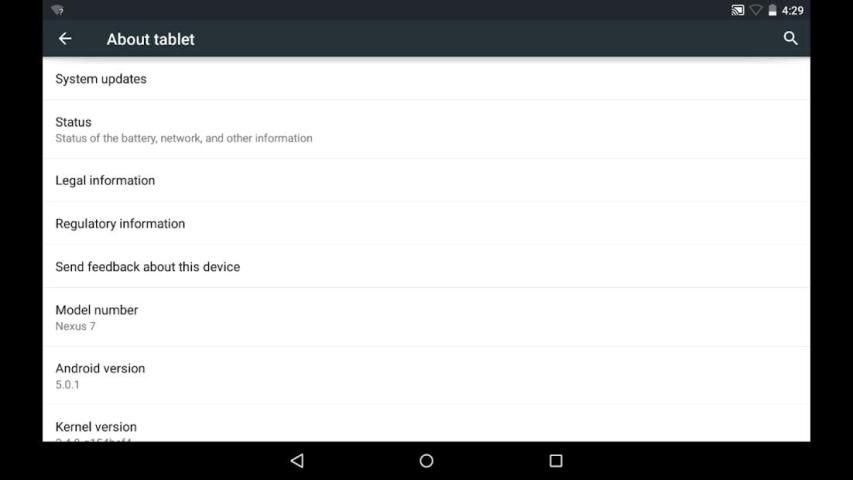
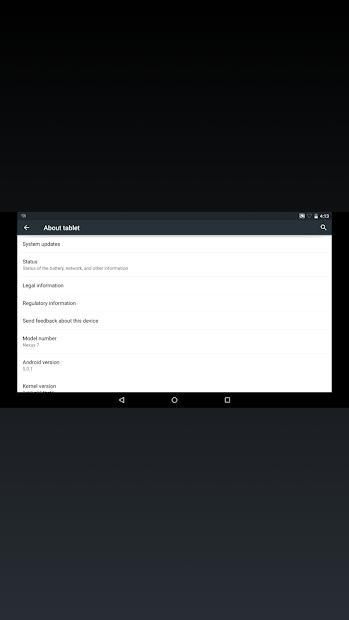
When connection is established, the two devices will have the same screen
Known issues:
1. HDCP is not supported: some devices may enforce HDCP encryption when it is running as a wifi display source, then the device running this application can't display the screen content of the source device.
2. Connection issue: sometimes the connection may not be established. Please try to turn off or turn on wifi or re-boot the devices
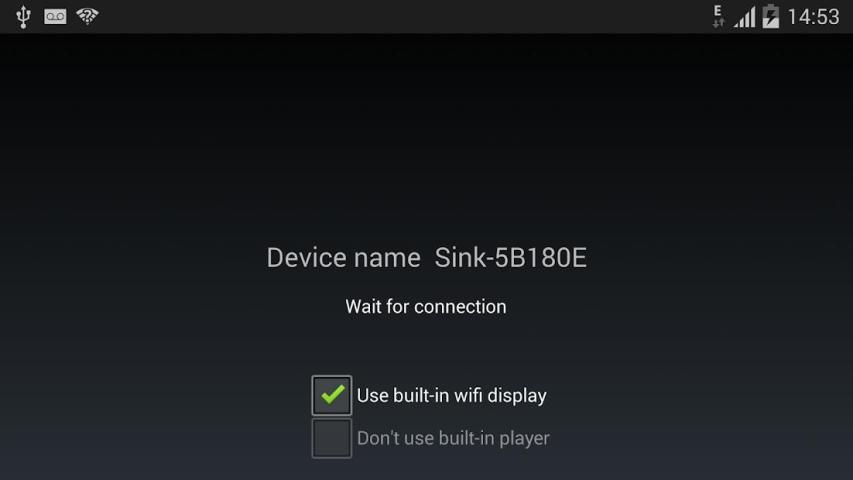
3. Playback issue: sometimes the two devices are connected with messages like "connected by a source", and then get issues on the following playback (e.g. blackscreen), please enable "Don't use built-in player" or "Use built-in wifi display" if they are availbe
Miracast Player adalah sebuah aplikasi untuk mendukung layar cor antara perangkat Android. Perangkat yang menjalankan aplikasi ini akan tenggelam display wifi dan dapat dihubungkan dengan perangkat Android lain melalui "Screen Cast". Pemakaian:
1. Jalankan aplikasi pada perangkat Android 1. Ini akan menampilkan nama perangkat, misalnya "Sink-645A3E"
2. Pada perangkat Android 2, klik Settings-> Display-> Cast Layar (Wireless Display / AllShare / Share Cast / ScreenMirror)
3. Tunggu sampai nama perangkat 1st ditampilkan di perangkat 2
4. Klik nama perangkat untuk menghubungkan.
Setelah koneksi terjalin, kedua perangkat akan memiliki layar yang sama
Masalah Dikenal:
1. HDCP tidak didukung: beberapa perangkat mungkin menegakkan enkripsi HDCP saat berjalan sebagai sumber layar wifi, maka perangkat yang menjalankan aplikasi ini tidak dapat menampilkan konten layar perangkat sumber.
2. Koneksi masalah: kadang-kadang koneksi mungkin tidak bisa dimunculkan. Silakan coba untuk mematikan atau menghidupkan wifi atau re-boot perangkat
3. Masalah Playback: kadang-kadang dua perangkat yang terhubung dengan pesan-pesan seperti "dihubungkan oleh sebuah sumber", dan kemudian mendapatkan masalah pada pemutaran berikut (misalnya blackscreen), mohon aktifkan "Jangan menggunakan built-in pemutar" atau "Gunakan dibangun -in display wifi" jika mereka availbe
Generate log file MiracastPlayer.txt in external storage directory. Send this file to author if you want the author to debug the app on your device.

9Apps 4.9











