

Enjoy the most popular apps here! 20,000+ users downloaded Makar Sankranti Photo Editor latest version on 9Apps for free every week! The app has made a strong effect. This hot app was released on 2020-01-06. For more mobile apps information, you can go to our official website - 9Apps.
★ ★ ★ Application Title: Makar Sankranti Photo Editor ★★★
★ Sub Title: Background Changer, Photo Editor, Background Remover ★
Makar Sankranti Photo Editor are more beautiful and attractive.
Now we develop Makar Sankranti photo frame effects app to decorate your photos with Makar Sankranti photo frame editor and to get feel we are in Pleasant atmosphere.
Photo Editor is one of the best photo editors which can bring beautiful Backgrounds to your photos.
Apply beautiful and stunning Makar Sankranti photo Editor to your photos, create memorable photo albums and share in online platforms and social media. Make your Pic more and creative with this Photo frames
Makar Sankranti Photo Editor has beautiful Makar Sankranti backgrounds and stickers. Makar Sankranti are beauty of nature and mostly located on Background.
*:=:*:=:*:=:*:=:*: How to Use Application Step By Step *:=:*:=:*:=:*:=:*:
Crop Option
Take photo or selfie or select gallery photo. It has crop option. Crop the photo first with the help of crop feature to remove unwanted portion from it.
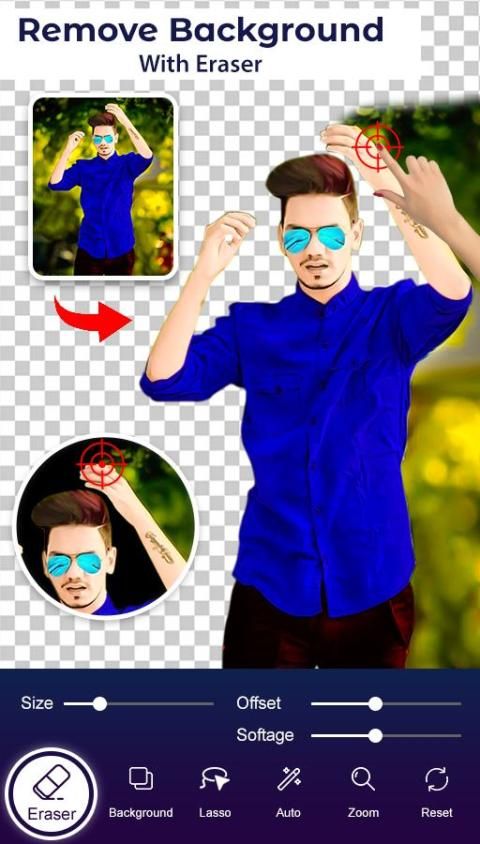
★✦✦✦✦-::- Erase Background -::-✦✦✦✦★
Makar Sankranti photo editor has background erase option. It helps you to remove background of your photos. Eraser size can be adjusted. Make its size small or big. Use Zoom in & zoom out option to erase carefully without erasing the main picture.
Undo, redo and Repair option will help you to correct the mistakes while erasing and erase the background perfectly.
★✦✦✦✦-::- Cut-::-✦✦✦✦★
Makar Sankranti photo editor has cut option. Directly cut the desired image out from the unwanted background with the help of cut tool and paste it on any background.
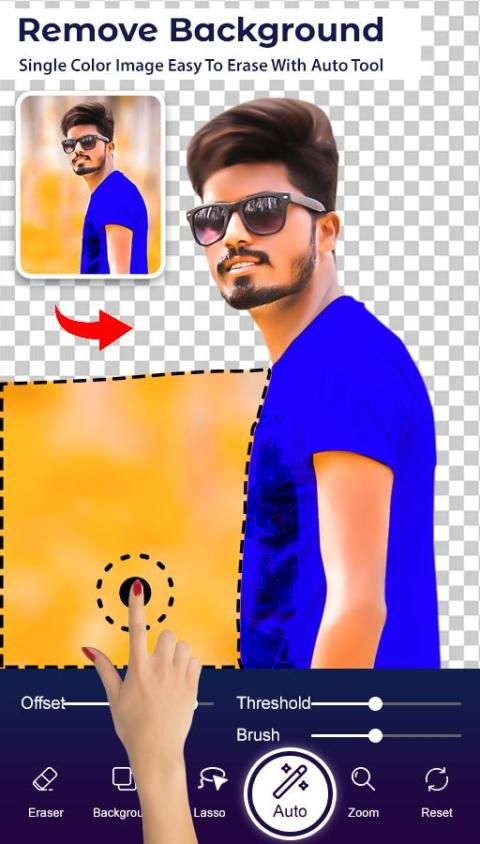
★✦✦✦✦-::- Auto Eraser -::-✦✦✦✦★
This photo editor has auto background eraser. It will help you to remove particular pixels from the background in single touch.
★✦✦✦✦-::- Manual Erase -::-✦✦✦✦★
For finger rub (traditional) background removal
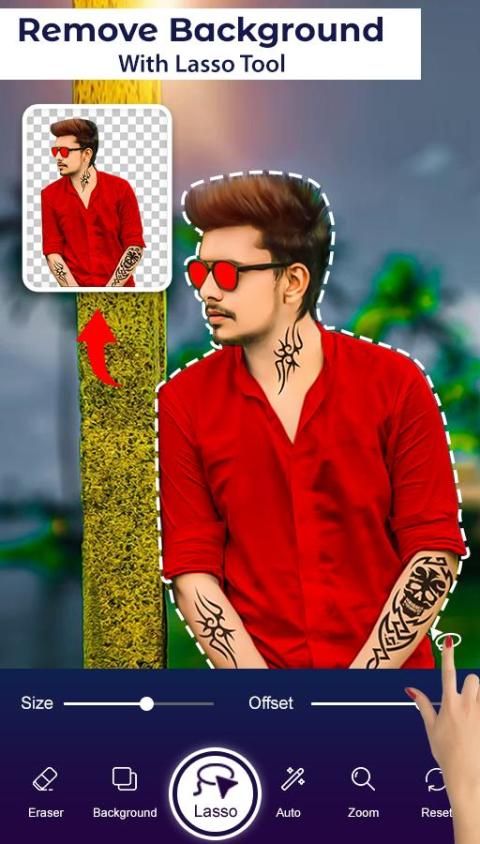
★✦✦✦✦-::- Lasso Erase-::-✦✦✦✦★
For area selection background erase
★✦✦✦✦-::- None background or single color background -::-✦✦✦✦★
You can set none background or any single color background in this app with this option. Your photo will get white background with none background option. If you don’t like white background, select any single color to set as background color.
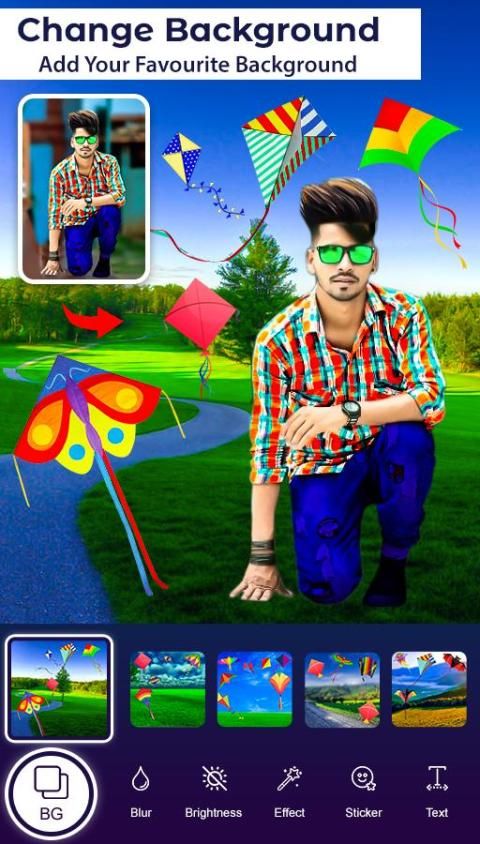
★✦✦✦✦-::- Change Background -::-✦✦✦✦★
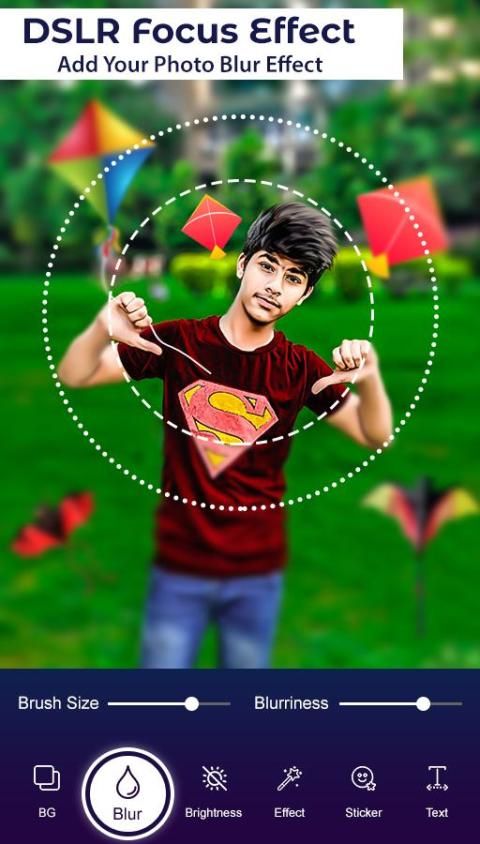
After you delete or remove background, you can choose an image from your gallery to add as background.. Drag it to right position, zoom in or zoom out and set it. Also convert it to blur background.
★✦✦✦✦-::- Set wallpaper -::-✦✦✦✦★
The Final image which you got in this app can be set as a wallpaper of your device.
★✦✦✦✦-::- Flip option -::-✦✦✦✦★
It has flip option and it can be applied to your main photo and stickers. Sometimes the real picture’s pose may not be attractive. By changing the pose to opposite direction the picture may be more attractive. Flip option will help you to do it.
★✦✦✦✦-::- Add stickers -::-✦✦✦✦★
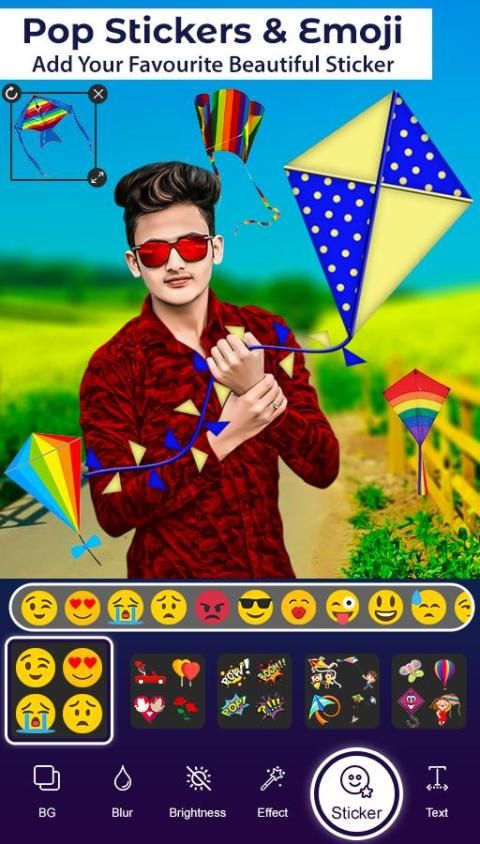
Makar Sankranti photo editor has 20+ stickers. Add photo stickers from the sticker collections. Select any sticker drag it to right position, zoom in or zoom out, rotate it, flip it and set it at the suitable position on the photo. You can reduce the opacity of stickers and photos also.
★✦✦✦✦-::- Add Text -::-✦✦✦✦★
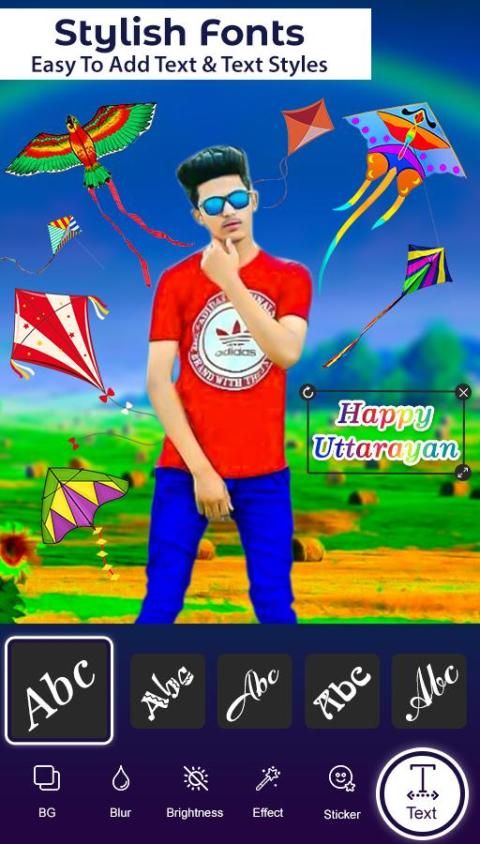
This app has text option. Add quote or text as per your choice on the photo. Also it can be used to send good morning, good night messages, festival wishes, greetings etc.
★✦✦✦✦-::- Stickers list -::-✦✦✦✦★
Emoji, Butterfly, plants, birds and smiley images
★✦✦✦✦-::- Share option -::-✦✦✦✦★
Makar Sankranti photo editor has share option. Modified photos can be shared with your friends & girlfriends. Save and share the pictures on any social media networks
★ ★ ★ Judul Aplikasi: Editor Foto Makar Sankranti ★★★
★ Sub Judul: Background Changer, Photo Editor, Background Remover ★
Editor Foto Makar Sankranti lebih cantik dan menarik.
Sekarang kami mengembangkan aplikasi efek bingkai foto Makar Sankranti untuk menghias foto Anda dengan editor bingkai foto Makar Sankranti dan untuk merasakan kami berada dalam suasana yang menyenangkan.
Photo Editor adalah salah satu editor foto terbaik yang dapat membawa Backgrounds indah ke foto Anda.
Terapkan Editor foto Makar Sankranti yang indah dan menakjubkan ke foto Anda, buat album foto yang berkesan dan bagikan di platform online dan media sosial. Jadikan Pic Anda lebih dan kreatif dengan bingkai foto ini
Makar Sankranti Photo Editor memiliki latar belakang dan stiker Makar Sankranti yang indah. Makar Sankranti adalah keindahan alam dan sebagian besar terletak di Latar Belakang.
*: =: *: =: *: =: *: =: *: Cara Menggunakan Aplikasi Langkah Demi Langkah *: =: *: =: *: =: *: =: *:
Opsi Pangkas
Ambil foto atau selfie atau pilih foto galeri. Ini memiliki opsi krop. Pangkas foto terlebih dahulu dengan bantuan fitur potong untuk menghilangkan bagian yang tidak diinginkan darinya.
★ ✦✦✦✦ - :: - Hapus Latar Belakang - :: - ✦✦✦✦ ★
Editor foto Makar Sankranti memiliki opsi penghapusan latar belakang. Ini membantu Anda menghapus latar belakang foto Anda. Ukuran penghapus bisa disesuaikan. Buat ukurannya kecil atau besar. Gunakan opsi Perbesar & perkecil untuk menghapus dengan hati-hati tanpa menghapus gambar utama.
Opsi undo, redo, dan Repair akan membantu Anda memperbaiki kesalahan sambil menghapus dan menghapus latar belakang dengan sempurna.
★ ✦✦✦✦ - :: - Potong - :: - ✦✦✦✦ ★
Editor foto Makar Sankranti memiliki opsi cut. Langsung memotong gambar yang diinginkan dari latar belakang yang tidak diinginkan dengan bantuan alat potong dan tempel di latar belakang apa pun.
★ ✦✦✦✦ - :: - Penghapus Otomatis - :: - ✦✦✦✦ ★
Editor foto ini memiliki penghapus latar belakang otomatis. Ini akan membantu Anda menghapus piksel tertentu dari latar belakang dengan satu sentuhan.
★ ✦✦✦✦ - :: - Penghapusan Manual - :: - ✦✦✦✦ ★
Untuk penghapusan latar belakang jari (tradisional)
★ ✦✦✦✦ - :: - Lasso Erase - :: - ✦✦✦✦ ★
Untuk menghapus latar belakang pemilihan area
★ ✦✦✦✦ - :: - Tidak ada latar belakang atau latar belakang warna tunggal - :: - ✦✦✦✦ ★
Anda tidak dapat mengatur latar belakang atau latar belakang warna tunggal dalam aplikasi ini dengan opsi ini. Foto Anda akan mendapatkan latar belakang putih tanpa opsi latar belakang. Jika Anda tidak suka latar belakang putih, pilih satu warna untuk ditetapkan sebagai warna latar belakang.
★ ✦✦✦✦ - :: - Ubah Latar Belakang - :: - ✦✦✦✦ ★
Setelah Anda menghapus atau menghapus latar belakang, Anda dapat memilih gambar dari galeri Anda untuk ditambahkan sebagai latar belakang. Seret ke posisi kanan, perbesar atau perkecil dan setel. Juga konversikan ke latar belakang blur.
★ ✦✦✦✦ - :: - Setel wallpaper - :: - ✦✦✦✦ ★
Gambar Final yang Anda dapatkan di aplikasi ini dapat ditetapkan sebagai wallpaper perangkat Anda.
★ ✦✦✦✦ - :: - Pilihan flip - :: - ✦✦✦✦ ★
Ini memiliki opsi flip dan dapat diterapkan ke foto dan stiker utama Anda. Terkadang pose gambar asli mungkin tidak menarik. Dengan mengubah pose ke arah yang berlawanan, gambar mungkin lebih menarik. Opsi flip akan membantu Anda melakukannya.
★ ✦✦✦✦ - :: - Tambahkan stiker - :: - ✦✦✦✦ ★
Editor foto Makar Sankranti memiliki 20+ stiker. Tambahkan stiker foto dari koleksi stiker. Pilih sembarang stiker seret ke posisi kanan, perbesar atau perkecil, putar, balikkan dan atur pada posisi yang sesuai pada foto. Anda dapat mengurangi opacity dari stiker dan foto juga.
★ ✦✦✦✦ - :: - Tambahkan Teks - :: - ✦✦✦✦ ★
Aplikasi ini memiliki opsi teks. Tambahkan kutipan atau teks sesuai pilihan Anda di foto. Juga dapat digunakan untuk mengirim selamat pagi, pesan selamat malam, keinginan festival, salam, dll.
★ ✦✦✦✦ - :: - Daftar stiker - :: - ✦✦✦✦ ★
Emoji, Kupu-kupu, tanaman, burung, dan gambar smiley
★ ✦✦✦✦ - :: - Opsi bagikan - :: - ✦✦✦✦ ★
Editor foto Makar Sankranti memiliki opsi berbagi. Foto yang dimodifikasi dapat dibagikan dengan teman & pacar Anda. Simpan dan bagikan gambar di jejaring media sosial apa pun






9Apps 4.9










