
With the updating of mobile application, 20,000+ users downloaded Magnifying Glass latest version on 9Apps for free every week! It has been a popular app for a long time. This hot app was released on 2020-02-13. Download in official websites like 9apps and you'll never miss it!
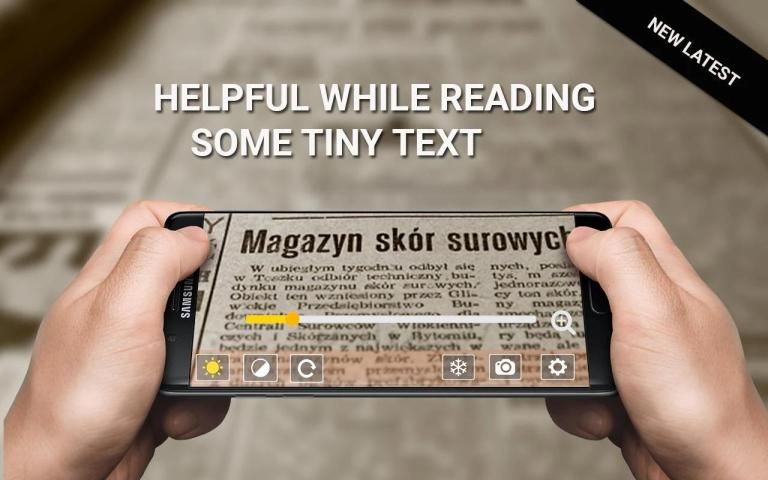
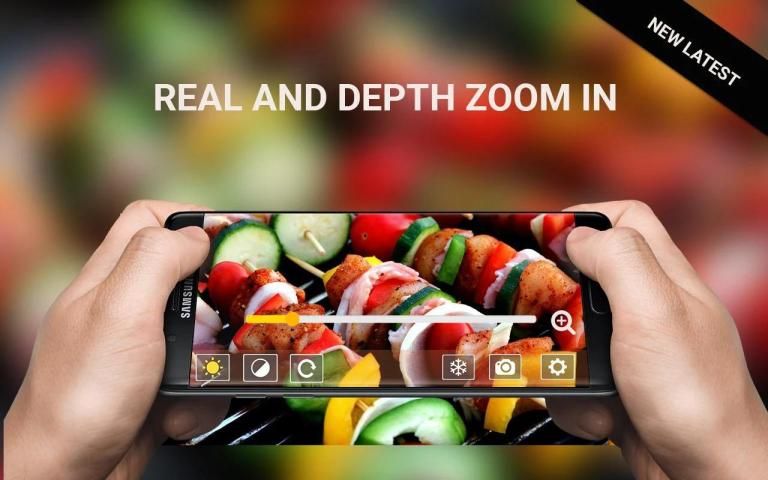
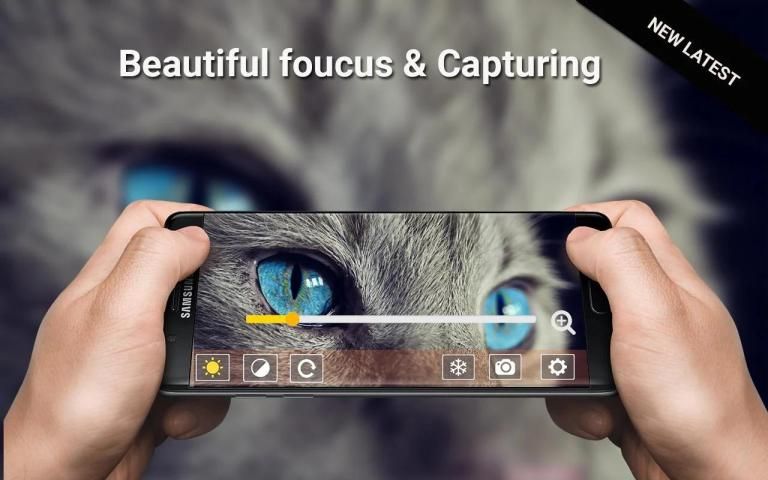
Magnifying Glass helps you to view the image with zoom in and out in app.Reading a book,magazine,dictionary and having a problem in viewing tiny little words then you just don't worry our magnifier or magnifying glass app is the perfect solution for your this problem. Our magnifying glass is perfect for all kinds of reading objects,Magnifier is also really very helpful in viewing the objects.magnifying glass makes you view any object clear n easy.This all-in-one magnifying glass, flashlight, and camera snapshot app provides everything you need to read clearly.
This app has an easy-to-use magnifying glass and high-contrast image filters that make small prints look sharp. It also has a flashlight function for use in dark places. Magnifying glass for android and magnifying glass with light is perfect combination for the students who study alot and have a weak eye view so for them this magnifier lens helps alot. Magnifying glass app is really useful for all the users who want to get a close zoom in view of the important things.So use this magnifying glass for your daily reading and assignments to get yourself ease. The Simplest, Easiest-to-Use Magnifying Glass, Digital Magnifier and Prescription Bottle Reader all-in-one.
1. Magnifier
- Live magnification.
- Rotating View
- Taking magnified pictures.
- Continuous auto focus.
- Invert Filter, Mono Filter
- Large and highly visible buttons.
- Freeze images at high resolution for seeing details.
- Easy to use either with one hand or two hands.
- Landscape mode
- Flash light support.
- Save images to gallery.
- Share images to social network.
2. Freezing picture
- Freezing screen to see picture stably.
- Taking Picture, Auto Focus
- Useful to write a memo on paper.
3. Microscope
- More fine picture than Magnifying glass mode.
- More zoom in.
4. Zooming
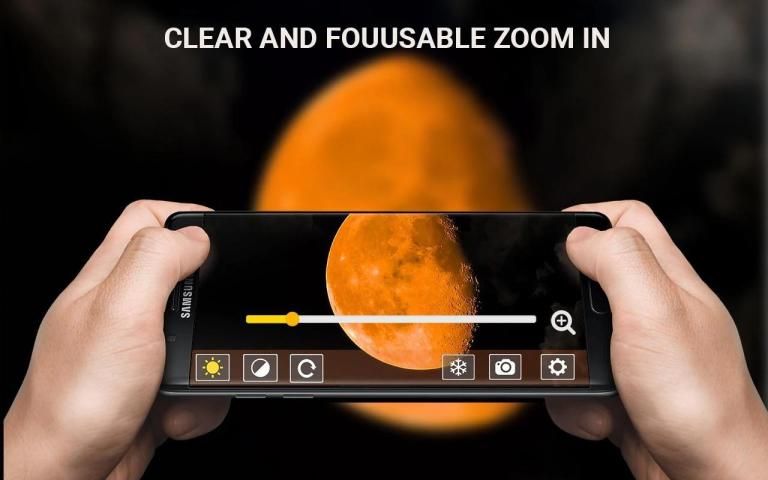
- Zooming control bar Zoom Slider
- Pinching to zoom everywhere.
5. Picture Effects
- Support frequently used picture effects(Negative, Sepia, Mono).
6. LED Flashlight
- Flashlight ON/OFF,Flash Function
- The volume-down button can toggle flashlight on and off also.
7. Taking pictures
- Taking pictures by pressing the volume-up button or touching the camera icon.
- Saving a picture by touching the save icon.
Kaca Pembesar membantu Anda melihat gambar dengan memperbesar dan memperkecil dalam aplikasi. Membaca buku, majalah, kamus, dan memiliki masalah dalam melihat kata-kata kecil maka Anda tidak perlu khawatir kaca pembesar atau aplikasi kaca pembesar kami adalah solusi sempurna untuk Anda masalah ini. Kaca pembesar kami sangat cocok untuk semua jenis objek membaca, Magnifier juga sangat sangat membantu dalam melihat objek. Kaca pembesar membuat Anda melihat objek apa saja dengan jelas dan mudah. Kaca pembesar, senter, dan aplikasi snapshot kamera lengkap ini menyediakan semua yang Anda butuhkan untuk membaca dengan jelas.
Aplikasi ini memiliki kaca pembesar yang mudah digunakan dan filter gambar kontras tinggi yang membuat cetakan kecil terlihat tajam. Ini juga memiliki fungsi senter untuk digunakan di tempat-tempat gelap. Kaca pembesar untuk android dan kaca pembesar dengan cahaya adalah kombinasi sempurna untuk siswa yang belajar banyak dan memiliki pandangan mata yang lemah sehingga bagi mereka lensa kaca pembesar ini membantu banyak. Aplikasi kaca pembesar sangat berguna bagi semua pengguna yang ingin melakukan zoom dekat mengingat hal-hal penting. Jadi gunakan kaca pembesar ini untuk membaca dan tugas harian Anda untuk memudahkan Anda. Kaca Pembesar, Pembesar Digital, dan Pembaca Botol Resep Termudah, Termudah Digunakan all-in-one.
1. Magnifier
- Pembesaran langsung.
- Tampilan Rotating
- Mengambil gambar yang diperbesar.
- Fokus otomatis berkelanjutan.
- Balikkan Filter, Filter Mono
- Tombol besar dan sangat terlihat.
- Bekukan gambar pada resolusi tinggi untuk melihat detail.
- Mudah digunakan dengan satu tangan atau dua tangan.
- Mode lansekap
- Dukungan lampu flash.
- Simpan gambar ke galeri.
- Bagikan gambar ke jejaring sosial.
2. Gambar beku
- Layar beku untuk melihat gambar secara stabil.
- Mengambil Gambar, Fokus Otomatis
- Berguna untuk menulis memo di atas kertas.
3. Mikroskop
- Gambar yang lebih bagus daripada mode kaca Pembesar.
- Lebih banyak memperbesar.
4. Zooming
- Panel kontrol zoom Zoom Slider
- Menjepit untuk memperbesar di mana-mana.
5. Efek Gambar
- Mendukung efek gambar yang sering digunakan (Negatif, Sepia, Mono).
6. Senter LED
- Senter ON / OFF, Fungsi Flash
- Tombol volume turun dapat menyalakan dan mematikan senter juga.
7. Mengambil gambar
- Mengambil gambar dengan menekan tombol volume naik atau menyentuh ikon kamera.
- Menyimpan gambar dengan menyentuh ikon simpan.
Torch Functionality Added

9Apps 4.9











